Dvc.org: embed the video on the 'doc' page itself
Stumbling upon this page https://dvc.org/doc/understanding-dvc/resources.
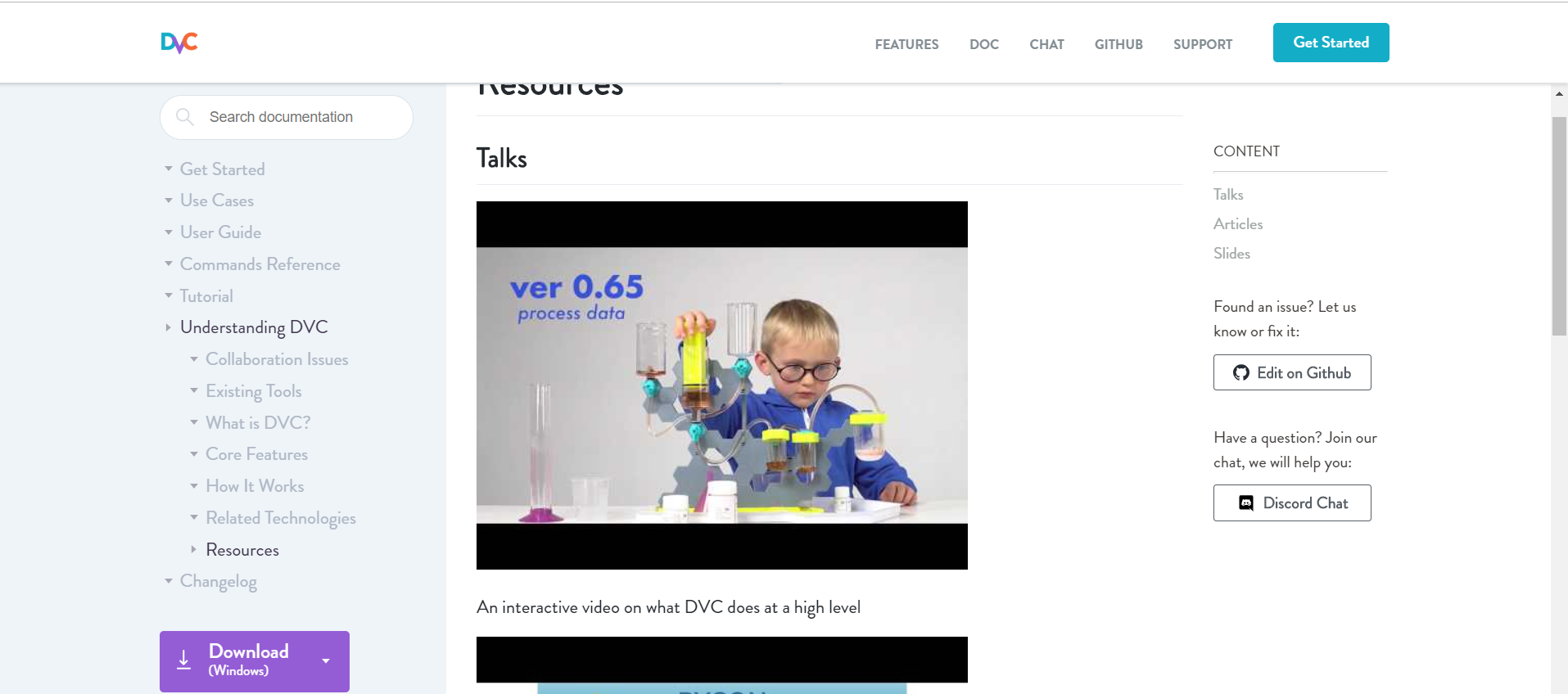
The links look like a static image. And, also upon clicking on the image, we are redirecting to YouTube page.
We can embed the video on the DVC page itself, rather than opening a new target.
It will impact user browsing experience.
 ryokugyu
All 2 comments
@ryokugyu sounds good! I would also improve the formatting a little bit - use table for videos? or move titles above videos to improve readability.
 shcheklein
on 18 May 2019
shcheklein
on 18 May 2019
I will suggest:
Position the video in the middle of the page. Something like,
<iframe width="560" height="315" src="https://www.youtube.com/embed/4h6I9_xeYA4" frameborder="0" allow="accelerometer; autoplay; encrypted-media; gyroscope; picture-in-picture" allowfullscreen></iframe>If we embed the video from YouTube itself, no need to add titles. Still, if anyone wants to add title, it must be in bold fonts.
And most importantly, if any links from outside the website, please set _target=blank.
ryokugyu
on 18 May 2019
Related issues
 elleobrien
·
4Comments
elleobrien
·
4Comments
 efiop
·
4Comments
efiop
·
4Comments
 piojanu
·
4Comments
efiop
·
3Comments
piojanu
·
4Comments
efiop
·
3Comments
 jorgeorpinel
·
3Comments
jorgeorpinel
·
3Comments
Most helpful comment
I will suggest:
Position the video in the middle of the page. Something like,
<iframe width="560" height="315" src="https://www.youtube.com/embed/4h6I9_xeYA4" frameborder="0" allow="accelerometer; autoplay; encrypted-media; gyroscope; picture-in-picture" allowfullscreen></iframe>If we embed the video from YouTube itself, no need to add titles. Still, if anyone wants to add title, it must be in bold fonts.
And most importantly, if any links from outside the website, please set _target=blank.