Draft-js: Recommended way to increase size of lists labels ( unordered and ordered)
We are working on an editor using Draft-js. Our editor supports increasing of font size for the text. However, If we increase the font size of text containing an ordered list or unordered list, the size of a label doesn't change.
I would appreciate if any way out is suggested to handle this scenario.
 praveenchand
All 4 comments
Hi! I'd like to help. I'm surprised you are having this problem - sounds like an issue with your CSS, and not something baked into Draft.js.
Your editor "supports increasing the font size for the text" - so you expose a way to trigger a change in the CSS 'font-size' property? What classes are you applying that CSS to? The increased font style has to be applied to the whole editor, or at least the li tags that make up the list, and I'm guessing that's not happening, and instead it's only styling the blocks or some other nested element.
If you inspect an ordered list item rendered in Draft.js, you'll see there is a wrapper li tag and then some nested tags, each with one or more public... classes:

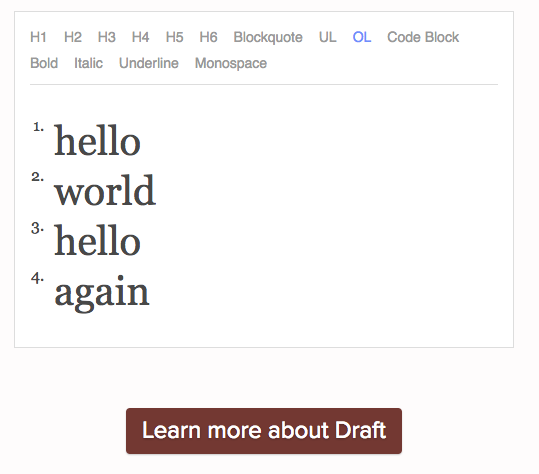
I reproduced a similar effect by applying a large font size to only the classes on elements nested inside the li:
Then, just briefly throwing this together, I moved the large font size style to the wrapper li tags and it also styles the numbers:
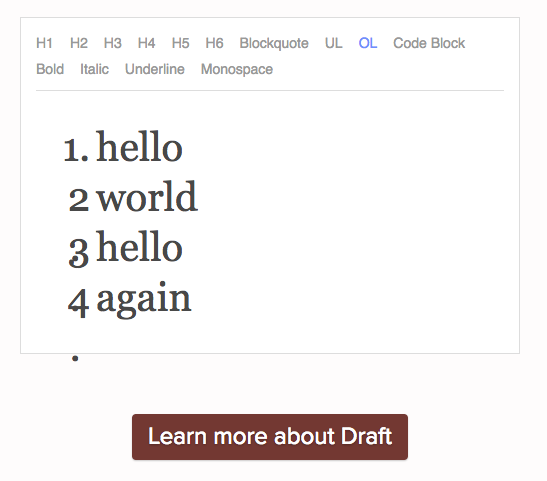
So I think you need to fiddle with your CSS and make sure it's applied to every level that you expect.
Let me know if I'm missing something!
 flarnie
on 9 Feb 2018
flarnie
on 9 Feb 2018
Thanks Flarnie for the prompt response.
Our problem is different. Our editor supports multiple font sizes. We would like to change the list label font size in Ol/UL dynamically when one increases the font of the text within that list item.
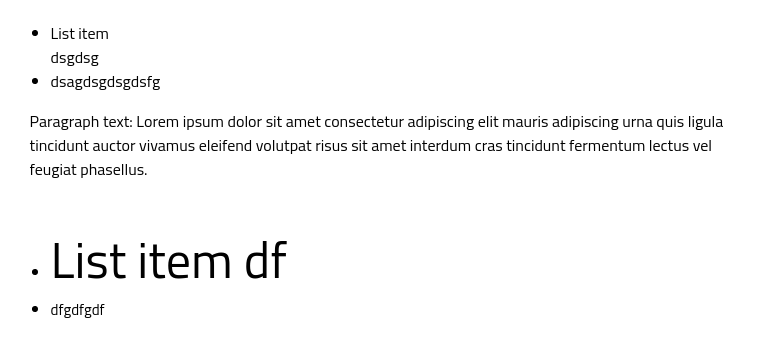
For instance, in Google Docs, upon changing the font-size in the list, the font size of the label also changes.
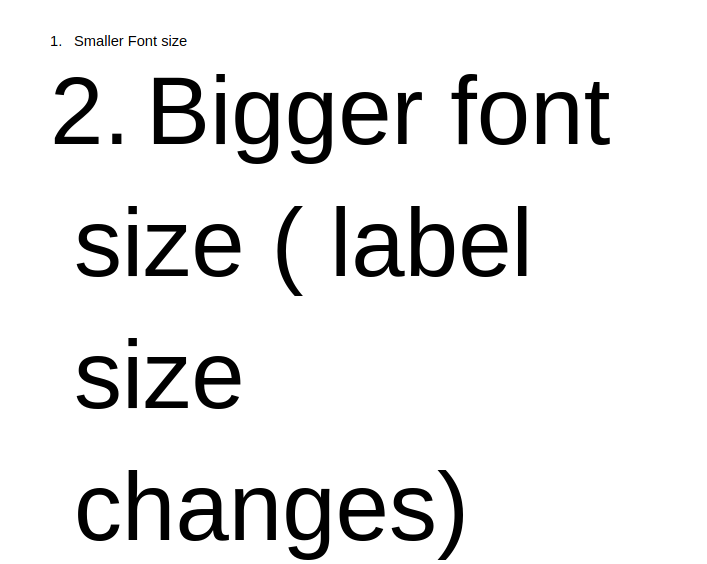
Any suggestions/help regarding this would be very helpful to us.
praveenchand
on 12 Feb 2018
I'm having the same issue, I built my web text editor with this functionality' (can change fontsize) I'm still struggling to implement this feature for OL and UL elements
 sungakim816
on 2 Dec 2019
sungakim816
on 2 Dec 2019
no idea?
 mbohovic
on 17 Mar 2020
mbohovic
on 17 Mar 2020
Related issues
 snaerth
·
3Comments
snaerth
·
3Comments
 mvnnn
·
3Comments
flarnie
·
3Comments
mvnnn
·
3Comments
flarnie
·
3Comments
 sarawinter
·
3Comments
sarawinter
·
3Comments
 steviesama
·
3Comments
steviesama
·
3Comments
Most helpful comment
Thanks Flarnie for the prompt response.
Our problem is different. Our editor supports multiple font sizes. We would like to change the list label font size in Ol/UL dynamically when one increases the font of the text within that list item.
For instance, in Google Docs, upon changing the font-size in the list, the font size of the label also changes.

Any suggestions/help regarding this would be very helpful to us.