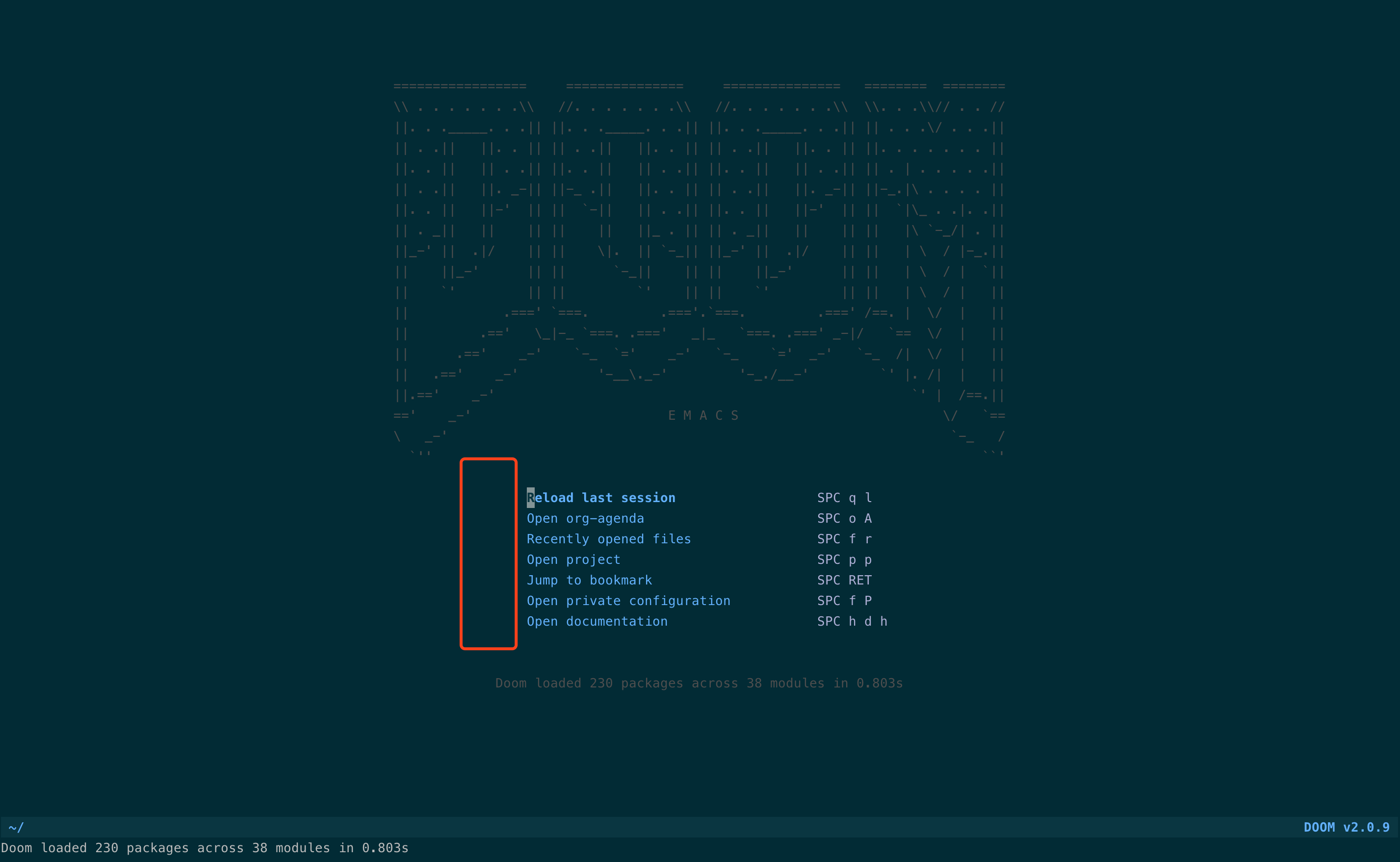
hello , I have M-x all-the-icons-install-fonts installed,but not show. What should I do? Ask for help
my configuration is to copy your "init.example.el" .
 kecode
All 2 comments
At a glance, it seems you're using Emacs in the terminal. Emacs doesn't support multiple fonts in the terminal and so cannot display icons. I'm afraid your only option is to use GUI Emacs or give up on icons.
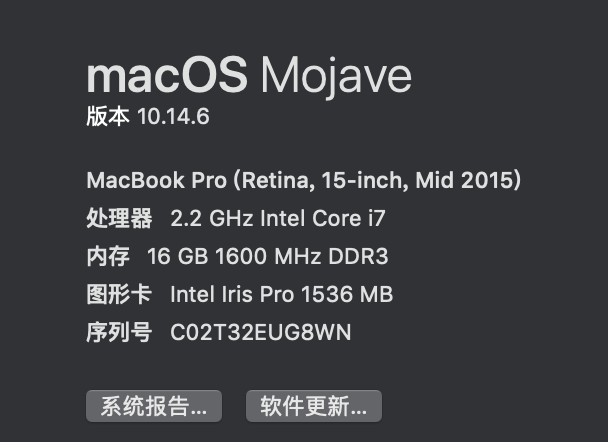
Side note: please do not ignore the issue template in the future. At the very least, include your M-x doom/info whenever filing a bug report.
 hlissner
on 27 Jun 2020
hlissner
on 27 Jun 2020
At a glance, it seems you're using Emacs in the terminal. Emacs doesn't support multiple fonts in the terminal and so cannot display icons. I'm afraid your only option is to use GUI Emacs or give up on icons.
Side note: please do not ignore the issue template in the future. At the very least, include your
M-x doom/infowhenever filing a bug report.
Thank you very much, as you said. I will pay attention to the format of the questions later
kecode
on 28 Jun 2020
Related issues
 Ptival
·
3Comments
Ptival
·
3Comments
 gueorgui
·
3Comments
gueorgui
·
3Comments
 idoo
·
3Comments
idoo
·
3Comments
 gilbertw1
·
3Comments
gilbertw1
·
3Comments
 rgrinberg
·
3Comments
rgrinberg
·
3Comments
Most helpful comment
At a glance, it seems you're using Emacs in the terminal. Emacs doesn't support multiple fonts in the terminal and so cannot display icons. I'm afraid your only option is to use GUI Emacs or give up on icons.
Side note: please do not ignore the issue template in the future. At the very least, include your
M-x doom/infowhenever filing a bug report.