Dolphinscheduler: Consulting: Compensatory rerun process(咨询:补数重跑流程)
Hello!
This has a workflow definition. The monthly schedule is adjusted once. Then I run the complement here. I found that I still run by day.
Timer management.

Workflow parameter definition
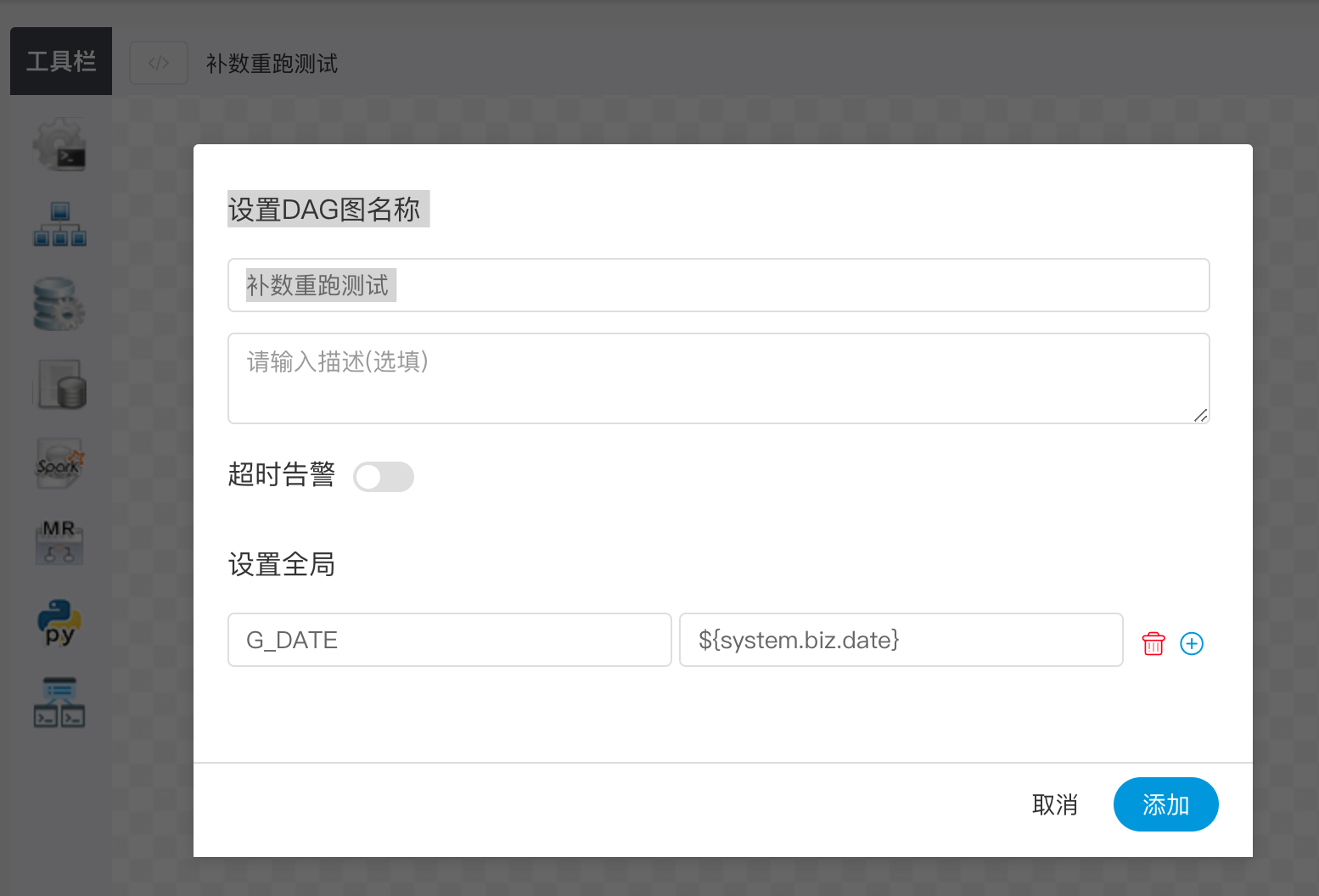
Can we make it easy to explain the flow logic of the complement?
您好!
这个有个工作流定义 每月调度定时调一次. 然后我这边运行 补数. 发现还是按天跑的.
定时器管理.
工作流参数定义
大佬们 能补能方便讲解下补数的流程逻辑?
 lzy305
All 10 comments
We are sorry for that situation. Complements are designed to run in the interval of days, where they are run every day and cannot be checked for timing tasks, but we are considering optimizing the design.If you have a better idea, please let us know.
 lenboo
on 3 May 2019
lenboo
on 3 May 2019
My previous practice.
For example, the complement date is 2018.01.01 ~ 2019.05.04
- If the workflow has a timer set, it is necessary to rerun according to the timer.
1.1. If the timer is monthly (0 10 8 1 * ? *) then the complement/rerun time parameter should be 2018.01.01 08:10:00, 2018.02.01 08:10:00 ...... 2019.05.01 08:10:00
1.2 If the timer is daily (0 10 8 * * ? *) then the complement/re-run time parameter should be 2018.01.01 08:10:00, 2018.01.02 08:10:00, 2018.01.03 08:10 :00. . . . 2019.05.04 08:10:00
1.3 If the timer is hourly (0 10 * * * ? *) then the complement/rerun time parameter should be 2018.01.01 00:10:00,
2018.01.01 01:10:00 . . .
1.4 per minute is similar to the above
But it involves other complicated scheduling cycle frequencies. I don’t think about it at the moment.
- If the workflow does not set a timer, press the current daily complement.
我以前的做法。
比如补数日期 2018.01.01 ~ 2019.05.04
一. 若工作流设置了定时器. 就要根据定时器去重跑
1.1 ,若定时器为每月(0 10 8 1 * ? *) 则补数/重跑 时间参数应该为 2018.01.01 08:10:00, 2018.02.01 08:10:00 ...... 2019.05.01 08:10:00
1.2 若定时器为每日(0 10 8 * * ? *) 则补数/重跑 时间参数应该为2018.01.01 08:10:00,2018.01.02 08:10:00 , 2018.01.03 08:10:00 。。。。2019.05.04 08:10:00
1.3 若定时器为每小时(0 10 * * * ? *) 则补数/重跑 时间参数应该为 2018.01.01 00:10:00,
2018.01.01 01:10:00 。。。
1.4 每分钟类似于上面
但是涉及其他复杂的调度周期频率 目前我也没想好 😅
二.若工作流没有设置定时器 就按目前的 按天补数.
lzy305
on 4 May 2019
I also encountered the same complement problem here.
Ask, is this feature perfected in version 1.0.3?
我这里也碰到同样的补数问题。
问下, 是在1.0.3版本里完善这个功能吗
 yangqinlong
on 10 May 2019
yangqinlong
on 10 May 2019
we would do this after version 1.0.3, because there aren't enough people to do this.
so we strongly need some people interested in Easy Scheduler to contribute code.
lenboo
on 10 May 2019
yes, if who interested in this issue, please leave a message,
and if nobody want to implement this, we will do it the next version after 1.0.3!
 dailidong
on 10 May 2019
dailidong
on 10 May 2019
This complement function is too important, suggesting a practice, such as the complement date 2018.01.01 ~ 2019.05.04 running logic:
- The program determines if a complement is needed, and if necessary, writes the complement time to a variable that can be obtained by $[yymmdd]
- The platform can get the complement time by setting the global variable DATA=$[yymmdd]. When the script is running, the complement time can be obtained through the global variable to adjust the running time.
这个补数功能太重要了,建议一种做法,比如补数日期 2018.01.01 ~ 2019.05.04 运行逻辑:
- 程序判断是否需要补数,如果需要,则把补数时间写入到可以通过$[yymmdd]获取到的变量中
- 平台通过设置全局变量 DATA=$[yymmdd],则可以拿到补数时间,然后脚本运行的时候,可以通过全局变量获得补数时间,从而调整运行时间
 sunnyingit
on 17 May 2019
sunnyingit
on 17 May 2019
is there any plan for this feature? i think Supplement Data per hour is important to many users, or we must run a workflow and wait, then run the next workflow, for many times.
 xiej23
on 23 Sep 2019
xiej23
on 23 Sep 2019
I will implement this feature
 zixi0825
on 20 Mar 2020
zixi0825
on 20 Mar 2020
@zixi0825 when will we be able to use this feature?
lzy305
on 21 Mar 2020
@zixi0825 when will we be able to use this feature?
the dev branch has implemented,you can try it
zixi0825
on 22 Mar 2020
Related issues
 JinyLeeChina
·
3Comments
JinyLeeChina
·
3Comments
 arlanhon
·
3Comments
arlanhon
·
3Comments
 bingexxx
·
5Comments
bingexxx
·
5Comments
 gaoyang-projects
·
6Comments
lenboo
·
4Comments
gaoyang-projects
·
6Comments
lenboo
·
4Comments