Docz: Cant load Component with *.css import
Bug Report
docz dev throwing error, when css styles imported directly into component js file:
Failed to compile.

./src/components/Button/index.css 1:0
Module parse failed: Unexpected token (1:0)
You may need an appropriate loader to handle this file type.
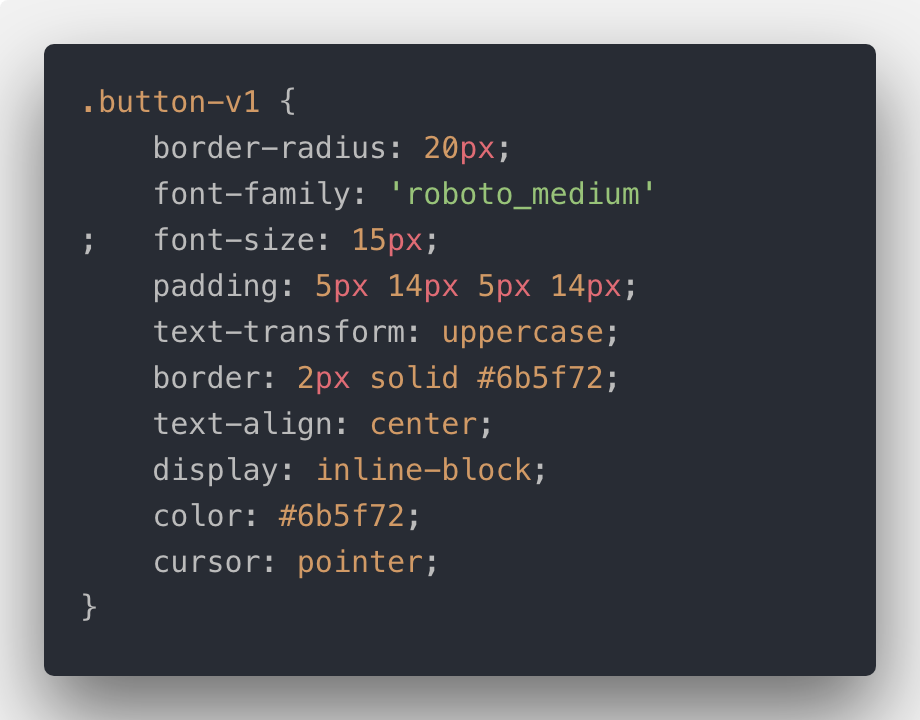
> .button-v1 {
|     border-radius: 20px;
|     font-family: 'roboto_medium';

 meetromb
All 3 comments
I guess you need to modify the webpack configuration.
In doczrc.js:
~js
modifyBundlerConfig: bundlerConfig => {
const rules = [
{
test: /.css$/,
loader: "style-loader!css-loader"
}
];
bundlerConfig.module.rules.push(...rules);
return bundlerConfig;
}
~
In package.json:
~json
  "devDependencies": {
    "css-loader": "^2.1.0",
    "style-loader": "^0.23.1"
  }
~
Documentation: https://www.docz.site/documentation/project-configuration#build-pipeline
 hastebrot
on 13 Feb 2019
hastebrot
on 13 Feb 2019
I guess you need to modify the webpack configuration.
In
doczrc.js:modifyBundlerConfig: bundlerConfig => { const rules = [ { test: /\.css$/, loader: "style-loader!css-loader" } ]; bundlerConfig.module.rules.push(...rules); return bundlerConfig; }In
package.json:"devDependencies": { "css-loader": "^2.1.0", "style-loader": "^0.23.1" }Documentation: https://www.docz.site/documentation/project-configuration#build-pipeline
Yep, its working. Thank you)
meetromb
on 13 Feb 2019
I tried the above sollution, it didn't work. I am using docz with a rollup config. Check this branch docz-css.
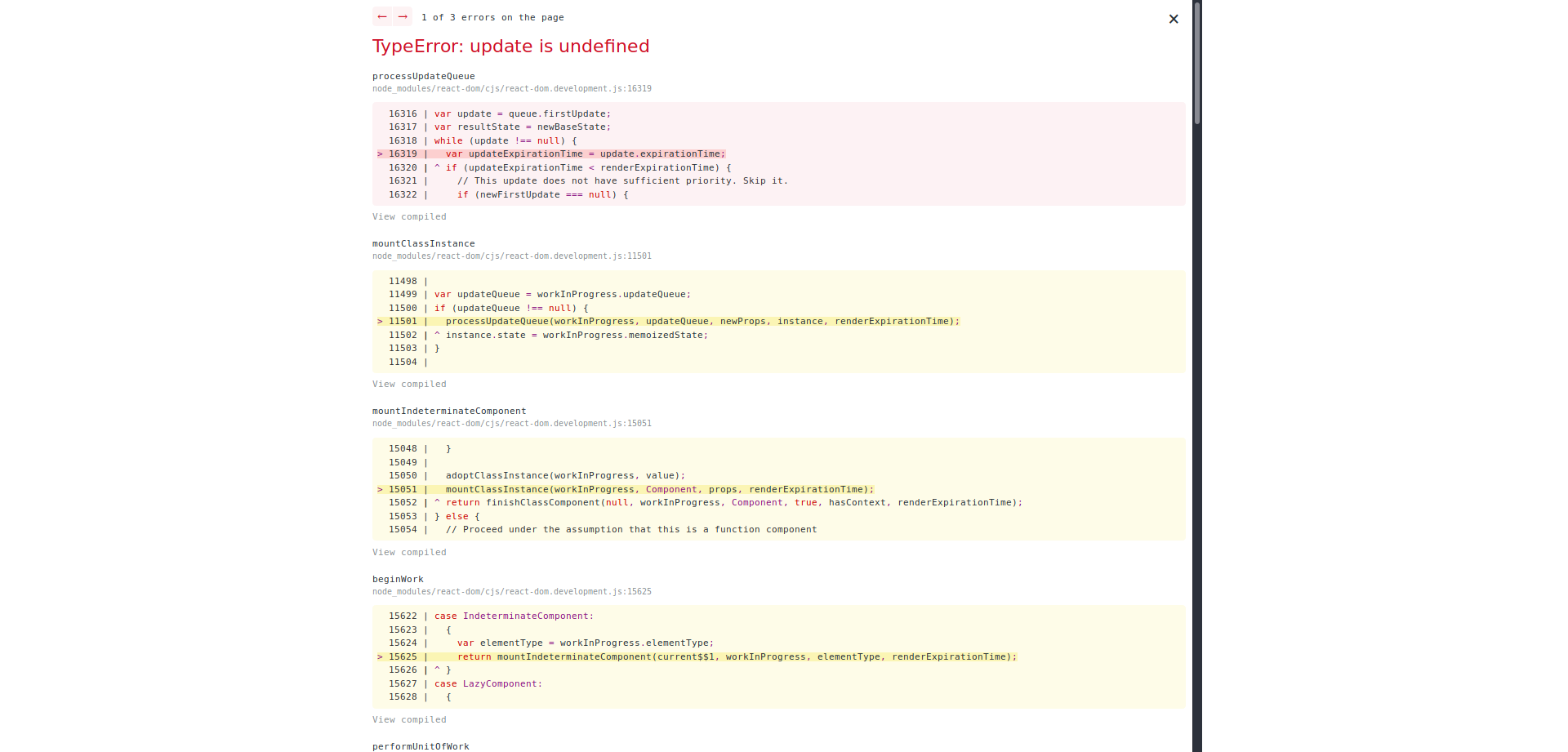
I am also getting the same error with docz-plugin-css

 raikusy
on 27 May 2019
raikusy
on 27 May 2019
Related issues
 tsnolan23
·
3Comments
tsnolan23
·
3Comments
 mquandalle
·
3Comments
mquandalle
·
3Comments
 bichotll
·
3Comments
bichotll
·
3Comments
 regrettably
·
3Comments
regrettably
·
3Comments
 merelinguist
·
3Comments
merelinguist
·
3Comments
Most helpful comment
I guess you need to modify the webpack configuration.
In
doczrc.js:~jsmodifyBundlerConfig: bundlerConfig => {
const rules = [
{
test: /.css$/,
loader: "style-loader!css-loader"
}
];
bundlerConfig.module.rules.push(...rules);
return bundlerConfig;
}
~
In
package.json:~json"devDependencies": {
"css-loader": "^2.1.0",
"style-loader": "^0.23.1"
}
~
Documentation: https://www.docz.site/documentation/project-configuration#build-pipeline