Docusaurus: Dart Code is not colorizing in browser.
🐛 Bug Report
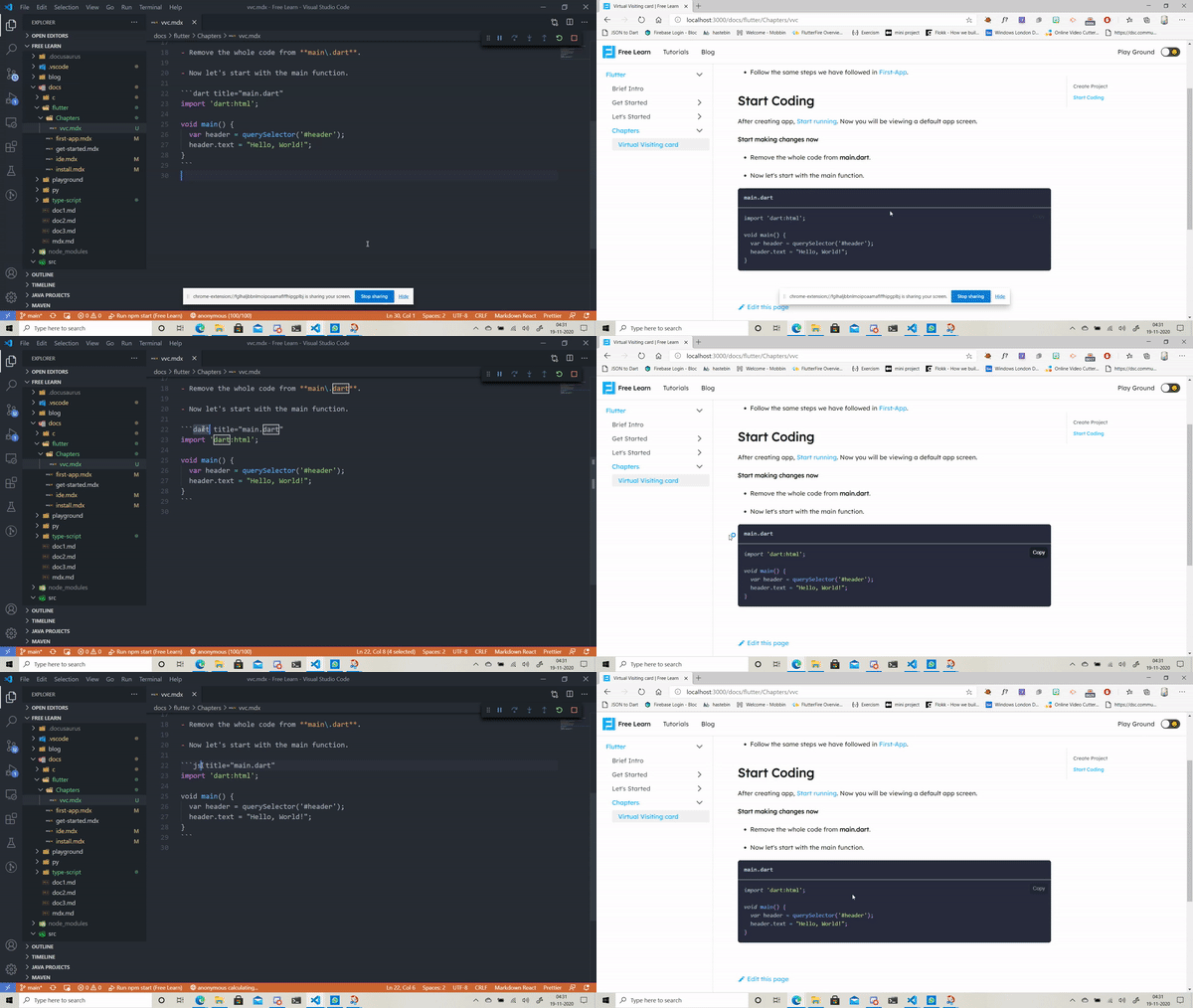
```dart title="main.dart"
import 'dart:html';
void main() {
var header = querySelector('#header');
header.text = "Hello, World!";
}
``
This doesn't recognize dart language, where as if I make it asjava` it does give the code colors.
Have you read the Contributing Guidelines on issues?
yes
To Reproduce
(Write your steps here:)
- Write some dart code and check the code with dart and java code block
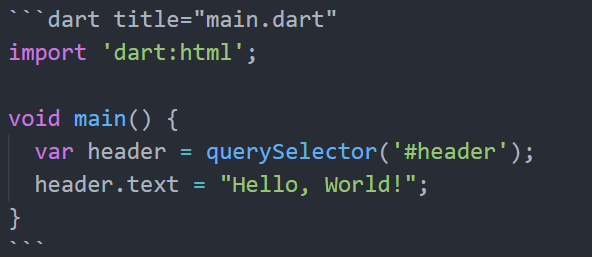
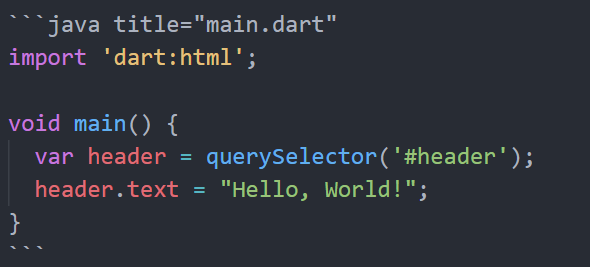
- Check in the browser.
Expected behavior
I want that code to be colored when I use ```dart.
Actual Behavior
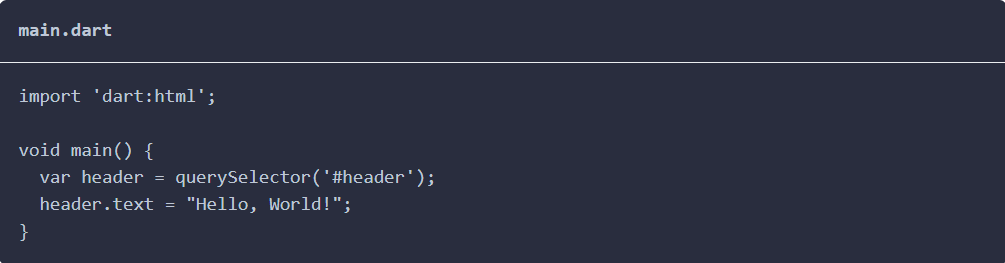
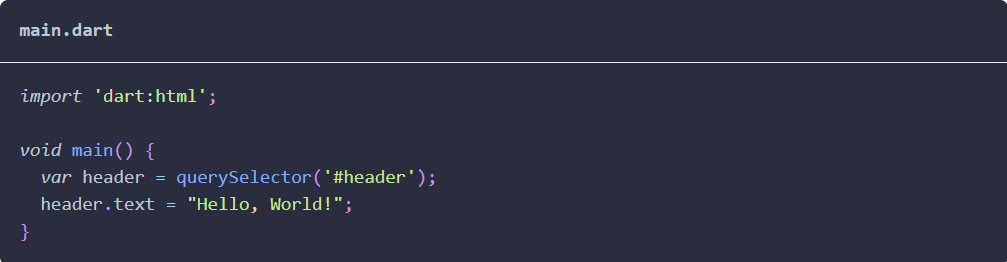
Your Environment
- Docusaurus version used:
json
"dependencies": {
  "@docusaurus/core": "2.0.0-alpha.66",
  "@docusaurus/preset-classic": "2.0.0-alpha.66",
  "@mdx-js/react": "^1.5.8",
  "clsx": "^1.1.1",
  "react": "^16.8.4",
  "react-dom": "^16.8.4"
},
Environment name and version (e.g. Chrome 78.0.3904.108, Node.js 10.17.0):
Microsoft Edge is up to date.
Version 86.0.622.69 (Official build) (64-bit)
As microsoft edge is developed on chromium, hoping chrome or Edge doesn't make difference.
Node JS
v14.15.0
Operating system and version (desktop or mobile):
Edition Windows 10 Pro
Version 20H2
Installed on 18-11-2020
OS build 19042.630
Experience Windows Feature Experience Pack 120.2212.31.0
Reproducible Demo
 yahu1031
All 2 comments
Hi @yahu1031,
you need to add Dart to the Prism additionalLanguages configuration field:
themeConfig: {
    prism: {
      additionalLanguages: ['dart'],
    },
}
You can read more about syntax highlighting features and configurtation in the docs:
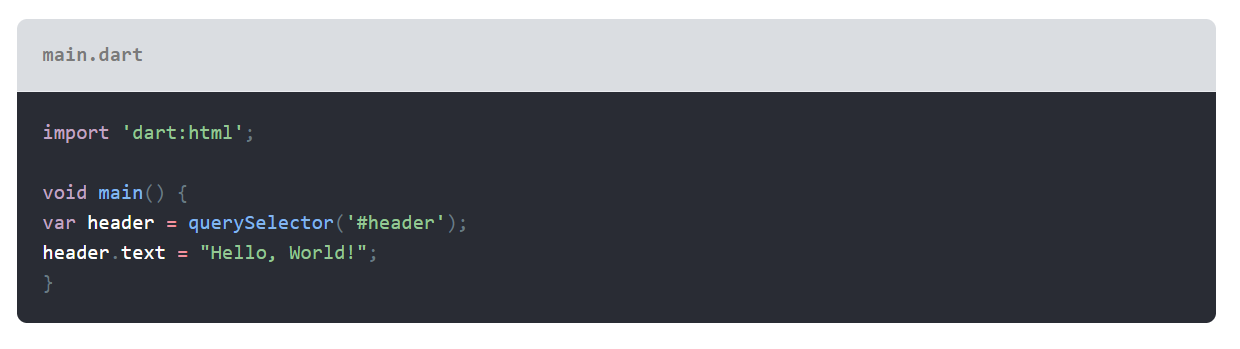
Result
 Simek
on 19 Nov 2020
Simek
on 19 Nov 2020
@Simek Thanks for the help ❤️
yahu1031
on 19 Nov 2020
Related issues
 azu
·
3Comments
azu
·
3Comments
 cheercroaker
·
3Comments
cheercroaker
·
3Comments
 MoogyG
·
3Comments
MoogyG
·
3Comments
 sebqq
·
3Comments
sebqq
·
3Comments
 lex111
·
3Comments
lex111
·
3Comments
Most helpful comment
@Simek Thanks for the help ❤️