 Fourdee
All 9 comments
Segmentation fault
#Requires ALSA XSERVER GPU=128
#dietpi-software install 5 6
apt-get install -y libx11-6 libuuid1 libidn11 libxcb1 libxau6 libxdmcp6 zlib1g libxext6 libgtk2.0-0 libp11-kit0 libstdc++6 p11-kit libgl1-mesa-glx libcanberra-gtk-module xdg-utils xfonts-75dpi xfonts-100dpi lame vorbis-tools musepack-tools xfonts-unifont

wget -q -O - http://dist.jriver.com/[email protected] | apt-key add -
wget http://dist.jriver.com/latest/mediacenter/mediacenter22native.list -O /etc/apt/sources.list.d/mediacenter22.list
apt-get update
apt-get install -y mediacenter22

cat << _EOF_ >> /DietPi/config.txt
framebuffer_depth=32
framebuffer_ignore_alpha=1
_EOF_
works here->https://github.com/Fourdee/DietPi/issues/1005
 sfb2
on 10 Jun 2017
sfb2
on 10 Jun 2017
@sfb2
Still fails with seg fault on my RPi 3. Followed same guide as you:
- https://yabb.jriver.com/interact/index.php/topic,106027.0.html?PHPSESSID=tu9nj8hrnf77m3ef9ur3h6do27
And:
- Installed xserver/alsa
- GPU memory 128MB
Which desktop did you have installed? LXDE?
Fourdee
on 10 Jun 2017
No, XFCE...
"pure" Dietpi..
(try to hold it as pure as possible->only Dietpi-suggested software..)
(no further xserver and/or alsa installs and no framebuffer-corrections, only "apt-get install media...")
but so many thx again !! ;-)
sfb2
on 11 Jun 2017
@sfb2
No, XFCE...
"pure" Dietpi..
(try to hold it as pure as possible->only Dietpi-suggested software..)
Fresh installs, same result on RPi 3. I'll try RPi 2, same.
Fourdee
on 11 Jun 2017
?
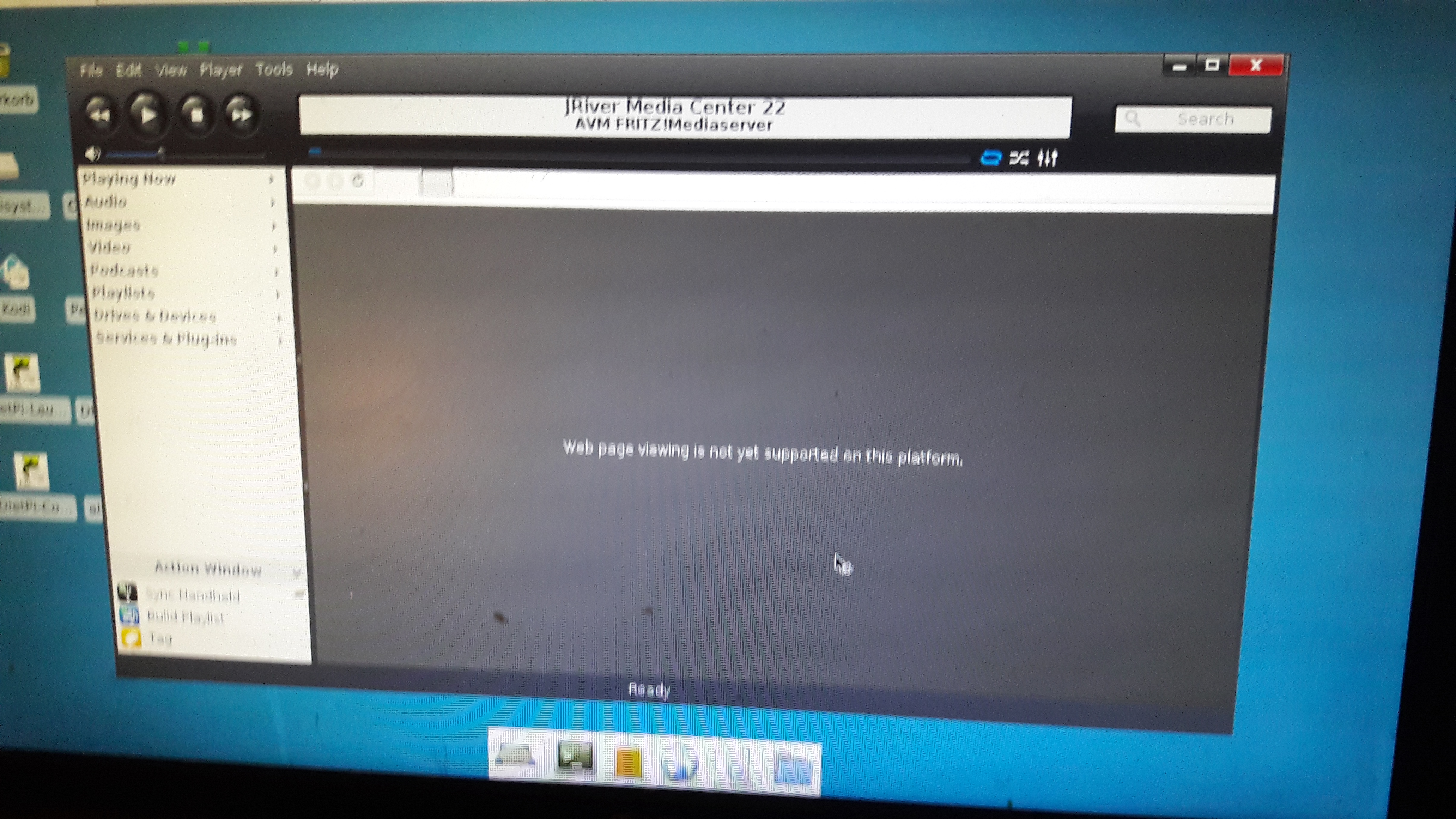
absolute fresh install too..v1.51->see attachments..
(only "SMplayer" (and dependencies,clear) is also installed)
(just dietpi-stretch to install; try to install it there too->results here)
(sorry, forgot to mention:"xfce4-goodies" was also installed)

sfb2
on 11 Jun 2017
@sfb2
We'll i'am stumped lol
SMplayer xfce-goodies
I'll try fresh installs again and check these are installed 👍
Fourdee
on 12 Jun 2017
Fresh install RPi 3:
- +XFCE
dietpi-software install 25
-
wget -q -O - http://dist.jriver.com/[email protected] | apt-key add -
wget http://dist.jriver.com/latest/mediacenter/mediacenter22native.list -O /etc/apt/sources.list.d/mediacenter22.list
apt-get update
apt-get install -y mediacenter22

reboot
- 🈯️ Works
- 🈯️ Change GPU split from 64MB to 128MB
Weird.
- Also runs under Xinit
Fourdee
on 14 Jun 2017
@sfb2
Good to go, thanks for your help on this one 👍
Marking as completed.
Fourdee
on 16 Jun 2017
Related issues
Fourdee
·
3Comments
 pgferr
·
3Comments
pgferr
·
3Comments
 Invictaz
·
3Comments
Invictaz
·
3Comments
 bhaveshgohel
·
3Comments
bhaveshgohel
·
3Comments
 k-plan
·
3Comments
k-plan
·
3Comments