Devilbox: About: Adding Custom PHP module
Good afternoon
About: Adding Custom PHP module
I followed the instructions of
https://github.com/vermauv/devilbox/blob/master/docs/Configure.md#134-custom-php-module-example
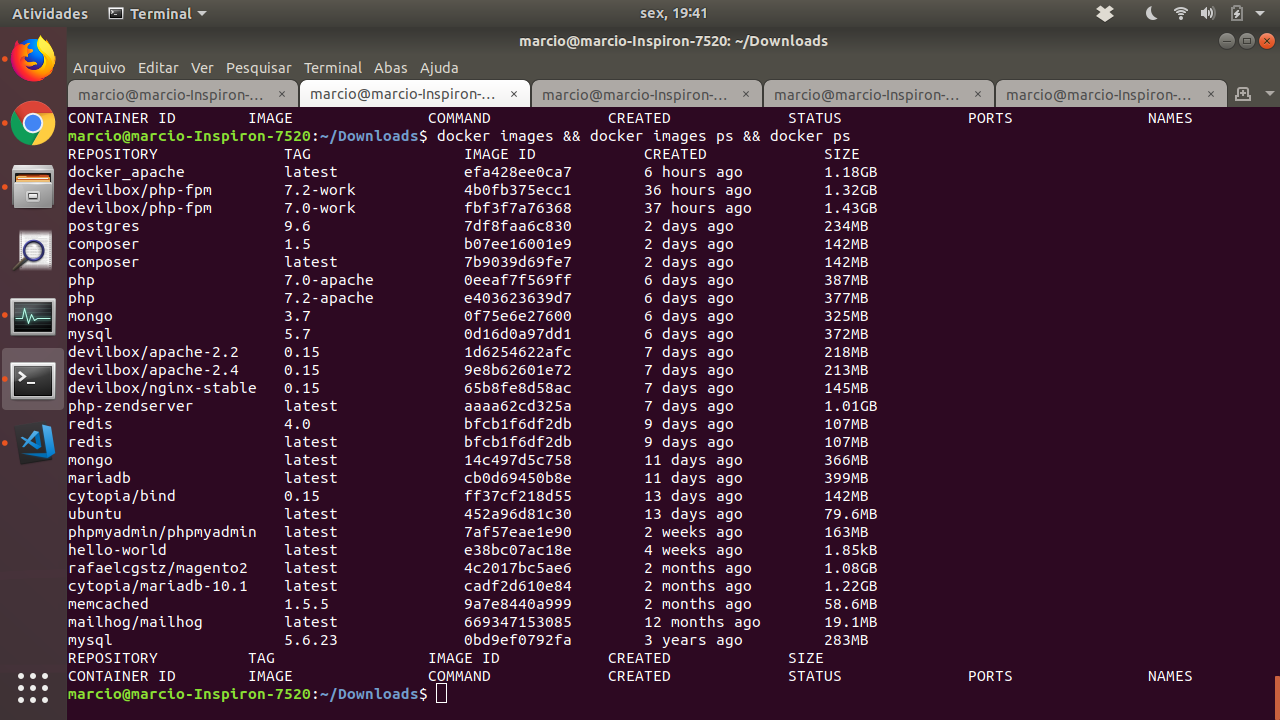
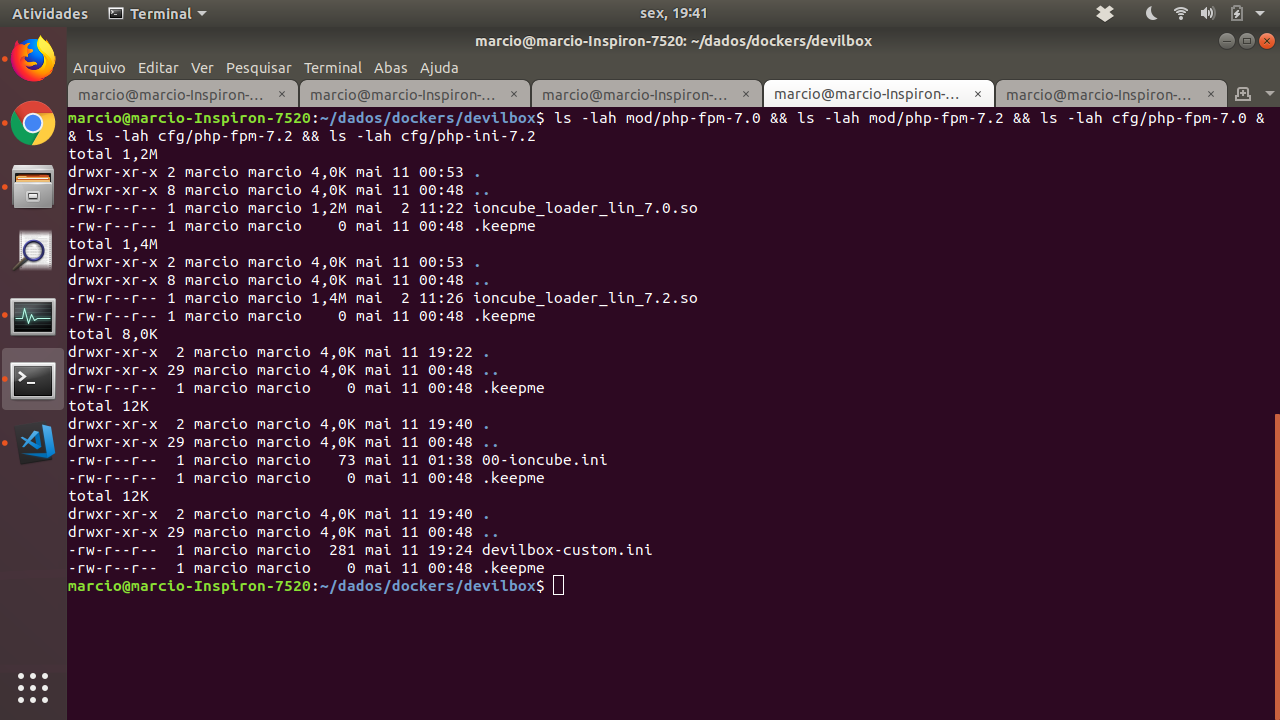
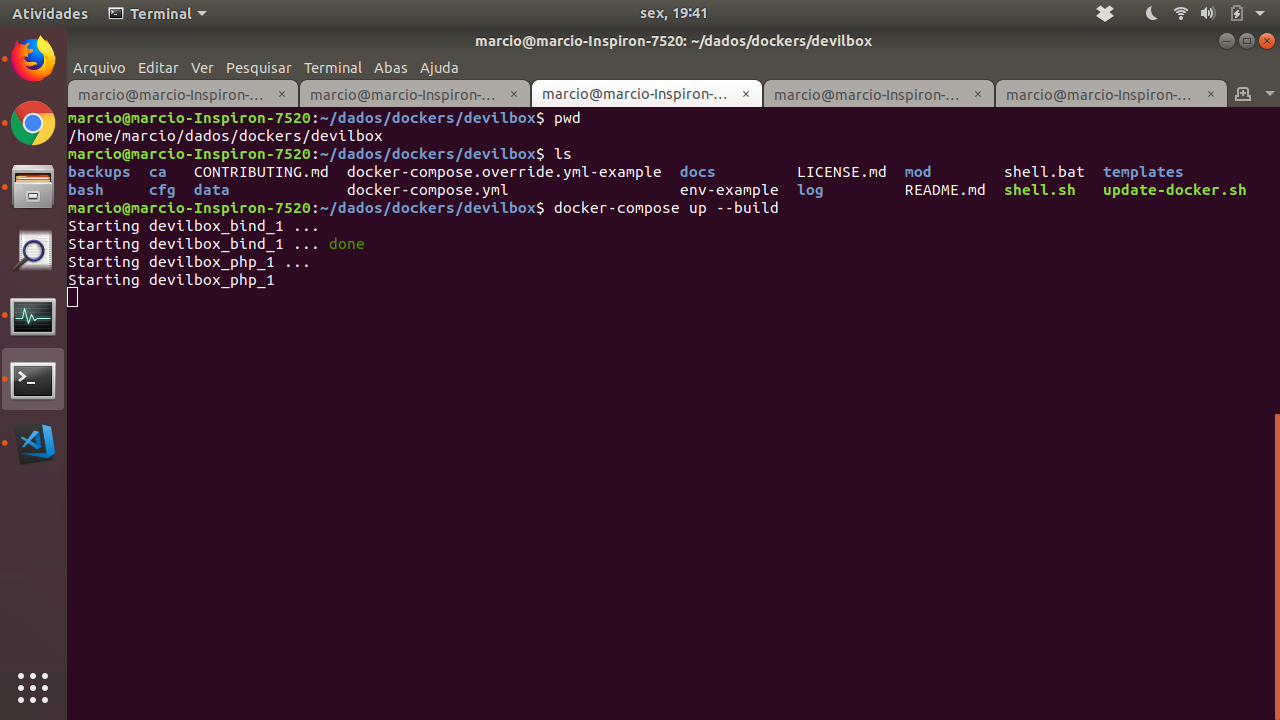
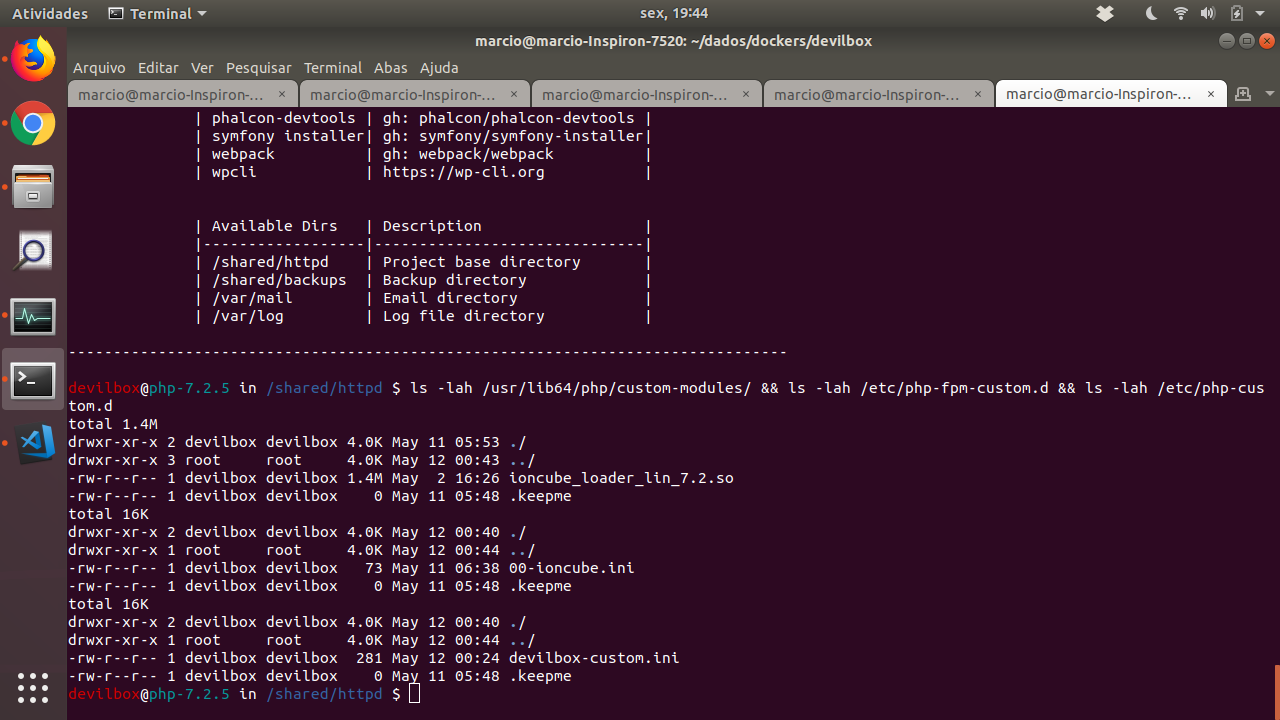
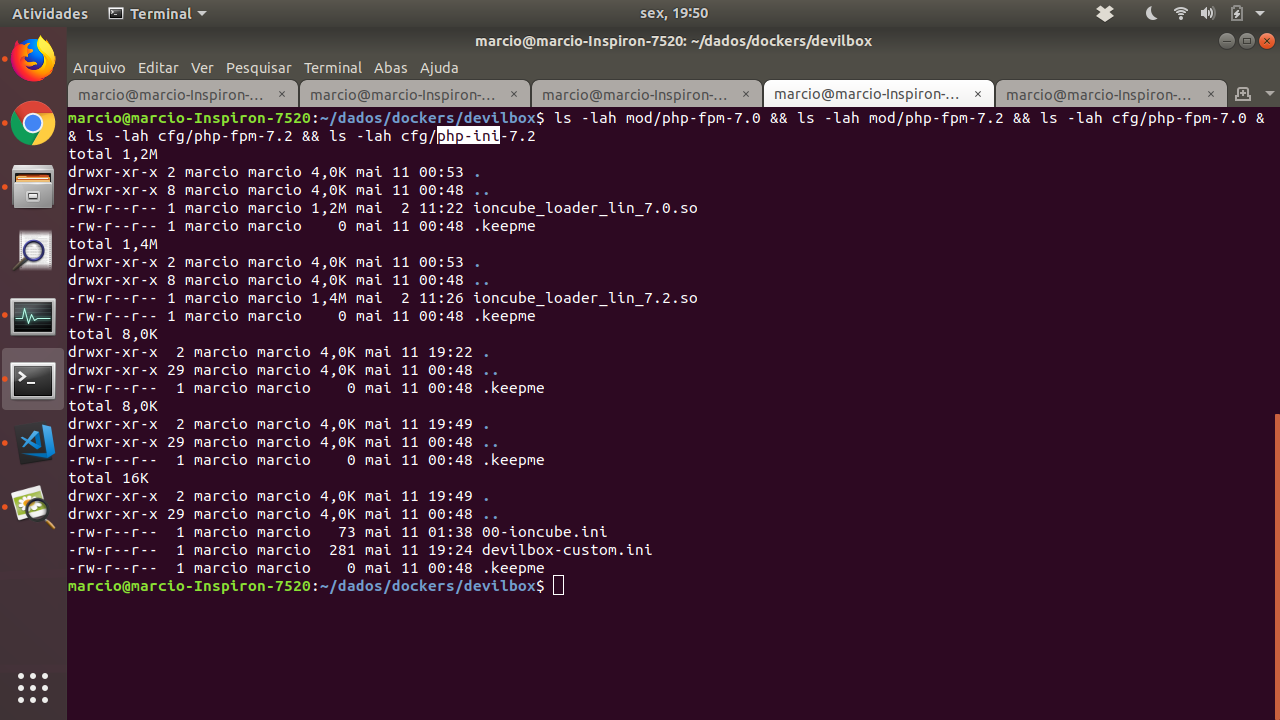
According to images
We see that the instructions
But the ioncube extension is not loaded



 mozgbrasil
All 15 comments
Good afternoon
By analyzing the file docker-composer.yml, I see that the * .ini files, should be stored in "cfg/php-ini-7.2"
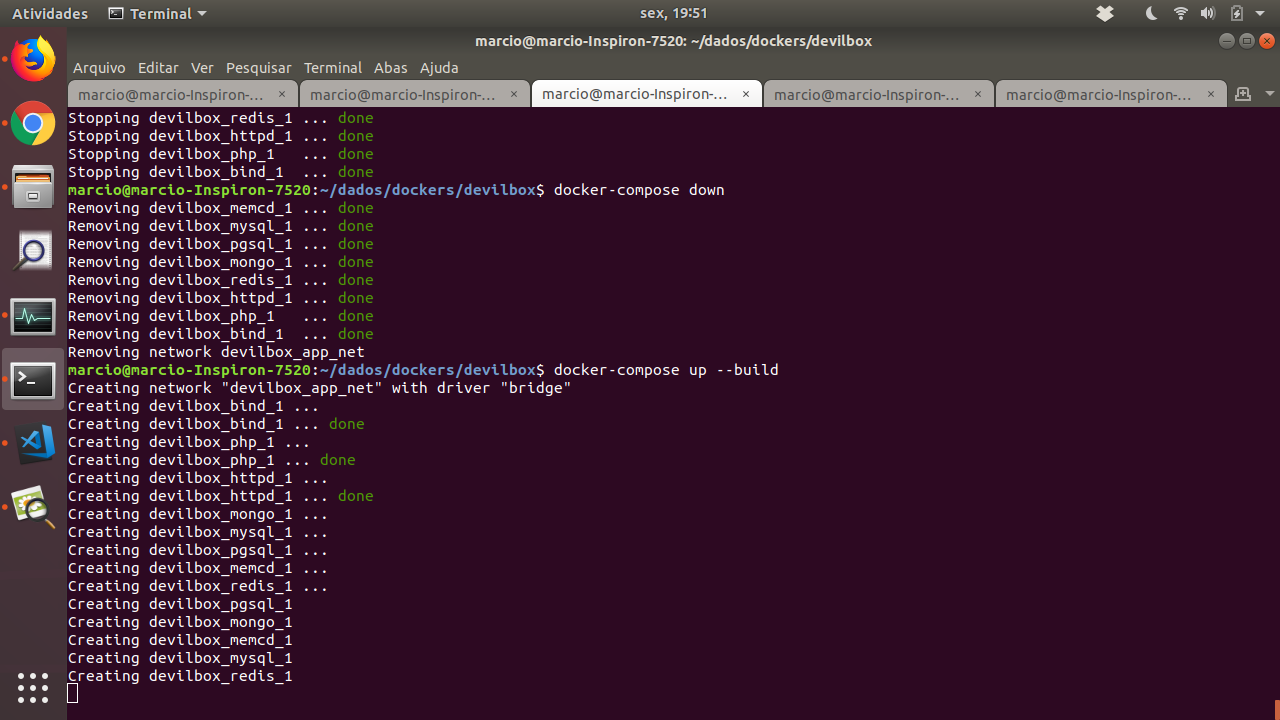
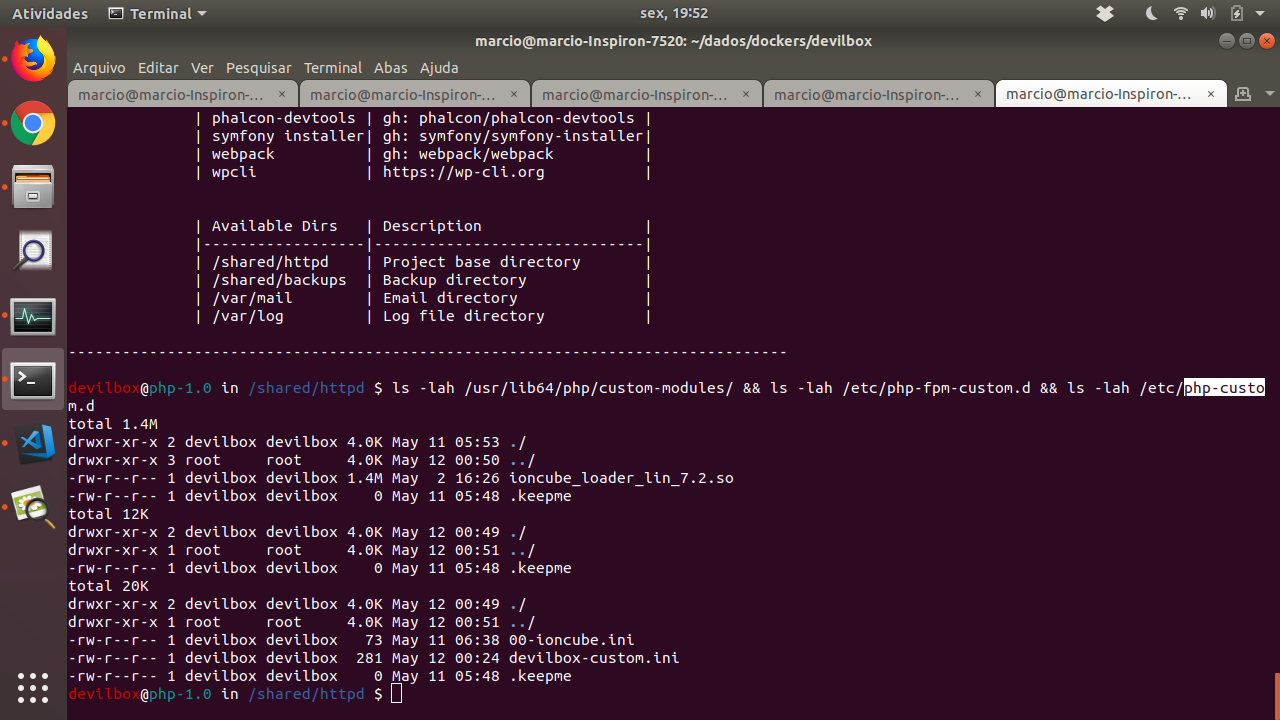
See my attempt
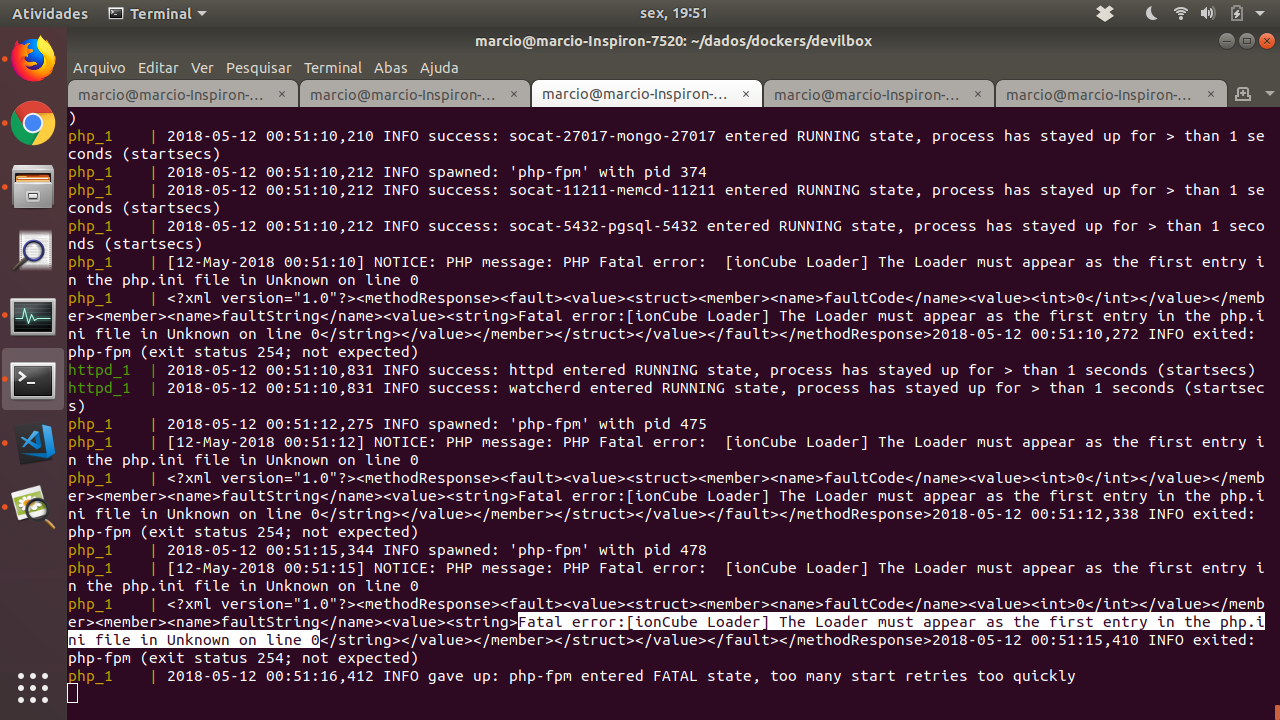
According to images
The attempt to load the extension is now detected but the error is triggered
"Fatal error:[ionCube Loader] The Loader must appear as the first entry in the php.ini file in Unknown on line 0"


mozgbrasil
on 12 May 2018
Good afternoon
Follow step by step to reproduce the occurrence
wget http://downloads3.ioncube.com/loader_downloads/ioncube_loaders_lin_x86-64.tar.gz

mkdir -p ioncube

tar -xf ioncube_loaders_lin_x86-64.tar.gz -C ioncube --strip-components=1

ls ioncube

mv ioncube/ioncube_loader_lin_7.0.so mod/php-fpm-7.0/ioncube_loader_lin_7.0.so

mv ioncube/ioncube_loader_lin_7.2.so mod/php-fpm-7.2/ioncube_loader_lin_7.2.so

rm -r ioncube

rm ioncube_loaders_lin_x86-64.tar.gz

echo "zend_extension = /usr/lib64/php/custom-modules/ioncube_loader_lin_7.2.so" >> cfg/php-ini-7.2/00-ioncube.ini
Good afternoon
When listing the * .ini files in "/usr/local/etc/php/conf.d/", we see that the new settings is started as "zzz-"
That is why the error "The Loader must appear as the first entry in the php.ini"
How should I proceed in this case?
I tried to manually create the file, but when rebuilding the image the file gets lost
Can you help me

mozgbrasil
on 12 May 2018
Hi @mozgbrasil thanks for the very detailed issue report.
FYI: Current documentation is here: https://devilbox.readthedocs.io/en/latest/
I was thinking of adding this module by default, so it is useable. Do you require any specific version or is latest fine?
 cytopia
on 12 May 2018
cytopia
on 12 May 2018
Good Morning
It is recommended to use the latest version
mozgbrasil
on 14 May 2018
OK I will take care of this.
cytopia
on 16 May 2018
Hello,
is there some kind of workaround for adding ioncube at the moment?
 chrizz1001
on 17 May 2018
chrizz1001
on 17 May 2018
The problem is that it needs to be loaded first, before other modules and this cannot be easily worked-around. I will bake it into the container by default and add an option to selectively disable modules.
cytopia
on 17 May 2018
As a TEMPORARY workaround one can create the ini file as explained in the documentation, run devilbox, enter php container and mv /usr/local/etc/php/conf.d/zzz-devilbox-devilbox-custom.ini /usr/local/etc/php/conf.d/000-devilbox-devilbox-custom.ini. Then stop devilbox and just docker-compose up. The 000 file remains there and loads ioncube.
chrizz1001
on 17 May 2018
@mozgbrasil do you have a download url where I can grab ioncube?
cytopia
on 20 May 2018
Found it. What is the difference between those two modules (for PHP 7.1):
-rw-rw-r-- 1 507 507 1332664 May  2 14:24 ioncube_loader_lin_7.1.so
-rw-rw-r-- 1 507 507 1406968 May  2 14:25 ioncube_loader_lin_7.1_ts.so
IonCube is currently building: https://github.com/devilbox/docker-php-fpm/pull/26
cytopia
on 20 May 2018
Its merged:
- Update master branch
- Pull new PHP images
- Enable swoole: https://devilbox.readthedocs.io/en/latest/configuration-files/env-file.html#php-modules-enable
cytopia
on 22 May 2018
How can install OAuth php module?
This is the same issue as above, i installed using pecl inside the container but when i docker-compose up again, the module does not exist
 bashebr
on 13 Nov 2019
bashebr
on 13 Nov 2019
@bashebr if you don't docker-compose rm, then it will always persist across restarts.
Apart from that, the next release will have OAuth in it by default.
cytopia
on 17 Nov 2019
Related issues
cytopia
·
4Comments
 mwmichael
·
3Comments
mwmichael
·
3Comments
 jonatanaxe
·
5Comments
jonatanaxe
·
5Comments
 msyhr
·
7Comments
msyhr
·
7Comments
 gowrav-vishwakarma
·
6Comments
gowrav-vishwakarma
·
6Comments