Devextreme: Real-time UI updates and new push API
The Problem
DevExtreme components are not optimized for frequent partial UI updates. You have to reload all the data from the server to update it in the component. This usually leads to a complete UI repaint and redundant network traffic. Similar issues may arise when end users edit local data. You can integrate the components with WebSockets and SignalR, but this requires a lot of complex custom code.
The Proposed Solution
We are going to introduce a new push API and optimize our UI components for frequent partial updates. In the upcoming release, we are focusing on improving our DataGrid, TreeList, Scheduler, and Charting components.
Push API
DevExtreme components work with data via the DevExtreme Data Layer. A Store encapsulates data access logic (CRUD operations). We are going to extend the Store’s API with the new push method. You can pass the data you receive from a push server (for instance, via WebSockets) to the Store:
store.push([{ type: "insert", data: data }]); // if a new object is created
store.push([{ type: "update", data: data, key: key }]); // if an existing object is changed
store.push([{ type: "remove", key: key }]); // if an object is removed
The push method accepts an array. This allows you to update data in batches.
Below is an example of using a SignalR hub with the new API:
var hubUrl = '...',
    connection = $.hubConnection(hubUrl, { useDefaultPath: false}),
    hub = connection.createHubProxy('liveUpdateSignalRHub');

var store = new CustomStore({
    load: function() {
      ...
    }
});

hub.on('products', msg => {
    store.push([{ type: msg.type, data: msg.data }]);
});
...and then use the store in the component’s ‘dataSource’ configuration:
{
    dataSource: {
        store: store
    }
};
DataSource configuration for push updates
Reshape data on push
The DataSource will reapply sorting, grouping, and other data processing operations when it receives a push update. The following code shows how to disable this:
{
  reshapeOnPush: false // do not reshape data on push
}
Aggregate push updates
If updates are too frequent, they can be aggregated:
{
  pushAggregationTimeout: 1000 // update data every second
}
Component performance optimizations
Partial UI update
Currently, data changes repaint the entire UI. Starting with v18.2, the component will be able to repaint only the elements (grid cells, scheduler appointments, chart series points) whose data changed:
{
  repaintChangesOnly: true
}
Refresh after editing
To control what a DataGrid/TreeList should do after a data item has been edited, you can use the new editing.refreshMode option:
{
  editing: {
    refreshMode: 'full'|'reshape'|'repaint'
  }
}
- 'full' - requests new data from server, shapes and renders it;
- 'reshape' - reshapes local data and renders it;
- 'repaint' - rerenders updated data without reshaping;
Real-time summary updates
Starting with v18.2, DataGrid/TreeList summaries can be updated while edititng (only for client-side summaries):
{
  summary: {
    recalculateWhileEditing: true
  }
}
Highlight changes
You can enable visual highlighting of the updated cells as follows:
{
  highlightChanges: true
}
We Need Your Feedback
Take a Quick Poll
Do the new real-time UI update features meet your needs?
Live Sandbox
Real-time Updates
This demo shows how thousands of push notifications per second are processed by the DevExtreme Data Layer and Data Grid.
https://codepen.io/anon/pen/WapGVE
SignalR Integration
A sample integration of a DataGrid and a SignalR server.
https://codepen.io/anon/pen/ePvjrZ
Editing Refresh Mode
See how you can tune the DataGrid refresh behavior once a record is edited by a user.
https://codepen.io/anon/pen/ePNKJM
Real-Time Summary Updates
This demo shows the new recalculateWhileEditing option in action.
https://codepen.io/anon/pen/dgoKGE
Get Notified of Updates
Subscribe to this thread or our Facebook and Twitter accounts for updates on this topic.
 dxbykov
All 17 comments
It would be great if this functionality could be extended also to non-push things. For example, when a single record in a data grid is updated, I don't want to reload the whole grid, it should just repaint a single changed row using the data returned from the server. The same goes for newly added or removed records - it should be possible to skip reloading the whole grid when just a single record is added or removed.
 hakimio
on 17 Sep 2018
hakimio
on 17 Sep 2018
I would love this functionality! The conceptional approach seems fine for my use case.
Another great addition can be given by the option to add custom css classes to updated components/cells/rows and some OnUpdate event.
 StefanKoenigMUC
on 18 Sep 2018
StefanKoenigMUC
on 18 Sep 2018
What is about batch updates feature in stores? See discussion in support ticket for details.
Will this feature be available in nearest future or not?
It is important to understand -- have we develop our own solution for this problem or we can wait for out-of-the-box solution.
 Shiko1st
on 19 Sep 2018
Shiko1st
on 19 Sep 2018
@hakimio
when a single record in a data grid is updated, I don't want to reload the whole grid
If you are talking about editing a row via the data grid UI, then we are considering a new option to skip data reloading:
{
  editing: {
    refreshAfterEditing: false
  }
}
Note that in this case, sorting, grouping, summary, and other data shaping operations won't be applied since they require a round trip to the server. Or do you have another scenario in mind?
@StefanKoenigMUC regarding your request, do you mean that the grid should fire the render-related events for the updated rows such as onRowPrepared and onCellPrepared? If so, then yes, it will work.
If you want to highlight updated cells for a while, then we are going to introduce a capability to highlight updated cells via our own classes. You'll also be able to customize the built-in highlighting if required.
@Shiko1st The feature you've mentioned is in our near plans. There is a little chance it will be included into 18.2. If it's not, then we'll add it in 19.1.
dxbykov
on 19 Sep 2018
@dxbykov I understand the limitations with server sorting/grouping/summary operations, but I still think it could work nicely if either those operations are done on the client side or they are disabled/not required.
hakimio
on 19 Sep 2018
I still think it could work nicely if either those operations are done on the client side or they are disabled/not required.
Yes, in these cases a DataGrid will be properly updated without an extra round trip to the server.
dxbykov
on 19 Sep 2018
@dxbykov more or less, i'm looking to highlight update cells for a limited timespan (->add a css classes), the rowPreprared/cellPrepared functions doesn't seem to be enough for changed values?
StefanKoenigMUC
on 24 Sep 2018
the rowPreprared/cellPrepared functions doesn't seem to be enough for changed values?
Actually, it's enough, but since the updated cell highlighting is a common requirement, we decided to implement it out of the box. If the default implementation doesn't meet your needs, then you'll be able to implement your own highlighting.
dxbykov
on 24 Sep 2018
The following sections have been updated:
- Refresh after editing;
- Real-time summary updates;
- Highlight changes;
- Live sandbox;
Everybody is welcome to review and try the live demos.
dxbykov
on 10 Oct 2018
A colleague just implemented those realtime update function and it's working out great, thanks for that!
But we have some issues with frequently applied updates, after a while the GUI is 'frozen' (no more updates are applied, until some manual action was done) and sometimes the highlighting is not working. All those problems occur during the usage of the ASP Datastore. Is this a known problem? The "reshapeOnPush" method doesn't seem to be available while using the asp store.
Thanks in advance!
StefanKoenigMUC
on 30 Oct 2018
@StefanKoenigMUC Thank you for sharing your feedback.
But we have some issues with frequently applied updates, after a while the GUI is 'frozen' (no more updates are applied, until some manual action was done)
We have already fixed a similar issue. The fix is going to be available with the final v18.2 release.
and sometimes the highlighting is not working.
We aren't aware of such an issue. Could you please provide us with a sample so we could reproduce the issue on our side?
The "reshapeOnPush" method doesn't seem to be available while using the asp store.
It's to be fixed. Thank you for your collaboration.
dxbykov
on 1 Nov 2018
and sometimes the highlighting is not working.
i think that problem is correlated to the first part of the problem. (the frozen gui)
thanks for your help!
StefanKoenigMUC
on 2 Nov 2018
i think i've found a bug:
i've lists filled from an rest api, using the asp.net data custom store. after receiving updates and pushing them to the datastore, somestimes some rows are 'greyed' out, like in the picture bellow:
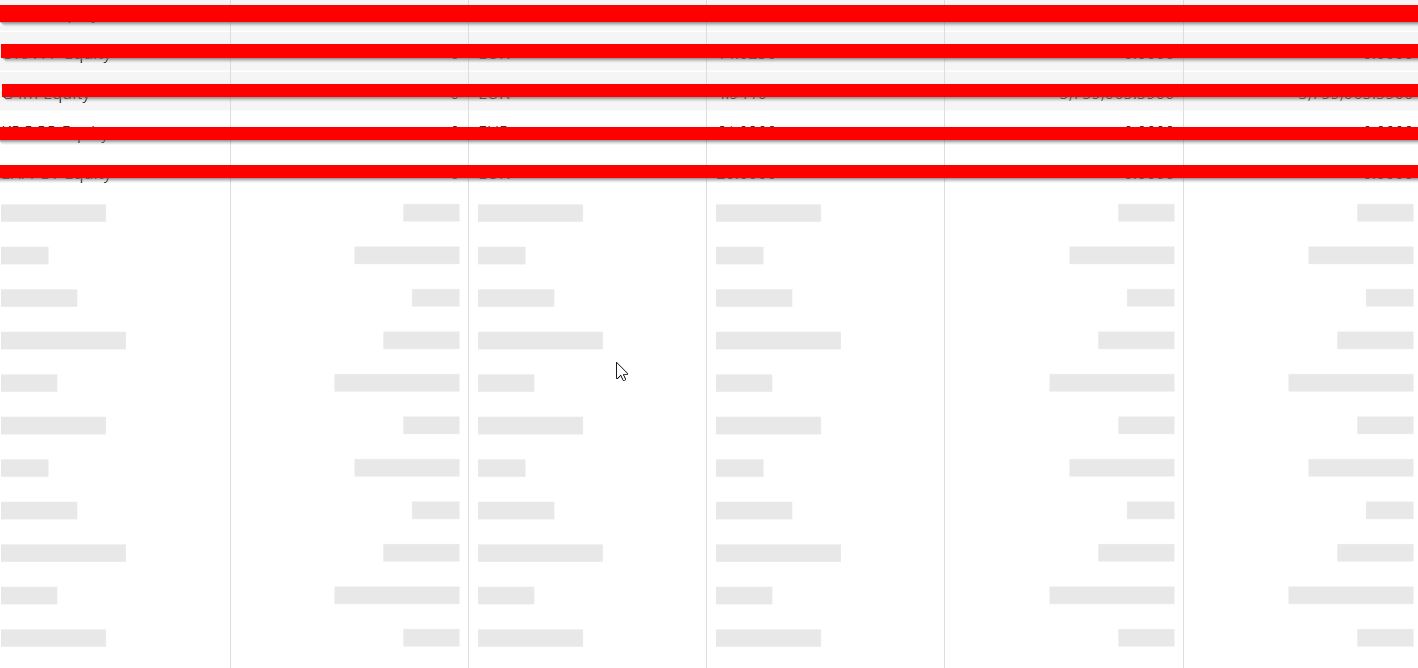
(red lines are just for hiding data)
StefanKoenigMUC
on 23 Nov 2018
@StefanKoenigMUC
The issue looks specific to your implementation as we cannot reproduce it in a simple test example. Would you please create a report in our SC with detailed information on how to reproduce the issue. Thank you for your time and cooperation in advance.
 vconst
on 26 Nov 2018
vconst
on 26 Nov 2018
When inserting into an store, specifying index is supported.
store.push([{ type: "insert", data: item, index: 0 }]);
Could the same be added to updating?
store.push([{ type: "update", data: item, key: item.id, index: 0 }]);
Our case for this is to display the most recent item at the top of a List, and would replace our workaround.
store.push([{ type: "update", data: item, key: item.id, index: 0 }]);
const items = this.list.option("items");
const currentIndex = items.findIndex((x) => x.id === data.item.id);
this.list.reorderItem(currentIndex, 0);
 Nisden
on 11 Dec 2018
Nisden
on 11 Dec 2018
@NsdWorkBook
Thanks you for your feedback.
Currently, we do not have plans to add an index parameter to an update operation.
To accomplish the task, you can combine the remove and insert operations:
store.push([{ type: "remove", key: item.id }, { type: "insert", data: item, index: 0 }]);
You can also use another solution. To sort by a modified date, add the modifiedDate field to your data and configure dataSource to sort by it:
dataSource: {
    store: store,
    sort: [{ selector: "modifiedDate", desc: true }],
    reshapeOnPush: true
}
Thanks to everybody who gave us feedback on this feature. The feature is available in the v18.2 release. I'm closing this thread. In the case of bugs or questions, feel free to create new GitHub issues or tickets in our Support Center.
dxbykov
on 20 Dec 2018
Related issues
 ynslmz
·
7Comments
ynslmz
·
7Comments
 bbakermmc
·
6Comments
bbakermmc
·
6Comments
 pedrofurtado
·
3Comments
pedrofurtado
·
3Comments
 Bykiev
·
9Comments
Bykiev
·
9Comments
 drugarce
·
4Comments
drugarce
·
4Comments
Most helpful comment
It would be great if this functionality could be extended also to non-push things. For example, when a single record in a data grid is updated, I don't want to reload the whole grid, it should just repaint a single changed row using the data returned from the server. The same goes for newly added or removed records - it should be possible to skip reloading the whole grid when just a single record is added or removed.