Detectron2: why Inference Demo with Colab trained Models detected 0 instances
When I used command:
python demo/demo.py \
--config-file configs/COCO-InstanceSegmentation/mask_rcnn_R_50_FPN_3x.yaml \
--input /Users/wenzq/Downloads/detectron2/demo/horseface01601.jpg --output outputs/ \
--opts MODEL.WEIGHTS '/Users/wenzq/Downloads/detectron2/train_model/model_final_f10217.pkl' \
MODEL.DEVICE cpu
result in :
detected 3 instances

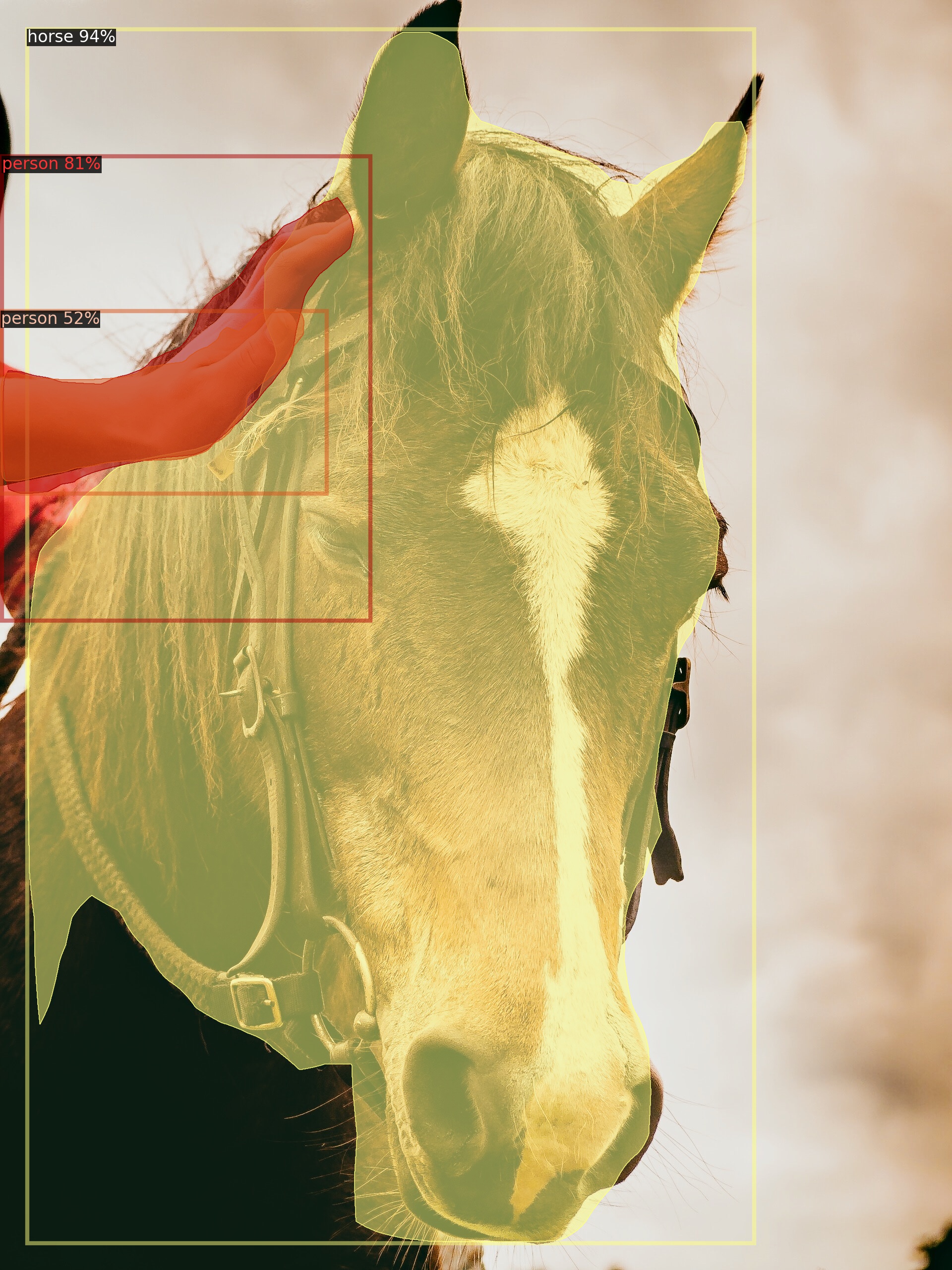
note:
model_final_f10217.pkl is the model Pre-trained Models
When I used command:
python demo/demo.py \
--config-file configs/COCO-InstanceSegmentation/mask_rcnn_R_50_FPN_3x.yaml \
--input /Users/wenzq/Downloads/detectron2/demo/horseface01601.jpg --output outputs/ \
--opts MODEL.WEIGHTS '/Users/wenzq/Downloads/detectron2/train_model/model_final-3.pth' \
MODEL.DEVICE cpu
detected 0 instances

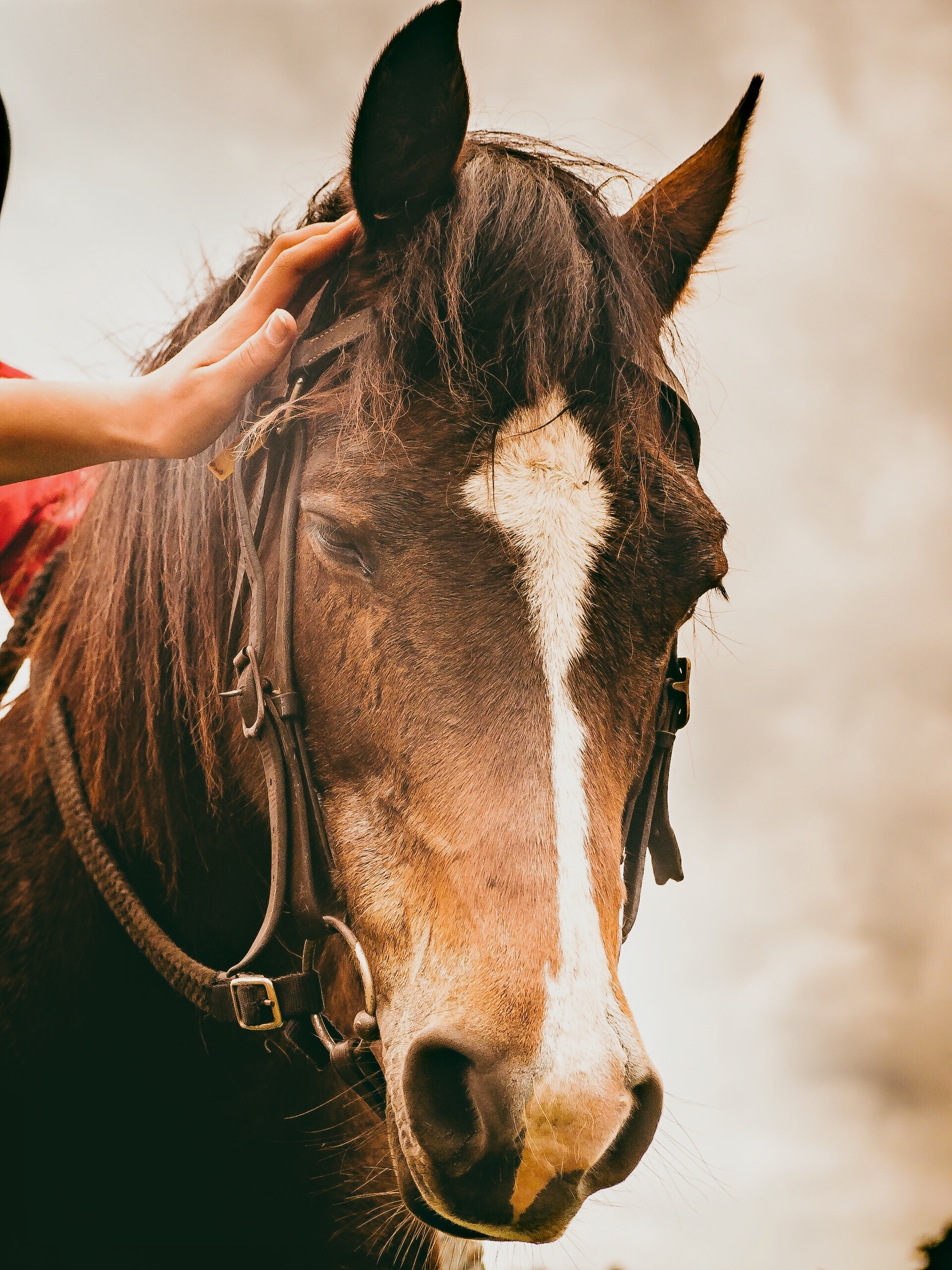
note:
model_final-3.pth is the model trained on colab which can predict instance nomally on colab.
 sswhqqw
All 4 comments
I'm also getting a similar issue.
python demo.py --config-file ../configs/COCO-InstanceSegmentation/mask_rcnn_R_50_FPN_3x.yaml --input C:\Users\dmurray\code\analyses_images\assets\man-horse.jpg --confidence-threshold 0.1 --opts MODEL.DEVICE cpu
The above command yields 0 detections in 2s.
Note: I am running on CPU because I do not have a GPU.
(The image 'man-horse.jpg' is the following: http://images.cocodataset.org/val2017/000000439715.jpg)
Attached is the output when running demo.py:
output.txt
Versions
------------------------  ------------------------------------------------------------------------------------
sys.platform              win32
Python                    3.7.7 (default, Apr 15 2020, 05:09:04) [MSC v.1916 64 bit (AMD64)]
numpy                     1.18.1
detectron2                0.1.2 @C:\Users\dmurray\Anaconda3\envs\analyses_images\lib\site-packages\detectron2
detectron2 compiler       MSVC 192528614
detectron2 CUDA compiler  not available
DETECTRON2_ENV_MODULE     <not set>
PyTorch                   1.5.0 @C:\Users\dmurray\Anaconda3\envs\analyses_images\lib\site-packages\torch
PyTorch debug build       False
CUDA available            False
Pillow                    7.1.2
torchvision               0.6.0 @C:\Users\dmurray\Anaconda3\envs\analyses_images\lib\site-packages\torchvision
fvcore                    0.1.1
cv2                       3.4.2
------------------------  ------------------------------------------------------------------------------------
PyTorch built with:
  - C++ Version: 199711
  - MSVC 191627039
  - Intel(R) Math Kernel Library Version 2020.0.0 Product Build 20191125 for Intel(R) 64 architecture applications
  - Intel(R) MKL-DNN v0.21.1 (Git Hash 7d2fd500bc78936d1d648ca713b901012f470dbc)
  - OpenMP 200203
  - CPU capability usage: AVX2
  - Build settings: BLAS=MKL, BUILD_TYPE=Release, CXX_FLAGS=/DWIN32 /D_WINDOWS  /GR  /w /EHa /bigobj -openmp -DNDEBUG -DUSE_FBGEMM, PERF_WITH_AVX=1, PERF_WITH_AVX2=1, PERF_WITH_AVX512=1, USE_CUDA=0, USE_EXCEPTION_PTR=1, USE_GFLAGS=OFF, USE_GLOG=OFF, USE_MKL=ON, USE_MKLDNN=ON, USE_MPI=OFF, USE_NCCL=OFF, USE_NNPACK=OFF, USE_OPENMP=ON, USE_STATIC_DISPATCH=OFF,
Thanks.
 davidmurray
on 13 May 2020
davidmurray
on 13 May 2020
Quick update:
Here is what I get when I run the following command:
python .\social_distancing\inference\inference.py --config-file COCO-Detection\faster_rcnn_R_50_C4_1x.yaml --image-input C:\Users\dmurray\code\analyses_images\assets\man-horse.jpg --confidence-threshold 0.1
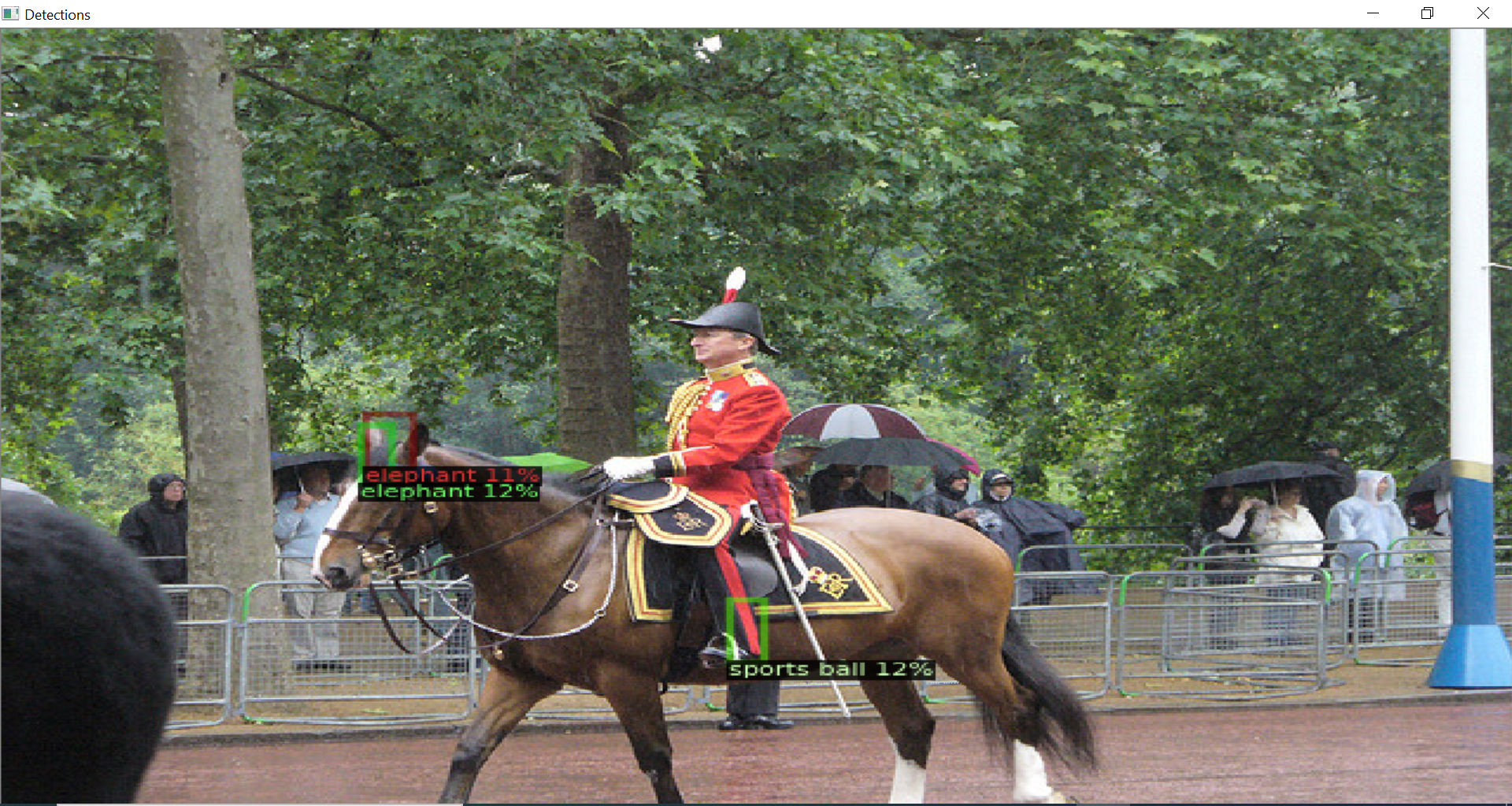
Could it be because the image is not being loaded properly?
Note: I understand that detectron2 is not officially supported on Windows, but I have managed to get it to compile, so I am wondering why inference is not working.
Thanks,
David
davidmurray
on 13 May 2020
Update: I fixed my problem. I was setting MODEL_WEIGHTS rather than MODEL.WEIGHTS on the config object. I was actually in fact using an untrained model.
davidmurray
on 13 May 2020
When loading the model for inference you need the same config, same number of classes, etc.
Also, as the issue template mentions:
If you expect the model to converge / work better, note that we do not give suggestions on how to train a new model. Only in one of the two conditions we will help with it: (1) You're unable to reproduce the results in detectron2 model zoo. (2) It indicates a detectron2 bug.
 ppwwyyxx
on 14 May 2020
ppwwyyxx
on 14 May 2020
Related issues
 jinfagang
·
3Comments
jinfagang
·
3Comments
 Ormagardskvaedi
·
4Comments
Ormagardskvaedi
·
4Comments
 LotharTUM
·
3Comments
LotharTUM
·
3Comments
 joeythegod
·
4Comments
joeythegod
·
4Comments
 invisprints
·
4Comments
invisprints
·
4Comments
Most helpful comment
When loading the model for inference you need the same config, same number of classes, etc.
Also, as the issue template mentions: