Depthai: [BUG] {I cannot get oak-d PoE start}
Check if issue already exists
Google it (e.g. error xy github luxonis depthai)
Check troubleshooting in documentation.
Describe the bug
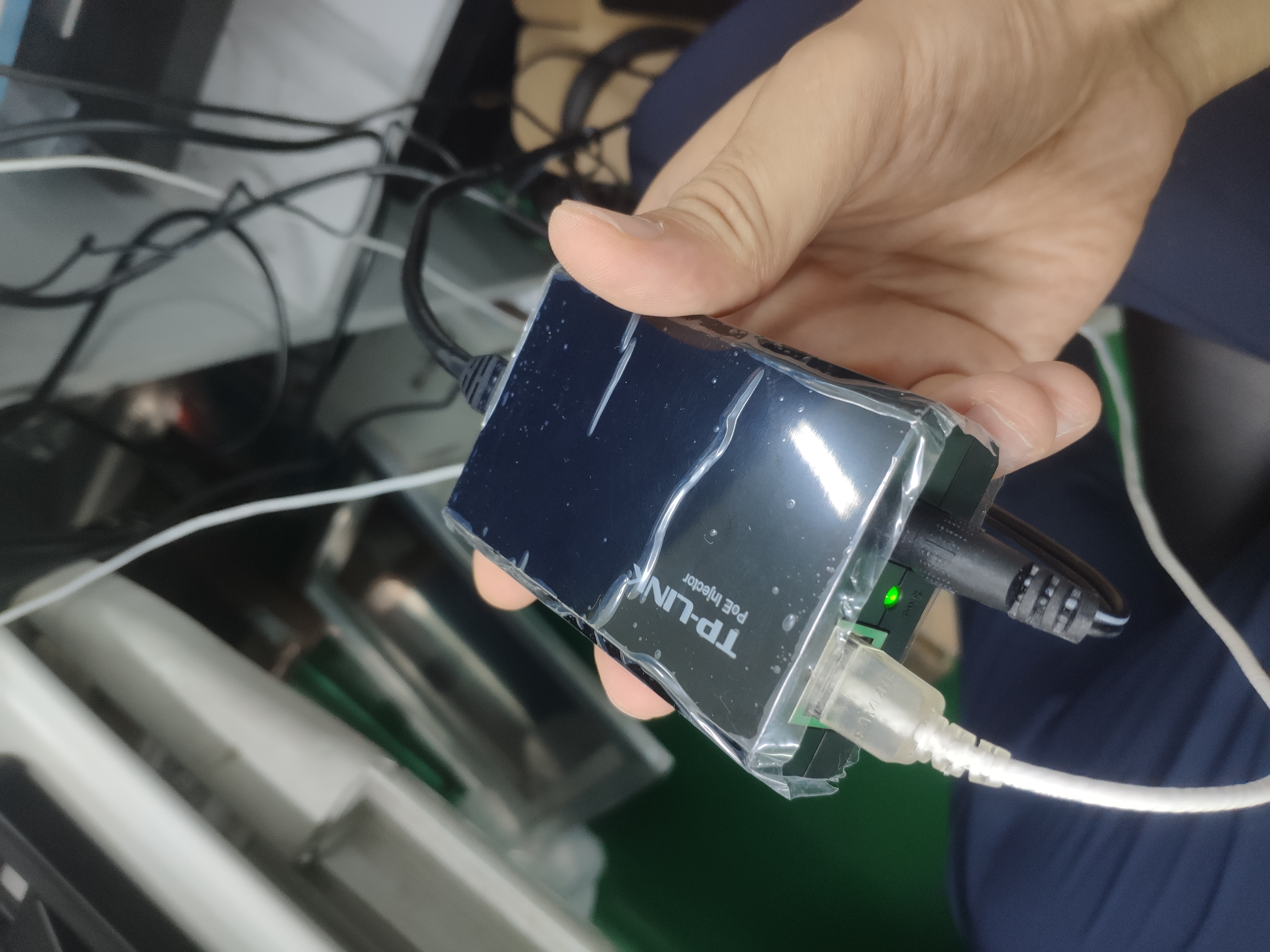
The POE version of oak-d shippped to me a few days ago, I use a PoE injector to provide power, I just follow the step asthe link below:
https://docs.luxonis.com/en/latest/pages/tutorials/getting-started-with-poe/
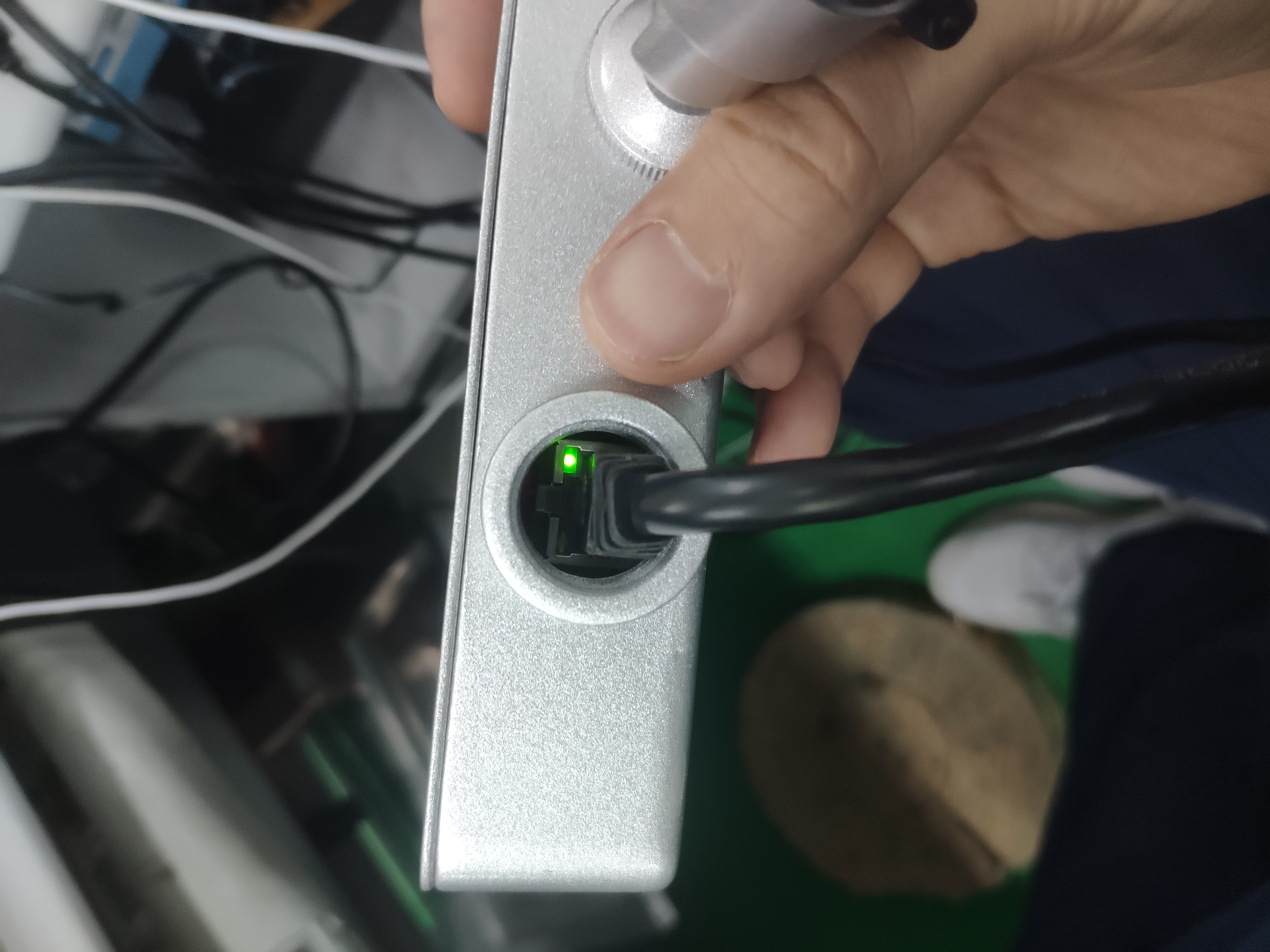
Both the green LEDs bright, but when I run the python demo depthai_demo.py, it shows the following error:
/usr/bin/python3.8 /home/jim/depthai/depthai_demo.py
Using depthai module from: /home/jim/.local/lib/python3.8/site-packages/depthai.cpython-38-x86_64-linux-gnu.so
Depthai version installed: 2.7.2.0
Traceback (most recent call last):
File "/home/jim/depthai/depthai_demo.py", line 114, in
device_info = conf.getDeviceInfo()
File "/home/jim/depthai/depthai_helpers/config_manager.py", line 250, in getDeviceInfo
raise RuntimeError("No DepthAI device found!")
RuntimeError: No DepthAI device found!
Process finished with exit code 1
I am confused, and don't know what to do in the next.
The pics below show the situation:
Thanks for your reply!
To Reproduce
Steps to reproduce the behavior:
- Run script (e.g. python3 depthai_demo.py -s color) '....'
- See error
Expected behavior
A clear and concise description of what you expected to happen.
Screenshots
If applicable, add screenshots to help explain your problem.
Attach system log
- Provide output of log_system_information.py
Additional context
Add any other context about the problem here.
 JimXu1989
All 4 comments
Hello @JimXu1989, we apologize for the inconvenience, most users have plug&play experience with the new POE models. The first thing that comes to my mind is either the firewall is blocking a port (you can disable firewall/enable ports, as described here) or your network doesn't have DHCP, so the depthai POE device sets a static IP and you need to change your IP, as described here. Have you tried both of these?
Thanks, Erik
 Erol444
on 20 Jul 2021
Erol444
on 20 Jul 2021
Hello @JimXu1989, we apologize for the inconvenience, most users have plug&play experience with the new POE models. The first thing that comes to my mind is either the firewall is blocking a port (you can disable firewall/enable ports, as described here) or your network doesn't have DHCP, so the depthai POE device sets a static IP and you need to change your IP, as described here. Have you tried both of these?
Thanks, Erik
Thanks for your reply, but I try all above, I set static IP, and I can ping the device, but the demo python script still cannot open the device, may I send it back to you to repair it?
JimXu1989
on 21 Jul 2021
So if you can ping the device now with a static IP, that's good. Do you still get the same error as in the original post RuntimeError: No DepthAI device found!, or is it different?
Does the IP 169.254.1.222 appears in the log when starting python3 depthai_demo.py now?
Try also having a ping 169.254.1.222 command running, and check after how much time after powering on the OAK-D-POE device (by plugging the Ethernet cable) you start getting ping replies. Check maybe a few times for a good measure.
 alex-luxonis
on 21 Jul 2021
alex-luxonis
on 21 Jul 2021
So if you can ping the device now with a static IP, that's good. Do you still get the same error as in the original post
RuntimeError: No DepthAI device found!, or is it different?
Does the IP169.254.1.222appears in the log when startingpython3 depthai_demo.pynow?Try also having a
ping 169.254.1.222command running, and check after how much time after powering on the OAK-D-POE device (by plugging the Ethernet cable) you start getting ping replies. Check maybe a few times for a good measure.
problem solved, maybe because of my vpn connected.
JimXu1989
on 21 Jul 2021
Related issues
 LucaBonfiglioli
·
7Comments
LucaBonfiglioli
·
7Comments
 Luxonis-Brandon
·
5Comments
Luxonis-Brandon
·
5Comments
 NguyenTuan-Dat
·
5Comments
NguyenTuan-Dat
·
5Comments
 domef
·
3Comments
Luxonis-Brandon
·
11Comments
domef
·
3Comments
Luxonis-Brandon
·
11Comments
Most helpful comment
problem solved, maybe because of my vpn connected.