Hi, I treid to draw Icon Layer. but doesn't appear
here is what i did

and the result was
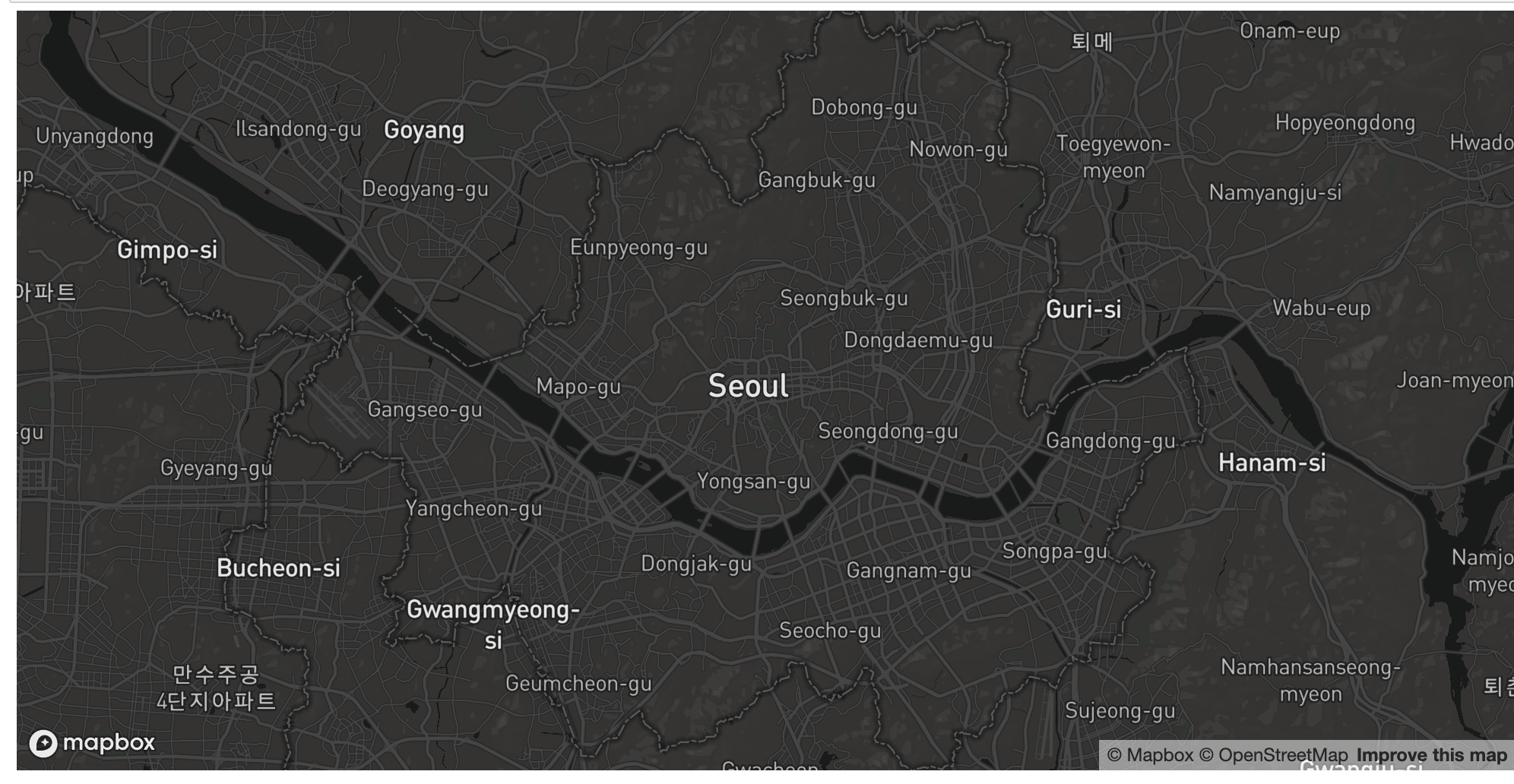
anything didn't appear...
is there something wrong in my code..?!
I already checked that my icon png file was in valid directory.
and there were not any script errors...
 heumsi
All 7 comments
Thanks for the bug report! I'm investigating this. Currently I think that the IconLayer is indeed broken in pydeck. I'll see if I can either make a recommendation for your code here or put out a patch.
 ajduberstein
on 21 Nov 2019
ajduberstein
on 21 Nov 2019
I'll have to put out a patch for this. I'll update this issue when it's done.
ajduberstein
on 2 Dec 2019
Modifying an example from Streamlit:
import pydeck as pdk
import pandas as pd

icon_data = {
    "url": "https://img.icons8.com/plasticine/100/000000/marker.png",
    "width": 128,
    "height":128,
    "anchorY": 128
}
data = pd.read_json("https://raw.githubusercontent.com/uber-common/deck.gl-data/master/website/bart-stations.json")
data['icon_data']= None
for i in data.index:
     data['icon_data'][i] = icon_data

view_state = pdk.ViewState(
    longitude=-122.22,
    latitude=37.76,
    zoom=9,
    pitch=50
)

icon_layer = pdk.Layer(
    type='IconLayer',
    data=data,
    get_icon='icon_data',
    get_size=4,
    pickable=True,
    size_scale=15,
    get_position='coordinates'
)
tooltip = {
   "html": "<b>Address:</b> {address} <br/> <b>Station:</b> {name}",
   "style": {
        "backgroundColor": "steelblue",
        "color": "white"
   }
}
r = pdk.Deck(layers=[icon_layer], initial_view_state=view_state, tooltip=tooltip)
r.show()
Works in pydeck 0.2.0, which was released two days ago.

ajduberstein
on 6 Jan 2020
im having some issue as well. when i use a URL, it works fine, but when i try to use a local png file, nothing is shown.
is pydeck not working with the pre-packed iconAtlas option in the iconLayer?
 tamir-jether
on 24 May 2020
tamir-jether
on 24 May 2020
@tamir-jether Thanks for reaching out! Can you file a new issue and include source code? It will be easier for me to replicate the error and fix it.
ajduberstein
on 25 May 2020
I'm having the same problem. At first it worked, but when I tried to display another image (using URL as well), the icon doesn't show.
 pipesalas
on 29 May 2020
pipesalas
on 29 May 2020
@pipesalas @tamir-jether You can subscribe to #4625, where I'll be working on this. Give me a few weeks.
ajduberstein
on 29 May 2020
Related issues
heumsi
·
4Comments
 TareqAlqutami
·
3Comments
TareqAlqutami
·
3Comments
 euzu
·
3Comments
euzu
·
3Comments
 jfuehner
·
3Comments
jfuehner
·
3Comments
 ctriley
·
3Comments
ctriley
·
3Comments
Most helpful comment
Modifying an example from Streamlit:
Works in pydeck 0.2.0, which was released two days ago.