Issue
I'm trying to recreate the hexagon example, but the hexagons aren't being rendered at the correct locations.
The data is the road accidents in the UK as per
data = {
  return d3.csv('https://raw.githubusercontent.com/uber-common/deck.gl-data/master/examples/3d-heatmap/heatmap-data.csv', row => {
    return {lng: +row.lng, lat: +row.lat};
  })
Actual Result
In this screenshot I'm showing two layers - a scatterplot and a hexagon
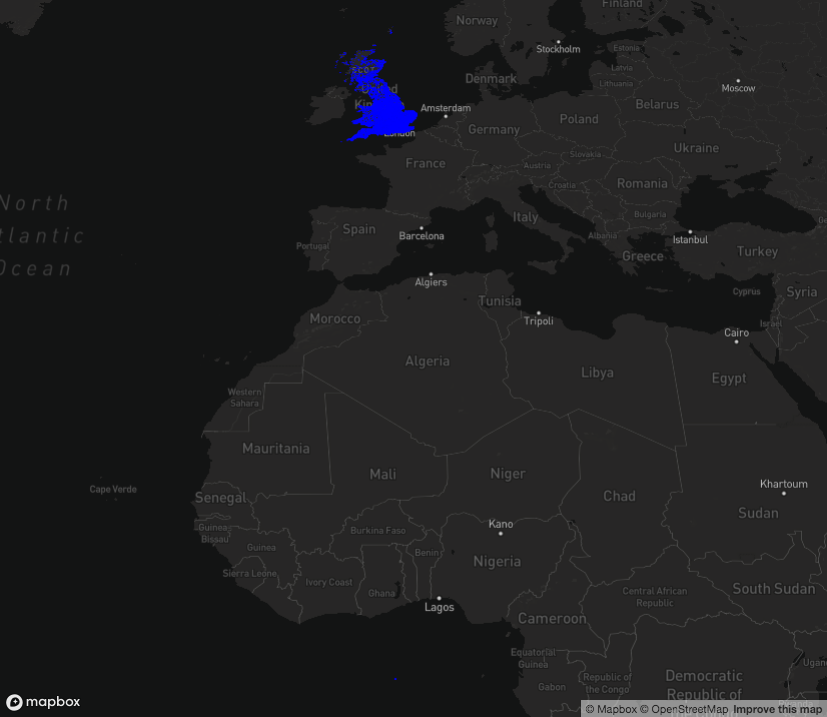
The scatterplot has rendered as expected - the blue dots over the UK
The hexagons have rendered at coordinates (0, 0) (you can see a small blue dot at location (0, 0) off the central-east coast of Africa at the bottom of the image), and I don't know why.
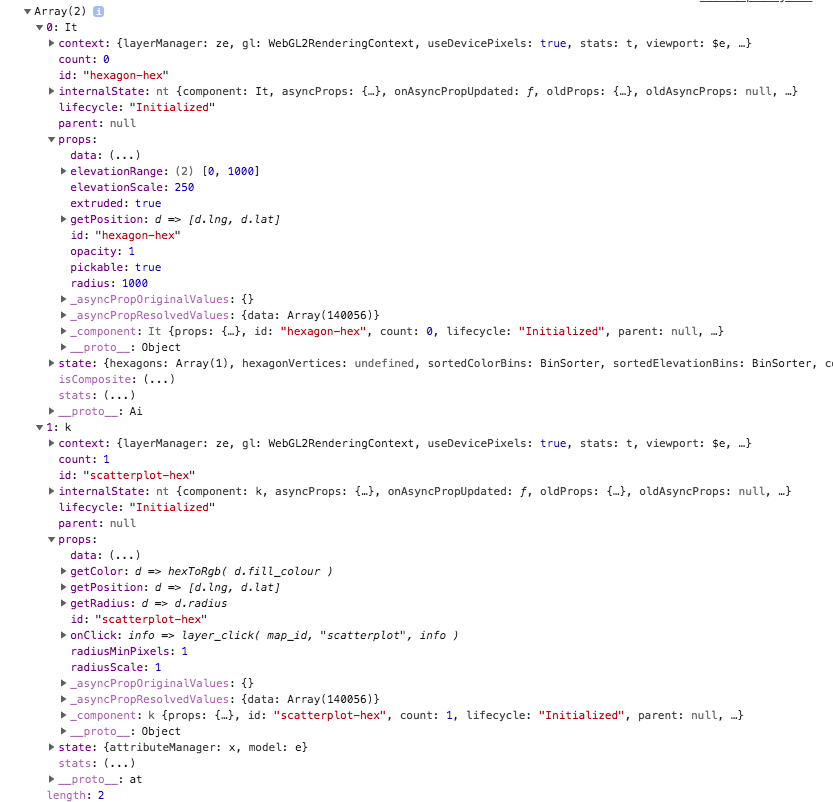
If it helps, this is the log of the hexagon and scatterplot layers
Code Example
The two functions I'm using to create the hexagon and scatterplots are:
const hexagonLayer = new deck.HexagonLayer({
  id: 'hexagon'
  data,
  pickable: true,
  extruded: true,
  elevationRange: [0, 1000],
  elevationScale: 250,
  opacity: 1,
  getPosition: d => [d.lng, d.lat]
});
const scatterLayer = new deck.ScatterplotLayer({
  id: 'scatterplot',
  data,
  radiusScale: 1,
  radiusMinPixels: 1,
  getRadius: d => d.radius,
  getPosition: d => [d.lng, d.lat],
  getColor: d => hexToRgb( d.fill_colour )
});
Both functions are using the same getPosition: d => [d.lng, d.lat] function, and receive the same data object.
Background / extra detail
I'm an R programmer, not a javascript programmer, so I may have missed something obvious.
I'm making an R package (github repo here) which wraps deck.gl. Therefore my js functions are slightly different to the examples, as I have to receive the data from R.
To Do List
- [ ] Add label and assign to milestone
- [ ] Coding
- [ ] Test
 SymbolixAU
All 18 comments
@SymbolixAU
You are not providing getColor prop for hexagon layers, so the blue-dot you are seeing could be part of ScatterplotLayaer.
Couple of suggestions, 1. Can you increase elevationScale to see if it gets rendered. 2. Do not render scatterplot and see if anything rendered for hexagon. But otherwise your props seems to be fine and anything you are not set should use default values.
Also keep an eye on console to see if there are any errors.
 1chandu
on 26 Jul 2018
1chandu
on 26 Jul 2018
@1chandu
is there a getColor prop? thegetColorValue says it's optional too.
Looking closer, the 'blue dot' is actually a 'scatter' dot on top of a yellow hexagon.
If I remove the scatter layer you can see the hexagon at (0, 0)
The small yellow 'dot' in the center
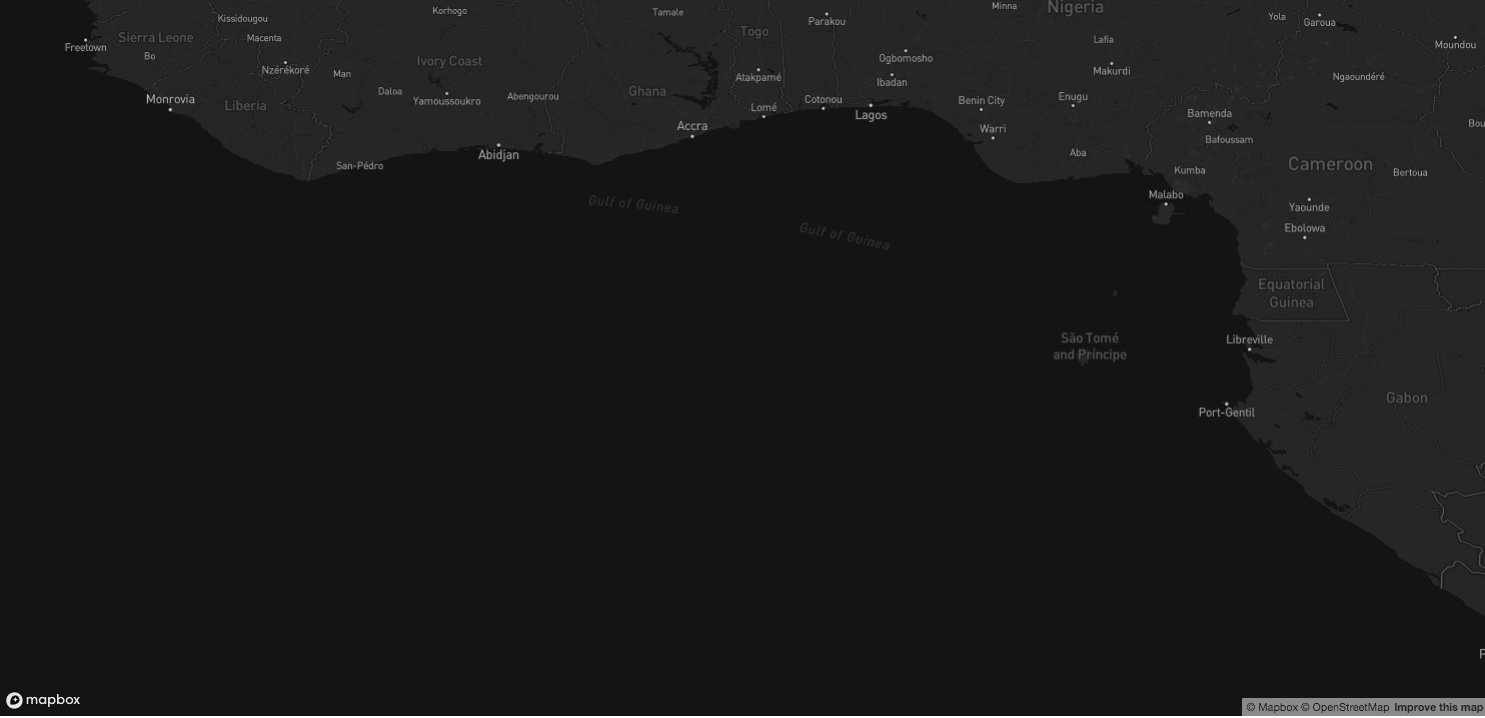
zooming in:

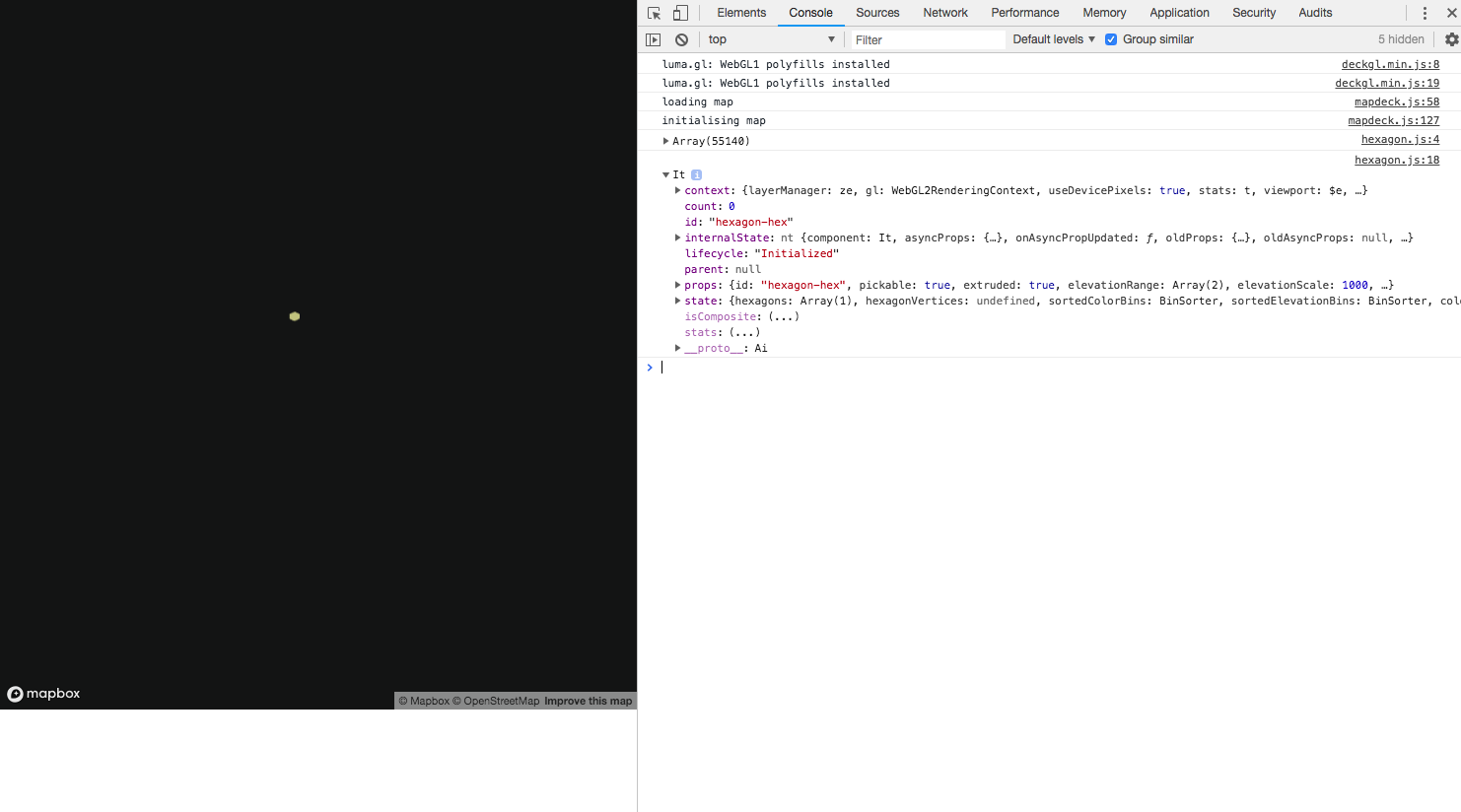
The console is not showing any warnings or errors
SymbolixAU
on 26 Jul 2018
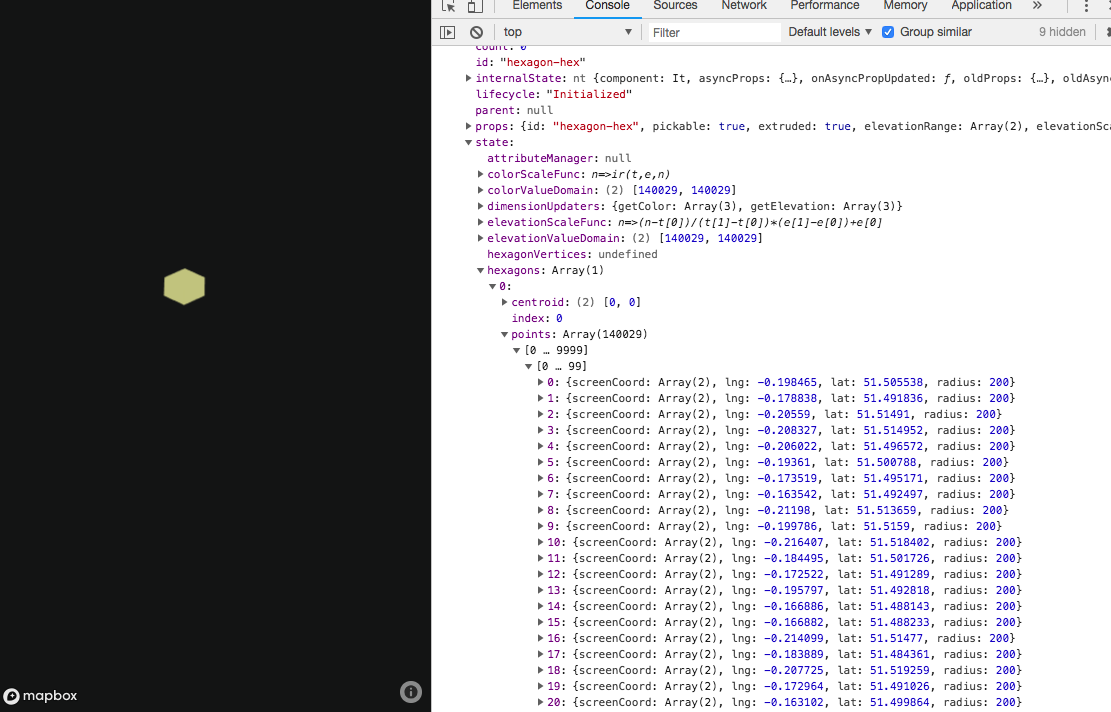
Not an error per-se, but of interest is the centroid is set to [0,0]
SymbolixAU
on 27 Jul 2018
And for what it's worth, I can get all the other layers rendered without issue
SymbolixAU
on 27 Jul 2018
How are the centroids calculated, does this perhaps require a d3 library installed?
SymbolixAU
on 7 Aug 2018
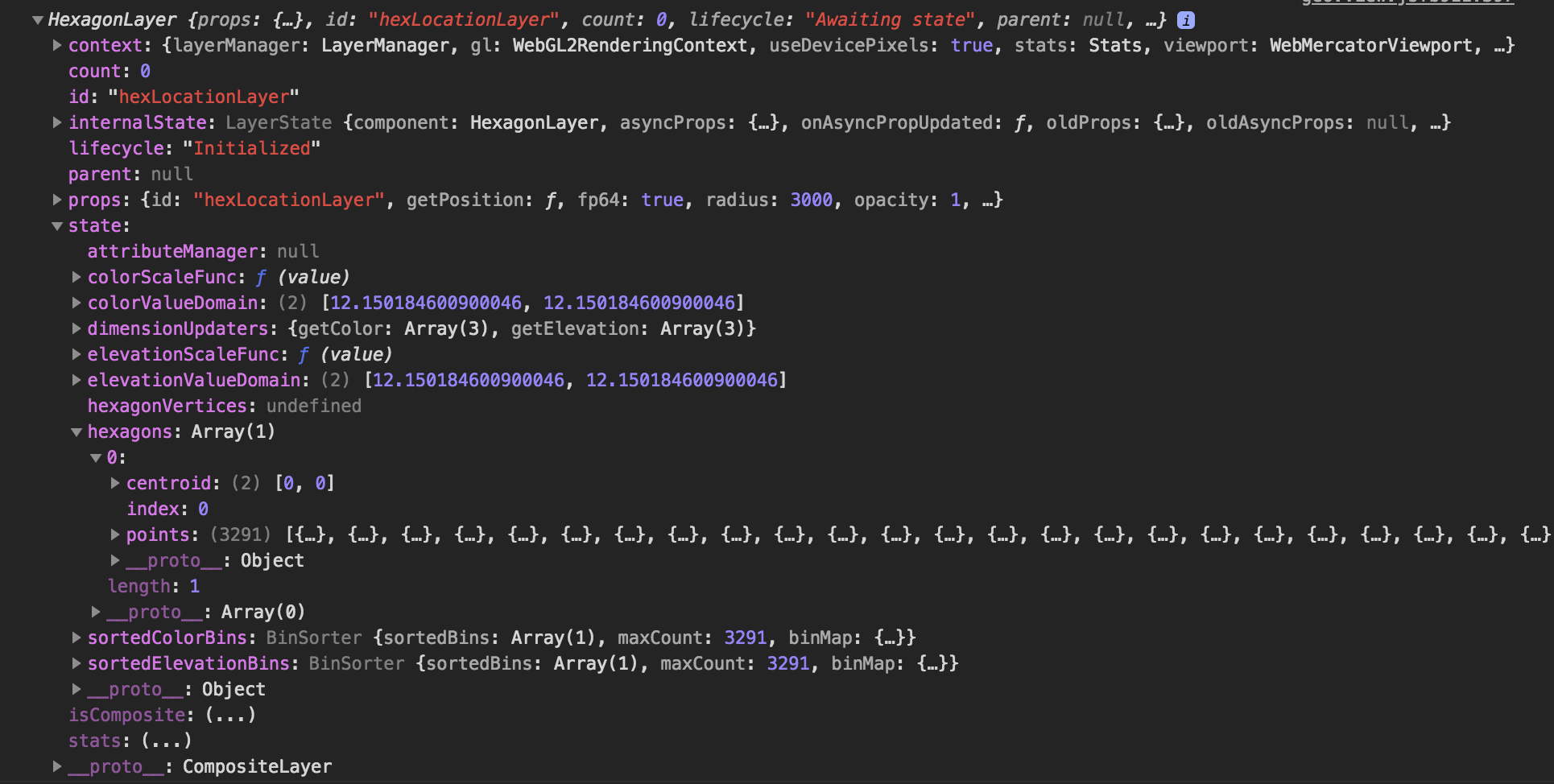
I'm encountering the same issue with the hexagon layer, a hexagons array of length 1 at [0,0] with all the items nested in the points array (as shown in the bottom screenshot of the console)
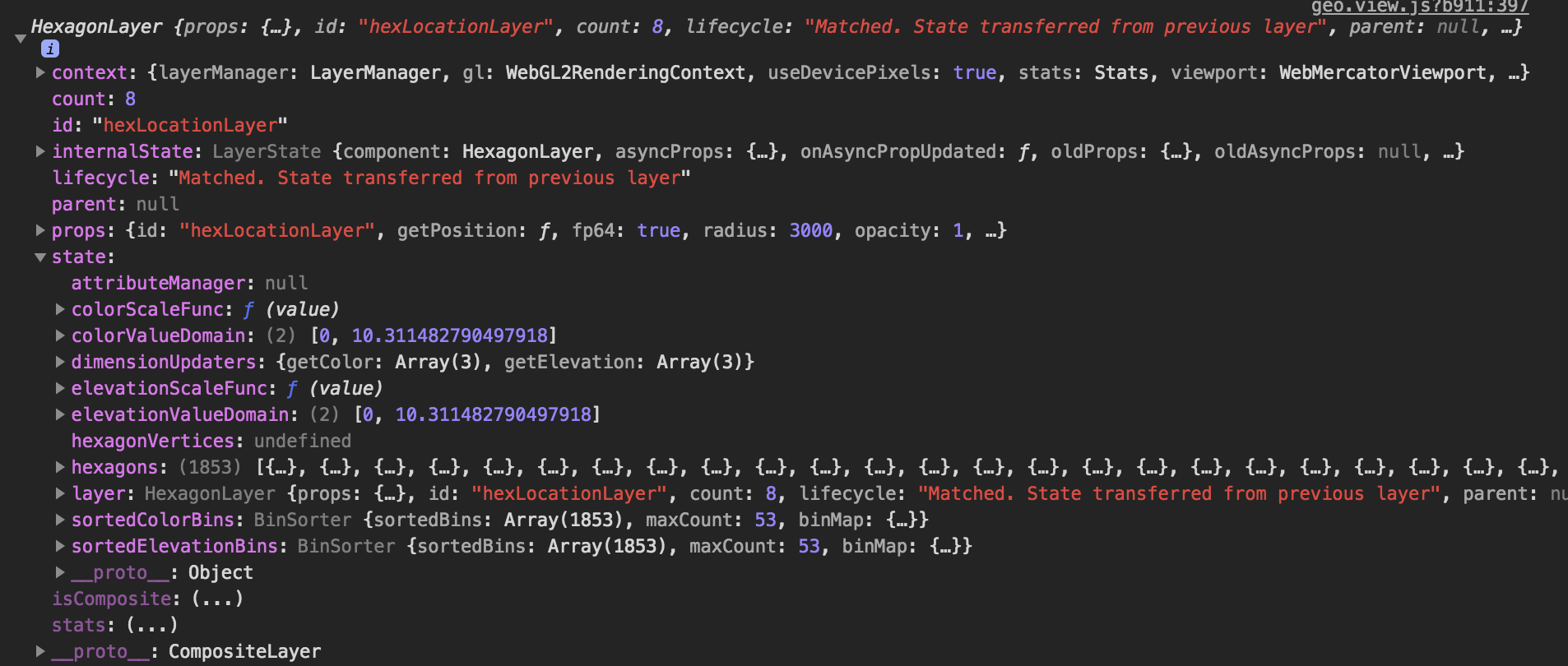
For me it seems an issue with the initial load state, once I manipulate the data and call my render method again (with the same data used initially), it works, displaying hexagons with the correct colors / elevations etc. so none of that is a problem, it seem an issue with the initial load.
There are no reported errors from deck.gl in the console
I'm using this in a Pure JS context.
Did you find a workaround @SymbolixAU ?
Dump of the layer on initial load (with single hex plotted issue):
Dump of the layer once data toggled back and forth using exact same data (displaying correctly):
 oller
on 15 Aug 2018
oller
on 15 Aug 2018
@SymbolixAU @oller , I was able to reproduce this on my end. The problem is , when the first time hexbins are generated the viewport is not properly set yet, resulting in wrong projections. As a temporary work around if you update radius, which re-triggers the hex-bin aggregation, everything renders fine, I am looking into this.
1chandu
on 16 Aug 2018
Ok, found it, unlike other aggregation layers (Grid and ScreenGrid), HexagonLayer, aggregation depends on viewport, so when viewport is changed, we need to re-trigger the aggregation. PR coming up ...
Correction: PR updated : aggregate only once but with a valid viewport. No re-aggregation on viewport change. (like pan, zoom etc)
1chandu
on 16 Aug 2018
An update from my tests
versions: v6.1.0 and v6.1.1 of deckgl.min.js
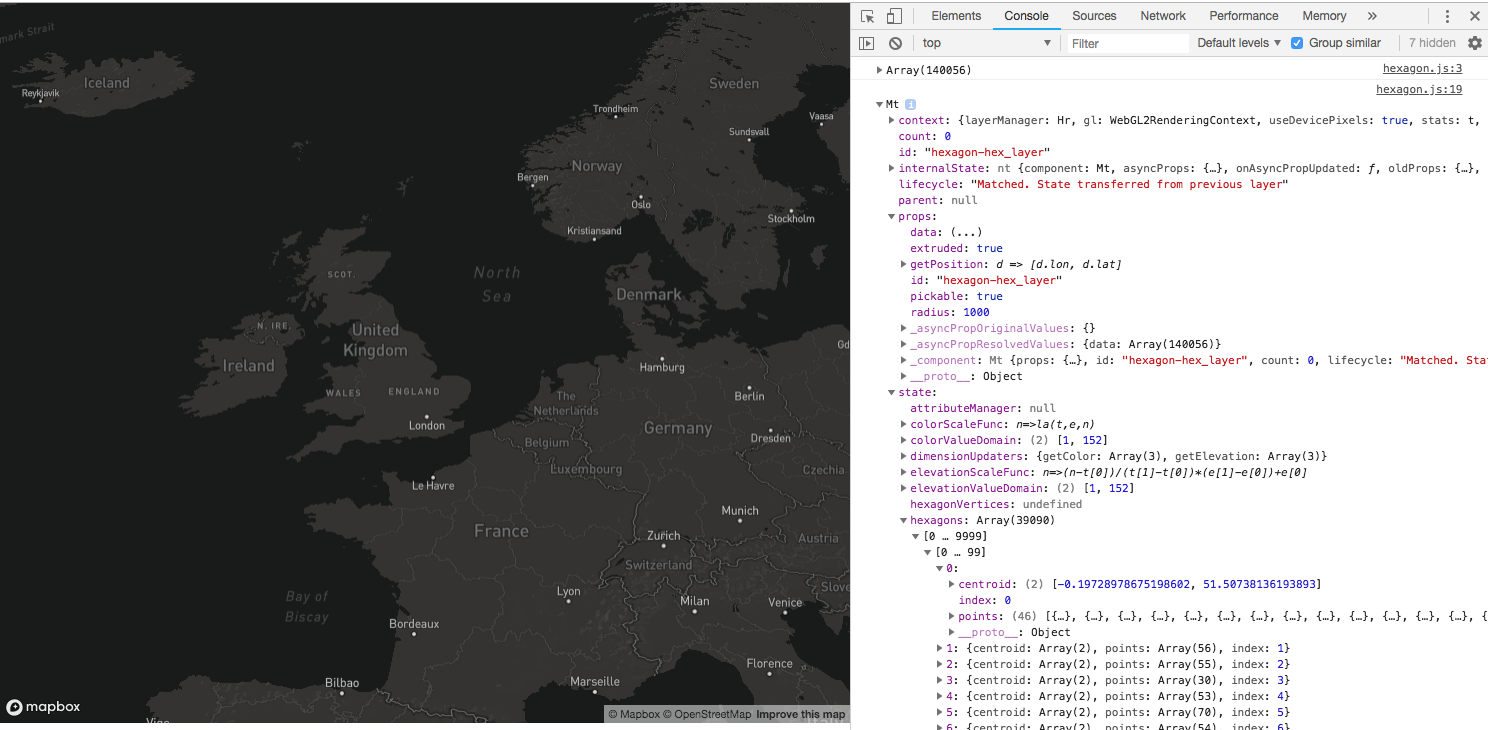
- Hexagons are still not rendered on the map
- The console is showing hexagon data (and a hexagon-layer object) with centroids
SymbolixAU
on 26 Sep 2018
Likewise, having followed this issue's progress and noted it was added into the 6.1.1 milestone, I can confirm this still isn't resolved in 6.1.1 version in my scenario either.
oller
on 26 Sep 2018
Any update on this @1chandu? It'd be a shame to see all that work you put in not make a release. Thanks again!
oller
on 3 Oct 2018
Same issue in v6.2.0 of deckgl.min.js
SymbolixAU
on 19 Oct 2018
@1chandu is this related to https://github.com/uber/deck.gl/issues/2215?
 Pessimistress
on 20 Oct 2018
Pessimistress
on 20 Oct 2018
Closing this, remaining work is tracked in #2215
1chandu
on 22 Oct 2018
Sorry too soon, keeping it open due to this comment:
Same issue in v6.2.0 of deckgl.min.js
2376 published in deck.[email protected]. @SymbolixAU can you give it a try?
Pessimistress
on 24 Oct 2018
Wahey! Works for me in 6.2.1!
Thanks again for all your efforts with this lib!
oller
on 24 Oct 2018
Awesome! 6.2.1 is now my new favourite number.
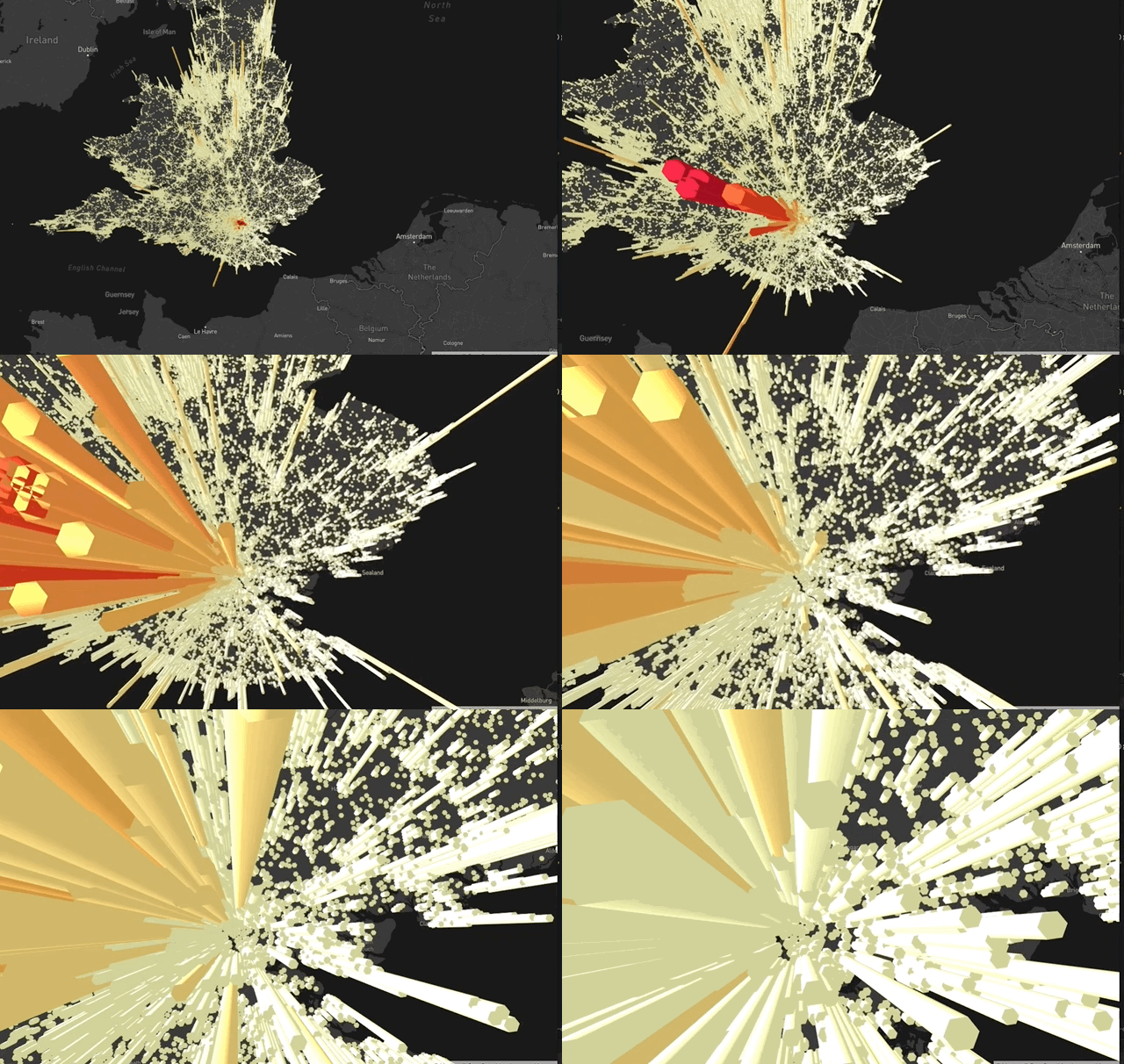
Thanks @Pessimistress @1chandu and the rest of the Deck.gl team
SymbolixAU
on 24 Oct 2018
Related issues
 heumsi
·
4Comments
heumsi
·
4Comments
 nagix
·
3Comments
nagix
·
3Comments
 jacklam718
·
4Comments
SymbolixAU
·
4Comments
jacklam718
·
4Comments
SymbolixAU
·
4Comments
 patilvikram
·
3Comments
patilvikram
·
3Comments
Most helpful comment
Ok, found it, unlike other aggregation layers (Grid and ScreenGrid), HexagonLayer, aggregation depends on
viewport, so whenviewportis changed, we need to re-trigger the aggregation. PR coming up ...Correction: PR updated : aggregate only once but with a valid viewport. No re-aggregation on viewport change. (like pan, zoom etc)