Dataverse: Favicon - Improve resolution for various display options
When sharing a dataset or dataverse, the favicon file favicondataverse.png for the app tends to be used as the thumbnail to preview the page.

With it's 16 x 16 size, it is distorted and pixelated. There are tools like realfavicongenerator.net that can be used to generate the appropriate file types for various browsers and platforms.
 mheppler
All 6 comments
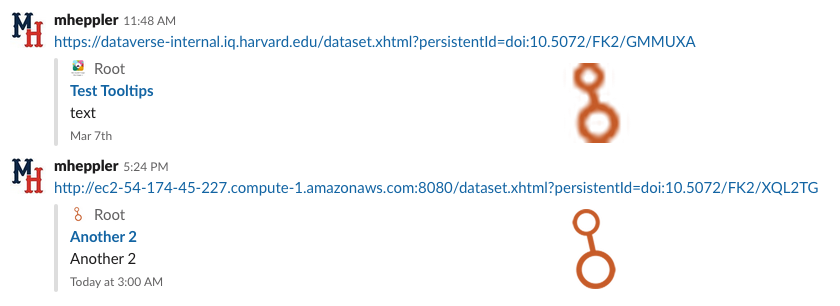
Managed to get an improved icon displayed when sharing (80px is the magic number for Slack, see attached). Still hope to revise and improve upon this. Slowly learning about the og:image meta tag, and it's best practices. Work here is going to input feedback for #5641. Might back out some of the changes here, before submitting a pull request, in order to move them over that issue as feedback for @qqmyers on his PR.
mheppler
on 13 Mar 2019
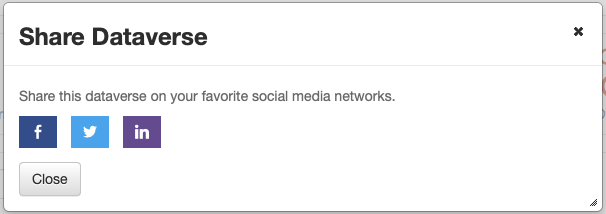
With the demise of Google Plus, I have swapped Google Plus for LinkedIn option in the share popup.
mheppler
on 18 Mar 2019
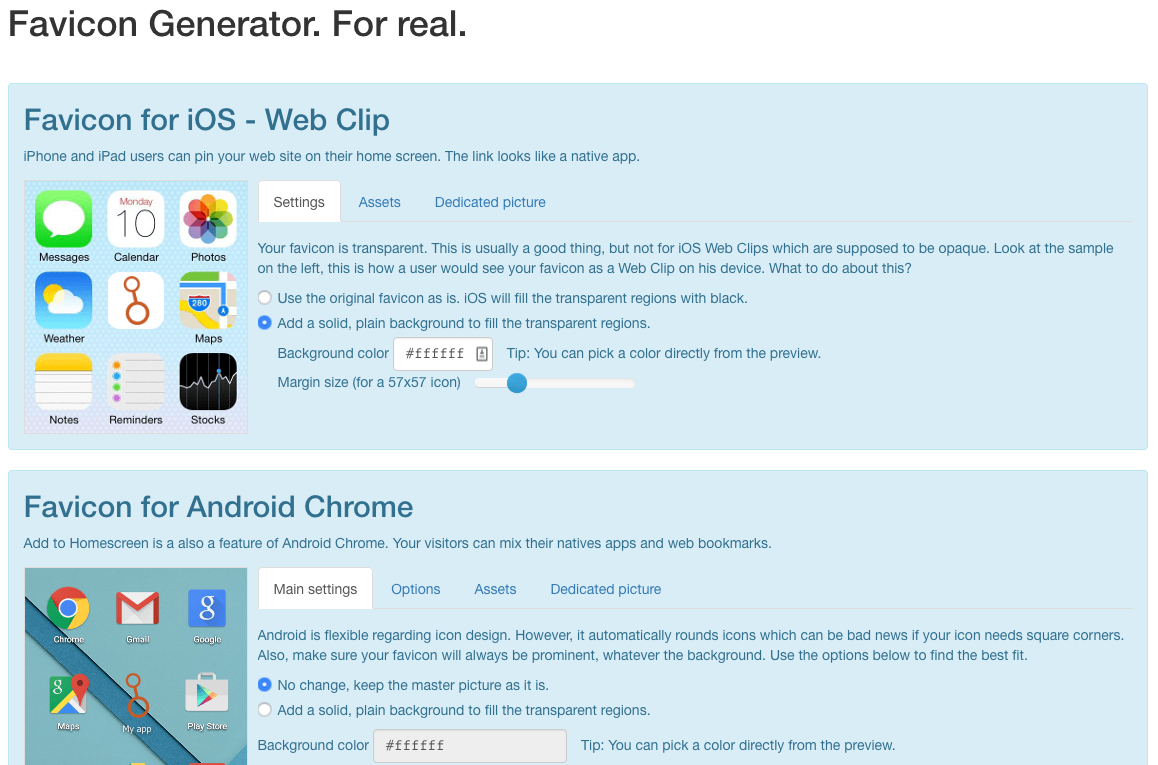
All the new and improved Dataverse favicon files were created from the very useful RealFaviconGenerator. After creating an SVG of the icon from it's original Illustrator vector file, I was able to upload it and it generated all the preferred sizes and file types of all the various browsers and platforms. Which would have taken hours, if not days, to research and produce individually.
mheppler
on 19 Mar 2019
OK. With much help from @landreev and @pdurbin I managed to set this branch up on AWS to test the access of these new favicon images by the social media robots.
This required utilizing the changes to robots.txt included in #5639 to allow access to more of the site to more robots. In addition to those general changes, I needed to specifically grant access to the images directory.
Allow: /javax.faces.resource/images/
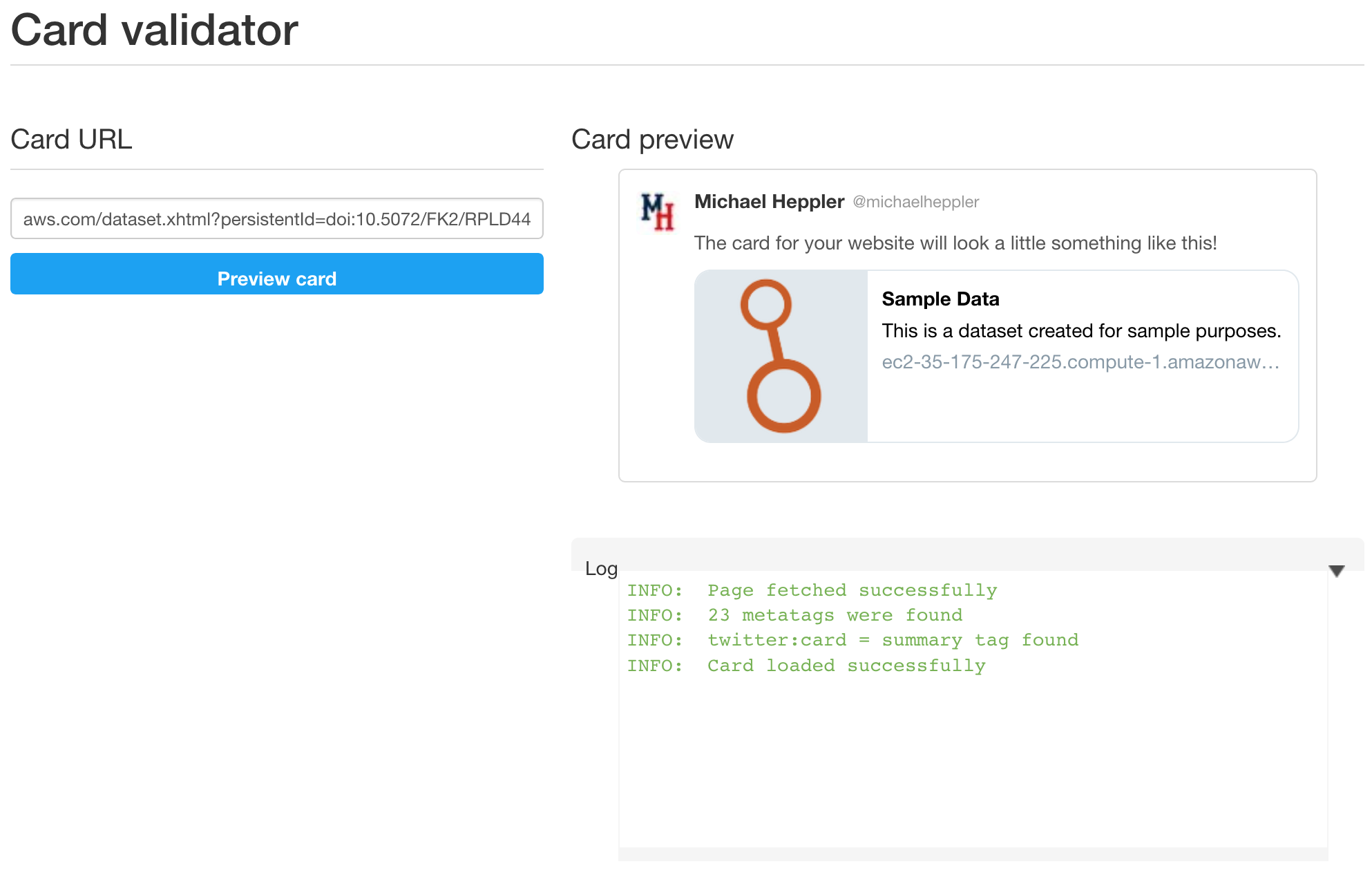
Using the Open Graph Preview extension for Google Chrome and the Twitter card validator developer tool, I was able to confirm the preview cards generated by the social media sites Facebook and Twitter included the higher-res (1200 px as commonly recommended) favicon image linked via the og:image meta tag added to dataset.xhtml in #4894.

mheppler
on 19 Mar 2019
Inventory of new images other files generated by the RealFaviconGenerator tool to support all the various browsers and platforms:
- src/main/webapp/resources/images/fav/android-chrome-192x192.png
- .../images/fav/android-chrome-512x512.png
- .../images/fav/apple-touch-icon.png
- .../images/fav/browserconfig.xml
- .../images/fav/favicon-16x16.png
- .../images/fav/favicon-32x32.png
- .../images/fav/favicon.ico
- .../images/fav/mstile-144x144.png
- .../images/fav/mstile-150x150.png
- .../images/fav/mstile-310x150.png
- .../images/fav/mstile-310x310.png
- .../images/fav/mstile-70x70.png
- .../images/fav/safari-pinned-tab.svg
- .../images/fav/site.webmanifest
...which were link to dataverse-template:
        <link rel="apple-touch-icon" sizes="180x180" href="#{resource['images/fav/apple-touch-icon.png']}"/>
        <link rel="icon" type="image/png" sizes="32x32" href="#{resource['images/fav/favicon-32x32.png']}"/>
        <link rel="icon" type="image/png" sizes="16x16" href="#{resource['images/fav/favicon-16x16.png']}"/>
        <link rel="manifest" href="#{resource['images/fav/site.webmanifest']}"/>
        <link rel="mask-icon" href="#{resource['images/fav/safari-pinned-tab.svg']}" color="#da532c"/>
        <meta name="msapplication-TileColor" content="#da532c"/>
        <meta name="theme-color" content="#ffffff"/>
Also added to the dataset pg to support the new og:image meta tag:
- src/main/webapp/resources/images/dataverse-icon-1200.png
<meta property="og:image" content="#{DatasetPage.dataverseSiteUrl.concat(resource['images/dataverse-icon-1200.png'])}" />
Eventually we will also want to add that new 1200 px version of the favicon to the dataverse and file pgs, when the Open Graph og: meta tags get added to those pages.
mheppler
on 19 Mar 2019
And a note for @kcondon when testing... this dataset pg og:image uses the dataverse.siteUrl setting to pass a full path of the favicon image to the social media robots. When setting up my AWS cloud for developing, I had to edit this setting in my domain.xml file.
<jvm-options>-Ddataverse.siteUrl=http://...:8080</jvm-options>
mheppler
on 19 Mar 2019
Related issues
 matthew-a-dunlap
·
4Comments
matthew-a-dunlap
·
4Comments
 Fernand0S
·
4Comments
Fernand0S
·
4Comments
 bsilverstein
·
4Comments
bsilverstein
·
4Comments
 jggautier
·
4Comments
jggautier
·
4Comments
 amberleahey
·
3Comments
amberleahey
·
3Comments
Most helpful comment
Managed to get an improved icon displayed when sharing (80px is the magic number for Slack, see attached). Still hope to revise and improve upon this. Slowly learning about the
og:imagemeta tag, and it's best practices. Work here is going to input feedback for #5641. Might back out some of the changes here, before submitting a pull request, in order to move them over that issue as feedback for @qqmyers on his PR.