Dataverse: ORCID login broken due to out-of-date CA certs from Glassfish
OAuth2 (ORCID) authentiction with apache -> glassfish (on same system) functional; web router / load balancer -> apache -> glassfish (load balancer on different system) non-functional.
Currently suspecting suspecting a header forwarding issue that should be added to docs for anyone attempting to run in this type of configuration; but open to other possibilities since root cause TBD.
 pameyer
All 25 comments
Re-configuring to remove the web router / load balancer suggests the problem is upstream; so this may not be a factor.
pameyer
on 7 Sep 2018
Upstream? I'm confused. Where's the problem?
 pdurbin
on 7 Sep 2018
pdurbin
on 7 Sep 2018
@pdurbin I thought the problem was that ORCID logins broke when I but dataverse behind a load balancer. This turned out to be incorrect - reverting to the non-load balancer configuration was also broken (aka - ORCID logins failed on callback.xhtml).
Still investigating, but looking like this has a non-dataverse cause (will close if so).
pameyer
on 7 Sep 2018
@pameyer ok, please keep us posted. Thanks!
pdurbin
on 7 Sep 2018
Checked logs - worked for me on a staging site 8/30; reverting to same commit that worked then failed today. Thanks to @kcondon, was able to confirm that ORCID sandbox failed today on a system which was known to work 9/5 (with the same exception trace).
Will update when I hear back from them - but relatively high confidence that I'll be able to close this one as "not a dataverse code problem" soon; and the the originally described problem is a non-issue.
pameyer
on 7 Sep 2018
9/10/2018, same behavior; no response from ORCID support. Investigation Friday suggested possible issue with certificate trust chain, but addressing these issues did not appear to change login behaviour.
Exception trace attached
server-orcid20180910-log.txt
ORCID status page (http://status.orcid.org/, note not https) does not show any signs of problem - but sandbox is not monitored there (not unexpected - sandbox/development/staging systems usually don't get monitoring/alerting).
pameyer
on 10 Sep 2018
Additional investigation suggesting that this is not a problem on the ORCID end; potentially related to glassfish CA certificates.
From application server, curl SSL connections to https://sandbox.orcid.org/oauth/token (and https://orcid.org/oauth/token, used by production ORCID) succeed (more specifically, return HTTP 401 unauthorized, as expected). Export glassfish keystore CA certificates into PEM for use by curl; same connections fail with SEC_ERROR_UNKNOWN_ISSUER. Relevant CA certificate in glassfish keystore is not yet expired thought - needs additional troubleshooting.
pameyer
on 10 Sep 2018
Was able to successfully login to staging site with ORCID sandbox after sorting out the CA issue (aka - confirmed that this is not a problem on the ORCID end). Will update w more details.
pameyer
on 10 Sep 2018
CA certificates in glassfish keystore result in SEC_ERROR_UNKNOWN_ISSUER when attempt to connect to some URLs as part of ORCID OAuth login (observed on ORCID sandbox, but production URLs showed same behavior). Replacing certificate store w CentOS 7 provided CA certificates resolved issue. Indirectly tested CA certs from glassfish 5.0 keystore (exported into PEM, checked URLs w curl), these showed the same SEC_ERROR_UNKNOWN_ISSUER.
This might be something to address in documentation; but before doing that it would be good to know if there was a reason that glassfish is not using the OS certificates out of the box.
pameyer
on 10 Sep 2018
@pameyer there's a lot of command line magic involved in the fix, right? Over at http://guides.dataverse.org/en/4.9.2/installation/config.html#network-ports I wrote "the process of adding a certificate to Glassfish is arduous and not for the faint of heart."
pdurbin
on 10 Sep 2018
@pdurbin I took the less magic approach of just replacing the entire keystore - but one reason for not making a PR is that I'm concerned about this being more of a sledgehammer approach than is justified.
pameyer
on 10 Sep 2018
@pameyer you used the keystore from Glassfish 5.0?
pdurbin
on 11 Sep 2018
Nope - Glassfish 5.0 keystore showed same failure; CentOS 7 keystore was functional.
pameyer
on 11 Sep 2018
@pameyer ok, are you able to share the exact commands you used?
pdurbin
on 11 Sep 2018
keytool -list -rfc -keystore /etc/pki/ca-trust/extracted/java/cacerts > ~/sys-java.pem for the JKS conversion; used original format of that file to overwrite glassfish/domains/domain1/config/cacerts.jks (after making sure I had a copy).
pameyer
on 11 Sep 2018
I just made pull request #5045 which is the recommended fix discussed above but I did not test it apart from within Vagrant I can still log into Dataverse after making the change. The change is to replace the CA certs from Glassfish with the ones from the operating system.
I also converted the Glassfish certs to pem format and tried to get curl to complain about the ORCID cert but it didn't complain so I must be doing something wrong. This is what I tried:
keytool -list -rfc -keystore /usr/local/glassfish4/glassfish/domains/domain1/config/cacerts.jks > /tmp/glassfish-4.1-cacerts.pem
curl -I https://api.orcid.org --cacert /tmp/glassfish-4.1-cacerts.pem
When I look at the Glassfish cert it doesn't seem to have expired in August 2018 as reported but rather in November 2031:
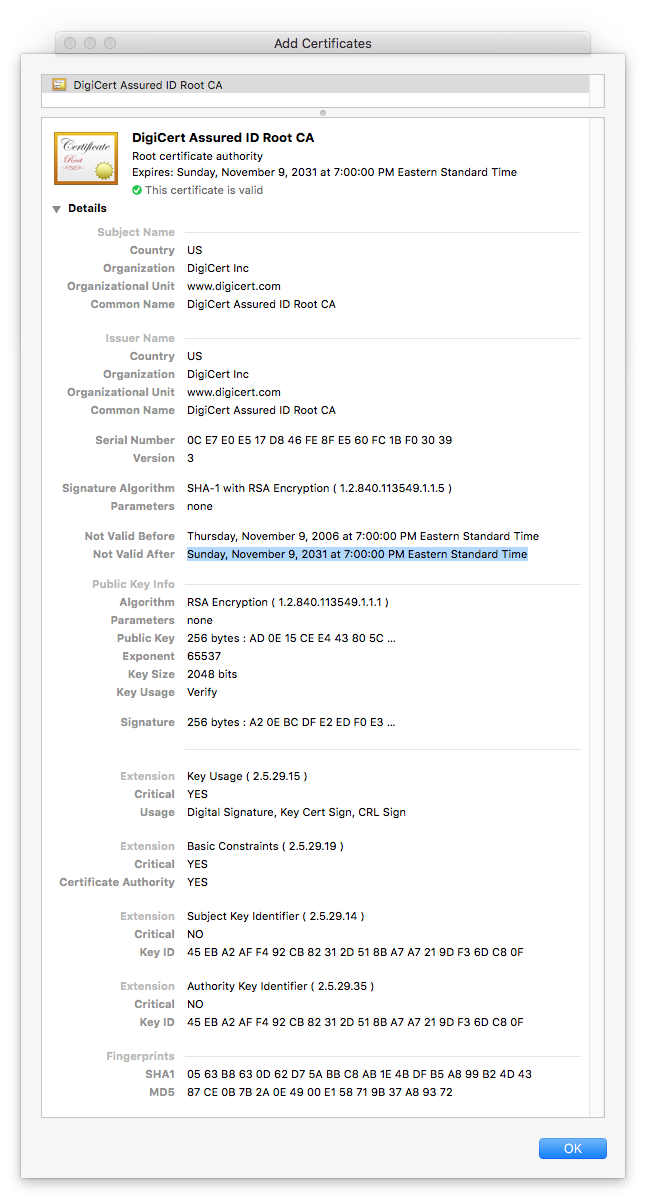
So I'm a little confused about the fix but I wanted to get this into code review so I can at least get some corrections for any misunderstandings I have.
pdurbin
on 11 Sep 2018
@pdurbin The respective token URLs were the problematic ones (
https://github.com/IQSS/dataverse/issues/5034#issuecomment-419961597)
pameyer
on 11 Sep 2018
@pameyer thanks for the note and the in-person chat. Below I'm writing up the following:
- Confirming that curl doesn't like the Glassfish 4.1 CA cert bundle when hitting the ORCID API
- Listing expiration dates in Glassfish 4.1 CA certs bundle
Confirming that curl doesn't like the Glassfish 4.1 CA cert bundle when hitting the ORCID API
First, we establish a baseline showing that curl is fine with the ORCID API when using the CA cert bundle that comes with the operating system (CentOS 6). There are no cert errors from the curl command below (the "401 Unauthorized" response is expected:
curl -I https://orcid.org/oauth/token
Then we export the Glassfish 4.1 cert into a format curl can use (pem) and instruct curl to use it:
keytool -list -rfc -keystore /usr/local/glassfish4/glassfish/domains/domain1/config/cacerts.jks > /tmp/glassfish-4.1-cacerts.pem
curl -I https://orcid.org/oauth/token --cacert /tmp/glassfish-4.1-cacerts.pem
We get the following error:
curl: (60) Peer certificate cannot be authenticated with known CA certificates
More details here: http://curl.haxx.se/docs/sslcerts.html

curl performs SSL certificate verification by default, using a "bundle"
 of Certificate Authority (CA) public keys (CA certs). If the default
 bundle file isn't adequate, you can specify an alternate file
 using the --cacert option.
If this HTTPS server uses a certificate signed by a CA represented in
 the bundle, the certificate verification probably failed due to a
 problem with the certificate (it might be expired, or the name might
 not match the domain name in the URL).
If you'd like to turn off curl's verification of the certificate, use
 the -k (or --insecure) option.
Listing expiration dates in Glassfish 4.1 CA certs bundle
keytool -list -rfc -keystore /usr/local/glassfish4/glassfish/domains/domain1/config/cacerts.jks > /tmp/glassfish-4.1-cacerts.pem
openssl crl2pkcs7 -nocrl -certfile /tmp/glassfish-4.1-cacerts.pem | openssl pkcs7 -print_certs -text -noout | grep -Po 'Not After.*' | sort -k7 -n
Not After: Aug 22 16:41:51 2018 GMT
Not After: May 25 16:09:40 2019 GMT
Not After: Nov 27 20:53:42 2026 GMT
Not After : Aug 13 23:59:00 2018 GMT
Not After : Aug 22 16:41:51 2018 GMT
Not After : Dec 24 18:20:51 2019 GMT
Not After : Jul  6 23:59:59 2019 GMT
Not After : Jul  6 23:59:59 2019 GMT
Not After : Jul  9 17:36:58 2019 GMT
Not After : Jul  9 18:19:22 2019 GMT
Not After : Jul  9 18:40:36 2019 GMT
Not After : Jul  9 23:59:00 2019 GMT
Not After : Jun 24 19:06:30 2019 GMT
Not After : Jun 25 22:23:48 2019 GMT
Not After : Jun 26 00:19:54 2019 GMT
Not After : May 25 16:39:40 2019 GMT
Not After : Dec 31 23:59:59 2020 GMT
Not After : Jun 21 04:00:00 2020 GMT
Not After : Jun 21 04:00:00 2020 GMT
Not After : May 26 00:00:00 2020 GMT
Not After : May 30 10:38:31 2020 GMT
Not After : May 30 10:44:50 2020 GMT
Not After : May 30 10:48:38 2020 GMT
Not After : Apr  6 07:29:40 2021 GMT
Not After : Apr  6 10:49:13 2021 GMT
Not After : Dec 15 08:00:00 2021 GMT
Not After : Jan  1 23:59:59 2021 GMT
Not After : Jan  1 23:59:59 2021 GMT
Not After : Jan  1 23:59:59 2021 GMT
Not After : Mar 17 18:33:33 2021 GMT
Not After : May 21 04:00:00 2022 GMT
Not After : Sep 30 04:20:49 2023 GMT
Not After : Aug 18 13:30:10 2024 GMT
Not After : Aug 18 13:30:16 2024 GMT
Not After : Dec 31 22:59:59 2025 GMT
Not After : Dec 31 22:59:59 2025 GMT
Not After : Dec 31 22:59:59 2025 GMT
Not After : May 12 23:59:00 2025 GMT
Not After : May 17 23:59:00 2025 GMT
Not After : Nov 27 20:53:42 2026 GMT
Not After : Jun 11 10:46:39 2027 GMT
Not After : Aug  1 23:59:59 2028 GMT
Not After : Aug  1 23:59:59 2028 GMT
Not After : Aug  1 23:59:59 2028 GMT
Not After : Aug  2 23:59:59 2028 GMT
Not After : Aug  2 23:59:59 2028 GMT
Not After : Dec 31 23:59:59 2028 GMT
Not After : Jan 28 12:00:00 2028 GMT
Not After : Dec 31 12:07:37 2029 GMT
Not After : Mar 18 10:00:00 2029 GMT
Not After : Mar  4 05:00:00 2029 GMT
Not After : May 29 05:00:39 2029 GMT
Not After : Nov 10 00:00:00 2031 GMT
Not After : Nov 10 00:00:00 2031 GMT
Not After : Nov 10 00:00:00 2031 GMT
Not After : Nov 24 18:23:33 2031 GMT
Not After : Nov 24 19:06:44 2031 GMT
Not After : Oct  1 23:59:59 2033 GMT
Not After : Oct  1 23:59:59 2033 GMT
Not After : Jun 29 17:06:20 2034 GMT
Not After : Jun 29 17:39:16 2034 GMT
Not After : Jul 16 23:59:59 2036 GMT
Not After : Jul 16 23:59:59 2036 GMT
Not After : Jul 16 23:59:59 2036 GMT
Not After : Jul 16 23:59:59 2036 GMT
Not After : Jul 16 23:59:59 2036 GMT
Not After : Jul 16 23:59:59 2036 GMT
Not After : Oct 25 08:30:35 2036 GMT
Not After : Oct 25 08:32:46 2036 GMT
Not After : Oct 25 08:36:00 2036 GMT
Not After : Dec  1 23:59:59 2037 GMT
Not After : Dec  1 23:59:59 2037 GMT
Not After : Dec  1 23:59:59 2037 GMT
Not After : Jun  6 02:12:32 2037 GMT
Not After : Nov 19 20:43:00 2037 GMT
Not After : Sep 29 14:08:00 2037 GMT
Not After : Sep 30 16:13:44 2037 GMT
Not After : Jul 31 12:29:50 2038 GMT
Not After : Jul 31 12:31:40 2038 GMT
[pdurbin@dvnweb-vm2 ~]$
One thing probably relevant for QA is that this change should effect outgoing https connections (aka - when glassfish is making https calls to external services). I confirmed that the CentOS 7 CA certificates worked for ORCID sandbox, and publishing with EZID - but did not test other OAuth providers or other PID providers (and harvesting from other systems might be another source of outgoing https connections). It seems relatively low probability that using more updated CA certificates would cause problems for these integrations, but some of these may be worth confirming.
pameyer
on 11 Sep 2018
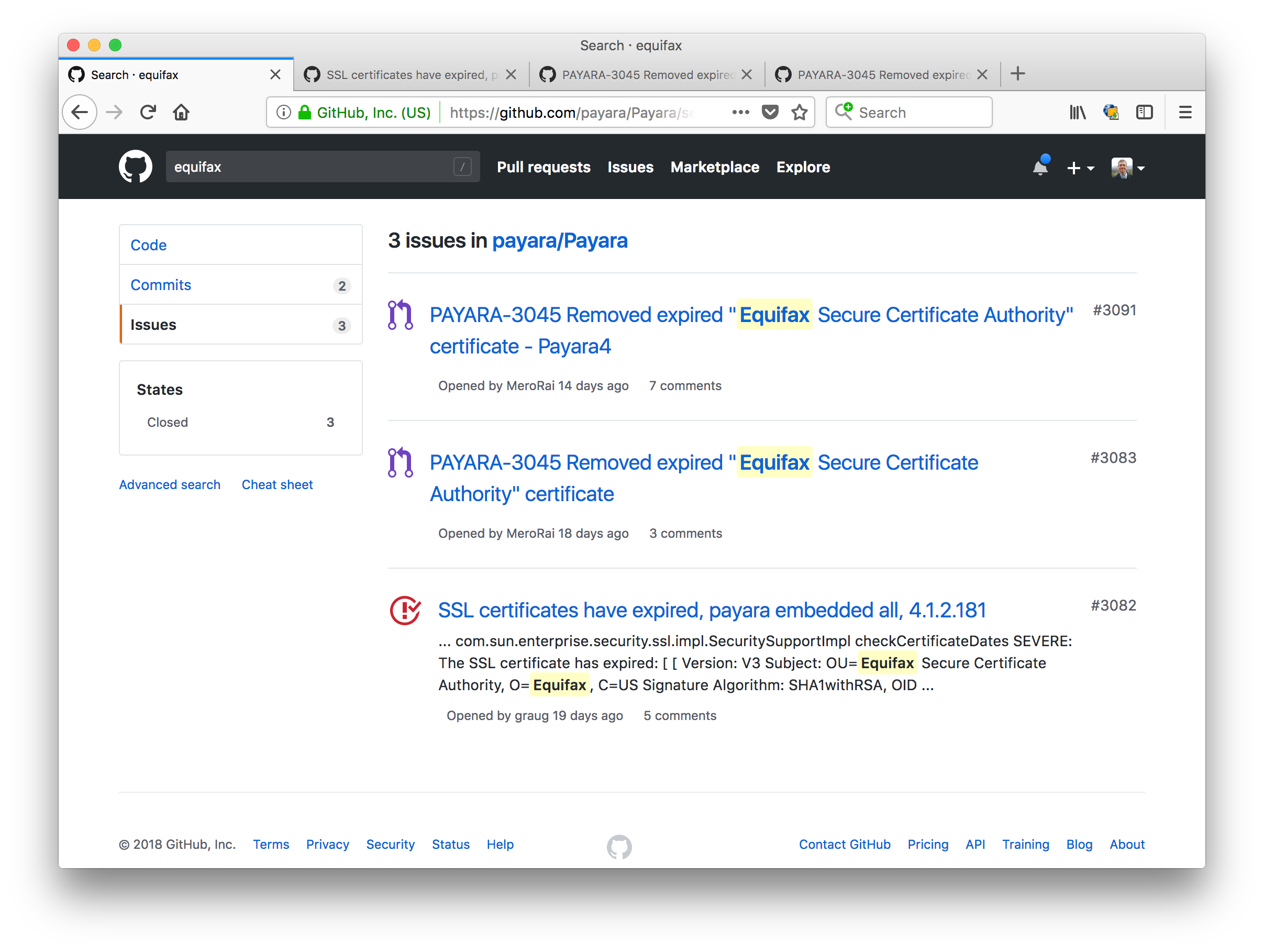
I just thought I'd mention that Payara users are also affected by the cert that expired in August 2018. See https://github.com/payara/Payara/issues/3082
Here's a search for "Equifax", which is the cert that expired: https://github.com/payara/Payara/search?q=equifax&type=Issues
pdurbin
on 11 Sep 2018
I discussed the fix a bit with people in #glassfish on freenode IRC: https://javabot.evanchooly.com/logs/%23glassfish/2018-09-11
pdurbin
on 11 Sep 2018
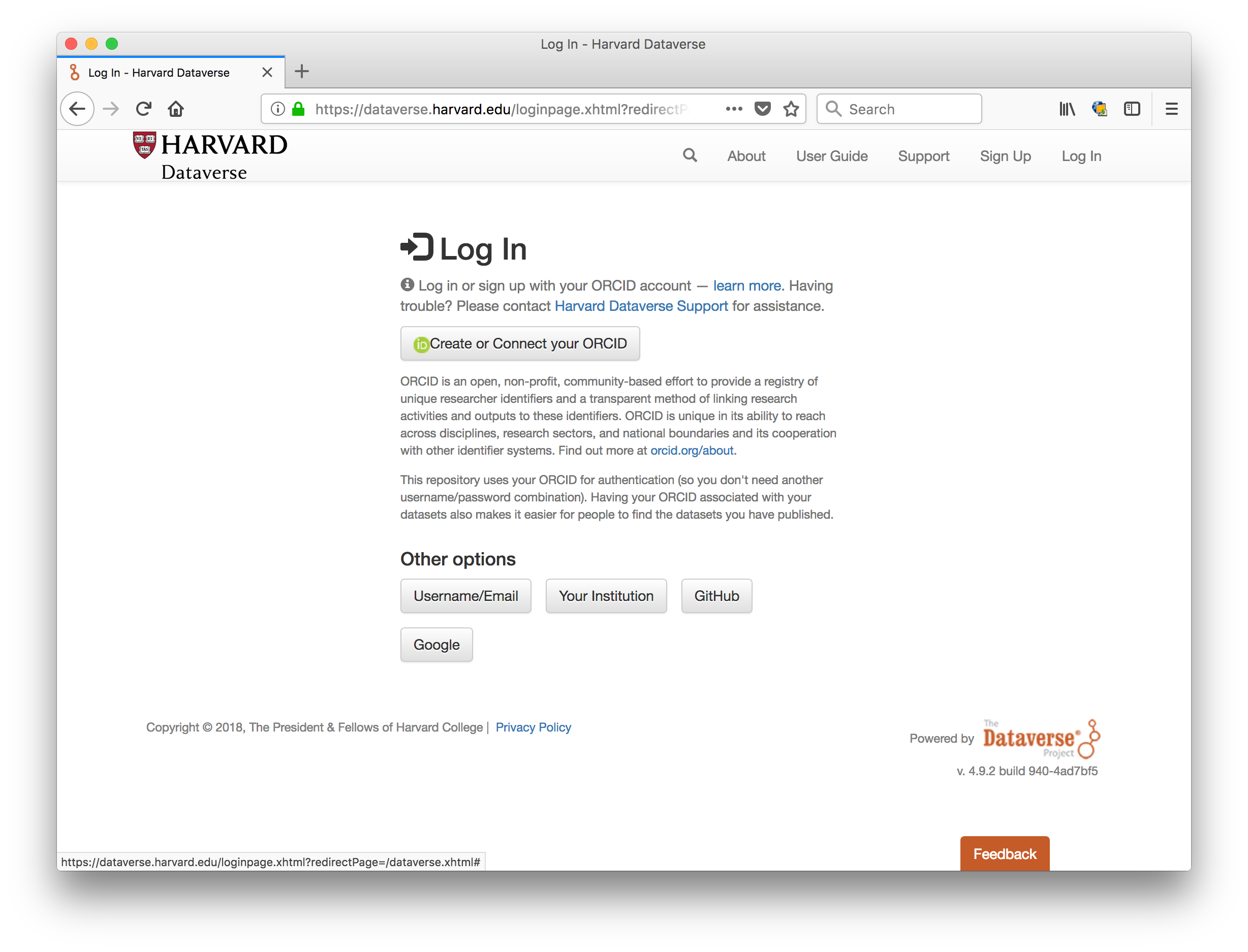
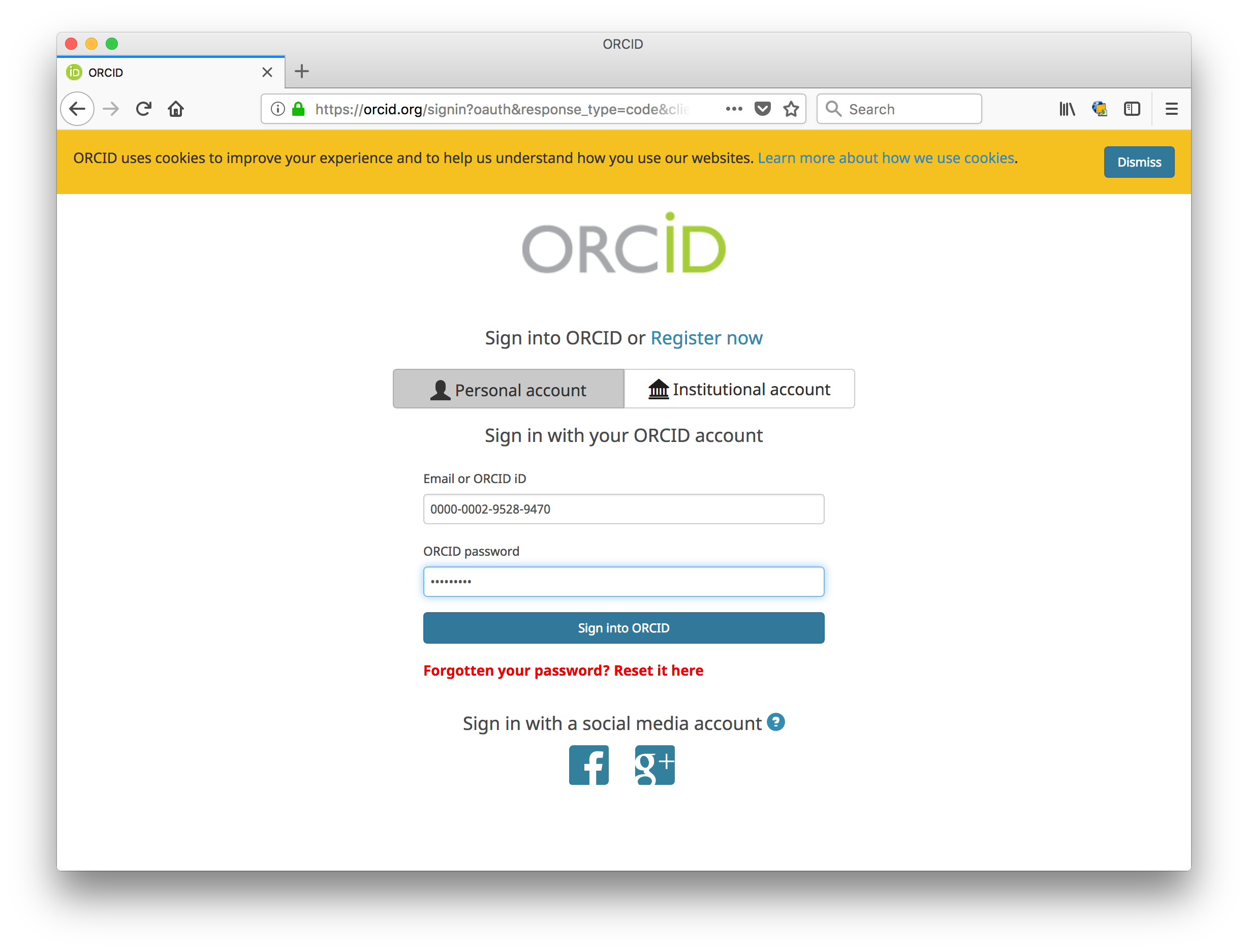
I heard that the fix was deployed to https://dataverse.harvard.edu and I can confirm that ORCID login works fine now. Here are some screenshots:
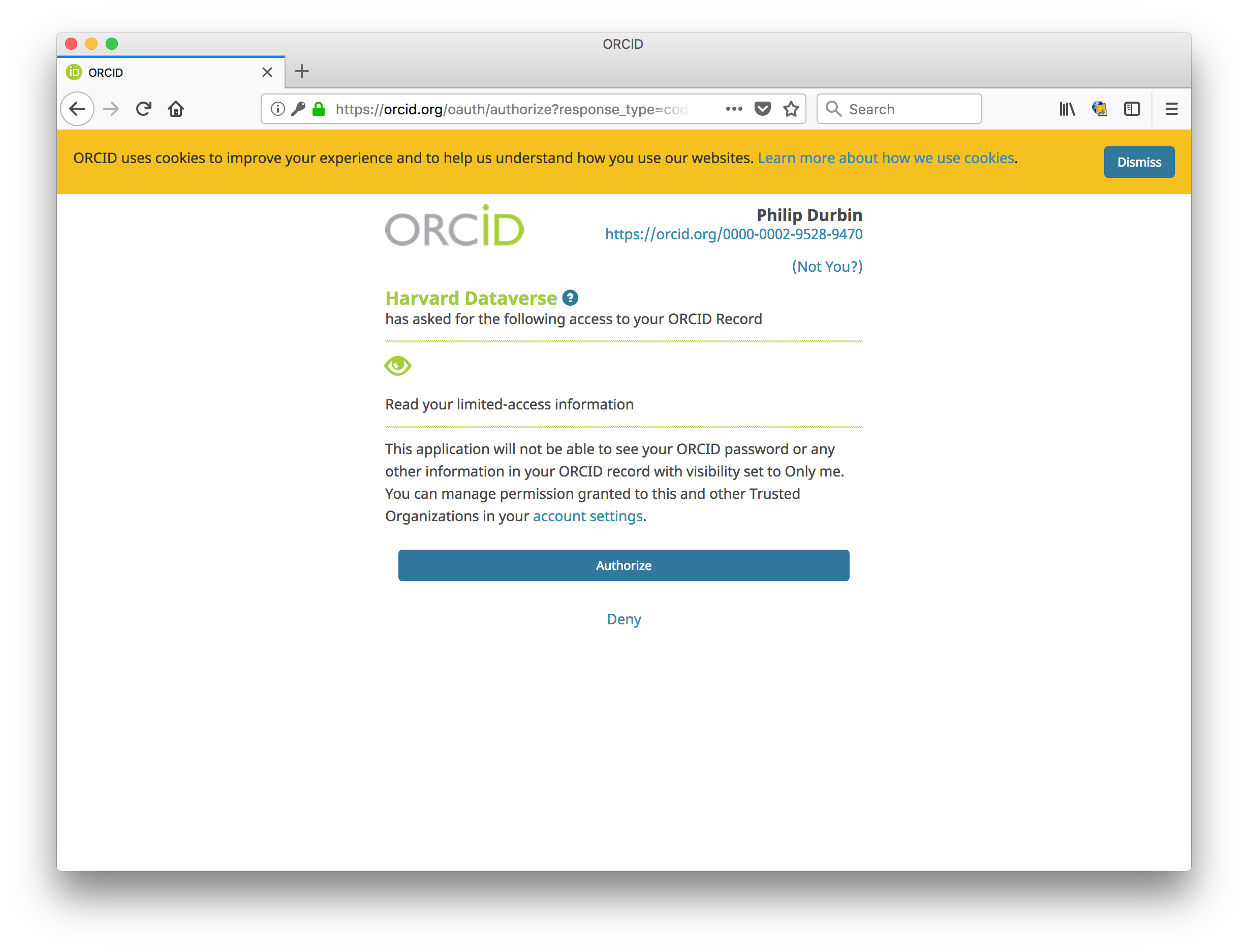
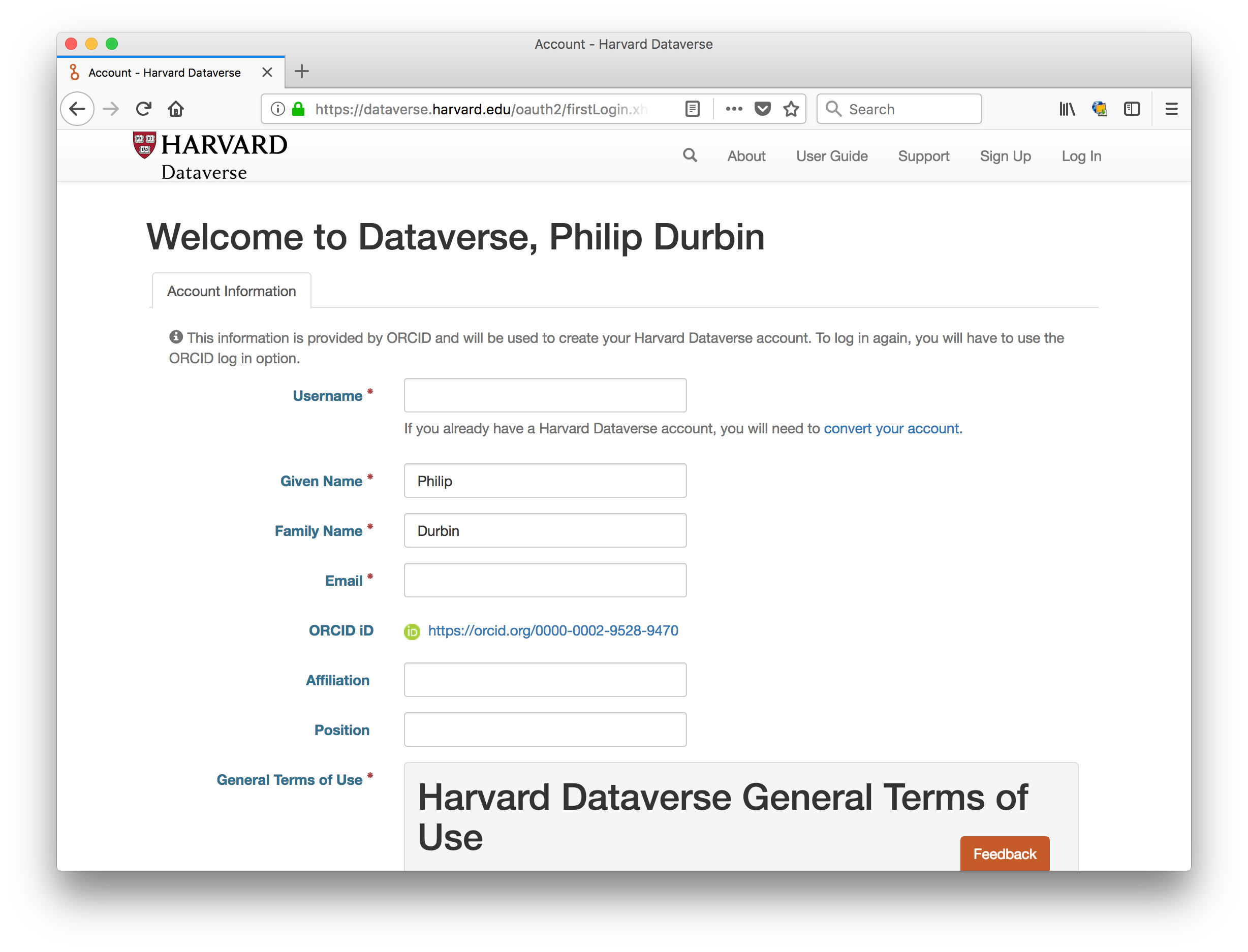
pdurbin
on 12 Sep 2018
Could you please describe the fix for this?
I am running the out-of-the box version of dockerized dataverse and have the exact same behavior with an OAuth 2.0 authority which has a let's encrypt certificate.
 syats
on 1 Jun 2020
syats
on 1 Jun 2020
@syats sure, here's the write up in the pull request (see https://github.com/IQSS/dataverse/pull/5045/files ):
The Certificate Authority (CA) certificate bundle file from Glassfish contains certs that expired in August 2018, causing problems with ORCID login.

- The actual expiration date is August 22, 2018, which you can see with the following command::

    # keytool -list -v -keystore /usr/local/glassfish4/glassfish/domains/domain1/config/cacerts.jks

- Overwrite Glassfish's CA certs file with the file that ships with the operating system and restart Glassfish::

    # cp /etc/pki/ca-trust/extracted/java/cacerts /usr/local/glassfish4/glassfish/domains/domain1/config/cacerts.jks
    # /usr/local/glassfish4/bin/asadmin stop-domain
    # /usr/local/glassfish4/bin/asadmin start-domain
You can also see the HTML version at http://guides.dataverse.org/en/4.20/installation/prerequisites.html#glassfish
pdurbin
on 1 Jun 2020
Thanks!
I can confirm that fixed the issue!
syats
on 1 Jun 2020
Related issues
 jggautier
·
3Comments
jggautier
·
3Comments
 djbrooke
·
4Comments
djbrooke
·
4Comments
 Fernand0S
·
4Comments
Fernand0S
·
4Comments
 bsilverstein
·
3Comments
bsilverstein
·
3Comments
 BPeuch
·
3Comments
BPeuch
·
3Comments