Darktable: tone equalizer → add keyboard/mouse hints
Add keyboard/mouse hints (just like other modules do) on top of the image for tone equalizer module.
 timur-davletshin
All 8 comments
What are the examples of "other modules"?
 hatsunearu
on 2 Jul 2020
hatsunearu
on 2 Jul 2020
What are the examples of "other modules"?
retouch after your click any instrument.
timur-davletshin
on 2 Jul 2020
I'm working on implementation. Any recommendations for what the text should be?
Currently I'm gonna test with "hover to view local exposure value\nscroll to change tone exposure"
hatsunearu
on 2 Jul 2020
scroll to adjust exposure by 0.25 EV, shift+scroll by 1 EV, ctrl+scroll by 0.1 EV, press A while scrolling to zoom
timur-davletshin
on 2 Jul 2020
https://youtu.be/UuB9khJIrDI?t=3255 — comes from here, btw.
timur-davletshin
on 2 Jul 2020
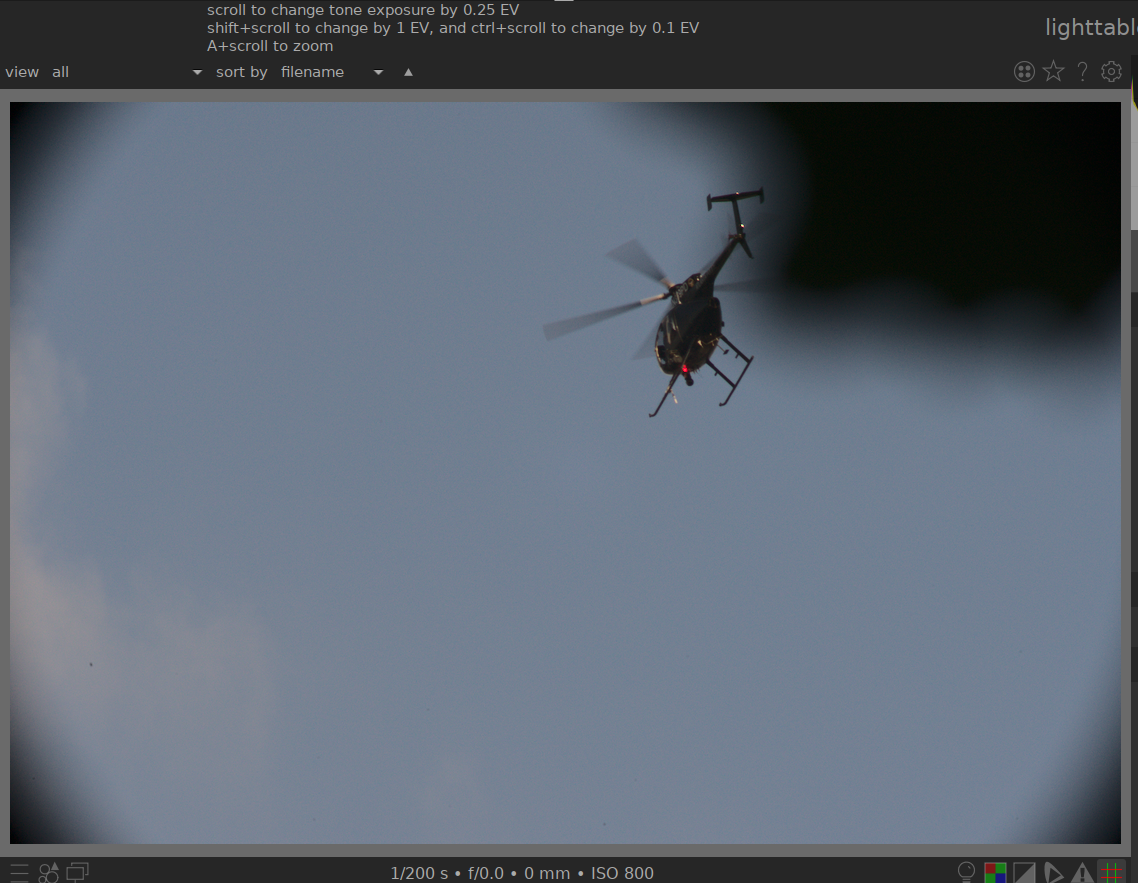
How does this look to you?
edit: I changed the text to "scroll over image to ..."
hatsunearu
on 2 Jul 2020
Looks fine to me.
"scroll over image to ..." — check other strings, probably they need to be fixed too.
timur-davletshin
on 2 Jul 2020
"scroll over image to ..." — I'm fine with both, but IMHO they should be unified.
timur-davletshin
on 2 Jul 2020
Related issues
 schwerdf
·
4Comments
schwerdf
·
4Comments
 AxelG-DE
·
5Comments
AxelG-DE
·
5Comments
 jade-nl
·
3Comments
jade-nl
·
3Comments
 dim162
·
3Comments
dim162
·
3Comments
 trougnouf
·
5Comments
trougnouf
·
5Comments