Darknet: How to install opencv to work with makefile?
I see that opencv that I installed through "conda" could not be recognized by "make".
According to AlexeyAB"s guide, "use your preferred package manager (brew, apt), build from source using vcpkg or download from OpenCV official site".
Doesn't installing by a virtual env like conda do the same thing?
I am really confused how should make it work!


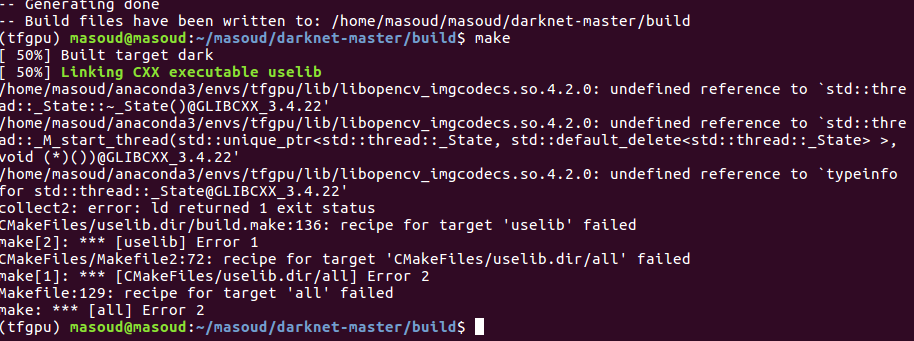
I also followed opencv guide (https://docs.opencv.org/3.4/d2/de6/tutorial_py_setup_in_ubuntu.html) to install opencv inaide darknet-master directory but it didnt work at the last steps as below
 mfaramarzi
All 4 comments
opencv in conda is for python.
for darknet, you can use:
apt update
apt install libopencv-dev
 WongKinYiu
on 5 May 2020
WongKinYiu
on 5 May 2020
@WongKinYiu
Thanks for your response. I tried this way to install openscv:
sudo apt-get update
sudo apt-get install libopencv-dev
And it was installed successfully.
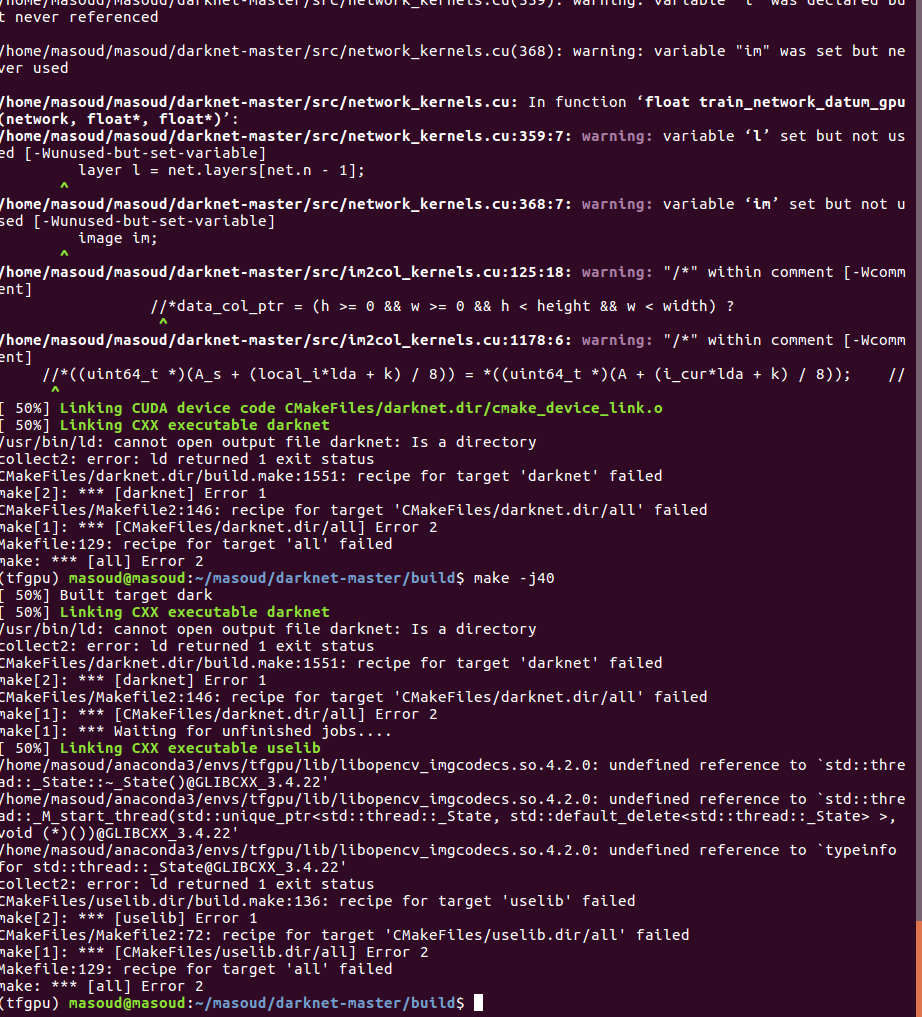
but then when I wanted to compile by "make"/ make -j4
I got this error:
mfaramarzi
on 6 May 2020
try
make clean
make -j4
@WongKinYiu
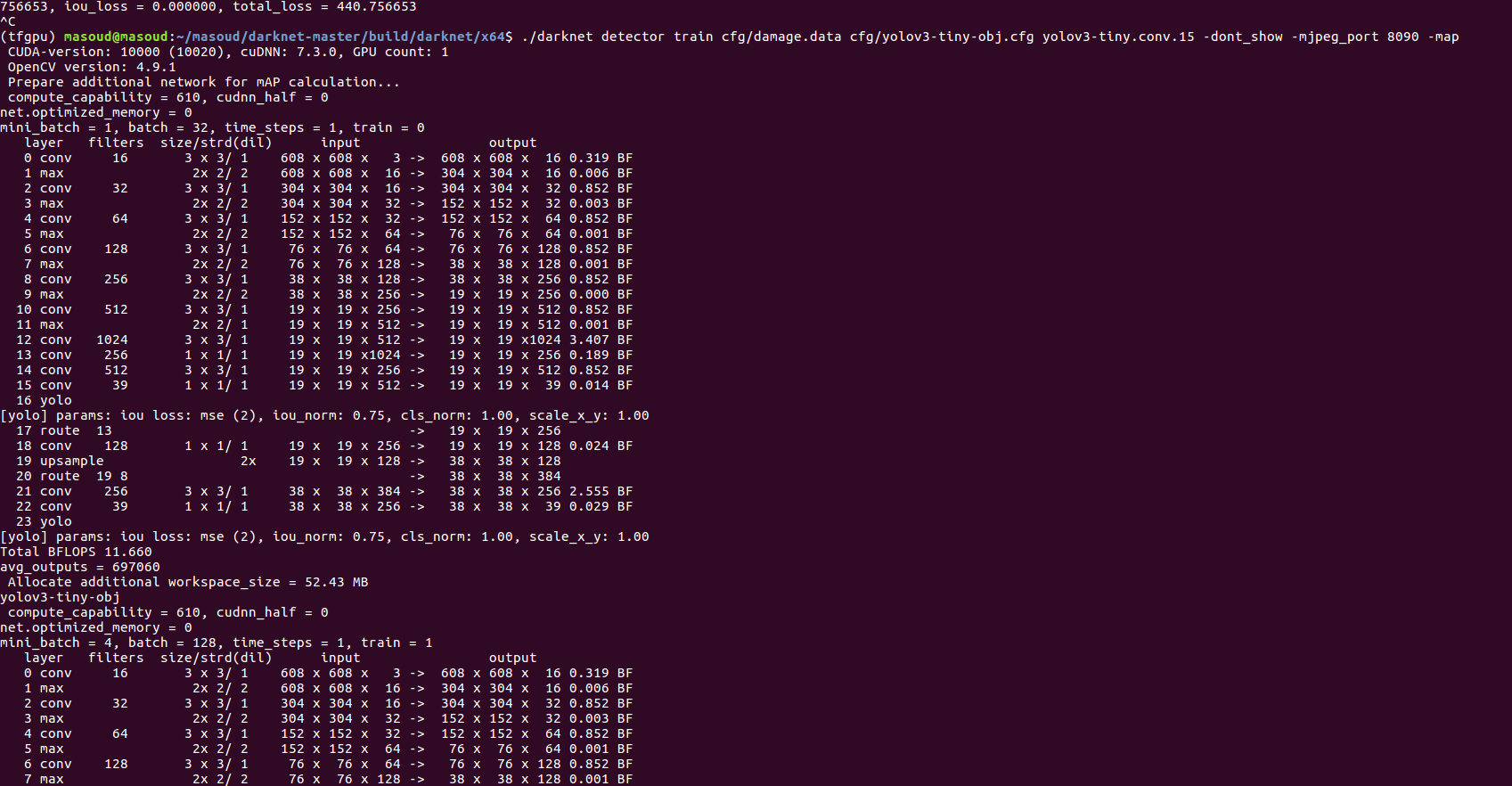
Actually it finally worked. Those commands were correct. I did "make" inside "darknet-master" and I got opencv working :+1:
mfaramarzi
on 6 May 2020
Related issues
 kebundsc
·
3Comments
kebundsc
·
3Comments
 HilmiK
·
3Comments
HilmiK
·
3Comments
 shootingliu
·
3Comments
shootingliu
·
3Comments
 Mididou
·
3Comments
Mididou
·
3Comments
 Greta-A
·
3Comments
Greta-A
·
3Comments
Most helpful comment
opencv in conda is for python.
for darknet, you can use: