Darknet: Deploy Custom Trained Weights with Web Application
Hi, i'm still a beginner in darknet. I've trained my own weights and i have doubts on how to implement it on web application because i just know how to execute the detection on the command line. Any help?
 amar-mustaqim
All 12 comments
@amar-mustaqim Hi,
If you know how to do web-application in Python, then you can base it on examples:
https://github.com/AlexeyAB/darknet/blob/master/darknet.py
https://github.com/AlexeyAB/darknet/blob/master/darknet_video.py
Do you want to detect objects on images or video-stream from IP-camera?
 AlexeyAB
on 18 Apr 2019
AlexeyAB
on 18 Apr 2019
Thanks for your suggestion. I want to detect objects on video stream of my web application.
Do i need to change the path in the code with my path?
And do i need to retrain the weights?
amar-mustaqim
on 19 Apr 2019
Thanks for your suggestion. I want to detect objects on video stream of my web application.
Just run this command:
./darknet detector demo ./cfg/coco.data ./cfg/yolov3.cfg ./yolov3.weights rtsp://login:[email protected]:554 -json_port 8070 -mjpeg_port 8090 -ext_output -dont_show
or
./darknet detector demo ./cfg/coco.data ./cfg/yolov3.cfg ./yolov3.weights http://192.168.0.80:8080/video?dummy=param.mjpg -json_port 8070 -mjpeg_port 8090 -ext_output -dont_show
So the Darknet will work as server, so you can connect to them by using Chrome/Firefox Web-Browser to ports 8070 and 8090.
Do i need to change the path in the code with my path?
You shouldn't change source code.
And do i need to retrain the weights?
If you want to detect these objects, then you shouldn't retrain it: https://github.com/AlexeyAB/darknet/blob/master/data/coco.names
AlexeyAB
on 19 Apr 2019
Is this also works if i want to detect the objects from the webcam? Let say if my web application have a webcam features and the output will be display on the web app during the detection
amar-mustaqim
on 19 Apr 2019
Yes, for web-cam use this command
./darknet detector demo ./cfg/coco.data ./cfg/yolov3.cfg ./yolov3.weights -c 0 -json_port 8070 -mjpeg_port 8090 -ext_output -dont_show
where is -c 0 is for Web-camera number 0.
So you can just create a static HTML page and add iframe, for example:
<head>
    <title>HTML iframe</title>
</head>
<body>
    <iframe src="http://your-site:8090" width="100%" height="100%" frameborder="1"> </iframe>
    <iframe src="http://your-site:8070" width="100%" height="100%" frameborder="1"> </iframe>
</body>
</html>
You can test it on your PC.
- Create such
page.htmlfile with such content:
<head>
    <title>HTML iframe</title>
</head>
<body>
    <iframe src="http://localhost:8090" width="100%" height="100%" frameborder="1"> </iframe>

    <iframe src="http://localhost:8070" width="100%" height="100%" frameborder="1"> </iframe>
</body>
</html>
Get somewhere any videofile
test.mp4Run this command:
./darknet detector demo cfg/coco.data cfg/yolov3.cfg yolov3.weights test.mp4 -mjpeg_port 8090 -json_port 8070 -dont_show -ext_outputAnd open your
page.htmlin the Web-browser Chrome/Firefox (isn't tested on IE)
AlexeyAB
on 19 Apr 2019
Hi @AlexeyAB,
I want to use my own trained model in production, I have a camera that captures the images, and I want sometimes give the images to the model, and I can't use ./darknet ..... using the terminal, I want to use the model within python codes, I want to be such this structure:
.......
model = None
........
if model is None:
model = My_model(weights)
........
if ok:
predict = model(image)
......
 DeeeepNet
on 19 Apr 2019
DeeeepNet
on 19 Apr 2019
Thank you so much @AlexeyAB for your quick response and good explanations. You are very awesome!
amar-mustaqim
on 20 Apr 2019
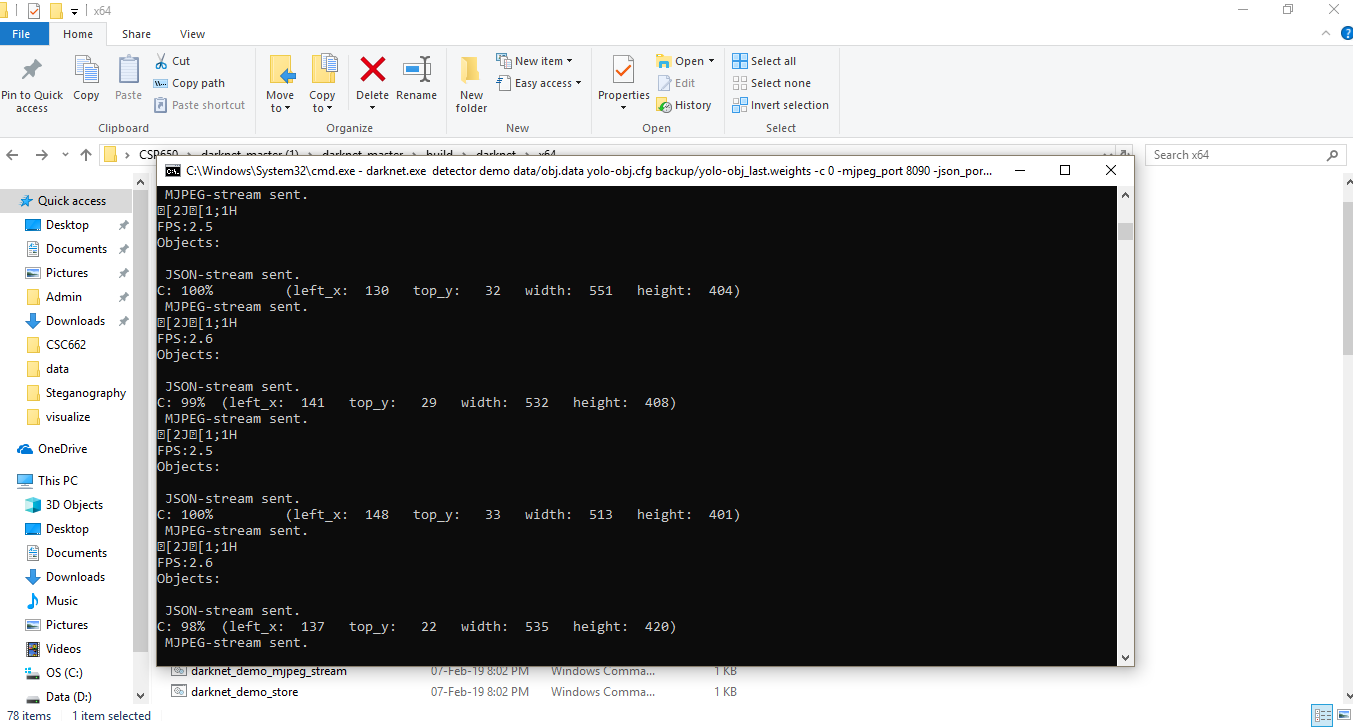
darknet.exe detector demo data/obj.data yolo-obj.cfg backup/yolo-obj_last.weights -c 0 -mjpeg_port 8090 -json_port 8070 -dont_show -ext_output
@AlexeyAB I use this command to detect my weights and it seems running well:
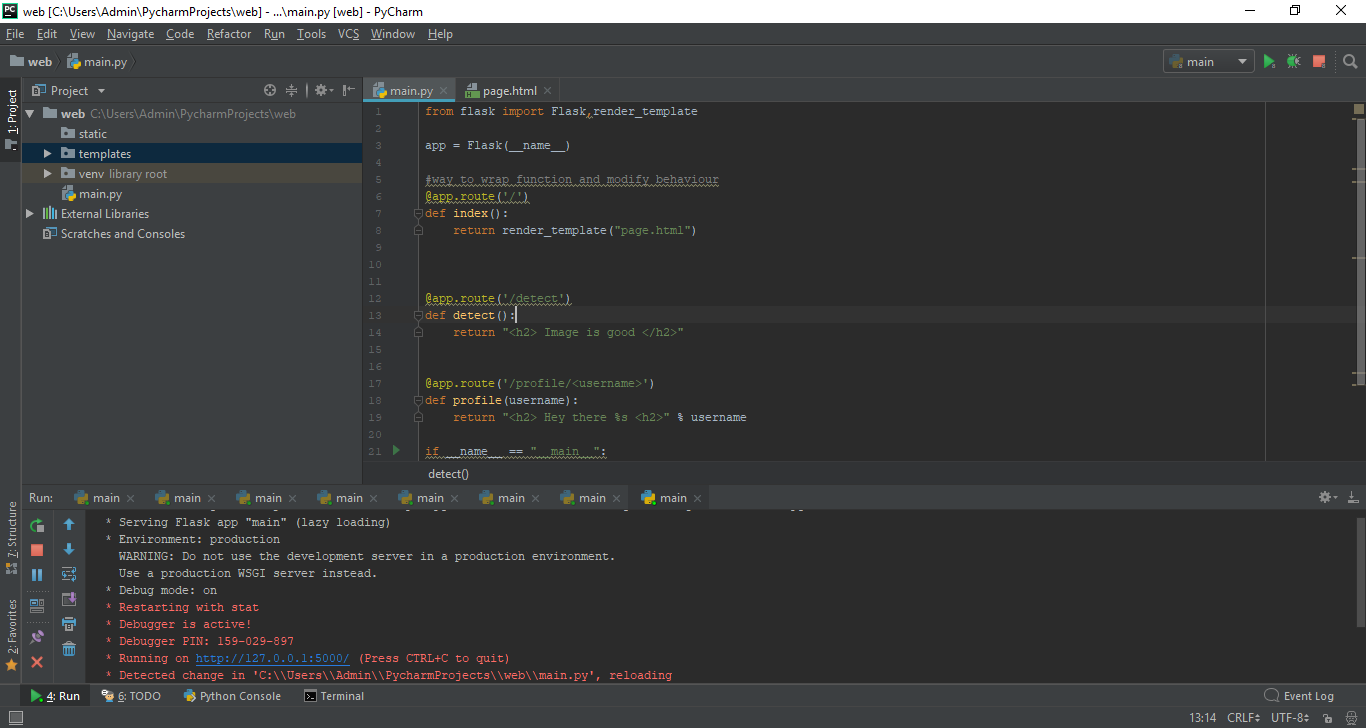
and i try to use flask to develop the web:
but when I try to execute it on the web while the command line is running, this error occur:
 - this when i just add :8090 and :8070

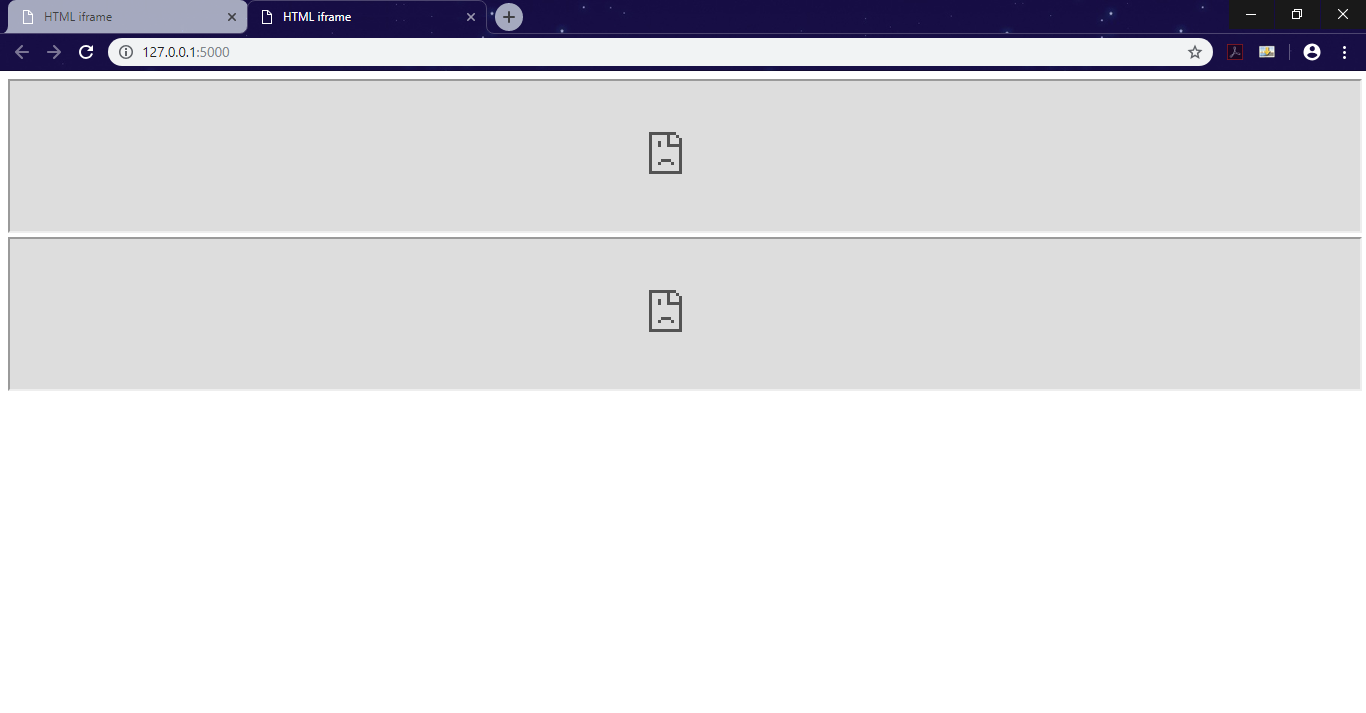 - this when i try to add http that u specify and my site address
am i missing something?
amar-mustaqim
on 20 Apr 2019
Why did you doubled http and port number
Use http://127.0.0.1:8090
AlexeyAB
on 20 Apr 2019
Hi, I´m still a beginner in darknet and I want to detect objects on images from JSON server. I tried:
darknet detector test data/coco.data cfg/yolov3.cfg backup/yolov3.weights -thresh 0.6 -json_port 8070 -ext_output -dont_show data/img/horses.jpg
but it does not work. Any help?
 maria-mh07
on 15 Nov 2019
maria-mh07
on 15 Nov 2019
@maria-mh07
-json_port 8070 work only for Video (camera, stream, file, ...), not for image
If you want to use JSON-server for images - you should implement it by yourself by using Darknet as library.
AlexeyAB
on 15 Nov 2019
ok @AlexeyAB thank you!
maria-mh07
on 18 Nov 2019
Related issues
 jasleen137
·
3Comments
jasleen137
·
3Comments
 Jacky3213
·
3Comments
Jacky3213
·
3Comments
 Cipusha
·
3Comments
Cipusha
·
3Comments
 hemp110
·
3Comments
hemp110
·
3Comments
 PROGRAMMINGENGINEER-NIKI
·
3Comments
PROGRAMMINGENGINEER-NIKI
·
3Comments
Most helpful comment
Just run this command:
./darknet detector demo ./cfg/coco.data ./cfg/yolov3.cfg ./yolov3.weights rtsp://login:[email protected]:554 -json_port 8070 -mjpeg_port 8090 -ext_output -dont_showor
./darknet detector demo ./cfg/coco.data ./cfg/yolov3.cfg ./yolov3.weights http://192.168.0.80:8080/video?dummy=param.mjpg -json_port 8070 -mjpeg_port 8090 -ext_output -dont_showSo the Darknet will work as server, so you can connect to them by using Chrome/Firefox Web-Browser to ports 8070 and 8090.
You shouldn't change source code.
If you want to detect these objects, then you shouldn't retrain it: https://github.com/AlexeyAB/darknet/blob/master/data/coco.names