Darknet: training graph not displaying properly and not saving properly
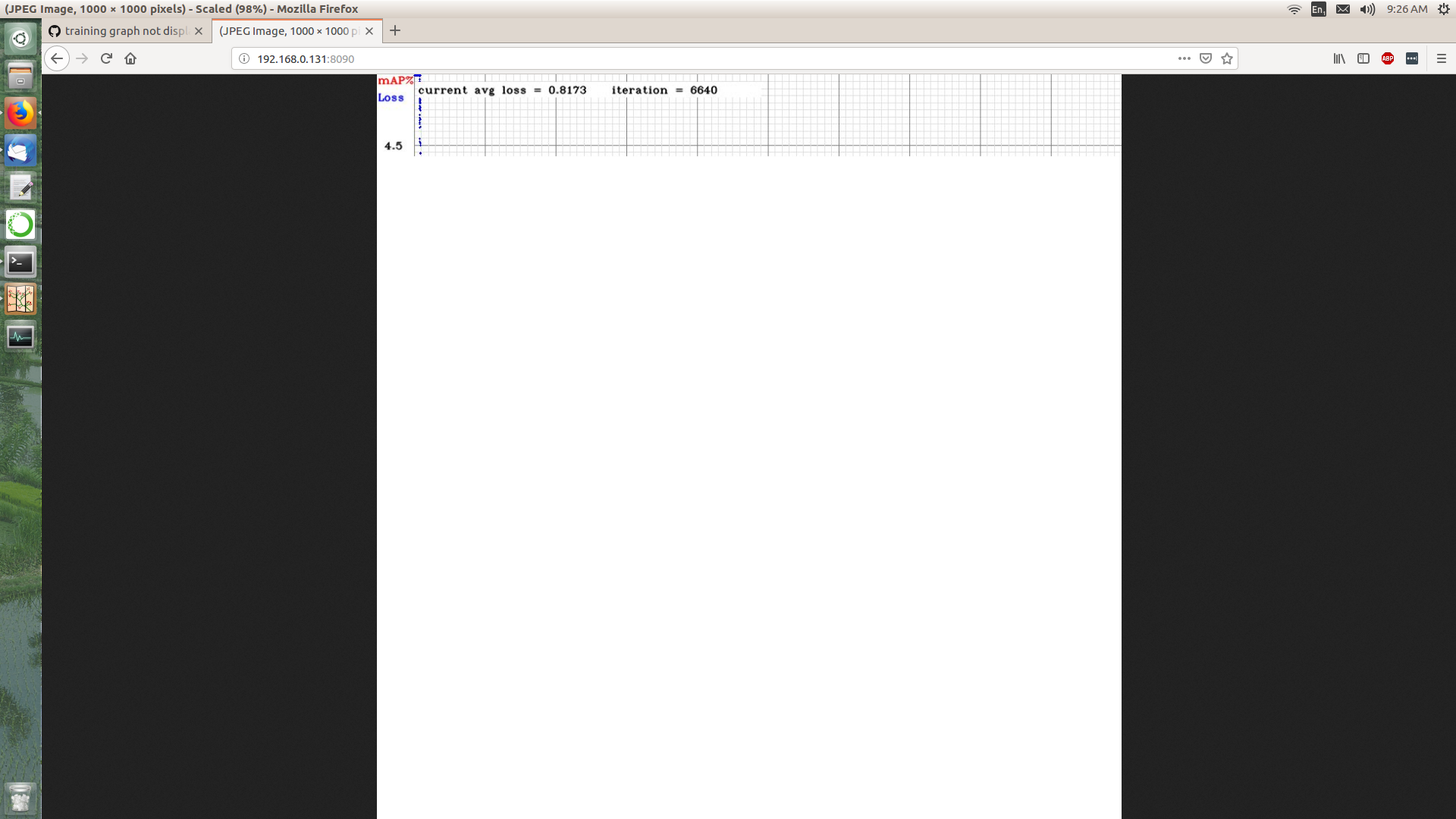
I'm running a training on a remote server and viewing the progress over the LAN in a web browser but the image is corrupt - it only partially displays in the browser and if I try and save it - the magic number is wrong.
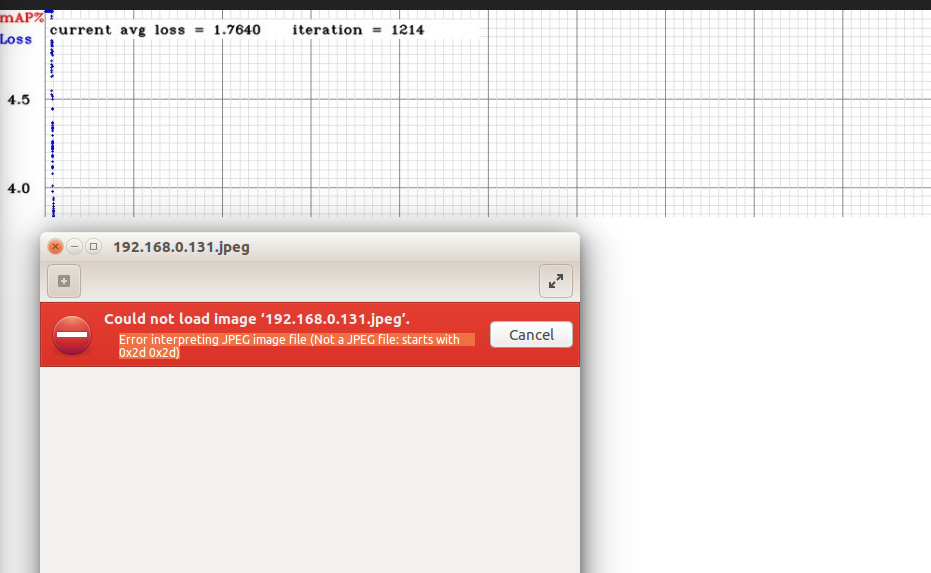
both server and client are Ubuntu 16.04, browser is firefox
This is training with VOC as in README.
 LukeAI
All 8 comments
Do you use remote server in the Internet or in the your LAN network?
Try to set here
200000instead of2000: https://github.com/AlexeyAB/darknet/blob/f7cb538b32d95e99a6751bf312f7c846419389d7/src/image.c#L825What OpenCV version do you use?
 AlexeyAB
on 4 Feb 2019
AlexeyAB
on 4 Feb 2019
both the server and the client are on the same LAN
opencv 3.2
I will try recompiling with your suggested edit after my current job has finished and report back
this is where it's up to now...
LukeAI
on 5 Feb 2019
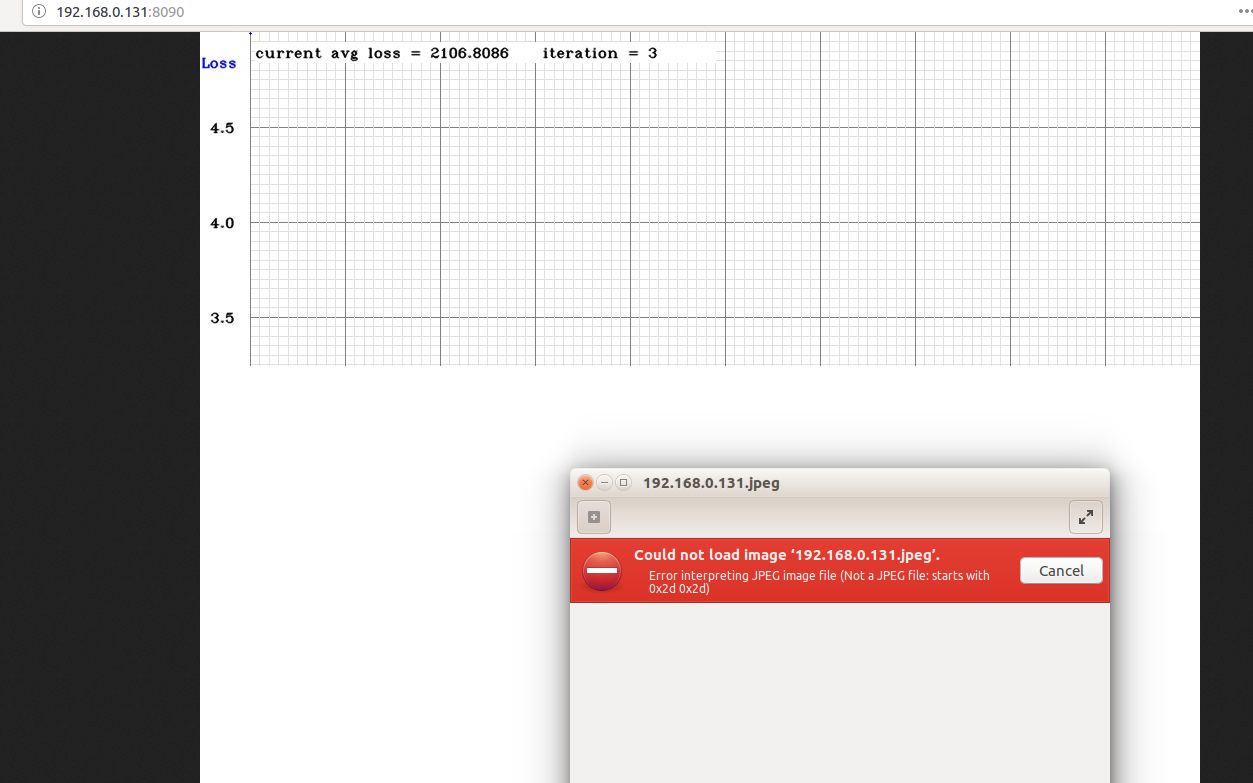
I have made your suggested edit of '200000' and reran - a bit more of the graph is revealed.
LukeAI
on 11 Feb 2019
After 40 iterations the whole graph mostly appears to show, although with some refreshes the bottom is lost again although the saved image is still corrupt as above. reasonable workaround is to screenshot on the good ones.
LukeAI
on 11 Feb 2019
@LukeAI
although the saved image is still corrupt as above
Do you mean that automatically saved chart.png is corrupted?
AlexeyAB
on 11 Feb 2019
chart.png is not corrupt, just the image saved from the browser.
LukeAI
on 12 Feb 2019
I added this fix: https://github.com/AlexeyAB/darknet/issues/2348#issuecomment-460356554
AlexeyAB
on 18 Feb 2019
@LukeAI
I just added another fix, it should solve this problem.
AlexeyAB
on 2 Mar 2019
Related issues
 siddharth2395
·
3Comments
siddharth2395
·
3Comments
 shootingliu
·
3Comments
shootingliu
·
3Comments
 HanSeYeong
·
3Comments
HanSeYeong
·
3Comments
 Greta-A
·
3Comments
Greta-A
·
3Comments
 HilmiK
·
3Comments
HilmiK
·
3Comments