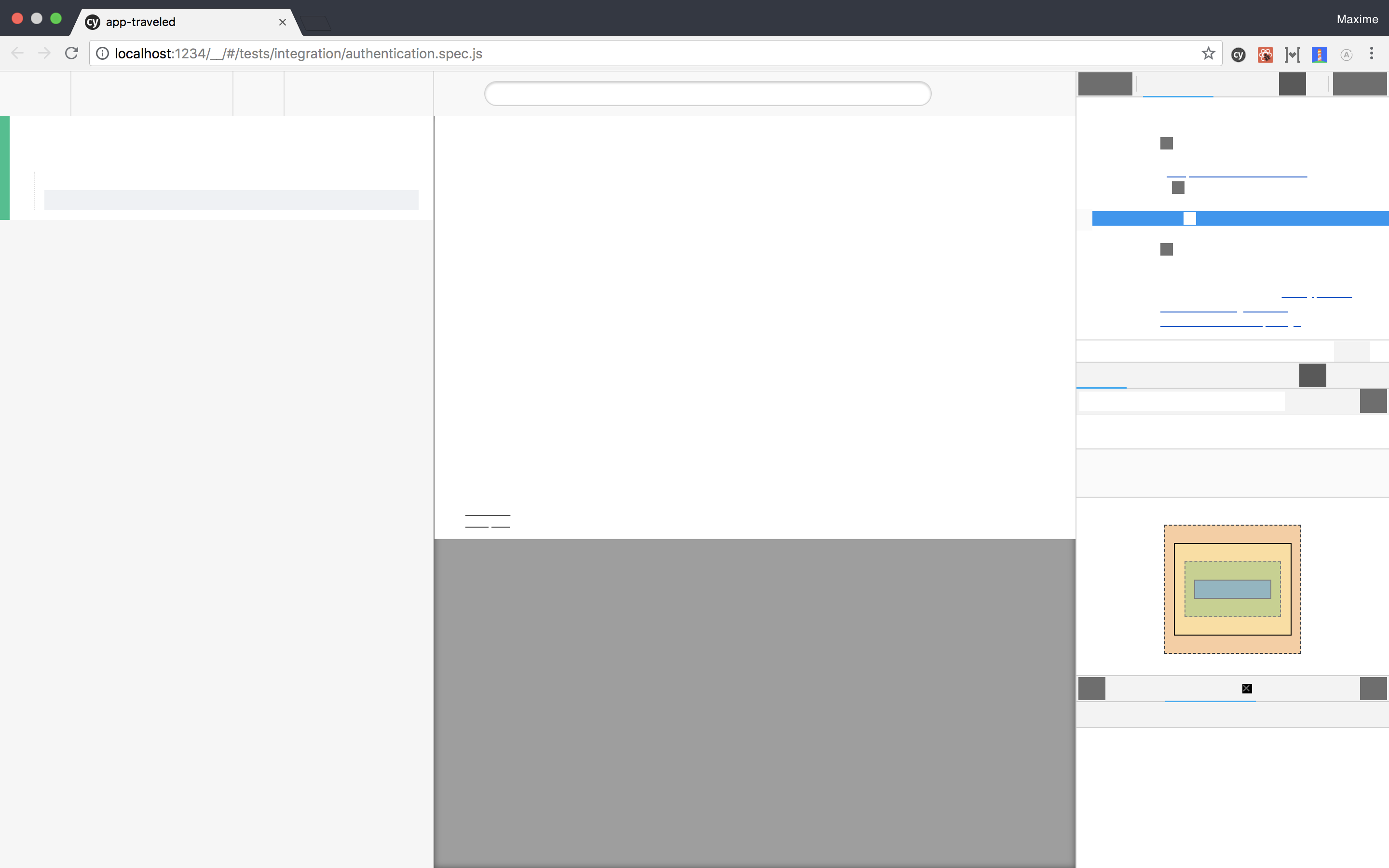
Cypress: Cypress test runner / dev tools are blanked out
Current behavior:
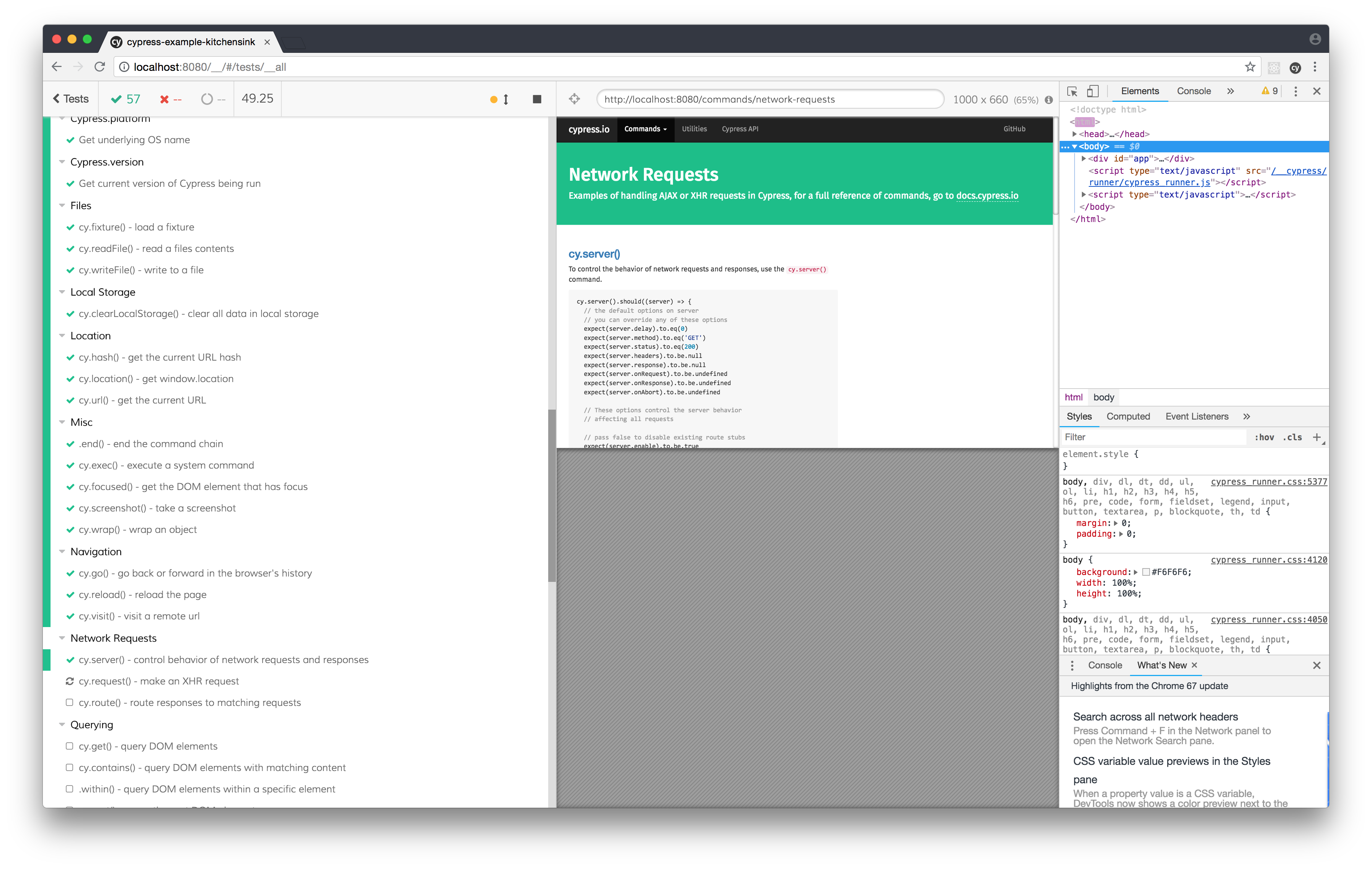
Desired behavior:
See the cypress app ^^
Steps to reproduce:
Just run a test
Versions
On Cypress 2.1.0, MacOS High Sierra with Chrome Canary 68.0.3400.0.
Maybe it's on canary's side but if the next version of Chrome introduce some breaking changes, it's something to be aware of
 jean-smaug
All 16 comments
I'm not experiencing this in Canary 68.0.3400.0.
It looks like you have some other extensions installed in your Canary browser. Could you disable all of those first to further isolate the issue to Cypress? Let me know if the issue still occurs after that. Thanks.
 jennifer-shehane
on 20 Apr 2018
jennifer-shehane
on 20 Apr 2018
I have same issue
Chrome 67.0.3396.79 on Mac

 lobor
on 11 Jun 2018
lobor
on 11 Jun 2018
We'll need a reproducible example that we can run to get this to happen for us. I do not think this issue is likely relevant to the specific Chrome version, but some other reason that we'd love to track down. Thanks!
jennifer-shehane
on 11 Jun 2018
@lobor Also, as stated above, if you could you disable all of those first to further isolate the issue to Cypress? Let me know if the issue still occurs after that. Thanks.
jennifer-shehane
on 11 Jun 2018
so i had the same issue. I just remember i deleted my project's node_module/ folder a few minutes before facing that issue, and then i did a yarn install/npm install. I don't know if it can help you to reproduce the issue.
In my case, i use Electron instead of Chrome as a workaround of this issue
 simsim2006
on 14 Jun 2018
simsim2006
on 14 Jun 2018
Yeah, deleting the node_module folder did not affect the runner. Did you happen to touch the App Data folder? Like File > App Data in menu bar?
I'm pretty confused on this one. :(
jennifer-shehane
on 14 Jun 2018
No i never touched that folder no. Can i try to empty it without any risk ?
simsim2006
on 14 Jun 2018
Yes, I suppose it is worth a try:
- Goto
File -> View App Data - Delete everything in here
- Close cypress and open it up again
jennifer-shehane
on 14 Jun 2018
just tested but doesn't help
simsim2006
on 14 Jun 2018
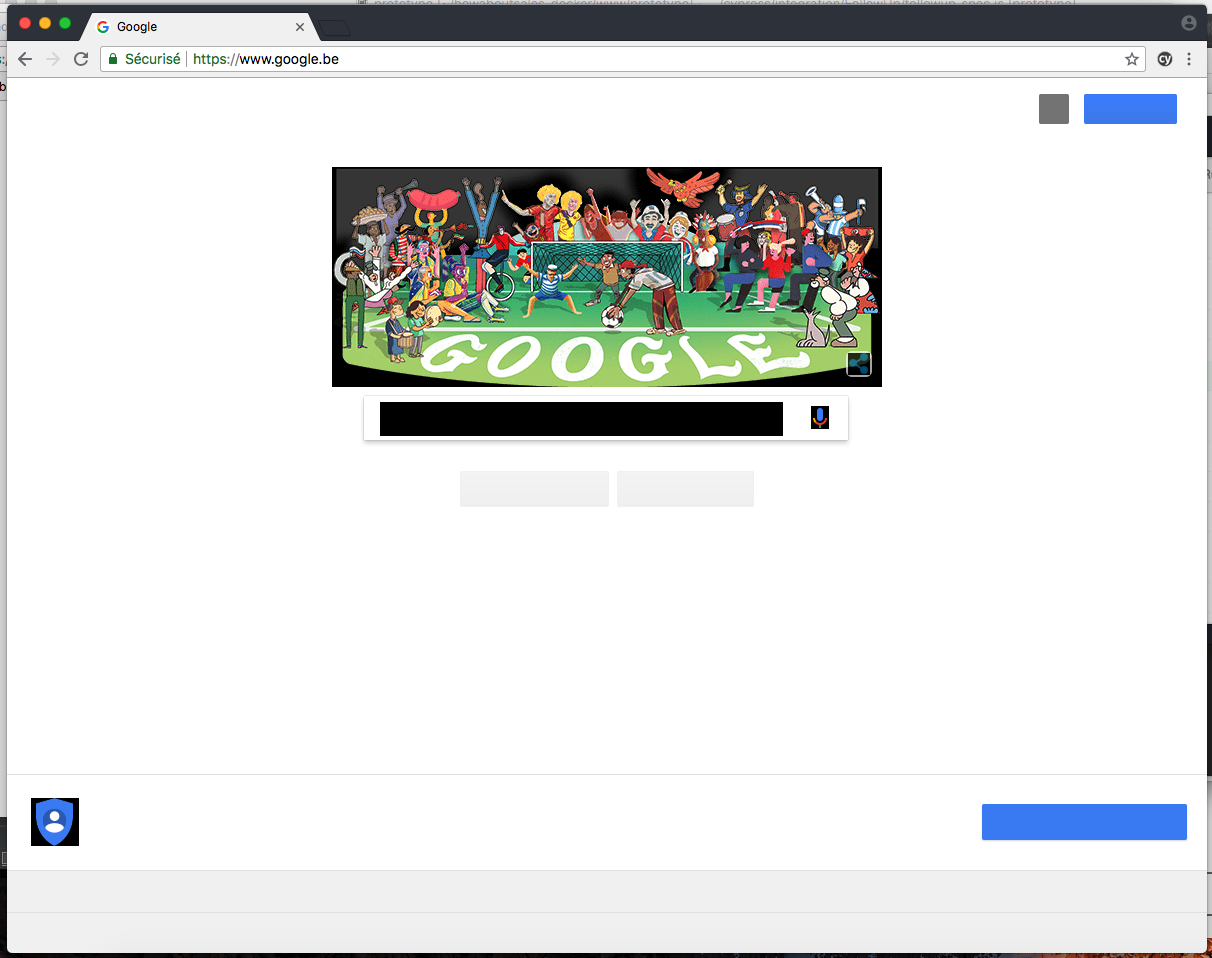
and when i open a new tab on the browser window opened by cypress, it show the same... so seems like an issue with the "piloted browser" (i don't know how to call that)
simsim2006
on 14 Jun 2018
I have the same issue.
I tried to remove cypress cache folder and reinstall it again.
But that did not help.
 Antontelesh
on 14 Jun 2018
Antontelesh
on 14 Jun 2018
You all might want to pass in arguments to chrome to start disabling things like the GPU
You can do that in your pluginsFile as documented here: https://docs.cypress.io/api/plugins/browser-launch-api.html
For a full list of command line arguments use this:
https://peter.sh/experiments/chromium-command-line-switches/
Alternatively you could also remove the ones we pass in by default to see if those trigger it. Either something we're adding or something you need to add will fix this. But without a reproducible machine we won't be able to figure it out on our own.
You might want to start adding a bunch of the --disable-* flags
 brian-mann
on 14 Jun 2018
brian-mann
on 14 Jun 2018
I am on
- Mac
Sierra 10.12.6 - Cypress
3.0.1 - Chrome
67.0.3396.87
--disable-gpu did the trick for me, thanks!
 ankri
on 15 Jun 2018
ankri
on 15 Jun 2018
I can confirm that adding --disable-gpu fixes the issue.
I've also tried to remove all the default flags and it didn't fix it.
Then I have tried adding each --disable-gpu-*** and 2 of them also fixed the issue (separately):
--disable-gpu-compositing(Prevent the compositor from using its GPU implementation.)--disable-gpu-rasterization(Disable GPU rasterization, i.e. rasterize on the CPU only.)
 ValentinH
on 24 Jun 2018
ValentinH
on 24 Jun 2018
I have the same issue after updating to Chrome v67. The window looks like this:
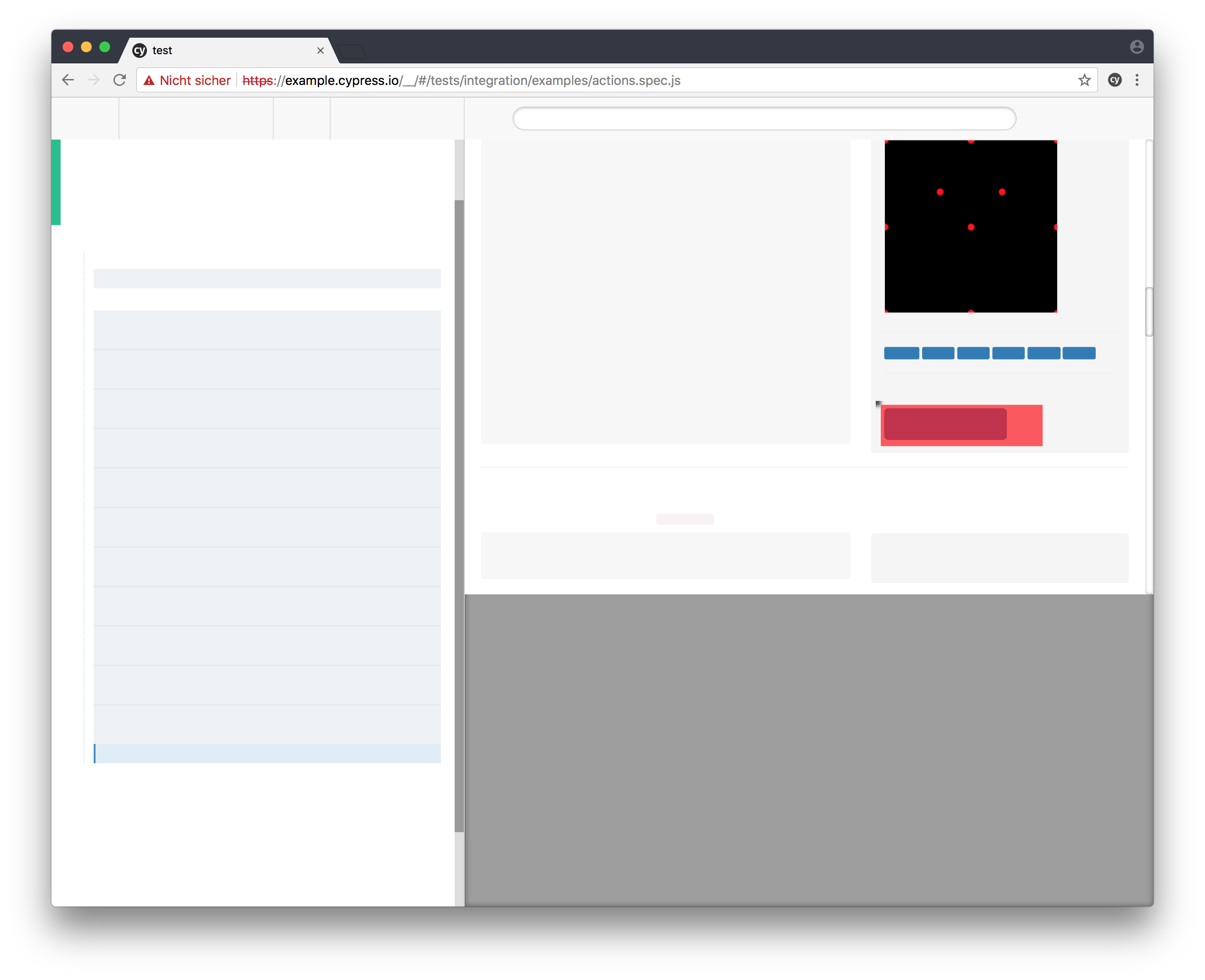
Mac OS High Sierra v10.13.5
Cypress v3.0.2
Google Chrome v67.0.3396.99
I can also confirm that adding one of
--disable-gpu
--disable-gpu-compositing
--disable-gpu-rasterization
solves the problem for me.
 dcastil
on 14 Jul 2018
dcastil
on 14 Jul 2018
Closing since there is a suggested workaround available.
jennifer-shehane
on 25 Jan 2019
Related issues
 zbigniewkalinowski
·
3Comments
zbigniewkalinowski
·
3Comments
 tahayk
·
3Comments
brian-mann
·
3Comments
tahayk
·
3Comments
brian-mann
·
3Comments
 Francismb
·
3Comments
Francismb
·
3Comments
 EirikBirkeland
·
3Comments
EirikBirkeland
·
3Comments
Most helpful comment
You all might want to pass in arguments to chrome to start disabling things like the GPU
--disable-gpuYou can do that in your
pluginsFileas documented here: https://docs.cypress.io/api/plugins/browser-launch-api.htmlFor a full list of command line arguments use this:
https://peter.sh/experiments/chromium-command-line-switches/
Alternatively you could also remove the ones we pass in by default to see if those trigger it. Either something we're adding or something you need to add will fix this. But without a reproducible machine we won't be able to figure it out on our own.
You might want to start adding a bunch of the
--disable-*flags