Cypress: cy.type() can only be called on textarea or text:
Hey all. At first, sorry for my english, its bad
need to type text in the form. How to do this not only with the cy.type command. Is it possible?
Ubuntu 16.04
cypress version 2.1.0

/code
cy.get('.textField_question-0-155').type('sad')
/code
``

What is problem? Thanks
 MavCKwyT
All 6 comments
The problem is that Cypress wants an input tag or textarea tag.
Edit: also found in the doc you can key on html tags that have a tag index https://docs.cypress.io/api/commands/type.html#Tabindex
Is this site publicly available? Are there no Input html elements?
 Tarig0
on 20 Mar 2018
Tarig0
on 20 Mar 2018
Thanks for answer. I dont have input elements, and this site is not publicly. i saw tabindex, but i dont it in my page code. All what i have its "div" with .textField_question-0-155
MavCKwyT
on 20 Mar 2018
Can you make a video of the interaction with the app?
Tarig0
on 20 Mar 2018
Related proposal to turn off validation checking with type: https://github.com/cypress-io/cypress/issues/586
 jennifer-shehane
on 20 Mar 2018
jennifer-shehane
on 20 Mar 2018
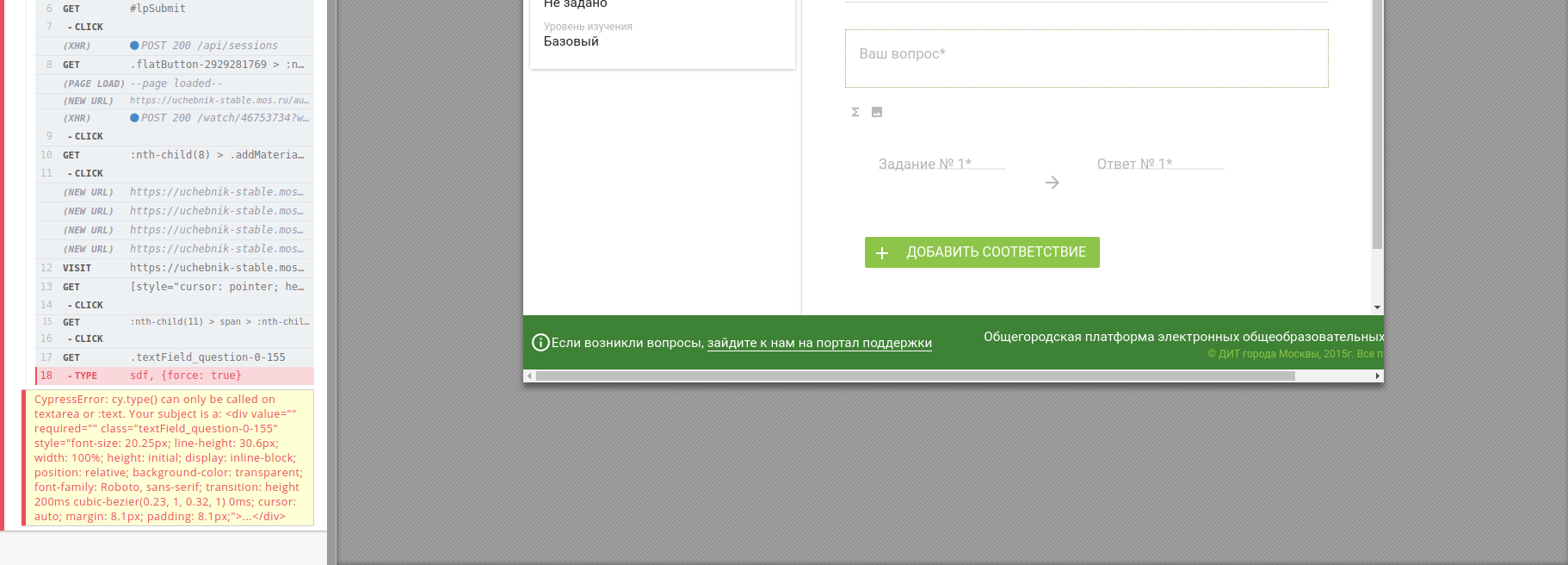
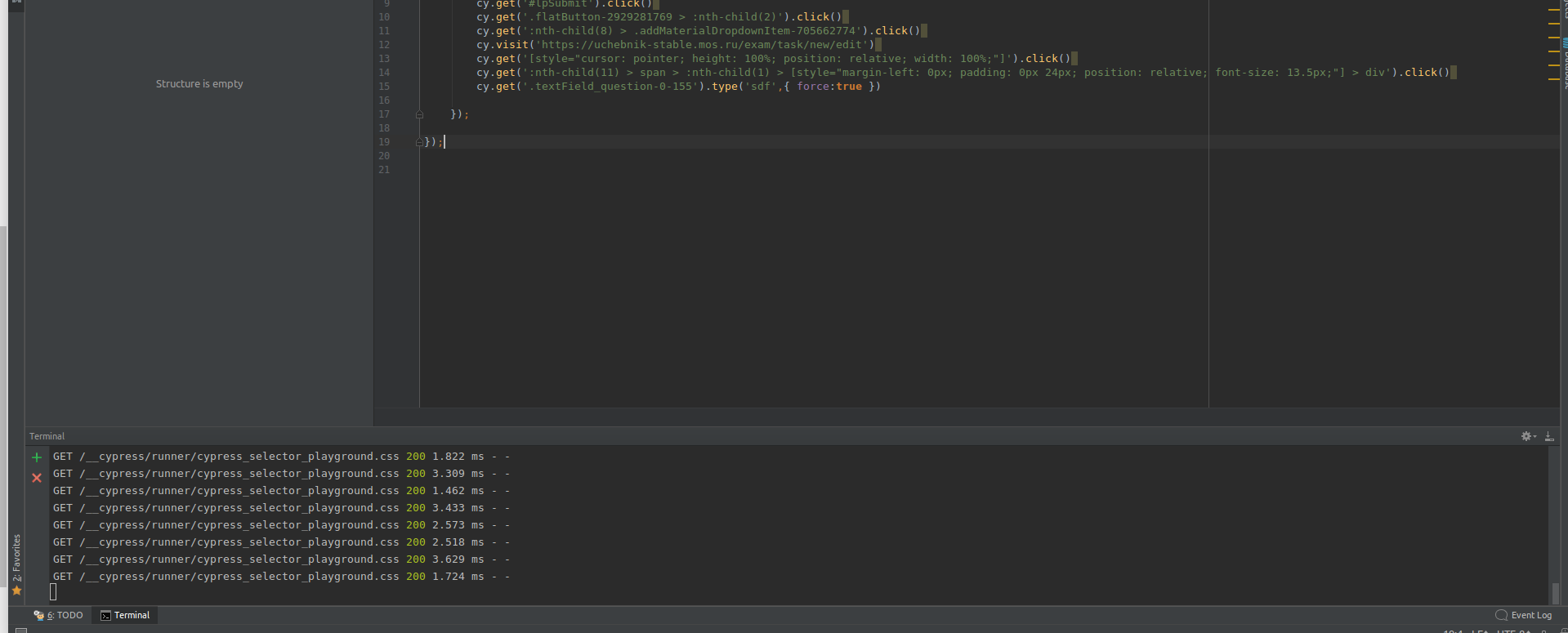
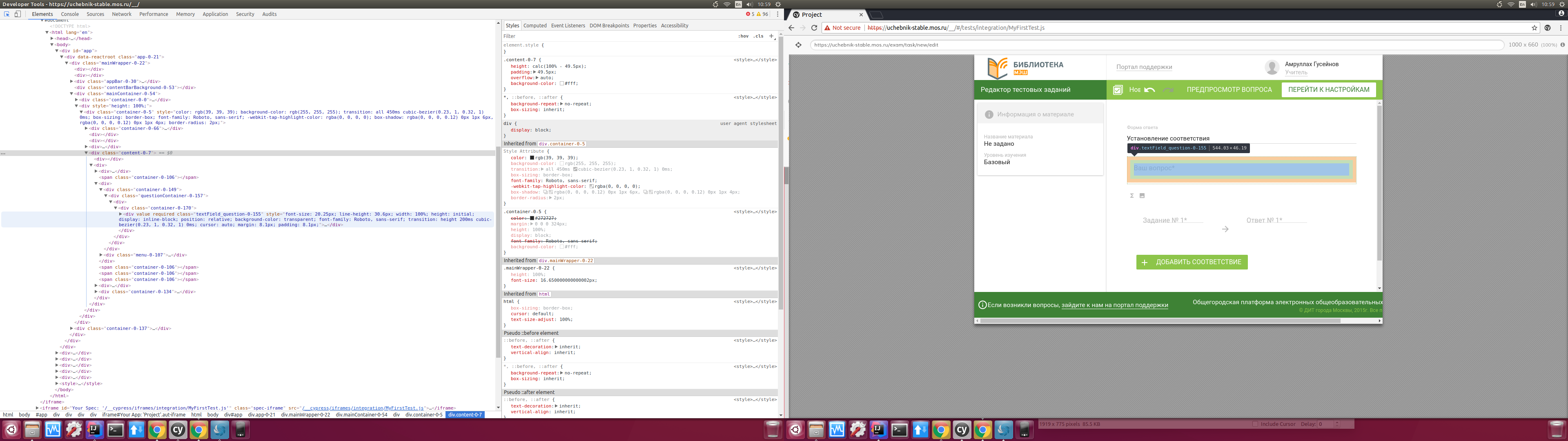
the field (Ваш вопрос) on english = (your questions) in this field i need to type something, cy.type('blabla', {force: true} doesnt work. I can do this only with "type" command or i can do this with something else? And how to type some text in the field without type command or whose tag not called text or text area
MavCKwyT
on 21 Mar 2018
Use Cypress to select the div with contenteditable="true".
For example:
cy.get('[contenteditable]').type('some text")
In your case, use find to select something inside another selector:
cy.get('.textField_question-0-155').find('[contenteditable]').type('some text')
 Bkucera
on 22 Mar 2018
Bkucera
on 22 Mar 2018
Related issues
 szabyg
·
3Comments
szabyg
·
3Comments
 SecondFlight
·
3Comments
SecondFlight
·
3Comments
 weskor
·
3Comments
weskor
·
3Comments
 simonhaenisch
·
3Comments
simonhaenisch
·
3Comments
 rbung
·
3Comments
rbung
·
3Comments
Most helpful comment
Use Cypress to select the div with
contenteditable="true".For example:
cy.get('[contenteditable]').type('some text")In your case, use
findto select something inside another selector: