Cypress: Can't authorize cypress-io to use github
Current behavior:
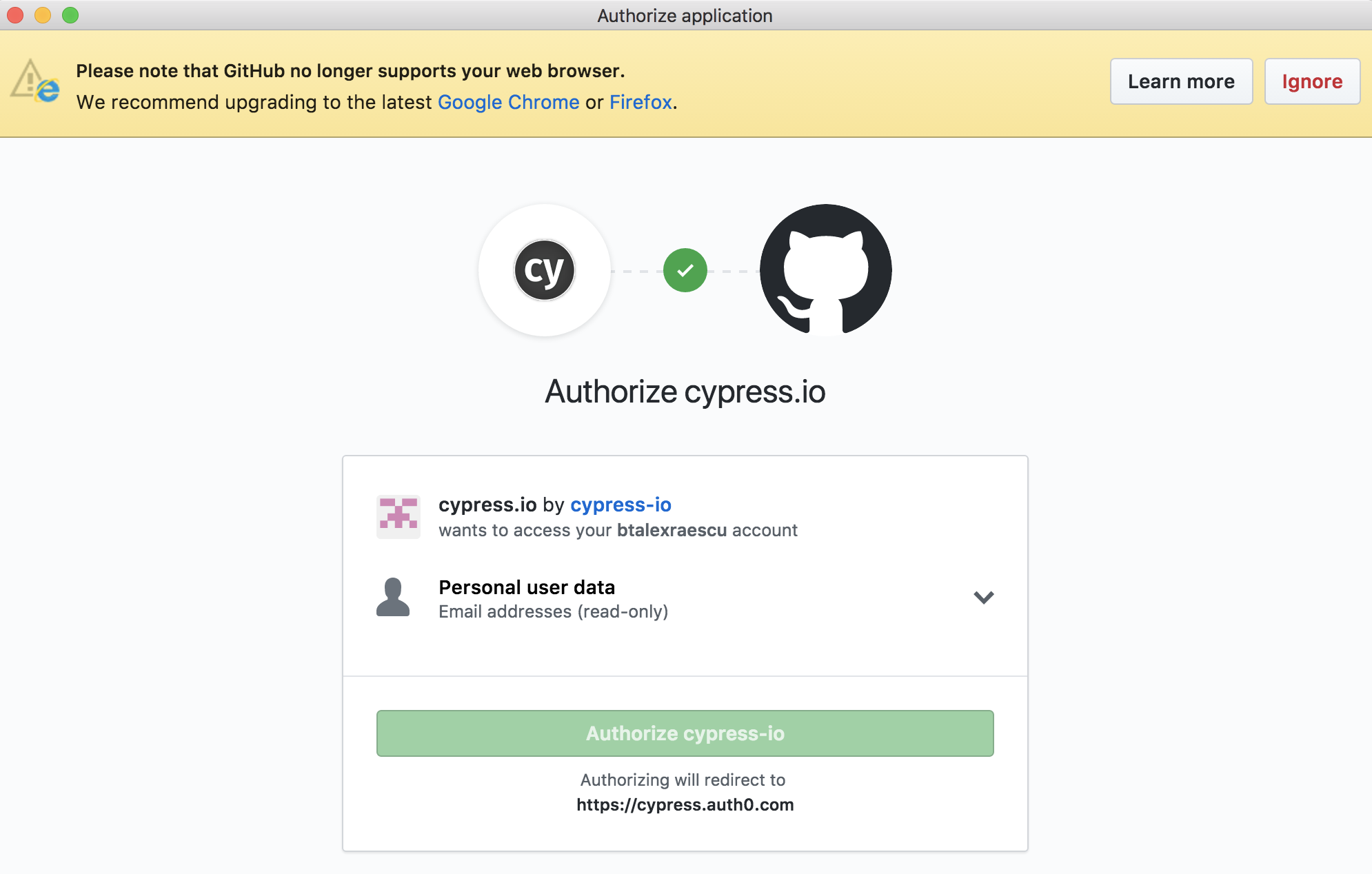
Authorize cypress-io button is disabled.
Desired behavior:
The button should not be disabled.
How to reproduce:
Fresh install of cypress through npm install cypress --save-dev. Start cypres npx cypress open
, login with git account. After login, I'm redirected to authorize screen. TheAuthoryze button is disabled, and can't finish log in process.
Additional Info (images, stack traces, etc)
Also I get a banner saying that Github no longer supports my web browser.
I think that the issue might be related to another electron issue:
https://github.com/electron/electron/issues/8838
- Operating System: Mac OS High Sierra 10.13.3
- Cypress Version: 1.4.1
- Browser Version:Chrome 63
 btalexraescu
All 22 comments
 jennifer-shehane
on 5 Feb 2018
jennifer-shehane
on 5 Feb 2018
We already do that - so it's not the root issue.
On Mon, Feb 5, 2018 at 1:10 PM, Jennifer Shehane notifications@github.com
wrote:
Electron fix: manosim/gitify@a5b326f
https://github.com/manosim/gitify/commit/a5b326f1f4e93b10e43d7985bdb4cc55848103c8—
You are receiving this because you are subscribed to this thread.
Reply to this email directly, view it on GitHub
https://github.com/cypress-io/cypress/issues/1251#issuecomment-363170378,
or mute the thread
https://github.com/notifications/unsubscribe-auth/ABNc8F40ts9EAnaRLP6LxOjoF5sU45zHks5tR0QQgaJpZM4R3G9a
.
 brian-mann
on 5 Feb 2018
brian-mann
on 5 Feb 2018
I have the same issue with the desktop version on win10
 OlivierPerceboisGarve
on 6 Feb 2018
OlivierPerceboisGarve
on 6 Feb 2018
Me too i get the same issue!, i think something is wrong with auth0 authorization.

 saadaouad
on 7 Feb 2018
saadaouad
on 7 Feb 2018
I've searched our auth0 logs and see no indications of errors in this part.
How the button disabling works:
The button is always initially disabled, but it is re-enabled automatically by JavaScript running in that page. (This behavior is there to prevent certain types of attacks.) You'll see this if you reload the page in your browser and look closely at the button --you'll see it's disabled at first and then is enabled after a second or so.
I see the note about upgrading the browser, but am unable to replicate the disabled authorize button. I tried:
- initial npm install in new project
- running cypress locally (no errors in console)
Needs more information or investigation.
jennifer-shehane
on 7 Feb 2018
FYI @jennifer-shehane,
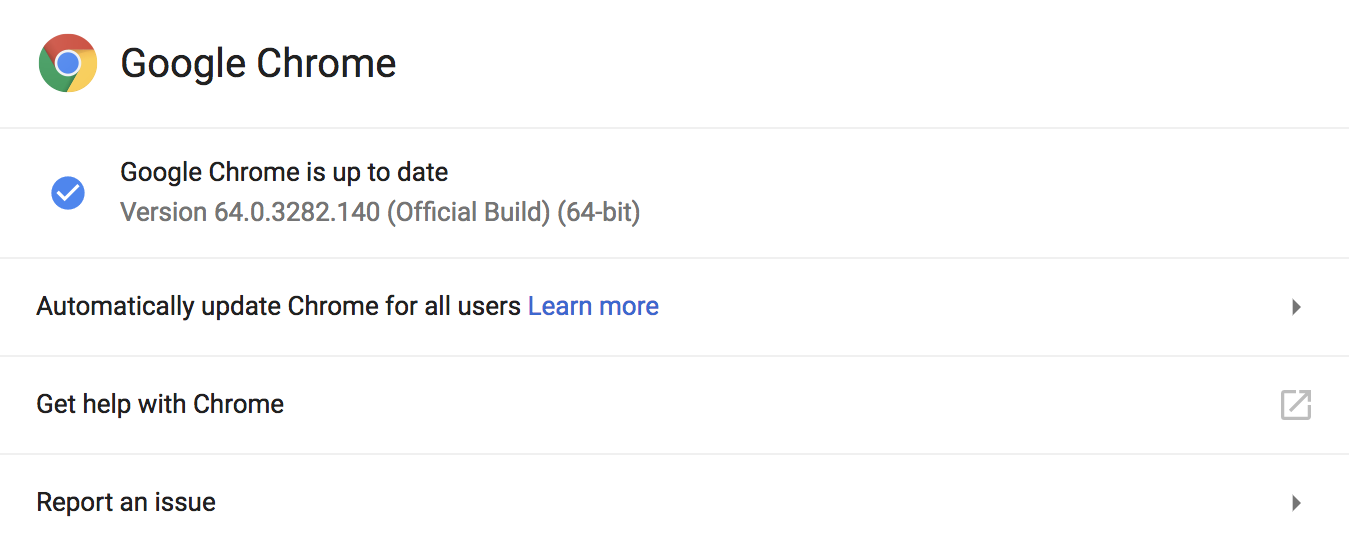
- i'm in the latest version of chrome
npmalready installed in the app- cypress is running with no error
➜  react-docs git:(reconfig-circleci) ✗ ./node_modules/.bin/cypress open
GET /__/ 200 38.268 ms - -
GET /__cypress/runner/cypress_runner.css 200 61.953 ms - -
GET /__cypress/runner/cypress_runner.js 200 393.827 ms - -
GET /__cypress/static/favicon.ico 200 3.755 ms - -
GET /__cypress/runner/fonts/fontawesome-webfont.woff2?v=4.7.0 200 2.594 ms - 77160
GET /__cypress/iframes/integration/simple_spec.js 200 359.384 ms - 725
GET /__cypress/tests?p=cypress/integration/simple_spec.js-491 200 1175.646 ms - 828
GET /__cypress/tests?p=cypress/support/index.js-911 200 1238.293 ms - -
GET /__/ 200 10.129 ms - -
GET /__cypress/runner/cypress_runner.css 200 74.171 ms - -
GET /__cypress/runner/cypress_runner.js 200 367.728 ms - -
GET /__cypress/runner/fonts/fontawesome-webfont.woff2?v=4.7.0 200 2.328 ms - 77160
GET /__cypress/iframes/integration/simple_spec.js 200 6.847 ms - 726
GET /__cypress/tests?p=cypress/support/index.js-219 200 6.291 ms - -
GET /__cypress/tests?p=cypress/integration/simple_spec.js-767 200 3.147 ms - 828
GET / 200 4.720 ms - -
GET /assets/css/vendor/fira.css 200 394.537 ms - -
GET /assets/css/styles.a093a01f.css 200 422.839 ms - -
GET /assets/js/vendor/bootstrap.min.c5b5b2fa.js 200 429.758 ms - -
GET /assets/js/vendor/highlight.pack.4cbe7783.js 200 430.034 ms - -
GET /assets/js/vendor/jquery-1.12.0.min.cbb11b58.js 200 505.340 ms - -
GET /assets/css/vendor/bootstrap.min.3cdc65ed.css 200 618.418 ms - -
GET /assets/js/scripts.c16223b1.js 200 346.809 ms - -
GET /assets/fonts/woff/FiraSans-Regular.woff 200 684.548 ms - -
GET /assets/fonts/woff/FiraSans-Medium.woff 200 703.485 ms - -
GET /commands/actions 200 394.363 ms - -
GET /assets/css/vendor/fira.css 200 243.433 ms - -
GET /cdn-cgi/scripts/d07b1474/cloudflare-static/email-decode.min.js 200 251.960 ms - -
GET /assets/css/styles.a093a01f.css 200 256.473 ms - -
GET /assets/css/vendor/bootstrap.min.3cdc65ed.css 200 317.440 ms - -
@saadaouad Thank for the info. Your version of Chrome is irrelevant to where this window is being opened. This is opening within Electron's Chromium browser which is bundled with Cypress. We are in the process of updating Electron #1275 so perhaps this issue may be resolved with that update.
jennifer-shehane
on 8 Feb 2018
The Electron 59 update #1275 does remove the deprecation banner at the top of the window.

jennifer-shehane
on 8 Feb 2018
@saadaouad Thank for the info. Your version of Chrome is irrelevant to where this window is being opened. This is opening within Electron's Chromium browser which is bundled with Cypress. We are in the process of updating Electron #1275 so perhaps this issue may be resolved with that update.
Thanks @jennifer-shehane i see now +1
saadaouad
on 9 Feb 2018
The Electron 59 update #1275 does remove the deprecation banner at the top of the window.
Cool
saadaouad
on 9 Feb 2018
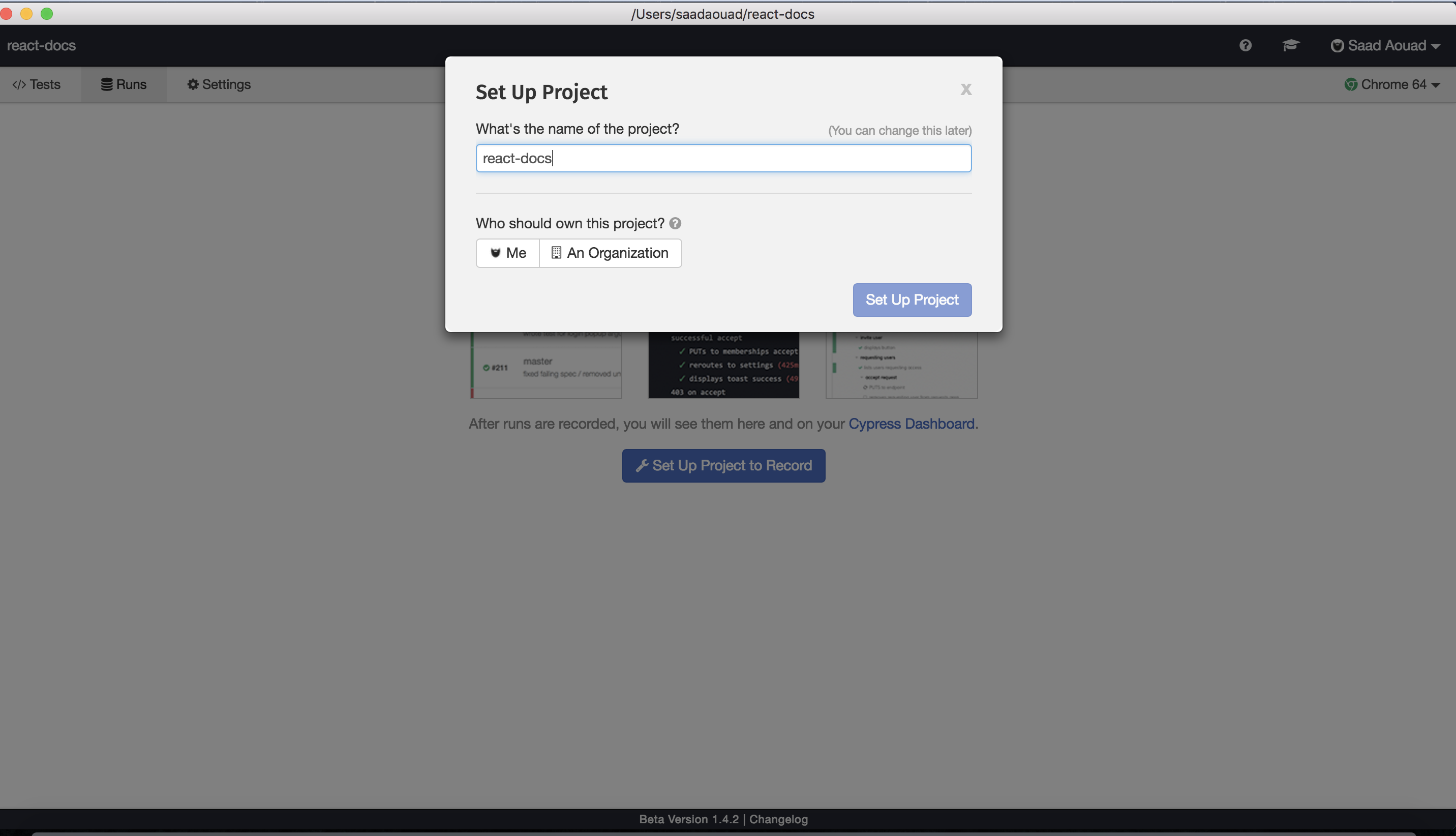
FYI, you need to login with Github in https://dashboard.cypress.io/#/login, then you should authorize Cypress to use Github within Electron.
saadaouad
on 9 Feb 2018
@saadaouad Thanks! Yes, I had read that authorizing through another browser then coming back does solve this. So, yes ^ if you're having this issue go to Dashboard and login then try to come back to application for now. @olivvv @btalexraescu
jennifer-shehane
on 9 Feb 2018
Closing due to no new activity recorded with this issue.
jennifer-shehane
on 25 Oct 2018
Got the same issue while trying to create a new account from the Cypress application on macOS.
The 'Authorize cypress-io' button is disabled and not clickable.

I had to access the URL suggested by saadaouad in a full browser window to make this work.
 guillaumep
on 12 Feb 2019
guillaumep
on 12 Feb 2019
We've had 2 people express that they are encountering this issue again. Reopening to investigate.
Workaround
As a workaround today, you can log in to Cypress via https://dashboard.cypress.io/#/login and authorize GitHub access there. When you return to the Desktop app to login after, it should already be authorized now and log you in.
jennifer-shehane
on 14 Feb 2019
The same issue I encountered. The version of cypress is 3.1.5
 anymost
on 21 Feb 2019
anymost
on 21 Feb 2019
I found a solution. first you can login in cypress dashboard on your chrome browser, then click the run button in cypress. it will login in successfully.
anymost
on 21 Feb 2019
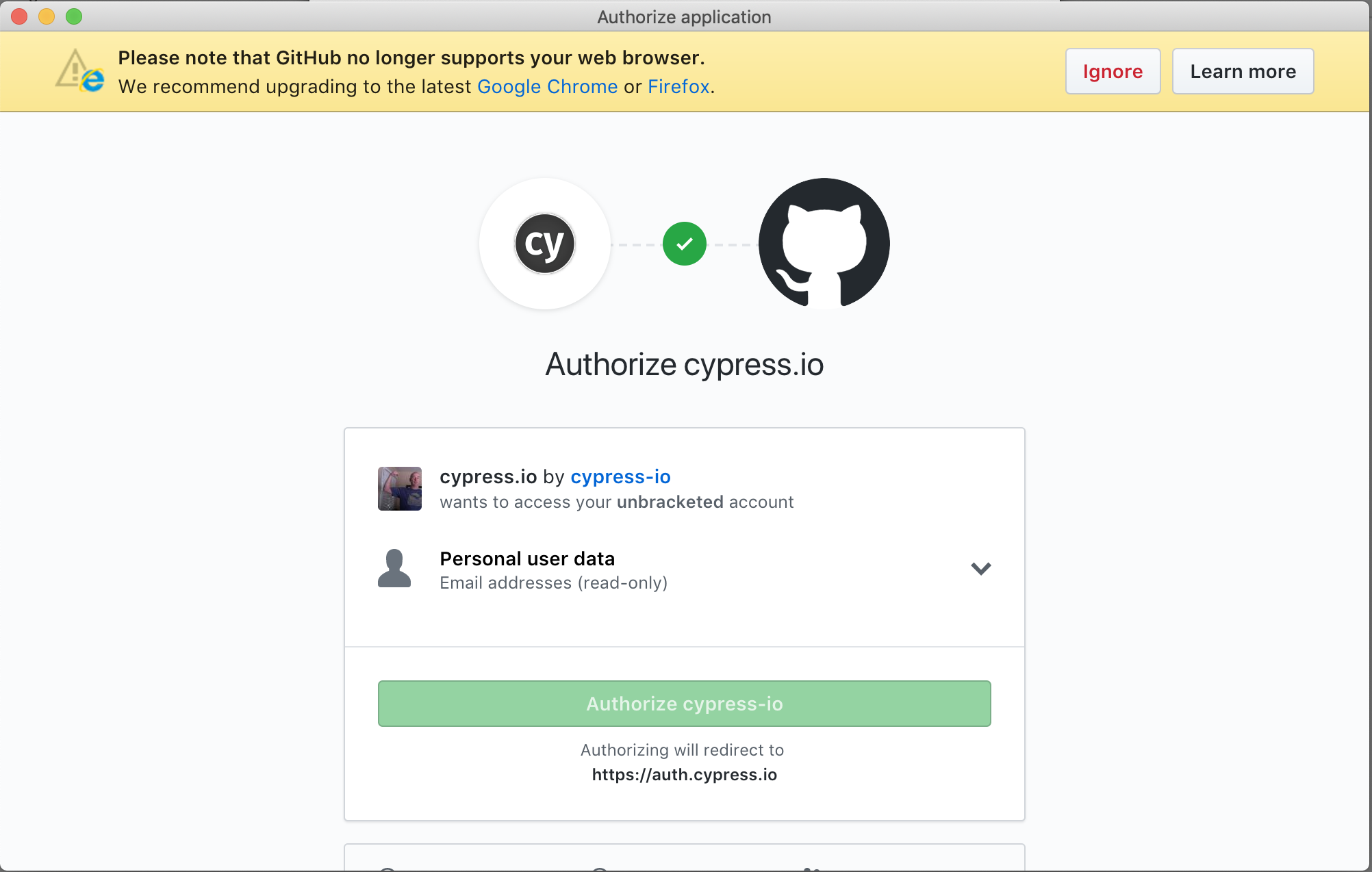
I am encountering this issue with current versions installed either via CDN or npm install.
Cypress Version 3.1.5 (3.1.5)
macOS 10.14.3 (18D109)
npm v6.8.0
 unbracketed
on 22 Feb 2019
unbracketed
on 22 Feb 2019
I've got 2fa enabled on my account and the browser window opens, but doesn't accept my yubikey. It works literally everywhere else except this popup.
I also get the "Github doesn't support this browser" message.
 markgoho
on 1 Mar 2019
markgoho
on 1 Mar 2019
This PR is in progress and should fix this issue. It will be released as part of 3.1.6. https://github.com/cypress-io/cypress/issues/3583
jennifer-shehane
on 1 Mar 2019
The code for this is done in cypress-io/cypress#3695, but has yet to be released.
We'll update this issue and reference the changelog when it's released.
![cypress-bot[bot] picture](https://avatars3.githubusercontent.com/u/8908513?v=4&s=40) cypress-bot[bot]
on 15 Mar 2019
cypress-bot[bot]
on 15 Mar 2019
Released in 3.2.0.
cypress-bot[bot]
on 15 Mar 2019
Related issues
 simonhaenisch
·
3Comments
simonhaenisch
·
3Comments
 verheyenkoen
·
3Comments
brian-mann
·
3Comments
verheyenkoen
·
3Comments
brian-mann
·
3Comments
 tahayk
·
3Comments
jennifer-shehane
·
3Comments
tahayk
·
3Comments
jennifer-shehane
·
3Comments