Cwa-app-android: 🔥 Error 39508 after updating to 1.5 or later
IMPORTANT / WICHTIG
Please update your CWA App to version 1.5+ and wait up to 24 hours before you post a bug report here.
Bitte aktualisieren Sie Ihre Corona Warn App auf Version 1.5+ und warten Sie 24 Stunden bevor Sie einen Fehlerbericht schreiben.
This is a follow-up topic
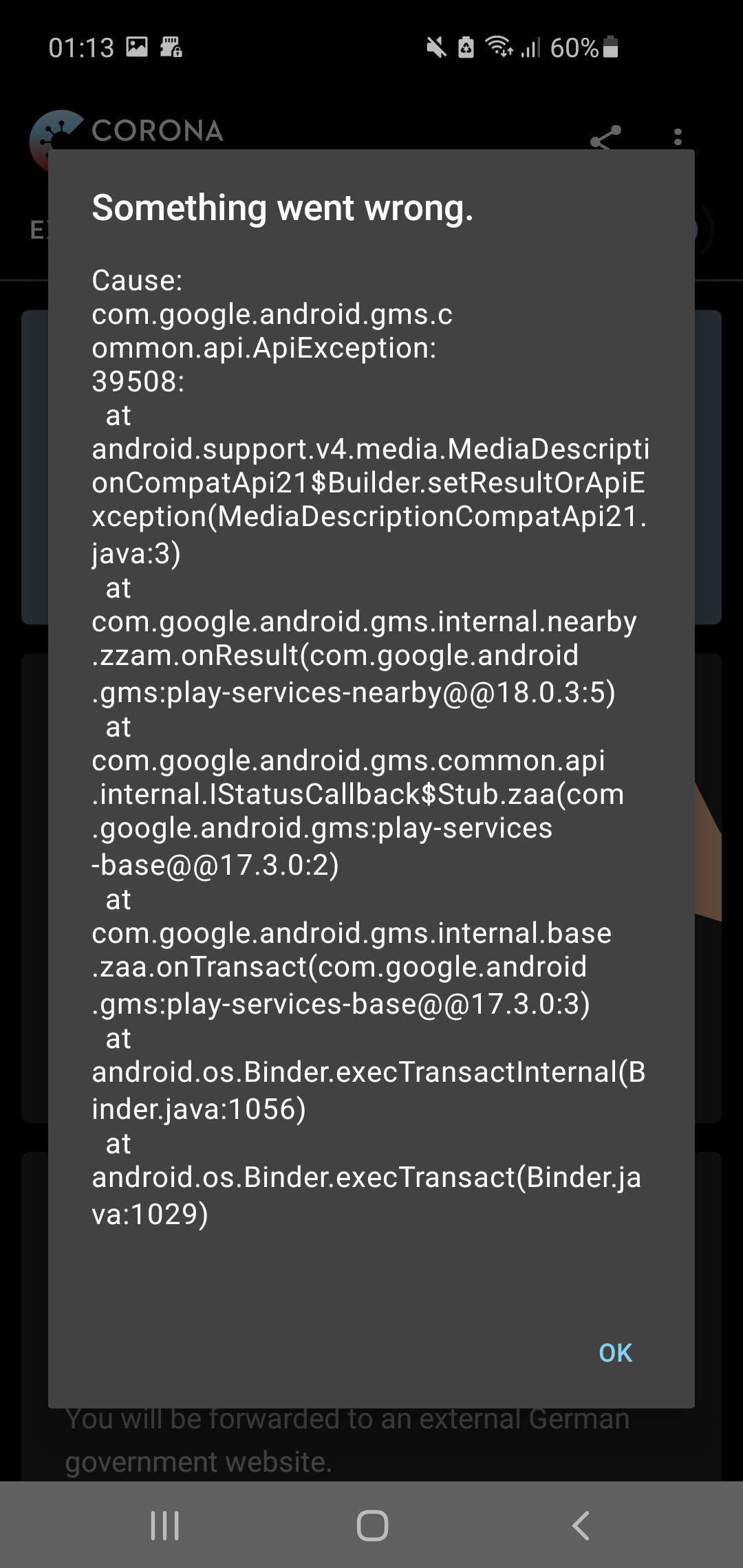
Prior to CWA release 1.5 there was a bug "CAUSE: 3 Something went wrong. ApiException: 39508". There was a fix for this issue delivered with the CWA update 1.5. We are currently in the effort in contacting many android users that reported the bug in the past and ask them to update to the latest version.
If you still receiving the error 39508 after updating to 1.5 and waiting 24 hours, please report your issue here.
Please report:
- Mobile device
- Android version
- App Version
- ENF Version
- Play Services version
There is also an FAQ entry available in english and german:
- English: https://www.coronawarn.app/en/faq/#API39508
- German: https://www.coronawarn.app/de/faq/#API39508
Internal Tracking ID: EXPOSUREAPP-3435
Old Tracking ID prior to 1.5: EXPOSUREAPP-2389
 svengabr
All 149 comments
I've got this problem since updating to version 1.5.0. I have waited more than 24 hours before opening the app again, but the error still appears.
Android version: Android 11
Mobile device: Google Pixel 3a
App version: 1.5.0
ENF version: 17203915000
Play Services version: 20.39.15
Do you need more Information?
 NicoleRL
on 23 Oct 2020
NicoleRL
on 23 Oct 2020
@NicoleRL could you share your EN log (just rename the ending from .json to .txt then you can upload it here) and a screenshot of the error?
 daimpi
on 23 Oct 2020
daimpi
on 23 Oct 2020
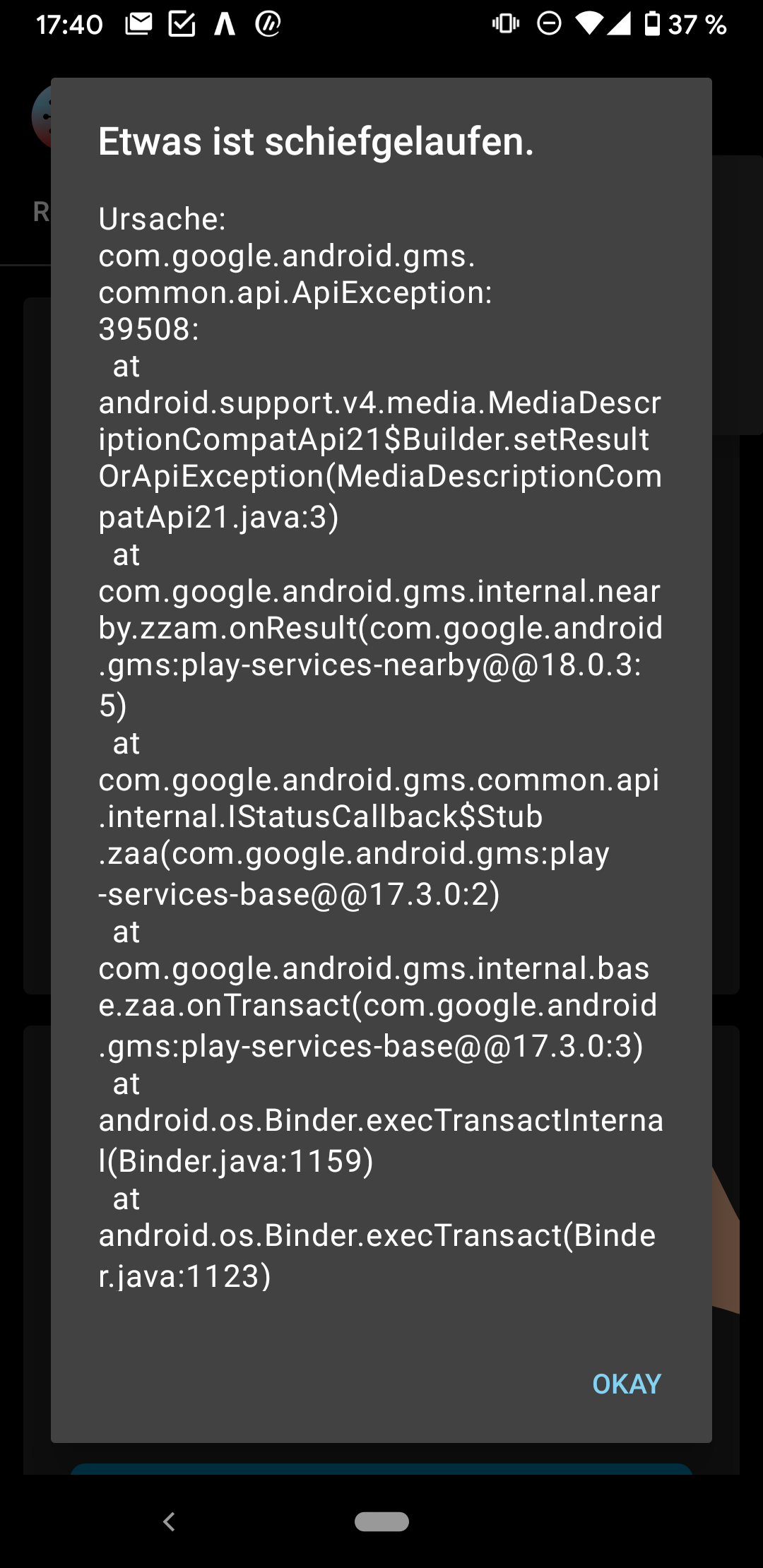 NicoleRL
on 23 Oct 2020
NicoleRL
on 23 Oct 2020
@NicoleRL thanks that's very helpful.
This log is indeed very curious: no checks have been performed since Oct 19th (presumably the day where you updated to CWA 1.5) but you nevertheless experience a 39508 error today which usually signifies that the rate-limit of 20 calls per day was reached. Yet there are no checks in your log which would indicate any of that happened. And even on the 19th there were just 14 checks performed which is exactly how it should be 😕.
@d4rken @vaubaehn any idea what could be going on here?
daimpi
on 23 Oct 2020
@daimpi
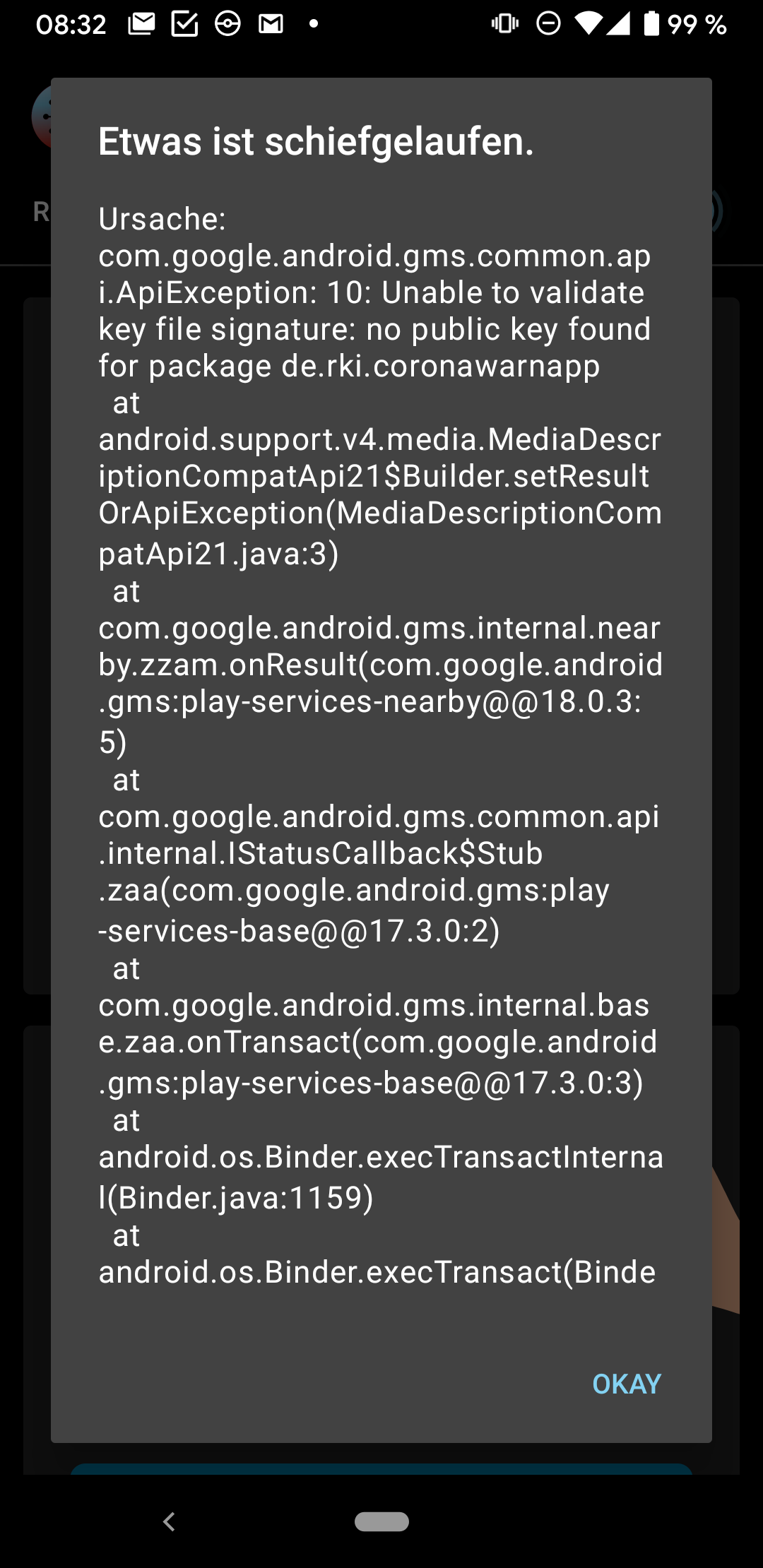
It's quite mysterious. The only thing I could think about would be a hidden/silent API10 no public key found. In that case, any API call might count towards the rate limit, without showing up in the ENF log (if only successful checks are logged). But I'm very unsure about that.
If that was the case, sounds like kind of trouble, because then downloaded/cached keyfiles would continuously have a corrupt structure. But think that's very unlikely...
 vaubaehn
on 23 Oct 2020
vaubaehn
on 23 Oct 2020
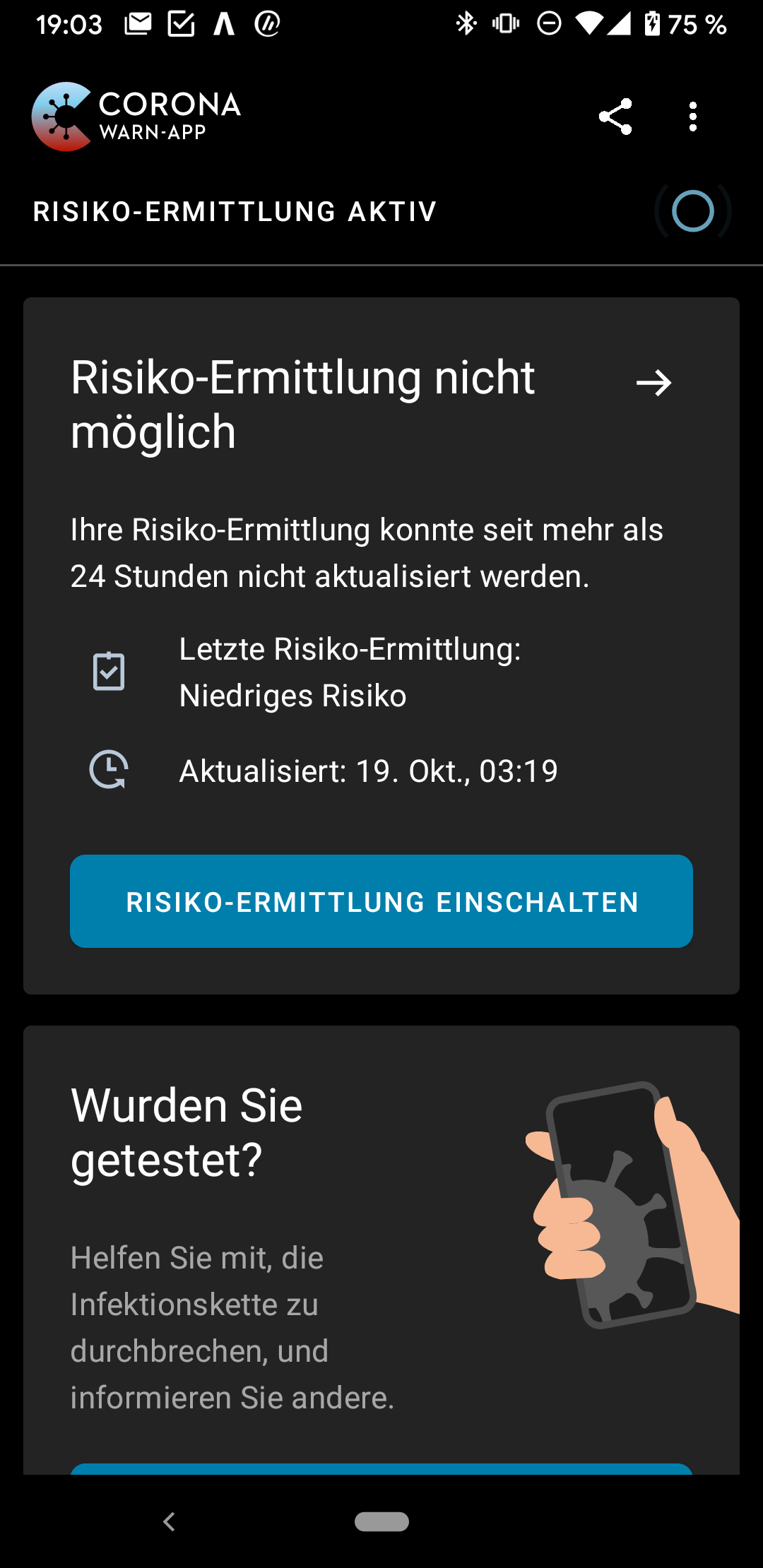
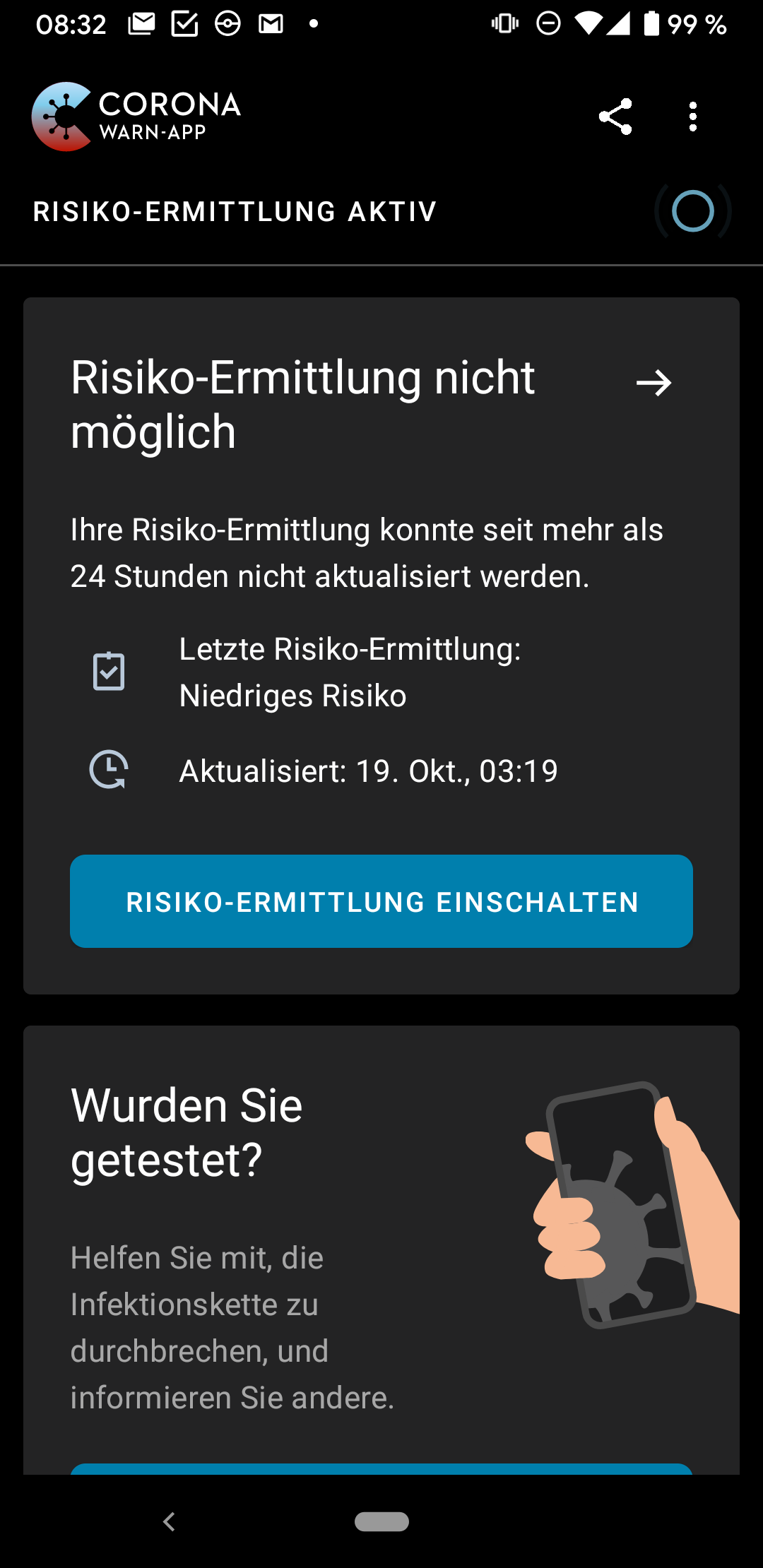
@NicoleRL what color does your risk card in the main screen have: green/red/grey? Is there any timestamp when CWA performed an update?
And after updating, did you need to do the complete onboarding (including setting Prioritzed Background Activity), or was there simply the notification about the new Interoperability feature (sharing keys with other nations)?
vaubaehn
on 23 Oct 2020
I made a screenshot, the risk card is grey:
NicoleRL
on 23 Oct 2020
@NicoleRL ok, thanks a lot, that helps a little.
If you had API39508 but no entry is in the log, and the risk card is like this, it means, the provide diagnosis keys transaction was started, API didn't return success, transaction was aborted.
Could be API10.
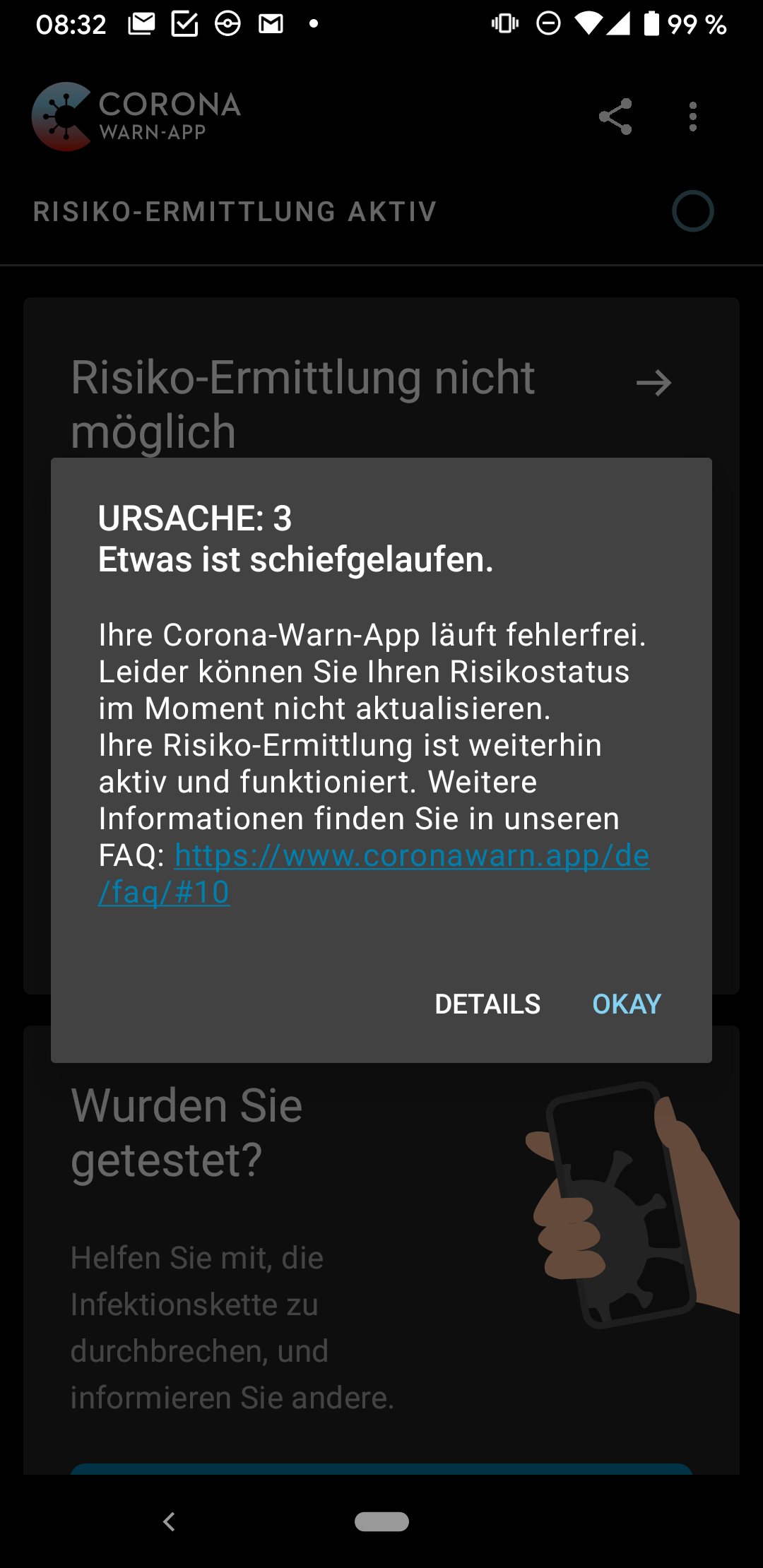
Could you do us a favor: could you please turn off exposure logging. Tomorrow after you woke up, please first open CWA, then turn on exposure logging, and please take screenshots of any error message, if possible. Could you do that? Would be great. Thanks in advance!
vaubaehn
on 23 Oct 2020
Sure. I just turned the exposure logging off and I will send you the screenshots tomorrow.
NicoleRL
on 23 Oct 2020
@vaubaehn : Hallo, App wird täglich geöffnet, Auch schaue ich täglich in die Covid 19 Benachrichtigungen.
App wurde auf Wunsch der Hotline vor 7 Tagen zurückgesetzt.
Handy hat noch 1,7GB frei.
Nachts Verbindung über W-Lan.
Gebe zu, das S5 mini ist nicht das schnellste Handy.
Schönen Gruß
 schneik1
on 24 Oct 2020
schneik1
on 24 Oct 2020
@NicoleRL ok, thanks a lot, that helps a little.
If you had API39508 but no entry is in the log, and the risk card is like this, it means, the provide diagnosis keys transaction was started, API didn't return success, transaction was aborted.
Could be API10.Could you do us a favor: could you please turn off exposure logging. Tomorrow after you woke up, please first open CWA, then turn on exposure logging, and please take screenshots of any error message, if possible. Could you do that? Would be great. Thanks in advance!
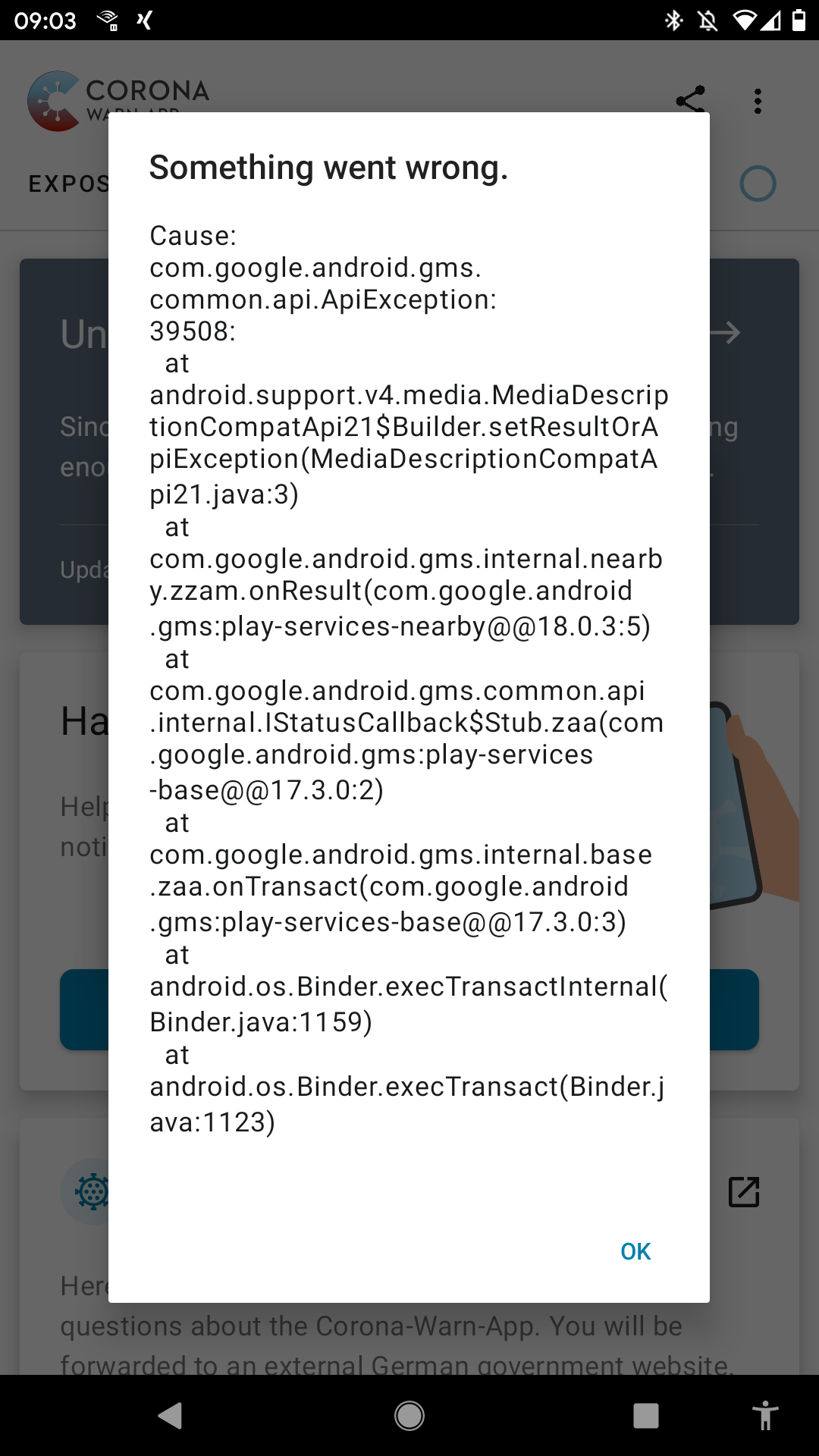
So I turned exposure logging on this morning and got These messages:
NicoleRL
on 24 Oct 2020
Hi @NicoleRL ,
Thanks very much, I think we spotted the problem.
Could you please try the following:
From inside the app, tap into the up right corner with the 3 dots, open the settings and choose 'App zurücksetzen'.
This will reset CWAs data. It will then show you an unknown risk status, and that there was no activity of exposure logging yet, but this is cosmetic only. Your collected contacts are still retained.
Can you report back, if you will (later in the day) get an entry in the Android > settings > Google > covid-19-Benachrichtigungen log?
vaubaehn
on 24 Oct 2020
 Gerscho
on 24 Oct 2020
Gerscho
on 24 Oct 2020
I installed the app 3 days ago (version 1.5) but this error keeps popping up. I am using a pixl 2 with the Android version 11. Resetting the app brings no result either
Gerscho
on 24 Oct 2020
@Gerscho
I installed the app 3 days ago (version 1.5) but this error keeps popping up. I am using a pixl 2 with the Android version 11. Resetting the app brings no result either
It would be helpful to see your exposure check log, like @daimpi suggested in https://github.com/corona-warn-app/cwa-app-android/issues/1459#issuecomment-715433232. Often this shows a pattern of repeated attempts.
 MikeMcC399
on 24 Oct 2020
MikeMcC399
on 24 Oct 2020
@svengabr
Maybe it would be worthwhile to add the suggestion to post the exposure check log in the instructions for this issue #1459?
The section on https://github.com/corona-warn-app/cwa-app-android/issues/1459 says:
Please report:
Mobile device
Android version
App Version
ENF Version
Play Services version
For example:
... and attach the exposure check log file to your posting.
Go to Settings > Google > COVID-19 exposure notifications > Exposure checks
Use the three dot menu to Export exposure checks.
Rename the file extension from .json to .txt then attach the file to the post.
or for German UI:
Einstellungen > Google > COVID-19-Benachrichtigungen > Überprüfung auf mögliche Begegnungen
Drei-Punkte-Menü aufrufen und "Überprüfungen exportieren" auswählen.
MikeMcC399
on 24 Oct 2020
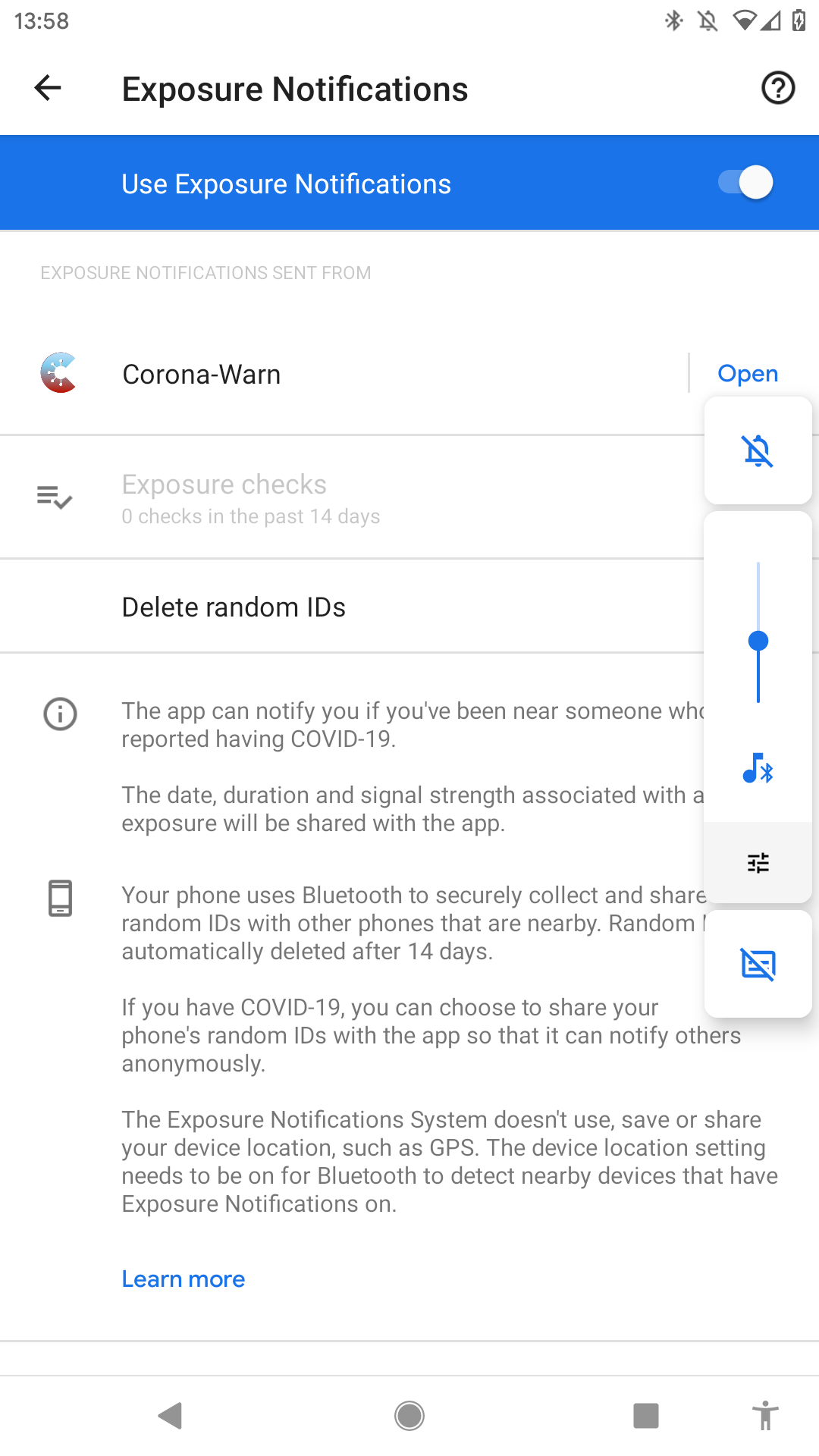
I can't select exposure chekcs
Gerscho
on 24 Oct 2020
@Gerscho
I can't select exposure chekcs
I can see in the screenshot that Google thinks there have been no exposure checks done.
Did you try to open CWA today? Are you still getting the error message 39508?
MikeMcC399
on 24 Oct 2020
We're still getting reports of 39508 after 9002 timeout after 180s:
https://github.com/corona-warn-app/cwa-app-android/issues/998#issuecomment-715775412
daimpi
on 24 Oct 2020
Yes I get the message all the time, resetting the app doesn't help either
Gerscho
on 24 Oct 2020
@Gerscho could you test the following: set the clock in your device one day forward into the future (and disable automatic clock synchronization) and then open CWA again, to see whether the problem persists.
Please report your observations back to us here, TIA 🙂
daimpi
on 24 Oct 2020
@Gerscho
Yes I get the message all the time, resetting the app doesn't help either
I'm afraid I don't know how it can happen that Google shows 0 exposure checks done, whilst at the same time CWA is reporting a 39508 error. This is the error code FAILED_RATE_LIMITED from exceeding the provideDiagnosisKeys quota as documented in API Reference.
Maybe @daimpi 's workaround he just posted will help?
MikeMcC399
on 24 Oct 2020
Sadly no effect, same error pops up over and over, also reinstalling the app has brought nothing
Gerscho
on 24 Oct 2020
@vaubaehn you wrote:
Thanks very much, I think we spotted the problem.
What exactly do you think happened? Silent API 10 Error, causing retries until the rate limit was hit and 39508 was triggered?
daimpi
on 24 Oct 2020
@Gerscho
Sadly no effect, same error pops up over and over, also reinstalling the app has brought nothing
That's a pity… so you still got the 39508 error even though you set the clock one day forward? You didn't spot any API 10 error like @NicoleRL reported above by chance?
daimpi
on 24 Oct 2020
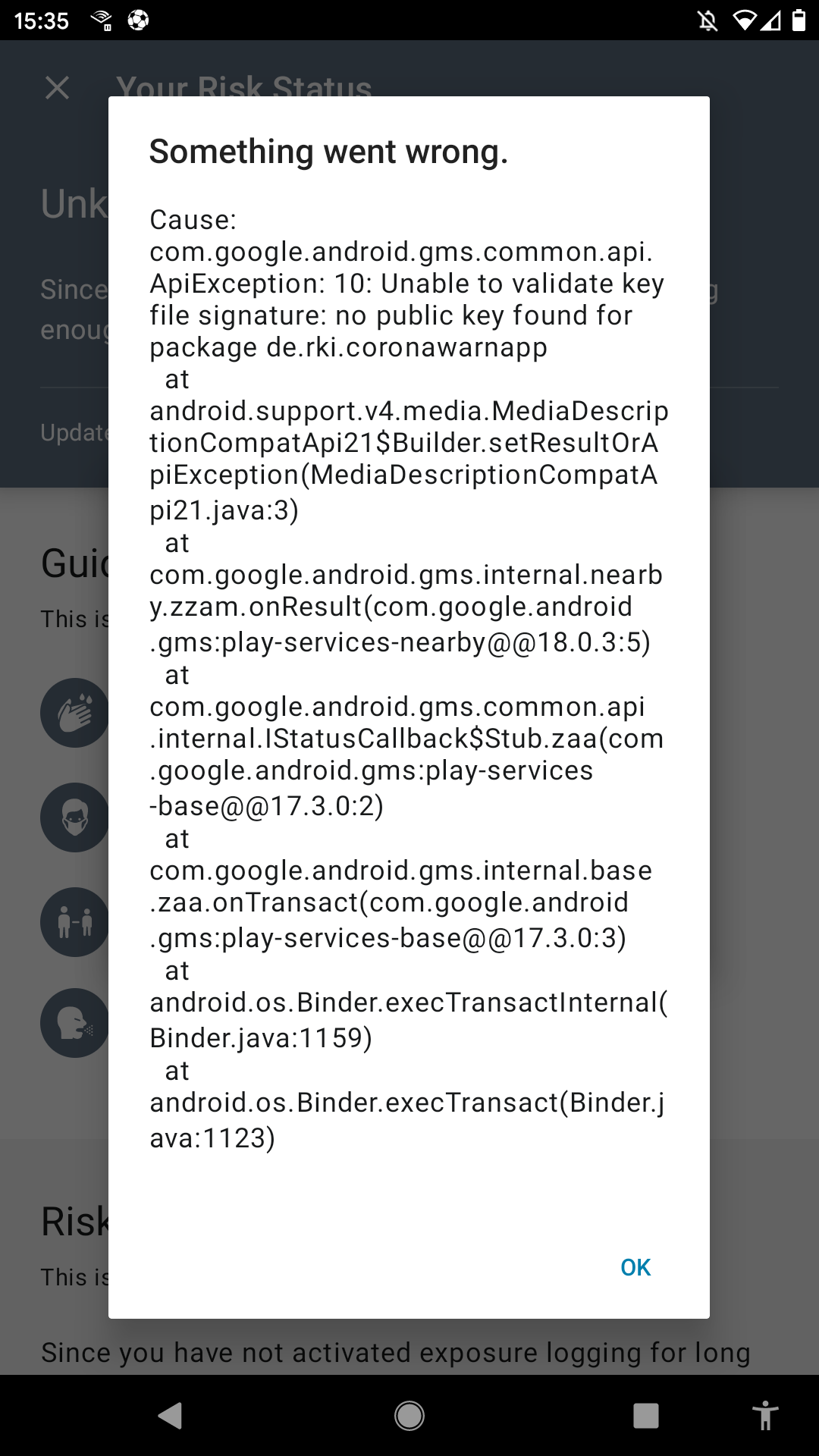
You are right the error changed
Gerscho
on 24 Oct 2020
@Gerscho thanks that's good to know… that means the issue you and @NicoleRL are facing is the same.
@thomasaugsten said the following:
please create a new ticket if the error still persists and please provide me a bug report via email
thomas.[email protected]
developer.android.com/studio/debug/bug-report
I don't think a new issue has been created yet, would you (or @NicoleRL) maybe want to open a new one? 🙂
daimpi
on 24 Oct 2020
I wrote him an email
Gerscho
on 24 Oct 2020
Hi @NicoleRL ,
Thanks very much, I think we spotted the problem.Could you please try the following:
From inside the app, tap into the up right corner with the 3 dots, open the settings and choose 'App zurücksetzen'.
This will reset CWAs data. It will then show you an unknown risk status, and that there was no activity of exposure logging yet, but this is cosmetic only. Your collected contacts are still retained.
Can you report back, if you will (later in the day) get an entry in the Android > settings > Google > covid-19-Benachrichtigungen log?
Hello again,
it seems like the check is working again:
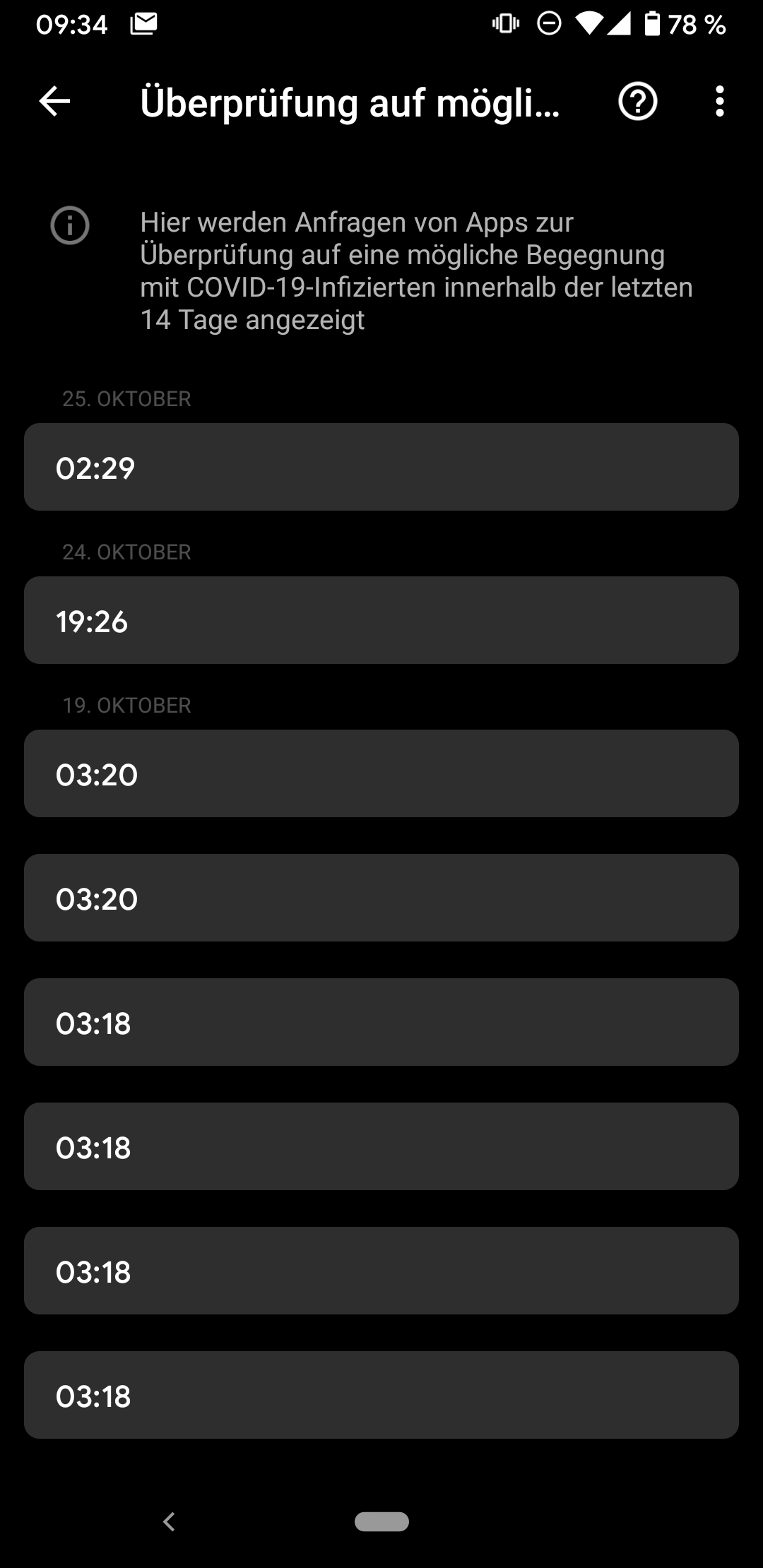
The error message in CWA doesn't appear anymore.
NicoleRL
on 25 Oct 2020
@NicoleRL thanks for the update.
Could you tell us which steps (if any) you took in the time from the error being present to it disappearing?
daimpi
on 25 Oct 2020
@NicoleRL thanks for the update.
Could you tell us which steps (if any) you took in the time from the error being present to it disappearing?
Hm, I'm not sure what worked. I chose "App zurücksetzen" in CWA, but after that the error still appeared in the next few hours. Yesterday in the afternoon my smartphone wanted to have a reboot because of an Android security update. I didn't check directly after rebooting, but in the evening the error in CWA was gone.
Beside of that I don't remember something special.
NicoleRL
on 25 Oct 2020
@NicoleRL thanks 🙂
Did your Gplay or ENF versions change?
ENF version: 17203915000
Play Services version: 20.39.15
daimpi
on 25 Oct 2020
The versions seem to be the same.
The Play Services version says "Version 20.39.15 (150400-335085812)", but I am not sure if the numbers in parentheses were exactly like this.
NicoleRL
on 25 Oct 2020
@NicoleRL thanks for info again 🙂
@Gerscho is the problem still present for you or did it also disappear?
daimpi
on 25 Oct 2020
@NicoleRL
The Play Services version says "Version 20.39.15 (150400-335085812)", but I am not sure if the numbers in parentheses were exactly like this.
Normally you don't need to worry about what is inside the brackets!
Google Play services has (currently) 57 different hardware-dependent variants for Version 20.39.15 which can be viewed on apkmirror.com and specifically Version: 20.39.15 (150400-335085812) where it says it is for:
arm64-v8a + armeabi-v7a hardware
Android 11 (API 30) operating system
nodpi (meaning no specific display size / resolution)
Google Play Store will update Google Play services silently in the background and choose the right variant for your hardware and operating system. You only really need to know about this if you are installing a different version by hand. The first number 150400 is a variant ID and stays the same for your hardware independent of the version number. The second number 335085812 is like a low-level version number which gets incremented for new versions.
MikeMcC399
on 25 Oct 2020
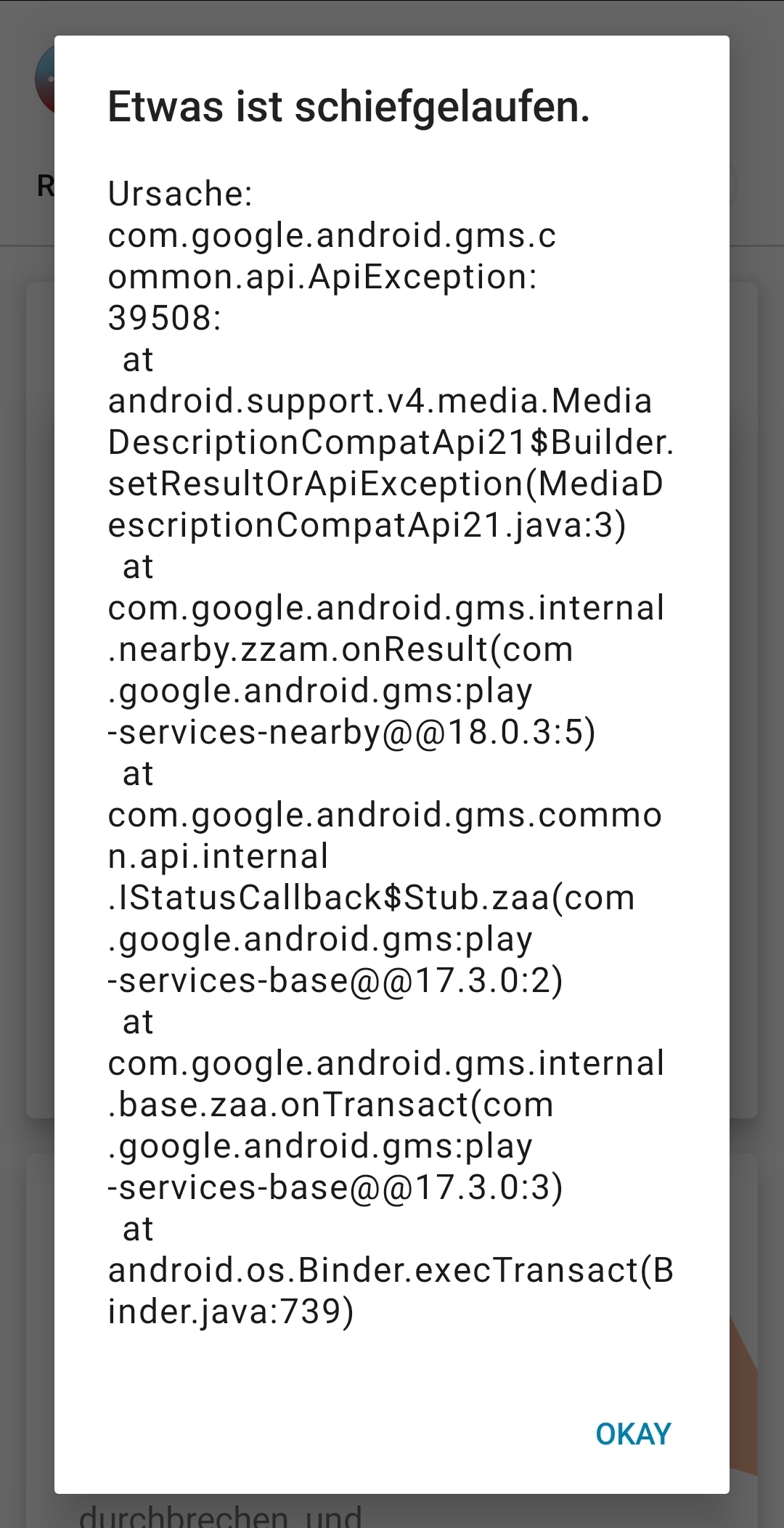
Das gleiche Problem bei mir. App ist schon länger auf 1.5 geupdatet.
Android Version 9
Samsung S9
 MoTaMuser
on 25 Oct 2020
MoTaMuser
on 25 Oct 2020
@MoTaMuser kannst du deinen EN log hier teilen?
(Einstellungen -> Google -> Covid 19 Benachrichtigungen -> auf "Überprüfungen in den letzten 14 Tagen" tappen -> rechte obere Ecke "Burger Menü" -> Exportieren. Dann den .json file einfach in .txt umbenennen und hier hochladen)
daimpi
on 26 Oct 2020
MoTaMuser
on 26 Oct 2020
Hello everyone,
thank you very much for your inputs so far. We are still receiving a lot of concerns from all channels (App Store, Play Store, GitHub) so I will now create a new Jira Ticket containins all gathered information so far. I will make sure that this topic gets a very high internal priority.
Best regards,
SG
Corona-Warn-App Open Source Team
svengabr
on 26 Oct 2020
@MoTaMuser
Looking at the last few days, there is no sign in your logs that the quota of 20 was exceeded. It appears that something is silently failing. Also the days Oct 24 and 25 are missing.
| Timestamp | Count of keyCount
-- | -- | --
| 26. Oktober 2020, 05:02 | 1
| 23. Oktober 2020, 02:35 | 1
| 22. Oktober 2020, 06:03 | 1
| 21. Oktober 2020, 07:22 | 1
| 20. Oktober 2020, 03:57 | 1
| 19. Oktober 2020, 05:58 | 14
MikeMcC399
on 26 Oct 2020
@MoTaMuser could you test the following: set the clock in your device one day forward into the future (and disable automatic clock synchronization) and then open CWA again, to see whether the problem persists and/or whether any new/different error messages show up.
Please report your observations back to us here, TIA 🙂
Edit: could you also tell us which ENF version is running on your device?
daimpi
on 26 Oct 2020
Dear all,
I am also still experiencing the 39508 error. Updating to 1.5.0 or 1.5.1 does not seem to help.
Model Meizu Pro5
Android 7
CW 1.5.1 updated today from 1.5.0
Gplayservices version 20.39.15 (I had to use a meizu google services installer to install gps, as it was not pre installed)
Sorry I do not know how to provide ENF version information and EN log, as my Settings menue does not show a google
header.
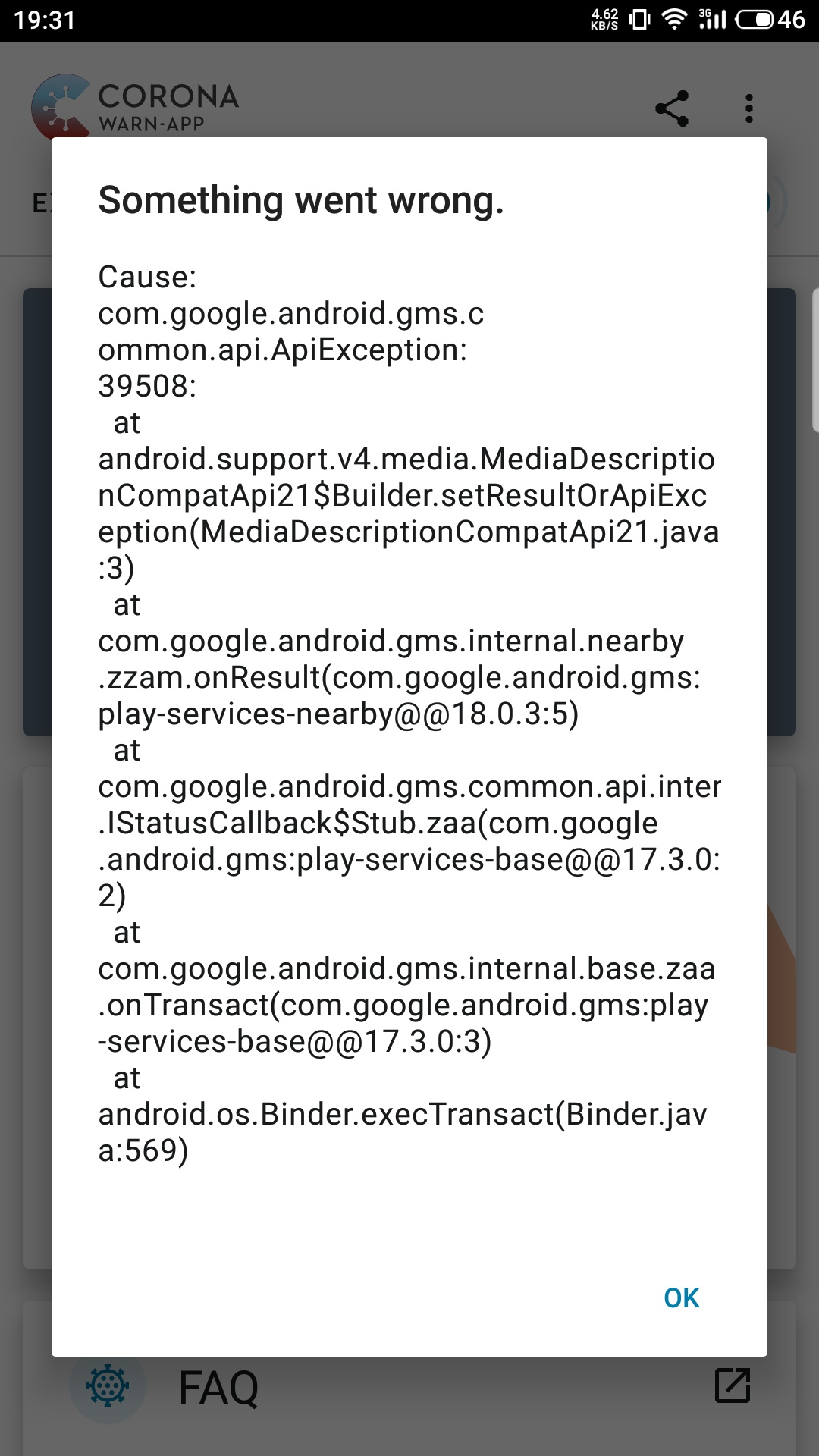
Best
Miles Lindner
 MSLDgit
on 28 Oct 2020
MSLDgit
on 28 Oct 2020
Hi @MSLDgit
How did you install the CWA app? Did you get it from the Google Play Store?
It sounds like your Meizu device has a problem with the Google Play services environment if you don't have a Google menu item. It will be difficult to look into your 39508 error deeper if you can't export the exposure check logs, which are normally accessible through the Settings > Google menu.
MikeMcC399
on 28 Oct 2020
Hi, thanks for the prompt answer.
I have the GooglePlayStore installed. This was also done via a GMS installer app from the Meizu appstore.
All other apps incl. CWA are from the Gplaystore.
I also occasionally get messages from the CWA, that Gplayservices are not installed, that might be associated with the problem.
Just to be clear, you mean the settings menue of my smartphone, correct?
MSLDgit
on 28 Oct 2020
@MSLDgit
Yes, I'm referring to the Android settings menu of the phone, which I mentioned in more detail in https://github.com/corona-warn-app/cwa-app-android/issues/1459#issuecomment-715897847 i.e.
Go to Settings > Google > COVID-19 exposure notifications > Exposure checks
Use the three dot menu to Export exposure checks.
Rename the file extension from .json to .txt then attach the file to the post.
or for German UI:
Einstellungen > Google > COVID-19-Benachrichtigungen > Überprüfung auf mögliche Begegnungen
Drei-Punkte-Menü aufrufen und "Überprüfungen exportieren" auswählen.
If Google Play services were not responding, you would not receive a 39508 error. So the fact that you sometimes get messages about installation issues is just an additional problem. Perhaps when these installation message show again you could grab a screenshot and post it here (or in a new issue)?
MikeMcC399
on 28 Oct 2020
Yes, I will do a screenshot and report it here. I now reinstalled the GooglePlayService (GPS) from apk mirror using the same version-.apk as was installed on my device. After that there was a 116kb update for GPS which was done via PlayStore. However there is still no Google item within my Settings menu and I also cannot download the Google settings app.
Is there another way to export the exposure check logs somehow?
Thanks for your help!
MSLDgit
on 28 Oct 2020
@MSLDgit
If the complete Google menu item in Settings is missing, then there is something different about the way that Android & Google add-ons are working on your device. That is a little out-of-scope for this forum as this is the first time that Meizu has been mentioned in the forum by anybody, so I don't know if there are other Meizu users out there reading this who might be able to help.
The data which the Google Exposure Notification System stores is protected and you can only access it by hand if you have a rooted device. There are some details about this in #1238 from other people with experience in this area.
MikeMcC399
on 29 Oct 2020
@MikeMcC399 is right and the app will only work with the original Google Play Services. This is also related to https://github.com/corona-warn-app/cwa-app-android/issues/1483
After todays internal meeting we decided to remove the hot topic label on this issue due to overwhelming positive feedback from the Play Store community. However, we will still do further enhancements with an upcoming release where we will display a card with explanation while the rate limiting error has occured. (if it still occurs on your device)
svengabr
on 29 Oct 2020
Hi
Error:
While on v1.5.0
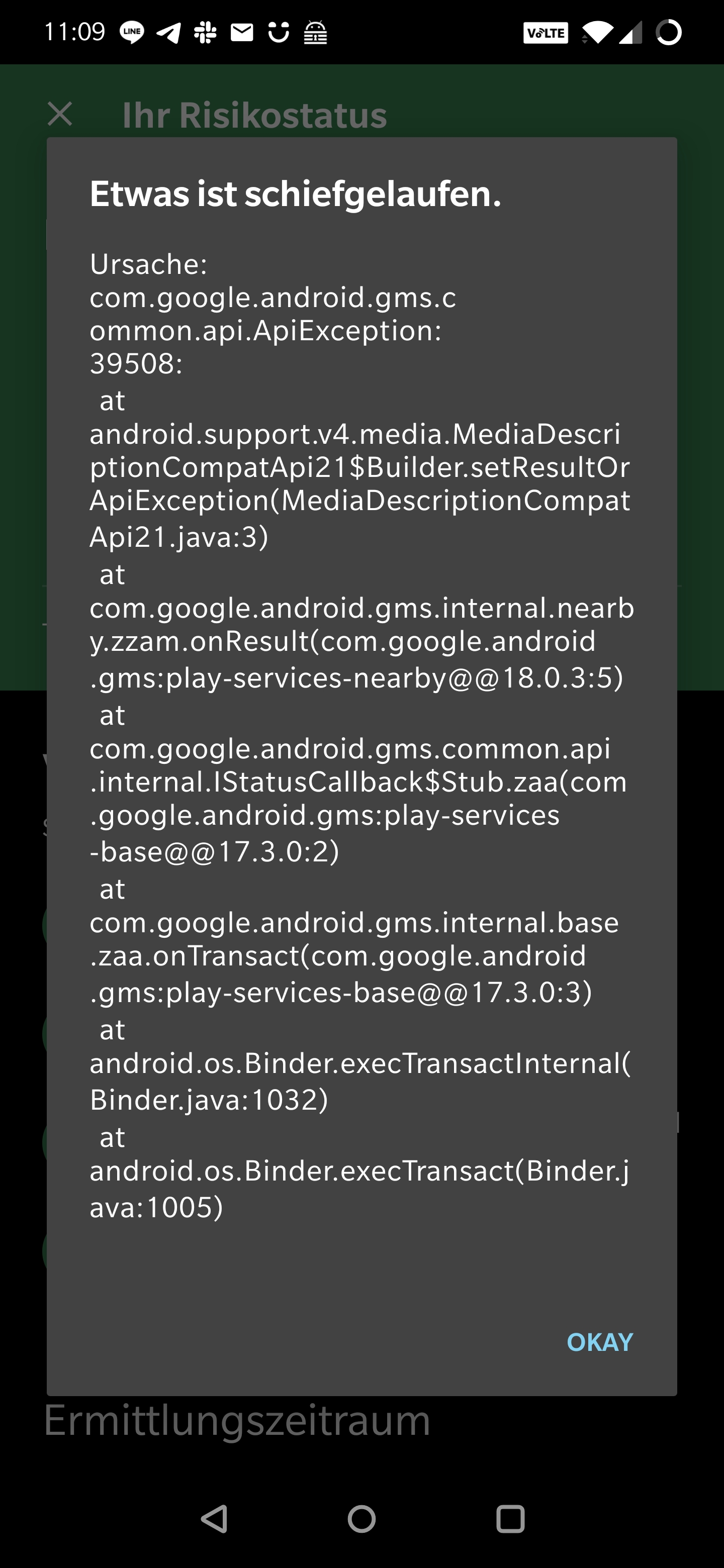
I had run it on 1.5.0 for more then a week now.
Upgraded to v1.5.1 today but still:
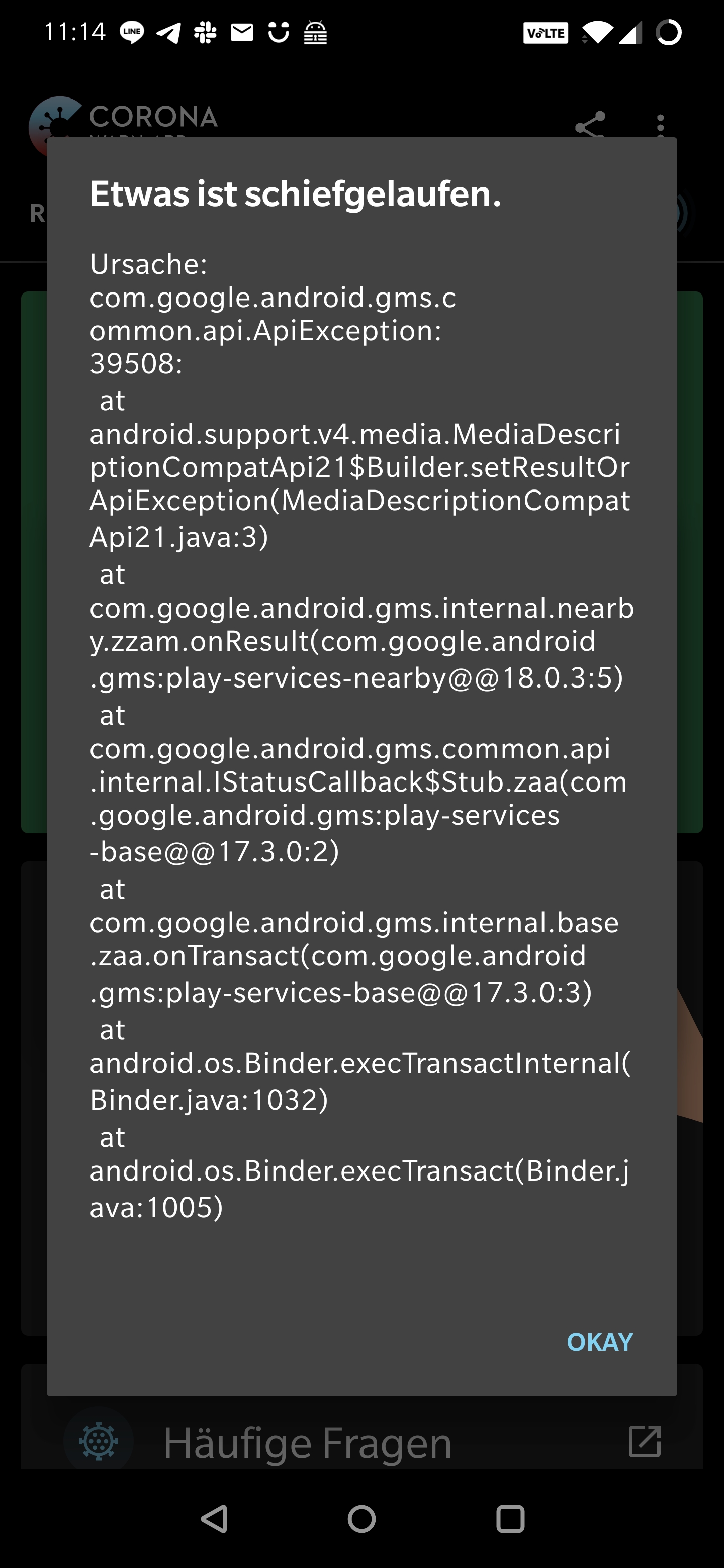
Mobile device: oneplus 7t pro
Android version: 10
App Version: 1.5.1
ENF Version:
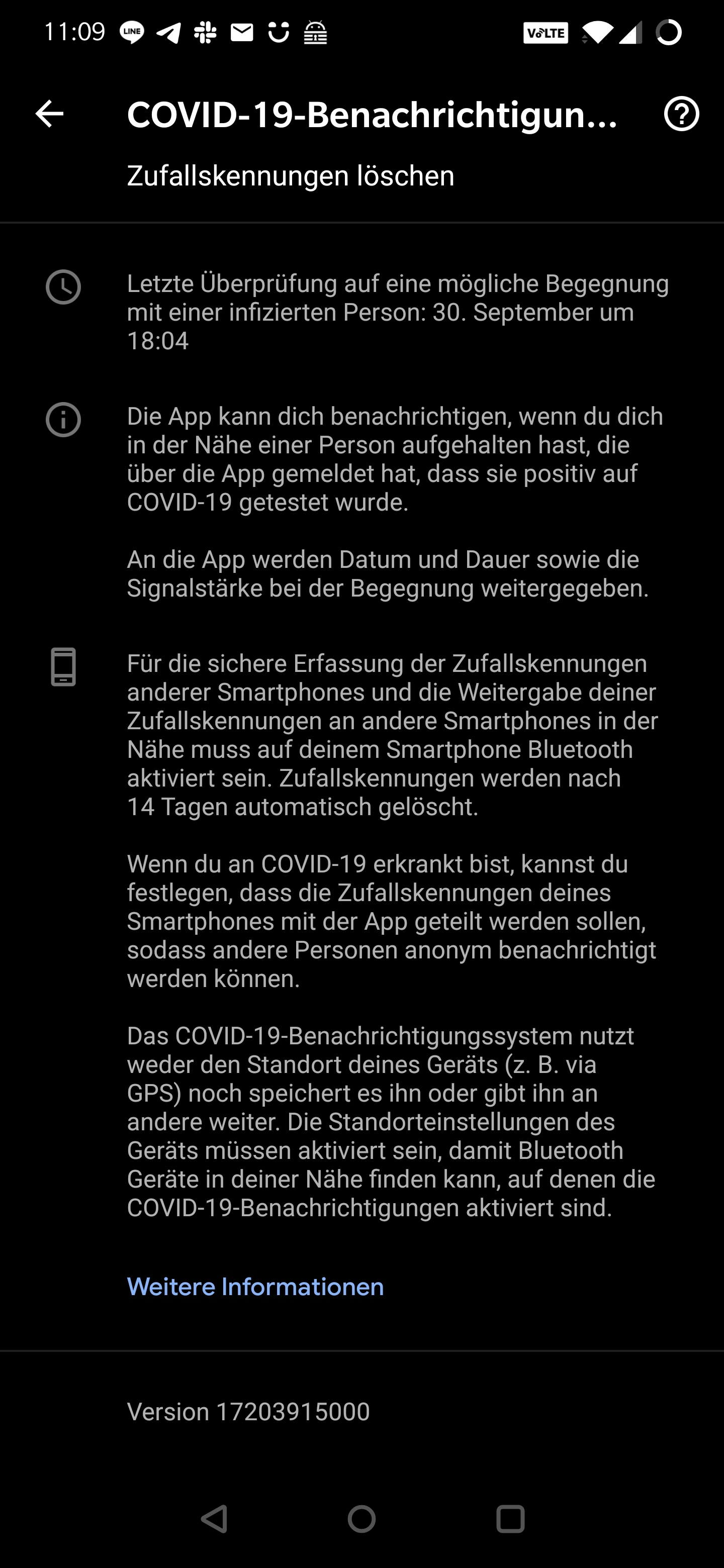
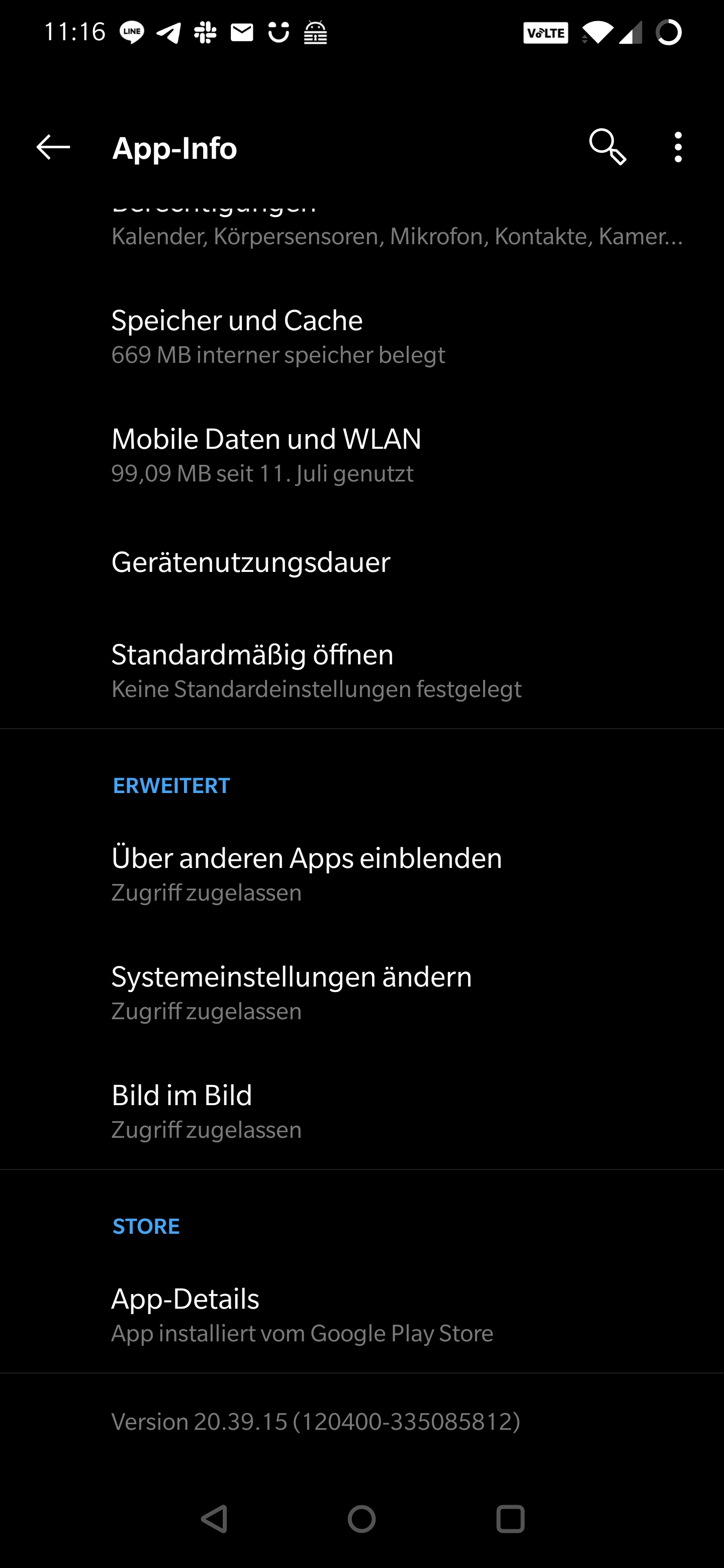
Play Services version
 steadfasterX
on 31 Oct 2020
steadfasterX
on 31 Oct 2020
@steadfasterX
Could you please post your exposure log? (See https://github.com/corona-warn-app/cwa-app-android/issues/1459#issuecomment-715897847 for a bit more detail how to do this if you're not sure.)
MikeMcC399
on 31 Oct 2020
@steadfasterX
Could you please post your exposure log? (See #1459 (comment) for a bit more detail how to do this if you're not sure.)
Oh yea seems we have an issue there?! Just data from yesterday and only for 17:17 o'clock .. Weird.
steadfasterX
on 31 Oct 2020
@steadfasterX
"timestamp":"30. September 2021, 17:17"
Wow you're from the future… what's happening in 2021? Please let it be better than 2020 🙏😄 .
Kidding aside: could you try to set the correct date in your phone, open CWA and see whether it tries to perform some checks?
daimpi
on 31 Oct 2020
@steadfasterX
There are 14 entries in your exposure check log all on the same (future) date. 14 entries per day is the way it worked prior to version 1.5.0, so it makes it look like these were written before you updated. That is a little strange.
Since version 1.5.1 is now the latest, I'd suggest you also update to this version. Double check afterward in the app: three-dot menu > App Information that it is showing Version: 1.5.1 at the bottom of the page.
That is in addition to correcting the date / time on your device as @daimpi advised. Possibly you could select "Automatic date and time" or similar in your Android settings.
MikeMcC399
on 31 Oct 2020
Is this the menu in which I could go further to the exposure checks and then export them?
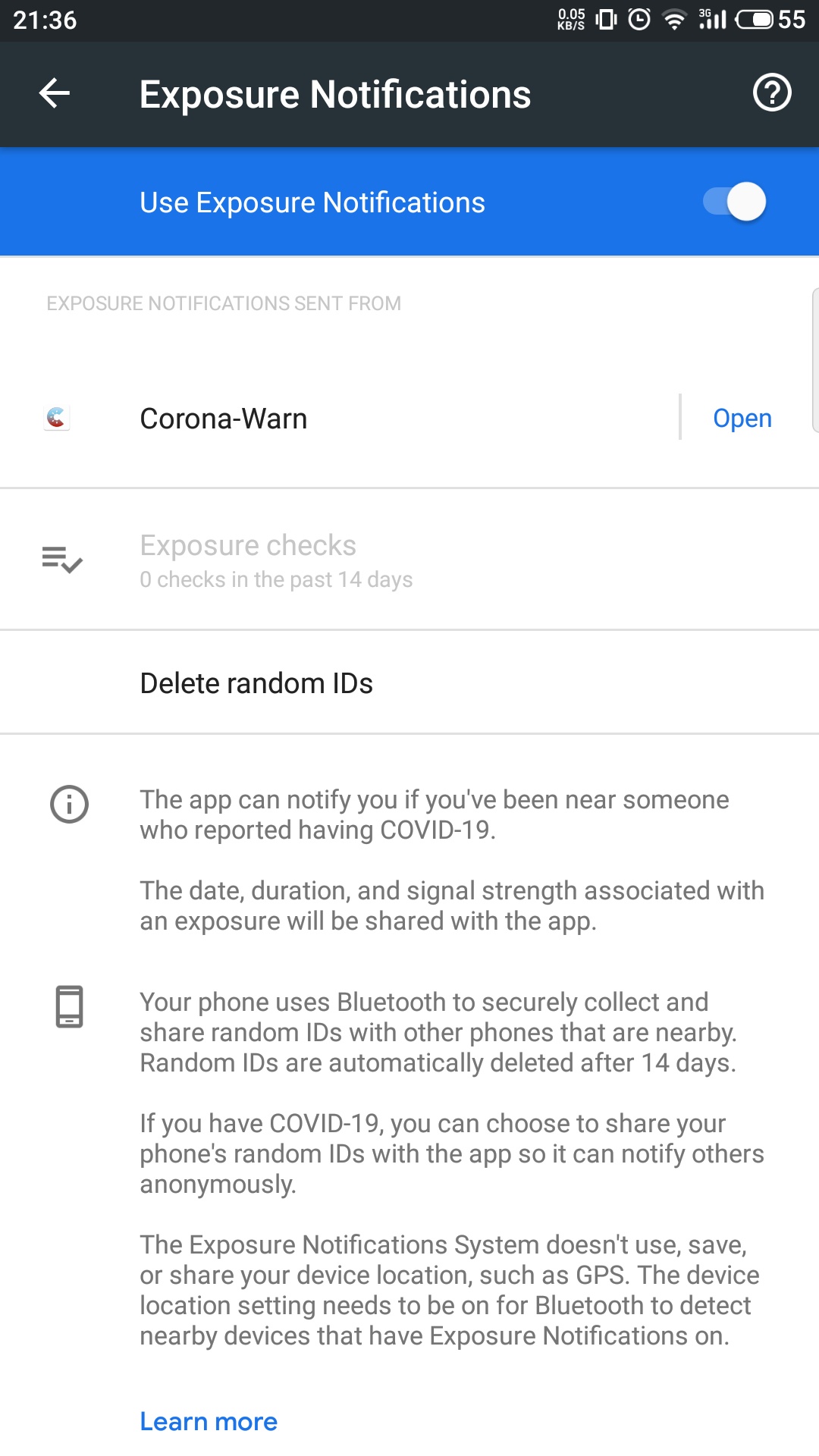
I could acces it by switching off bluetooth. After this, GPS displayed a notification and via that I could open the menu.
Hope this might help others.
In my case my checks are empty as I deinstalled the app shortly before that, as your comment suggested it wouldn't work. Prior to this I also resetted the app as was suggested to NicoleRL. I guess thats why my checks are empty, right?
So now I found the menu, is there hope?
Best
Miles
MSLDgit
on 31 Oct 2020
@MSLDgit
You are very resourceful, but I suspect this is not going to work on your device.
You found the right menu, however because it says "0 checks in the past 14 days" the option to select Exposure checks is greyed out. There would be nothing to display and nothing to export.
Normally if you reset the CWA app through the three-dot menu > Settings > Reset App then run through the onboarding sequence to activate exposure logging you will immediately see an exposure check entry in the Google logs. If you do not have Internet connectivity at this time, as soon as an Internet network is detected (WiFi or mobile data) then the first exposure check will be carried out and you will get a log entry.
(I remember your trick to get to the Google menu by switching off bluetooth. I did this also on a Samsung Galaxy device. Just for comparison: if you select "Maximum power saving" on a Samsung Galaxy A50 it turns the Android settings menu into a very restricted form which does not include Google as an option. If you then switch off bluetooth you get a notification from Exposure Notifications which you can use to enter the Exposure Notifications menu.)
I'm sorry that I don't think I can help any further. @svengabr also indicated in https://github.com/corona-warn-app/cwa-app-android/issues/1459#issuecomment-718716314 that you need the original Google Play services shipping with your device. The tell-tale sign is if you do not have any Google option in the Android settings menu it sounds very much like your device is not compatible.
MikeMcC399
on 31 Oct 2020
@steadfasterX
"timestamp":"30. September 2021, 17:17"Wow you're from the future… what's happening in 2021? Please let it be better than 2020 🙏😄 .
Kidding aside: could you try to set the correct date in your phone, open CWA and see whether it tries to perform some checks?
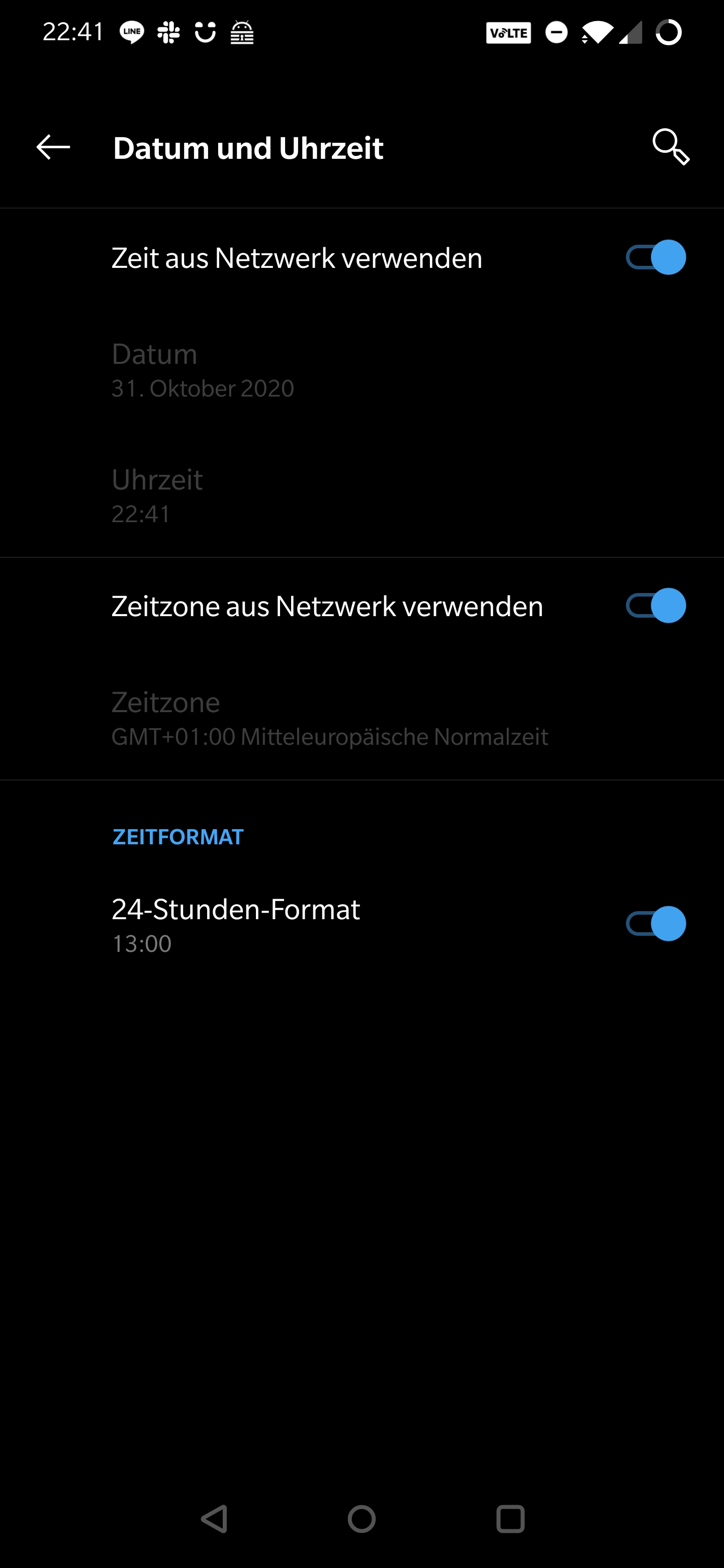
My date is correctly set and for sure automatic
steadfasterX
on 31 Oct 2020
@steadfasterX
There are 14 entries in your exposure check log all on the same (future) date. 14 entries per day is the way it worked prior to version 1.5.0, so it makes it look like these were written before you updated. That is a little strange.Since version 1.5.1 is now the latest, I'd suggest you also update to this version. Double check afterward in the app: three-dot menu > App Information that it is showing Version: 1.5.1 at the bottom of the page.
That is in addition to correcting the date / time on your device as @daimpi advised. Possibly you could select "Automatic date and time" or similar in your Android settings.
As said date / time is correctly set (see above for a screenshot ) and I'm 100% on 1.5.1 ofc verified within the app as well.
I remember though that a while ago i had an issue with date / time where a guide told me to set it 1 year in the future and then setting it back to automatic which worked perfectly fine since then my date / time is correct. Maybe the app struggling because that happened and is not able to operate as normal again after that ..
steadfasterX
on 31 Oct 2020
@steadfasterX
I would suggest waiting until tomorrow to see if CWA has stabilized using the correct time then checking the exposure log again.
MikeMcC399
on 31 Oct 2020
@steadfasterX
I would suggest waiting until tomorrow to see if CWA has stabilized using the correct time then checking the exposure log again.
The time change i did happend a month ago(very likely 30.09.2020). Since that date the time is correct and ofc nothing changed over night like it doesn't the last 30 days.
Exposure log still showing 2021
all-exposure-checks.json.txt
I guess i have to reset the app ?
steadfasterX
on 1 Nov 2020
@steadfasterX
The time change i did happend a month ago(very likely 30.09.2020). Since that date the time is correct and ofc nothing changed over night like it doesn't the last 30 days.
Exposure log still showing 2021I guess i have to reset the app ?
It looks like it will not recover on its own if you have already been waiting. The sequence below will try and make CWA usable again and the steps will start by progressively resetting more data until the app works.
- In device Date and time disable Automatic date and time, Set date to yesterday.
- Open CWA and select three-dot menu > Settings > Reset App and confirm reset.
- Go through "Let's get started" and select "Activate Exposure Logging".
- CWA should now display the grey background with "Unknown Risk".
- Go to device Date and set date to today.
- CWA should now display the green background with "Low Risk".
- Go to device Settings > Google > COVID-19 exposure notifications.
- Select Exposure checks.
There should be one entry for yesterday and another entry for today.
If that is not the case and the only entries are for 30. September 2021, 17:17 then go back one level to the Google Exposure Notifications level and select Delete random IDs, confirm.
Reset the app once again (set date back one day, reset, set date to today) as above.
If you still are not seeing an exposure check in the log for today's date, then uninstall CWA and re-install it. That will delete the whole history of exposure checks, including the rogue entries from 30. September 2021.
The relevant CWA / Google menu items in the above with the device using German language UI are:
CWA Dreipunkte-Menü > Einstellungen > Anwendung zurücksetzen
Google > COVID-19 Benachrichtigungen > Überprüfung auf mögliche Begegnungen
Google > COVID-19 Benachrichtigungen > Zufallskennungen löschen
MikeMcC399
on 1 Nov 2020
@MikeMcC399 thx. At step 6 it went grey but still the same failure as before and it doesn't turn into green. Tried it 2 times with no eval.
So the only way to go was step 12 (i just cleared the whole app storage ) and set the date to 1 day back, walked through the wizard and set date correct again. Now all is fine again ..
Thanks for your help & guidance!
steadfasterX
on 1 Nov 2020
@steadfasterX
So the only way to go was step 12 (i just cleared the whole app storage ) and set the date to 1 day back, walked through the wizard and set date correct again. Now all is fine again ..
I'm glad to hear that you got it working and thanks for feeding back! That also helps anybody else who has the same problem.
MikeMcC399
on 1 Nov 2020
Hi.
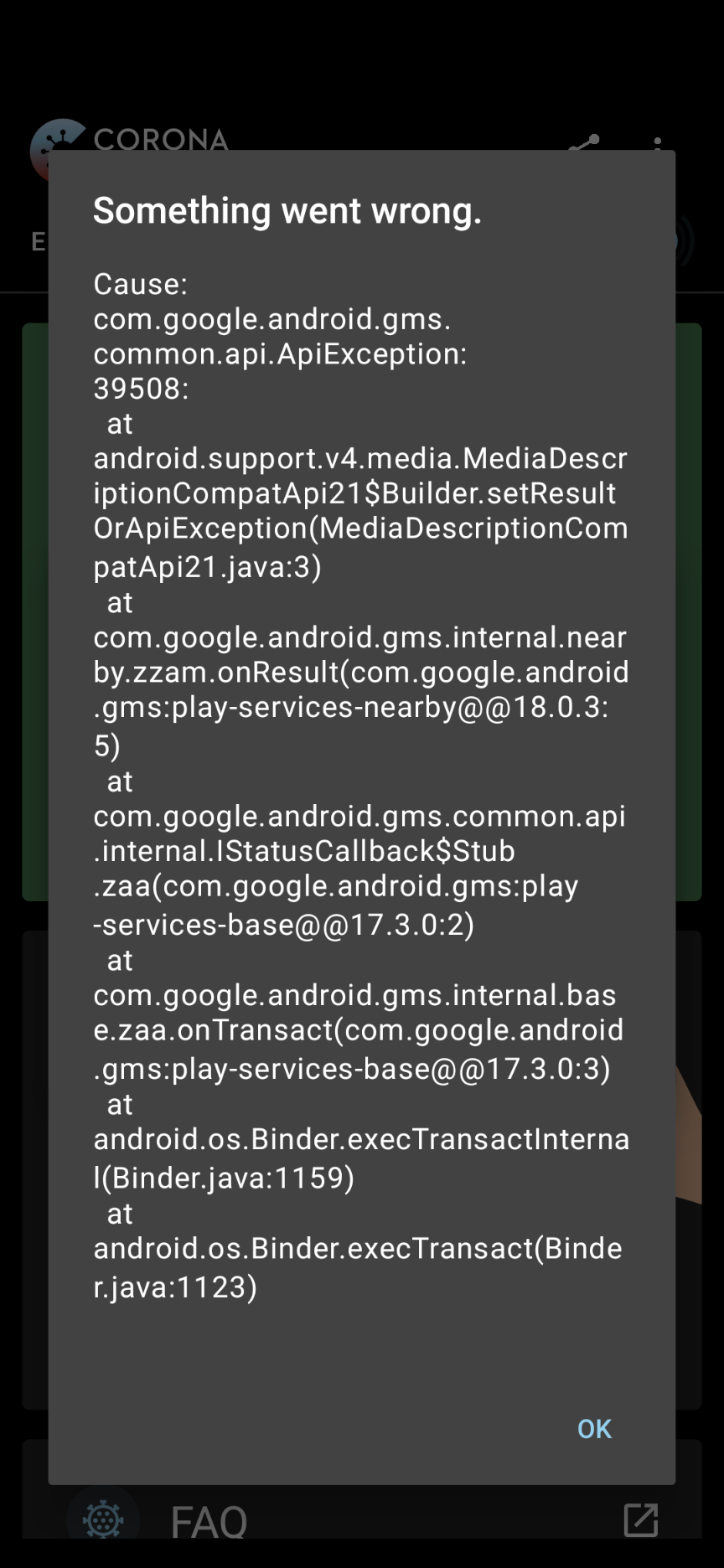
I installed the app this week (version 1.5.1) but this error keeps popping up. I am using a pixl 5
with the Android version 11. Resetting the app brings no result either.
 gh89900
on 1 Nov 2020
gh89900
on 1 Nov 2020
@gh89900
If you could share your exposure check log with us, we could take a look and see if it contains any hints about what might be going wrong.
Go to Settings > Google > COVID-19 exposure notifications > Exposure checks
Use the three dot menu to Export exposure checks.
Rename the file extension from .json to .txt then attach the file to the post.
MikeMcC399
on 1 Nov 2020
HI,
Please check attachment.
Thanks.
星期日, 01 十一月 2020, 02:05下午 +01:00 发件人 Mike McCready [email protected] :
@gh89900
If you could share your exposure check log with us, we could take a look and see if it contains any hints about what might be going wrong.
Go to Settings > Google > COVID-19 exposure notifications > Exposure checks
Use the three dot menu to Export exposure checks.
Rename the file extension from .json to .txt then attach the file to the post.
—
You are receiving this because you were mentioned.
Reply to this email directly, view it on GitHub , or unsubscribe .
[{"timestamp":"2020年10月31日 08:29","keyCount":226660,"matchesCount":0,"appName":"Corona-Warn","hash":"6V+509MDjR3X+5xqt9rJg6r00DOksIf70s66uGC7M9I="},{"timestamp":"2020年10月30日 02:25","keyCount":244428,"matchesCount":0,"appName":"Corona-Warn","hash":"\/KwLV2Pcq9YZlQlZyeXQmtAzBmNaSWhYllwN7jeQzhs="},{"timestamp":"2020年10月29日 02:12","keyCount":259049,"matchesCount":0,"appName":"Corona-Warn","hash":"s4AVHavcCHOuQrIp5dz+pM5kVd5MuQgKixPT+2mrsUc="},{"timestamp":"2020年10月28日 01:57","keyCount":268412,"matchesCount":0,"appName":"Corona-Warn","hash":"hkAqXMaSWwusKsoBQWHNRNEsw1zulYxuRRVZ94IlCco="},{"timestamp":"2020年10月27日 01:21","keyCount":275196,"matchesCount":0,"appName":"Corona-Warn","hash":"Xwi5TnASZ1R\/9KUL5W9LEsHx+g5wBW+tCv9H5C1Y8wU="},{"timestamp":"2020年10月26日 19:14","keyCount":277839,"matchesCount":0,"appName":"Corona-Warn","hash":"hIOwHAJwpXst79yPPBqfZeW7keDg2tl9cj2XSOxVPls="}]
gh89900
on 1 Nov 2020
@gh89900
Well it's a little challenging to have an exposure check log file in Chinese :grinning: , but there doesn't seem to be anything strange about it. There is just one exposure check per day, which should not exceed the quota and therefore it should not show the error 39508. There is no entry for today, Nov 1, 2020 though. Did you open the app today?
Timestamp | Count
-- | --
2020年10月31日 08:29 | 1
2020年10月30日 02:25 | 1
2020年10月29日 02:12 | 1
2020年10月28日 01:57 | 1
2020年10月27日 01:21 | 1
2020年10月26日 19:14 | 1
You said you have:
CWA App 1.5.1
Mobile device pixl 5 (probably Pixel 5?)
Android version 11
Could you please check what version of the Exposure Notification System (ENS) is running on your device?
Settings > Google > COVID-19 exposure notifications
then scroll down to the bottom of the screen. It should say something like:
Version 17203915000
We may need some additional help from the developers on this issue.
MikeMcC399
on 1 Nov 2020
Hello,
today I received the error message while opening the app.
The ENS Version is
17203915000
And I have:
CWA App 1.5.1
Mobile device Pixel 5
Android version 11
Thanks you for your help. 星期日, 01 十一月 2020, 02:47下午 +01:00 发件人 Mike McCready [email protected] :
@gh89900
Well it's a little challenging to have an exposure check log file in Chinese 😀 , but there doesn't seem to be anything strange about it. There is just one exposure check per day, which should not exceed the quota and therefore it should not show the error 39508. There is no entry for today, Nov 1, 2020 though. Did you open the app today?
Timestamp Count
2020年10月31日 08:29 1
2020年10月30日 02:25 1
2020年10月29日 02:12 1
2020年10月28日 01:57 1
2020年10月27日 01:21 1
2020年10月26日 19:14 1
You said you have:
CWA App 1.5.1
Mobile device pixl 5 (probably Pixel 5?)
Android version 11
Could you please check what version of the Exposure Notification System (ENS) is running on your device?
Settings > Google > COVID-19 exposure notifications
then scroll down to the bottom of the screen. It should say something like:
Version 17203915000
We may need some additional help from the developers on this issue.
—
You are receiving this because you were mentioned.
Reply to this email directly, view it on GitHub , or unsubscribe .
gh89900
on 1 Nov 2020
@gh89900 @MikeMcC399
I have a suspicion that we could be dealing with a (silent) API 10 error again as above with @NicoleRL and @Gerscho especially as we have a Pixel device running Android 11.
It seems though for both @NicoleRL and @Gerscho the error has disappeared in the meantime…
Maybe to find out we should go through the same procedure as last time?
@gh89900 could you test the following: set the clock in your device one day forward into the future (and disable automatic clock synchronization) and then open CWA again, to see whether the problem persists.
Please report your observations back to us here, TIA 🙂
daimpi
on 1 Nov 2020
Hi,
yes,after I set the clock to Nov,2nd,and disable automatic clock synchronization...the Problem disappeared. 星期日, 01 十一月 2020, 03:20下午 +01:00 发件人 Daniel Frey [email protected] :
@gh89900 @MikeMcC399
I have a suspicion that we could be dealing with a (silent) API 10 error again as above with @NicoleRL and @Gerscho especially as we have a Pixel device running Android 11.
It seems though for both @NicoleRL and @Gerscho the error has disappeared in the meantime…
Maybe to find out we should go through the same procedure as last time ?
@gh89900 could you test the following: set the clock in your device one day forward into the future (and disable automatic clock synchronization) and then open CWA again, to see whether the problem persists.
Please report your observations back to us here, TIA 🙂
—
You are receiving this because you were mentioned.
Reply to this email directly, view it on GitHub , or unsubscribe .
gh89900
on 1 Nov 2020
@gh89900
after I set the clock to Nov,2nd,and disable automatic clock synchronization...the Problem disappeared
Ok that's interesting. Does this mean CWA performed a normal sync which also showed up in your EN log?
In this case I'd just set the clock back to the correct date, enable automatic clock sync and wait till tomorrow. You'll probably see the 39508 error every time you open CWA today, but from tomorrow on (after 01:00 CET) this problem will probably be gone.
daimpi
on 1 Nov 2020
@daimpi
Good stuff! You've identified 3 users all experiencing error 39508 and all are using Google Pixel devices with Android 11.
Pixel 2, Pixel 3a & Pixel 5.
@svengabr
Do you want to clone this into a separate issue or stay with the internal EXPOSUREAPP-3435?
MikeMcC399
on 1 Nov 2020
I will handover this information to google
@gh89900 can you provide your exact Android Build Number like: RP1A.201005.004
 thomasaugsten
on 1 Nov 2020
thomasaugsten
on 1 Nov 2020
Yes.
RD1A.200810.021.A1
星期日, 01 十一月 2020, 06:59下午 +01:00 发件人 Thomas Augsten [email protected] :
I will handover this information to google
@gh89900 can you provide your exact Android Build Number like: RP1A.201005.004
—
You are receiving this because you were mentioned.
Reply to this email directly, view it on GitHub , or unsubscribe .
gh89900
on 1 Nov 2020
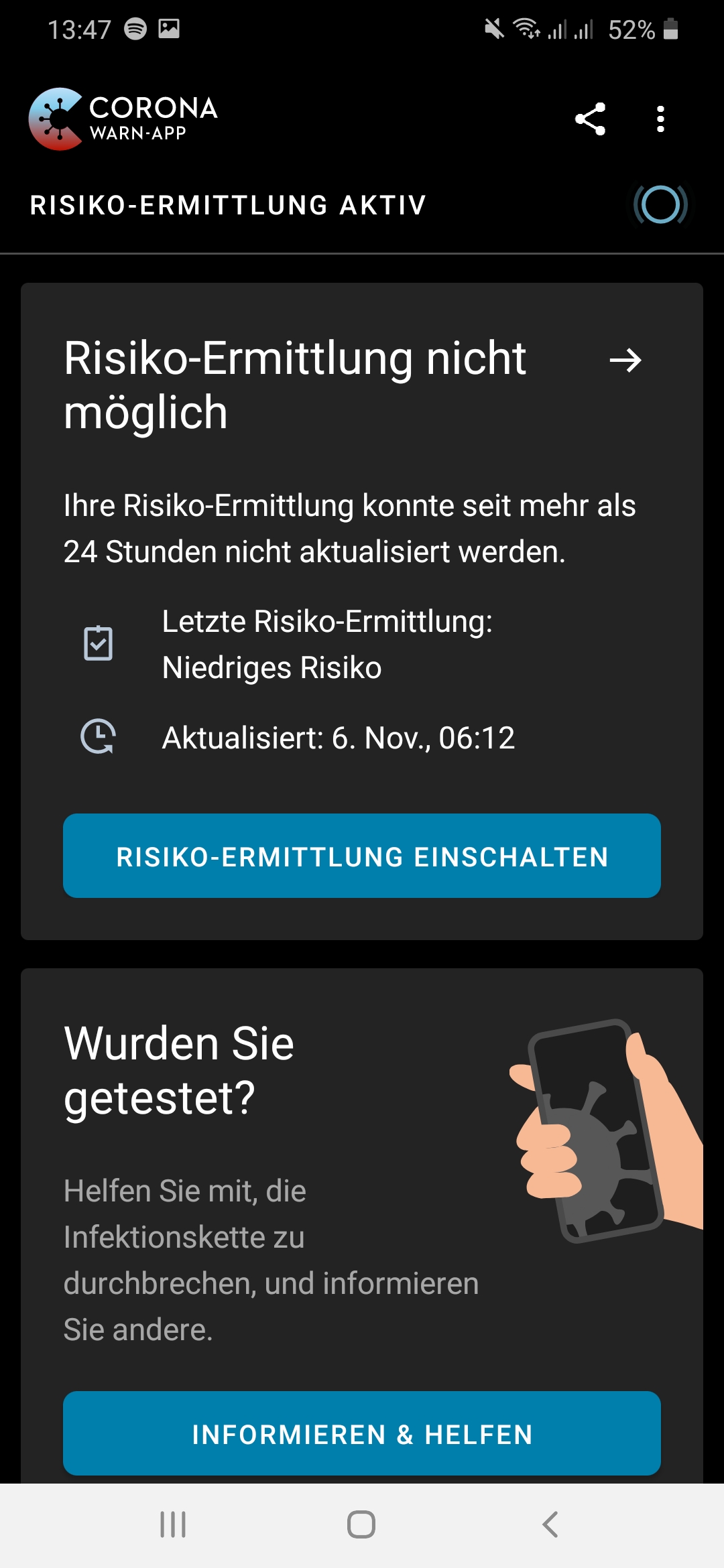
I have the same problem for 3 days now.
Android version: 10
Phone: Samsung Galaxy A50
CWA: 1.5.1
 Muske2020
on 9 Nov 2020
Muske2020
on 9 Nov 2020
Hello again @Muske2020
In case it wasn't clear what I meant in https://github.com/corona-warn-app/cwa-app-android/issues/1559 about the exposure log, see below. It is possible that exposure log will give some hint about what is behind the problem.
Go to Settings > Google > COVID-19 exposure notifications > Exposure checks
Use the three dot menu to Export exposure checks (default filename is all-exposure-checks.json).
Rename the file extension from .json to .txt then attach the file to the post.
or for German UI:
Einstellungen > Google > COVID-19-Benachrichtigungen > Überprüfung auf mögliche Begegnungen
Drei-Punkte-Menü aufrufen und "Überprüfungen exportieren" auswählen.
MikeMcC399
on 9 Nov 2020
Hello,
I cannot save the document as "txt." The option is not given.
Gesendet von Yahoo Mail auf Android
Am Mo., Nov. 9, 2020 at 14:15 schrieb Mike McCreadynotifications@github.com:
Hello again @Muske2020
In case it wasn't clear what I meant in #1559 about the exposure log, see below. It is possible that exposure log will give some hint about what is behind the problem.
Go to Settings > Google > COVID-19 exposure notifications > Exposure checks
Use the three dot menu to Export exposure checks (default filename is all-exposure-checks.josn).
Rename the file extension from .json to .txt then attach the file to the post.
or for German UI:
Einstellungen > Google > COVID-19-Benachrichtigungen > Überprüfung auf mögliche Begegnungen
Drei-Punkte-Menü aufrufen und "Überprüfungen exportieren" auswählen.
—
You are receiving this because you were mentioned.
Reply to this email directly, view it on GitHub, or unsubscribe.
Muske2020
on 9 Nov 2020
@Muske2020
Hello, I cannot save the document as "txt." The option is not given.
You can rename the file ending from .json to .txt after exporting that should do the trick. Alternatively you can put it in a .zip archive, that is also a format which can be uploaded here.
One additional question: Could you tell us whether you have "Prioritized Background Activity" enabled in the CWA settings?
daimpi
on 9 Nov 2020
Hello,
No I cannot rename it. Once I click "export" I can only choose where to send the document to. Not rename it. I'll send a screenshot anyway.
I have prio background activity enabled.
Gesendet von Yahoo Mail auf Android
Am Mo., Nov. 9, 2020 at 14:36 schrieb Daniel Freynotifications@github.com:
@Muske2020
Hello, I cannot save the document as "txt." The option is not given.
You can rename the file ending from .json to .txt after exporting that should do the trick. Alternatively you can put it in a .zip archive, that is also a format which can be uploaded here.
One additional question: Could you tell us whether you have "Prioritized Background Activity" enabled in the CWA settings?
—
You are receiving this because you were mentioned.
Reply to this email directly, view it on GitHub, or unsubscribe.
Muske2020
on 9 Nov 2020
@Muske2020
Hello,
No I cannot rename it. Once I click "export" I can only choose where to send the document to. Not rename it. I'll send a screenshot anyway.
You can send it to yourself by mail or upload it in Gdrive etc… from there you should be able to open it on a PC and rename the file ending. Alternatively you can also share with us the Gdrive link to your file.
I have prio background activity enabled.
OK thanks for the info 👍.
daimpi
on 9 Nov 2020
Muske2020
on 9 Nov 2020
@Muske2020 thanks for sharing. Your log indeed doesn't contain any entries since Nov. 6. Which is curious b/c the 39508 error is a rate-limiting error which should only happen if the API was called more than 20 times a day, but from your log it looks like no calls went to the API (at least no successful ones). Do you remember whether anything changed on your phone around Nov 6.?
We have seen similar behavior before, but this was so far restricted to Google Pixel devices running Android 11 which seemingly experienced (silent) API 10 errors which ultimately cumulated in the (visible) 39508 error (see posts above in this thread).
Could you maybe tell us which ENF version is running on your device? (how to find out your version)
Could you also share some screenshots of the error message?
daimpi
on 9 Nov 2020
@daimpi Perhaps set date to tomorrow after disabling Risiko-Ermittlung to see if another error message from hidden problem occurs? Then to recover set date to yesterday and Anwendung zurücksetzen?
MikeMcC399
on 9 Nov 2020
Hello,
its: Version 18204215000
I recently had a security update for my phone. But I I exactly recall, when. At the 6th of Nov. I had my first red Corona warning. Nothing more I recall from that day.
Screenshots attatched.
Gesendet von Yahoo Mail auf Android
Am Mo., Nov. 9, 2020 at 15:35 schrieb Mike McCreadynotifications@github.com:
@daimpi Perhaps set date to tomorrow after disabling Risiko-Ermittlung to see if another error message from hidden problem occurs? Then to recover set date to yesterday and Anwendung zurücksetzen?
—
You are receiving this because you were mentioned.
Reply to this email directly, view it on GitHub, or unsubscribe.
Muske2020
on 9 Nov 2020
@Muske2020 thanks for the info. The attached screenshots unfortunately didn't make it to Github.
You could try what @MikeMcC399 suggested above and report back what you find.
@MikeMcC399 I'd actually enable exposure logging after setting the date to tomorrow, otherwise probably no errors will trigger…
daimpi
on 9 Nov 2020
@daimpi
I'd actually enable exposure logging after setting the date to tomorrow, otherwise probably no errors will trigger…
That was just a shorthand suggestion, without all the steps 😀
Here are the longhand steps for @Muske2020:
Troubleshooting
in German since the screenshot showed German language:
- Corona-Warn-App > RISIKO-ERMITTLUNG AKTIV auf Gestoppt schalten
- Einstellungen > Datum und Uhrzeit > Automatisch Datum und Uhrzeit ausschalten
- Datum auf morgen umstellen
- Corona-Warn-App > RISIKO-ERMITTLUNG EINSCHALTEN von Gestoppt auf Aktiv schalten
- Prüfung läuft
- Aktualisiert: Heute, hh:mm
- wenn Fehlermeldung bitte notieren (mit screen shot)
- Datum auf heute wieder zurückstellen
- wieder beobachten, ob Fehler passiert
Workaround (evtl.)
No guarantee this will work. It's just a suggestion to try out if there is still an error after trying the above troubleshooting steps.
- Einstellungen > Datum und Uhrzeit > Automatisch Datum und Uhrzeit ausschalten
- Datum auf gestern umstellen
- Corona-Warn-App > Dreipunkte-Menü > Einstellungen > Anwendung zurücksetzen und bestätigen
- LOS GEHT'S > WEITER > RISIKO-ERMITTLUNG AKTIVIEREN (bestätigen) > WEITER > WEITER
- Unbekanntes Risiko
- Datum auf heute umstellen
- Corona-Warn-App
- Aktualisiert: Heute, hh:mm
MikeMcC399
on 9 Nov 2020
Hallo Maik,
Danke, gemäß der ersten Anleitung (Datum auf morgen setzen und dann zurück) hat es funktioniert und die App läuft wieder!
Vielen Dank!
Gesendet von Yahoo Mail auf Android
Am Mo., Nov. 9, 2020 at 16:51 schrieb Mike McCreadynotifications@github.com:
@daimpi
I'd actually enable exposure logging after setting the date to tomorrow, otherwise probably no errors will trigger…
That was just a shorthand suggestion, without all the steps 😀
Here are the longhand steps for @Muske2020:
Troubleshooting
in German since the screenshot showed German language:
- Corona-Warn-App > RISIKO-ERMITTLUNG AKTIV auf Gestoppt schalten
- Einstellungen > Datum und Uhrzeit > Automatisch Datum und Uhrzeit ausschalten
- Datum auf morgen umstellen
- Corona-Warn-App > RISIKO-ERMITTLUNG EINSCHALTEN von Gestoppt auf Aktiv schalten
- Prüfung läuft
- Aktualisiert: Heute, hh:mm
- wenn Fehlermeldung bitte notieren (mit screen shot)
- Datum auf heute wieder zurückstellen
- wieder beobachten, ob Fehler passiert
Workaround (evtl.)
No guarantee this will work. It's just a suggestion to try out if there is still an error after trying the above troubleshooting steps.
- Einstellungen > Datum und Uhrzeit > Automatisch Datum und Uhrzeit ausschalten
- Datum auf gestern umstellen
- Corona-Warn-App > Dreipunkte-Menü > Einstellungen > Anwendung zurücksetzen und bestätigen
- LOS GEHT'S > WEITER > RISIKO-ERMITTLUNG AKTIVIEREN (bestätigen) > WEITER > WEITER
- Unbekanntes Risiko
- Datum auf heute umstellen
- Corona-Warn-App
- Aktualisiert: Heute, hh:mm
—
You are receiving this because you were mentioned.
Reply to this email directly, view it on GitHub, or unsubscribe.
Muske2020
on 9 Nov 2020
@Muske2020
I'm happy to hear that setting the date to tomorrow and back solved the 39508 issue for you!
@svengabr & @d4rken
Is the any fix in the pipeline for this issue? It seems that the 39508 problem is being caused by a background update which is silently failing, since there is no evidence in all-exposure-checks.json of any new attempts for over a week. Starting the foreground process, then enabling exposure checks is successful. Setting the date to tomorrow effectively clears the quota counter beforehand.
@Muske2020 reported the following configuration.
Android version: 10
Phone: Samsung Galaxy A50
CWA: 1.5.1
all-exposure-checks_Muske2020.json.txt
MikeMcC399
on 10 Nov 2020
Android is starting the BackgroundTask every 6h but it looks like that some api exception regarding invalid signature key on google side cause a silent failing. We addressed this both to Google and wait for response normally the app should recover after 1 or 2 days.
thomasaugsten
on 10 Nov 2020
@MikeMcC399 While not designed as fix for this, #1550 will have a positive effect on this issue, due to stricter download behavior and decision regarding submission to the ENF in error cases. Were are also looking into background scheduling behavior but have not yet identified a connection between this issue and the scheduling.
 d4rken
on 10 Nov 2020
d4rken
on 10 Nov 2020
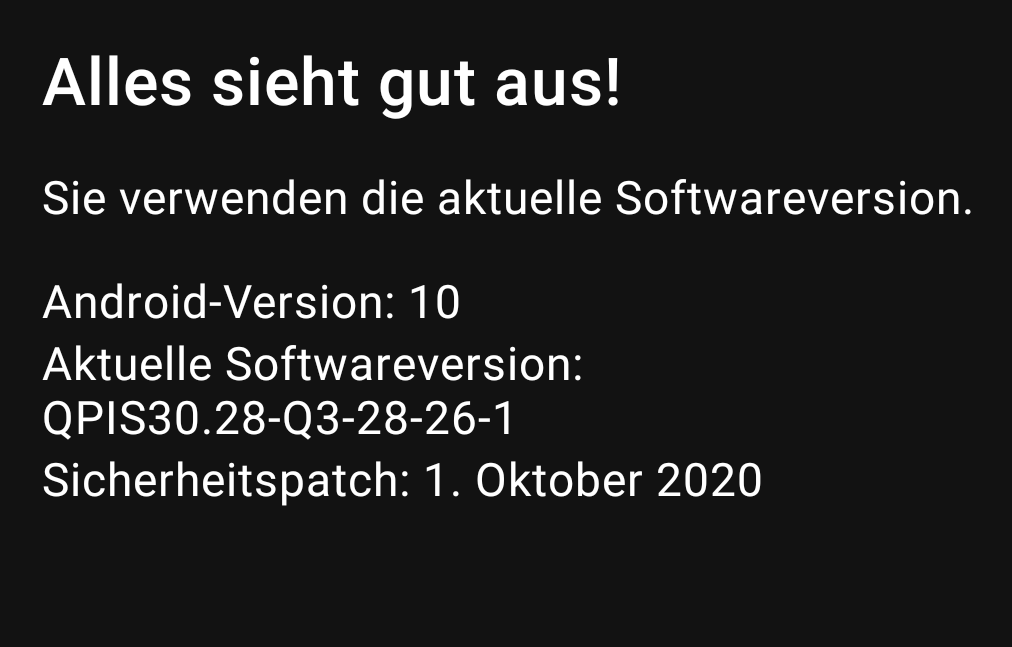
Moto G8Plus App Version 1.15.1
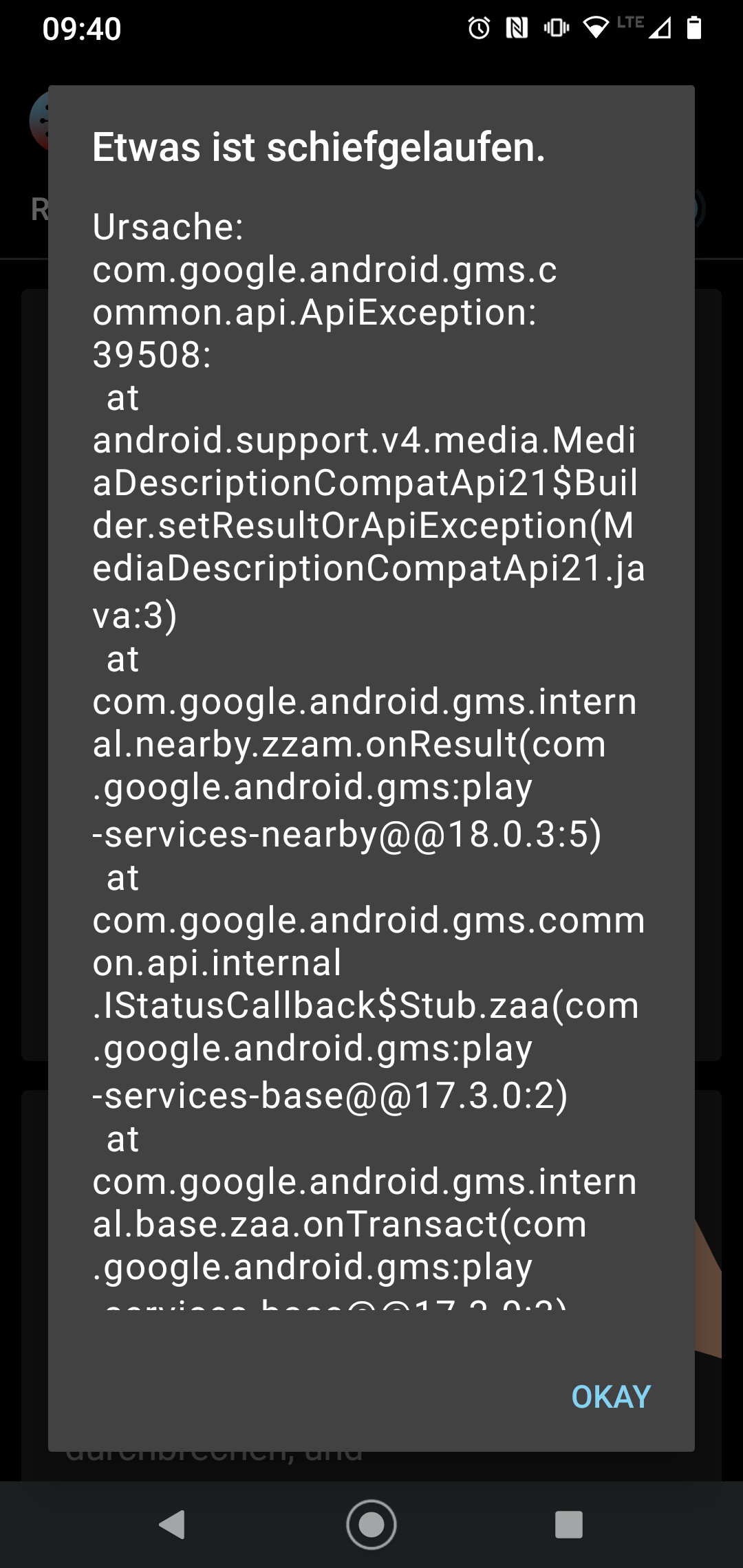
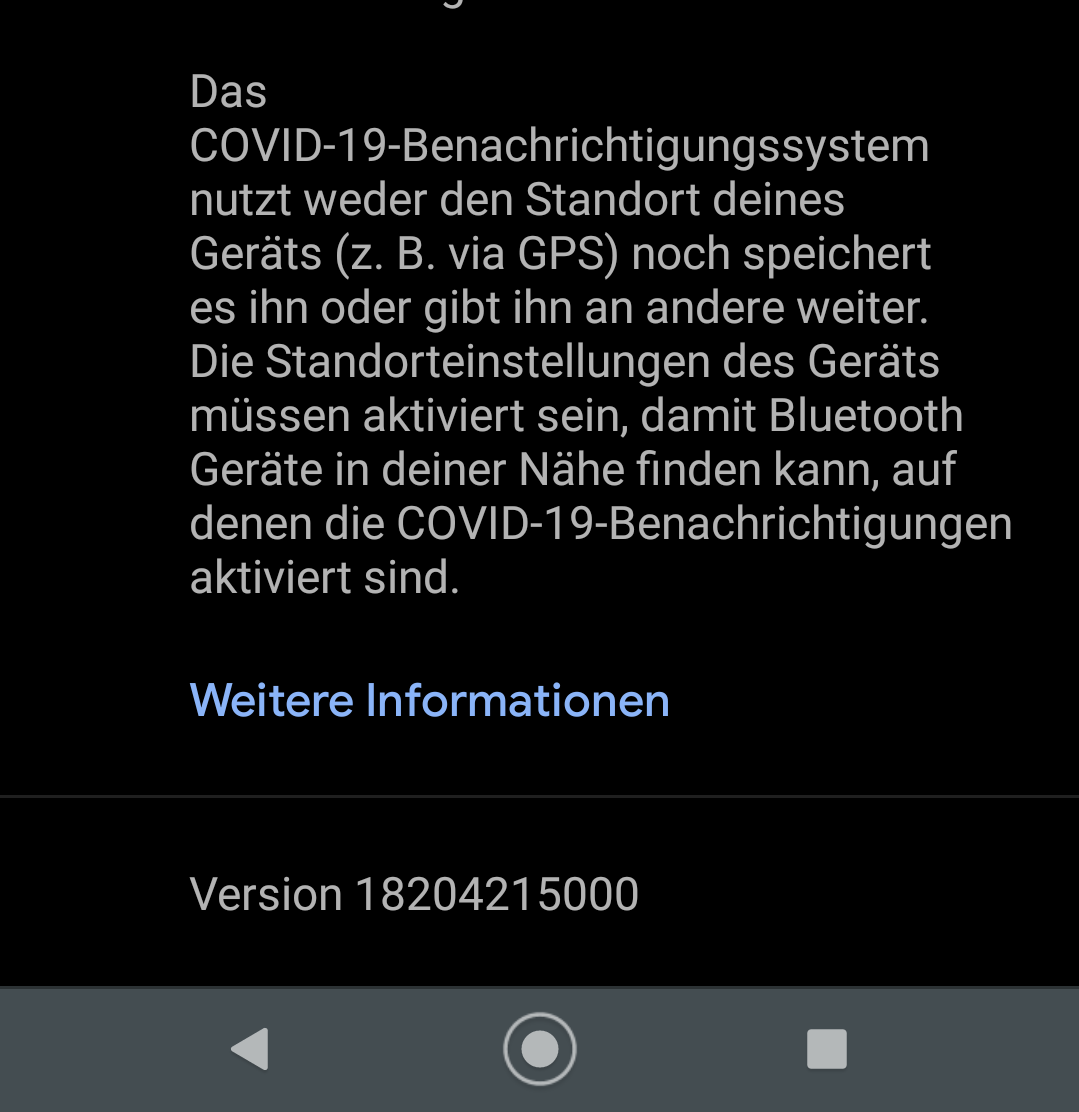
 SSiwek
on 11 Nov 2020
SSiwek
on 11 Nov 2020
@SSiwek
Would you like to try the steps in https://github.com/corona-warn-app/cwa-app-android/issues/1459#issuecomment-724099296?
MikeMcC399
on 11 Nov 2020
@SSiwek
Would you like to try the steps in #1459 (comment)?
Followed steps above. 2 times. with yesterday and once again with the day before yesterday. Same error.
Sven
SSiwek
on 11 Nov 2020
Hi Sven @SSiwek
Followed steps above. 2 times. with yesterday and once again with the day before yesterday. Same error.
In that case perhaps you could share your exposure check log? See https://github.com/corona-warn-app/cwa-app-android/issues/1459#issuecomment-724005050 if you need instructions for that.
MikeMcC399
on 11 Nov 2020
Hi Sven @SSiwek
Followed steps above. 2 times. with yesterday and once again with the day before yesterday. Same error.
In that case perhaps you could share your exposure check log? See #1459 (comment) if you need instructions for that.
SSiwek
on 11 Nov 2020
@SSiwek
The exposure check is showing two attempts on Nov 8 and nothing for yesterday (Nov 10) or the day before yesterday (Nov 9). You have the latest Google Exposure Notification System (ENS) version 18204215000 and the latest app version 1.5.1 too. (There is no version 1.15.1 - so I assume that was a simple typo.)
There are two comments in this thread from the Open Source Team in https://github.com/corona-warn-app/cwa-app-android/issues/1459#issuecomment-724591105 and https://github.com/corona-warn-app/cwa-app-android/issues/1459#issuecomment-724650624, so it seems we have to wait for further feedback from the developers and from Google.
I see that CWA Android V1.6.0 was finalised about one hour ago and it is also available on Google Play Store already. There is a chance that the app may behave a bit differently for you when you get this version, but I can't see any fix in V1.6.0 which specifically addresses the issue. I suggest updating and seeing if anything gets better!
MikeMcC399
on 11 Nov 2020
@SSiwek
The exposure check is showing two attempts on Nov 8 and nothing for yesterday (Nov 10) or the day before yesterday (Nov 9). You have the latest Google Exposure Notification System (ENS) version 18204215000 and the latest app version 1.5.1 too. (There is no version 1.15.1 - so I assume that was a simple typo.)There are two comments in this thread from the Open Source Team in #1459 (comment) and #1459 (comment), so it seems we have to wait for further feedback from the developers and from Google.
I see that CWA Android V1.6.0 was finalised about one hour ago and it is also available on Google Play Store already. There is a chance that the app may behave a bit differently for you when you get this version, but I can't see any fix in V1.6.0 which specifically addresses the issue. I suggest updating and seeing if anything gets better!
Just installed 1.6.0 - same error BUT before the ring of death is circling for some seconds. This behavior is new.
SSiwek
on 11 Nov 2020
@SSiwek
The exposure check is showing two attempts on Nov 8 and nothing for yesterday (Nov 10) or the day before yesterday (Nov 9). You have the latest Google Exposure Notification System (ENS) version 18204215000 and the latest app version 1.5.1 too. (There is no version 1.15.1 - so I assume that was a simple typo.)
There are two comments in this thread from the Open Source Team in #1459 (comment) and #1459 (comment), so it seems we have to wait for further feedback from the developers and from Google.
I see that CWA Android V1.6.0 was finalised about one hour ago and it is also available on Google Play Store already. There is a chance that the app may behave a bit differently for you when you get this version, but I can't see any fix in V1.6.0 which specifically addresses the issue. I suggest updating and seeing if anything gets better!Just installed 1.6.0 - same error BUT before the ring of death is circling for some seconds. This behavior is new.
This Morning no more error. All is fine.
Have a nice day
Sven
SSiwek
on 12 Nov 2020
I am running version 1.6.0 and never encountered this problem before, but only now _after_ updating to 1.6.0.
Android 10, kernel version 4.14.113-19530501, Exposure Notification System version 18204215000
 otacke
on 13 Nov 2020
otacke
on 13 Nov 2020
@svengabr Amendment to my previous post regarding having this problem in CWA version 1.6.0.
I waited for over 24 hours before opening the app again. Nothing changed. I reset the app from within the app - not touching the log. Nothing changed. I tried changing the date as suggested as a workaround above. Nothing changed.
There's no entry of a check in the Covid-19 notification log after November 12, the day that I must have updated to 1.6.0.
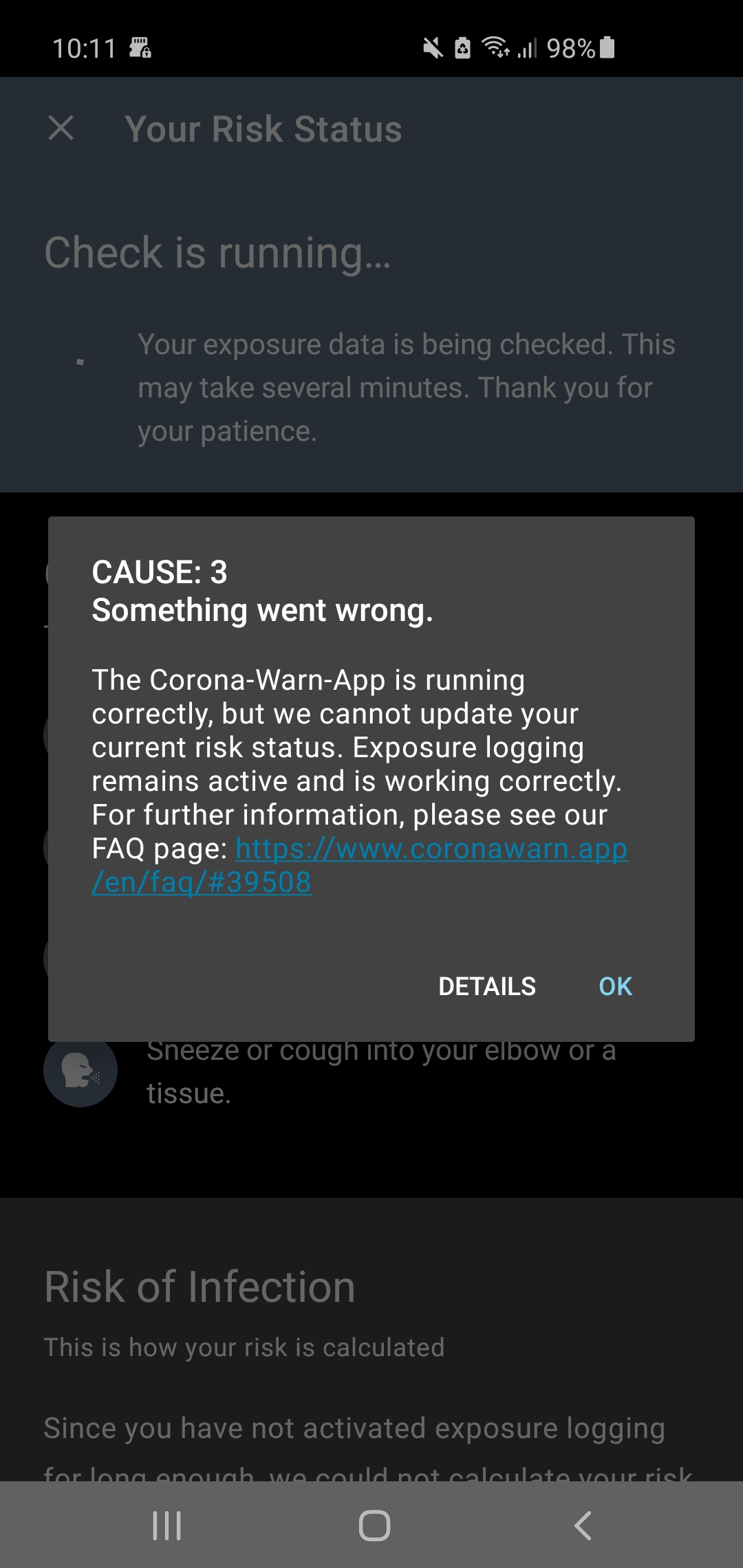
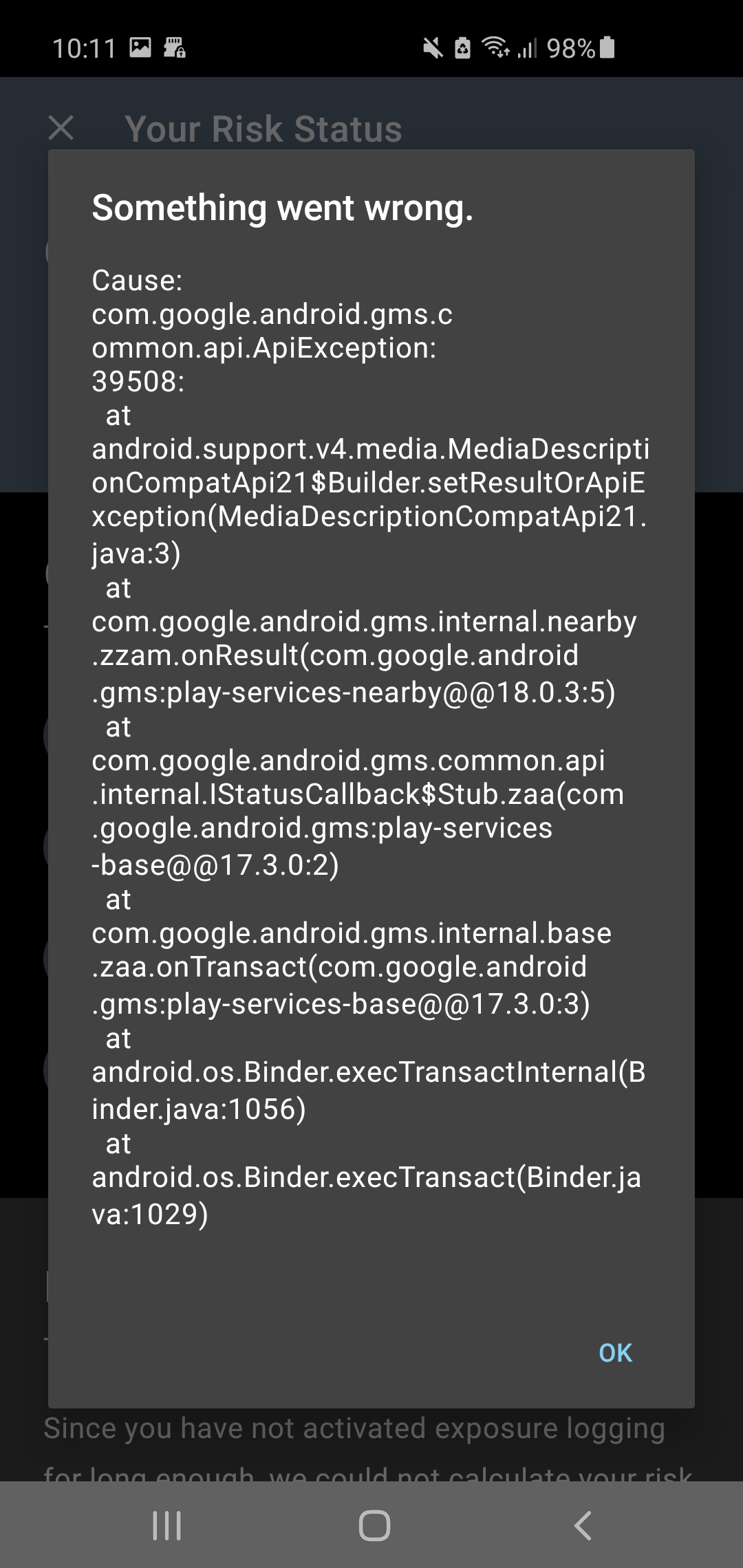
Samsung Galaxy S10, Android 10, kernel version 4.14.113-19530501, Exposure Notification System version 18204215000, Corona Warn App version 1.6.0, Google Play Services version 20.42.17 (120400-342117392)
otacke
on 15 Nov 2020
@otacke The reason again here is the rate limit of 20 checks per day is reached when you open manually the app.
The best method to check why the app is reaching this limit so fast is to turn your phone off when you go to bed before 01:00 oclock and when you turn your phone on the next day please open the CWA immediately and check for a different error.
Or open the app at 01h:00m:10s in the night and check for a different error.
If you see a different error please create a bug report for google:
https://developer.android.com/studio/debug/bug-report
thomasaugsten
on 15 Nov 2020
@thomasaugsten I'll gladly try that, but I don't open the app all the time (have not for 24 hours as mentioned) and it'd be a miracle to me why the devs would trigger a check every time the app is opened if they know about that API behavior and could simply set a timeout or counter to prevent this issue.
otacke
on 15 Nov 2020
We normally trigger one check per day. If the checks fails we will retry all 2h in the background. We addressed already to google to not count failed checks in the rate limit. The app will retry because the App doesn't know the current count of the rate limit. We improved in the next version the message of the rate limit to make it clear is not error only a information that today no further checks are possible
thomasaugsten
on 15 Nov 2020
@thomasaugsten I see. I agree that failed checks shouldn't count.
The app will retry because the App doesn't know the current count of the rate limit.
That's what I figured. Not asking why it doesn't and why it doesn't at least display the previous count with a hint that it may not be accurate currently ;-) Looking forward to the fix! Thanks!
otacke
on 15 Nov 2020
The reason we have not access to the rate limit and it is not clear which error is counting into the rate limit and which error is not counting into the limit. We in close contact with google to fix this behavior.
thomasaugsten
on 15 Nov 2020
@thomasaugsten Thanks for the info! I don't know the API, but above I read of a rate limit of 20 calls per day (seems to be correct for Legacy v1 mode and to be only 6 in Exposure window mode) - not sure why you wouldn't be able to keep your total number of checks per day below that number or a similarly small number regardless of failing or succeeding. But please don't waste your time explaining that to me :-) Code!
otacke
on 15 Nov 2020
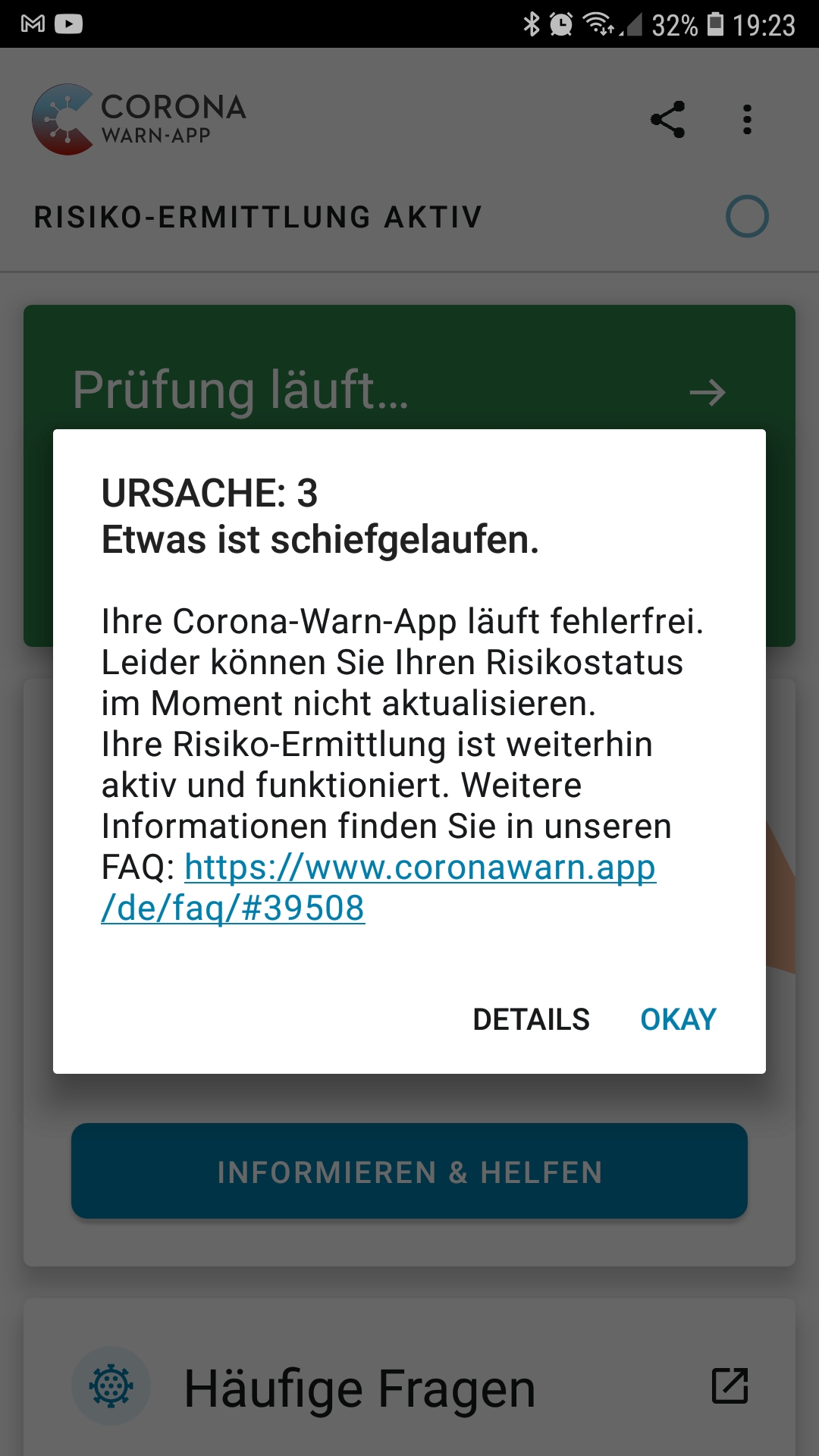
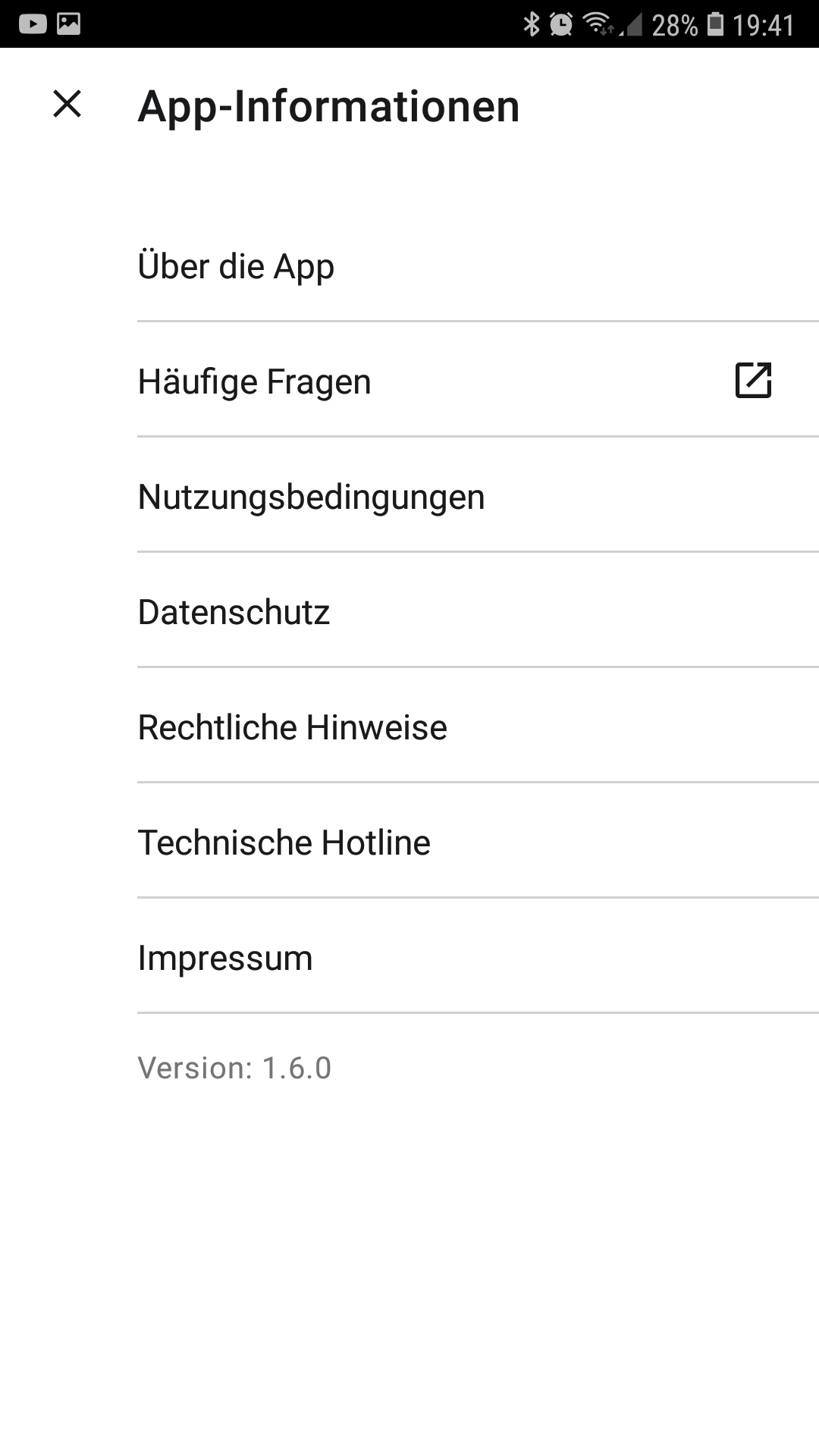
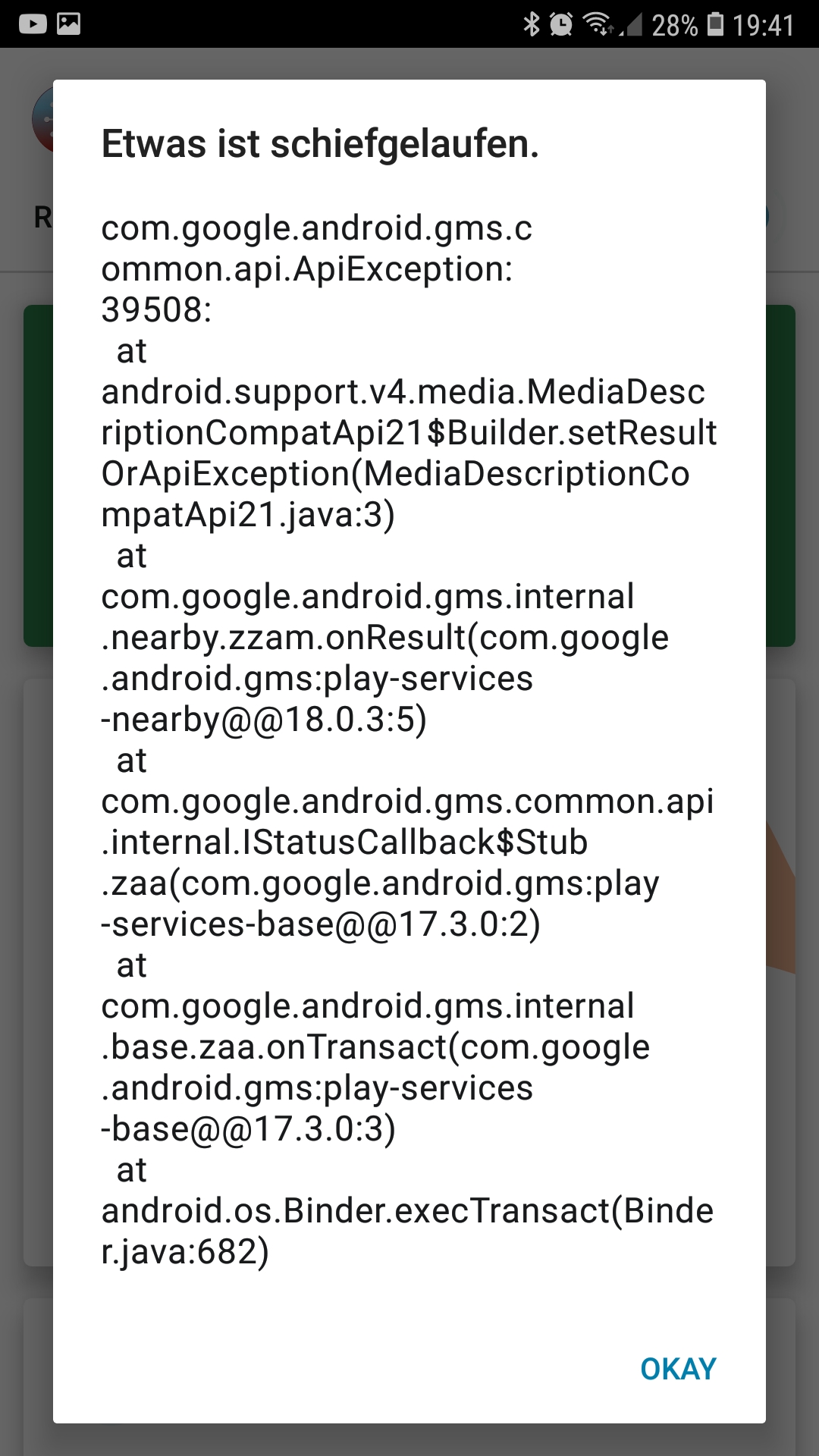
Error 39508 in Version 1.6.0...?
 DiJans
on 15 Nov 2020
DiJans
on 15 Nov 2020
DiJans
on 15 Nov 2020
DiJans
on 15 Nov 2020
@DiJans
For you the same request
https://github.com/corona-warn-app/cwa-app-android/issues/1459#issuecomment-727543501
thomasaugsten
on 15 Nov 2020
@thomasaugsten thx
DiJans
on 15 Nov 2020
@thomasaugsten I did as you suggested. The checking process took a little longer (seeing the spinner for about 5 seconds), but the result was exactly the same.
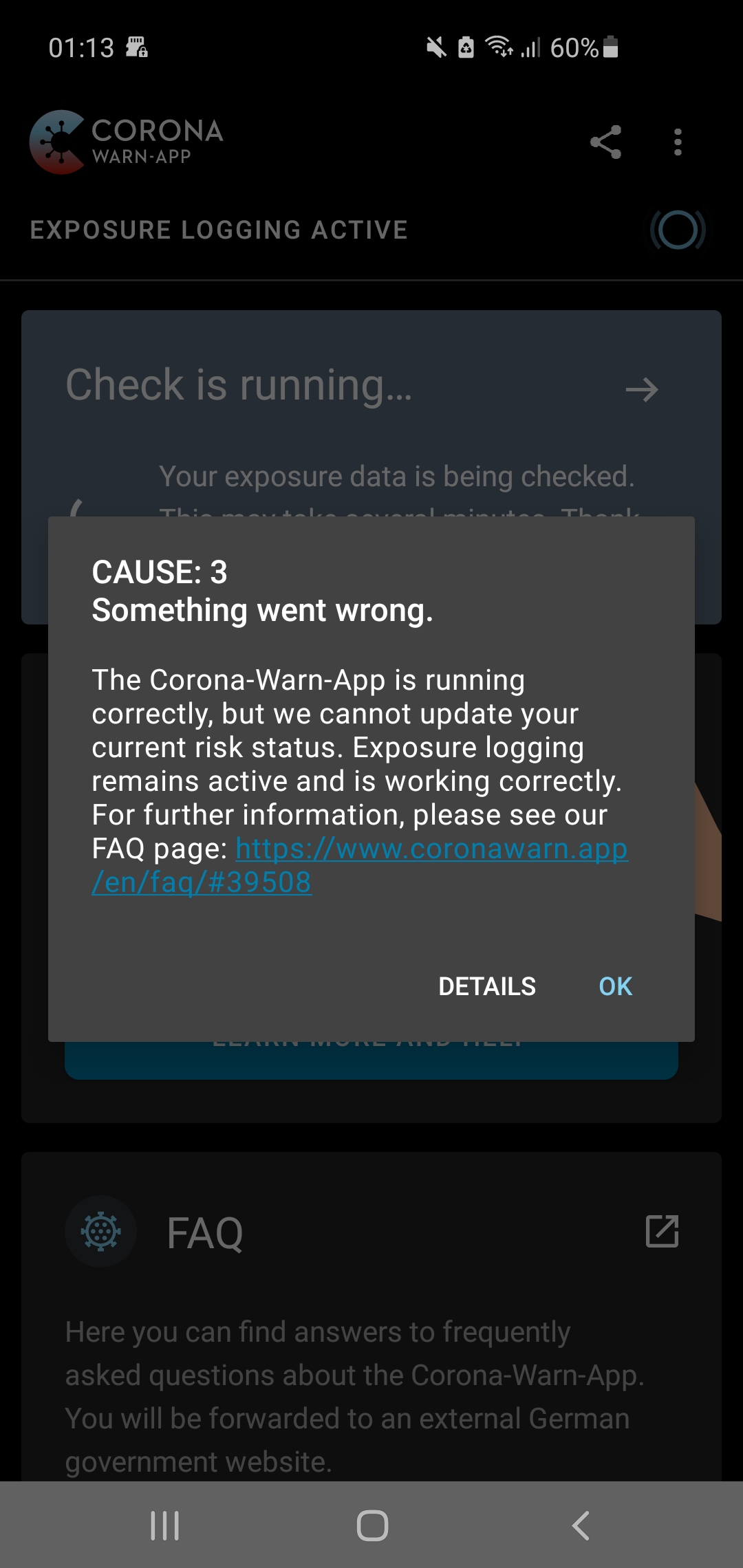
The exposure check log still lists no checks after updating to 1.6.0.
otacke
on 16 Nov 2020
Hi,
I am also encountering the issue.
Device: Samsung A40
App version: 1.6.0
Android version: 10
Kernel-Version: 4.4.177-18598463
Let me know if there is more information I can provide.
 Owlbertz
on 16 Nov 2020
Owlbertz
on 16 Nov 2020
@otacke @Owlbertz
Can you please provide a bug report and send me via mail
https://developer.android.com/studio/debug/bug-report
thomas.[email protected]
thomasaugsten
on 17 Nov 2020
@thomasaugsten On its way ...
otacke
on 17 Nov 2020
Hi,
just encoutered the same issue on my fallback driver aka my old Phone. Same stack trace as far I see.
Strangely the error occoured directly yesterday after I installed the app and passed the onboarding process. Then waited more than 24 hours before opening the app again. Same error occured again.
According to the Google Exposure Log there haven't been any exposure check until now and the field is greyed out completly.
Device: BQ Aquaris X
App Version: 1.6
Android version: 8.1
Kernel version: 3.18.71-perf-g4870138
ENF Version: 18204217000
Will follow this instruction here #1459 comment and create a bug report.
Have also created two (one directly via the phone and one via adb) where I triggered the process right before starting CWA, don't know if they're usefull or not. Sadly the are not taken directly after I've opend the first time after the 24h.
 codejus
on 17 Nov 2020
codejus
on 17 Nov 2020
The problem persists with version 1.6.1.
otacke
on 18 Nov 2020
I just wanted to create the bug report, but suddenly CWA made the first risk calculation two days after setting it up.
But as I connected my phone via usb to my PC to use adb for the bug report the phone has had the optimal condtions regarding power and connection for the fetching and calculation process. So any issues which are maybe connected to these two areas can't be ruled out really.
Will report back if it happens again.
codejus
on 18 Nov 2020
Problem showed up today with CWA 1.6.0, still persists after deleting play serices cache and updating to CWA 1.6.1
Mobile device: Google Pixel 3a
Android version: 11
App Version: 1.6.0/1.6.1
ENF Version: 18204217000
Play Services version: 20.42.17 (150400-342117392)
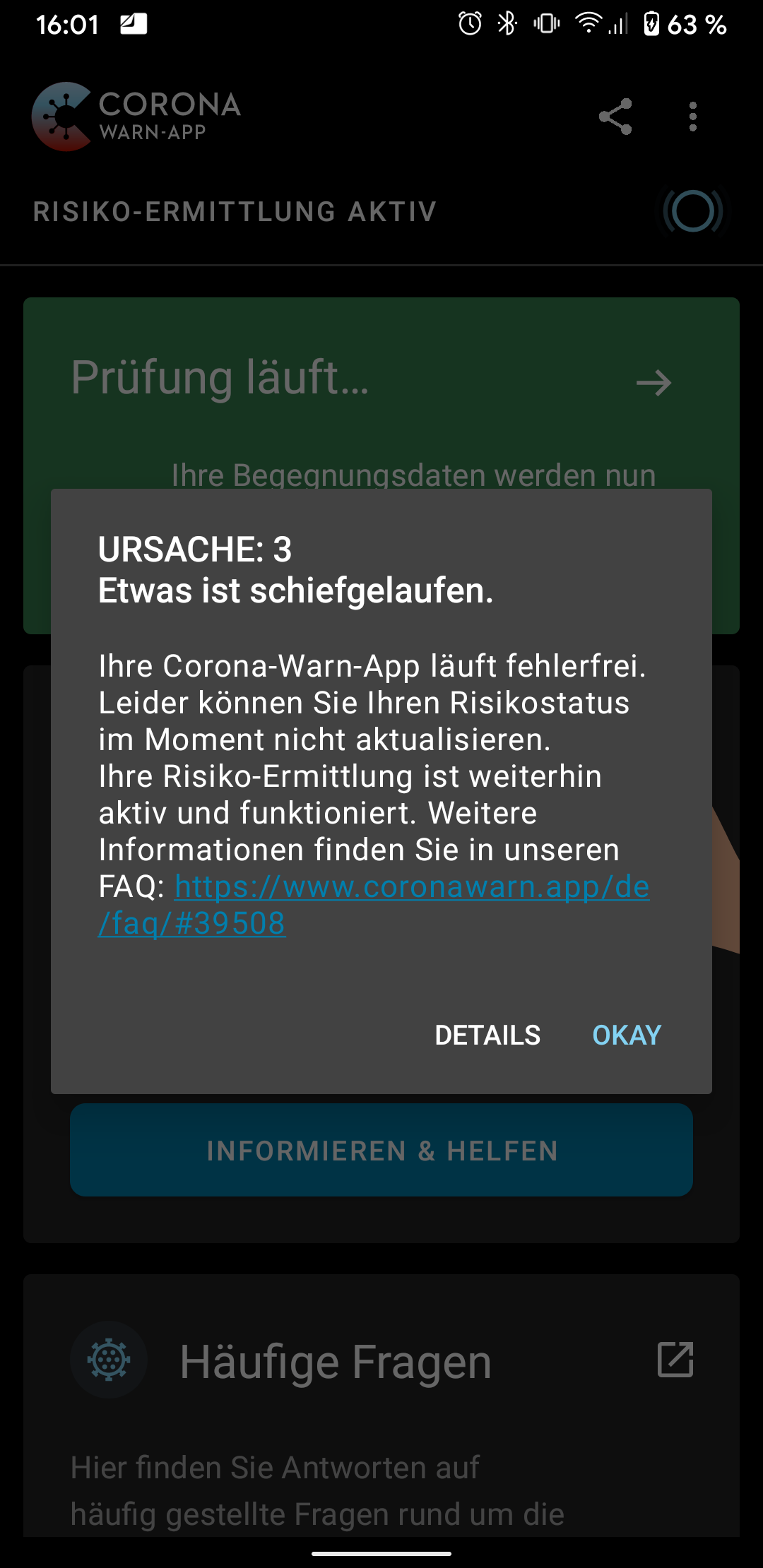
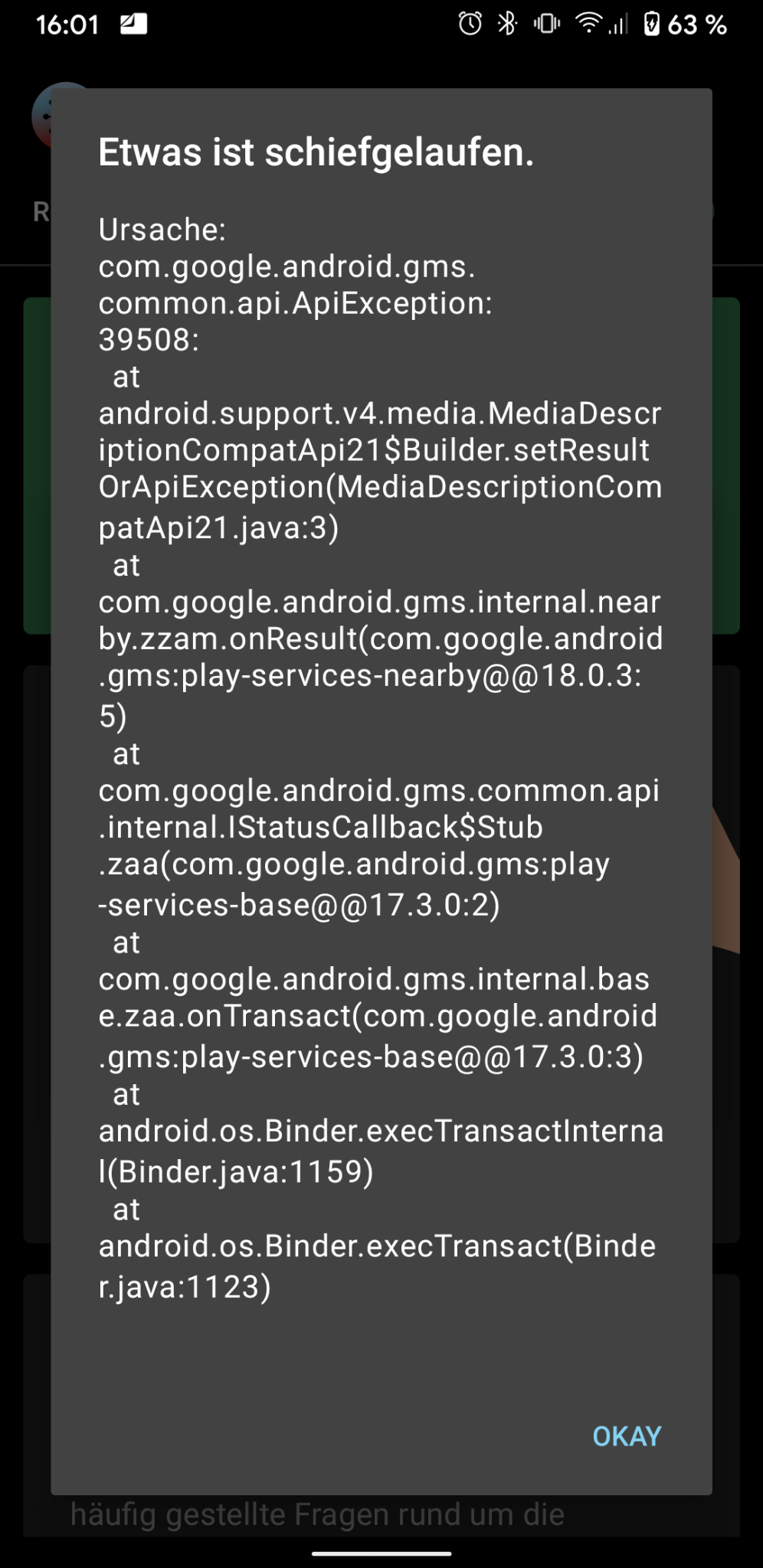
[
{"timestamp":"17. November 2020, 01:28","keyCount":323764,"matchesCount":0,"appName":"Corona-Warn","hash":"bBNKiHHhyQOpV4qwfbBU9Vd+dUh3KnhFbg0HbXkBYx4="},
{"timestamp":"16. November 2020, 01:30","keyCount":325831,"matchesCount":0,"appName":"Corona-Warn","hash":"IGBPWbfdkcNMMUlZAJD\/dj1miVlTezvuFK+IxBdXj10="},
{"timestamp":"15. November 2020, 01:28","keyCount":329069,"matchesCount":0,"appName":"Corona-Warn","hash":"OtUPjZ8\/49TIa5WCfXlvKhq2rz2X5U8D\/pLKP95Am4E="},
{"timestamp":"14. November 2020, 06:37","keyCount":329442,"matchesCount":0,"appName":"Corona-Warn","hash":"fp\/K6CF92jrJ8tYPOPdLFtHaozHY7mAca6tHmrOVb\/E="},
{"timestamp":"13. November 2020, 17:59","keyCount":327925,"matchesCount":0,"appName":"Corona-Warn","hash":"TopmiHlHhUQCAljjsyBUgUkBqJt5905xlxkcCpSkVAM="},
{"timestamp":"12. November 2020, 06:31","keyCount":327057,"matchesCount":0,"appName":"Corona-Warn","hash":"VN6EBDKXmZ8mcCAgmZikRNotp7ruPUI+4\/2dh0Cmwpc="},
{"timestamp":"11. November 2020, 02:18","keyCount":323583,"matchesCount":0,"appName":"Corona-Warn","hash":"dOmekt9AdDGAmuq6YxENVSObiFhJ58WiJi5Nd6Df7Ac="},
{"timestamp":"10. November 2020, 02:23","keyCount":319255,"matchesCount":0,"appName":"Corona-Warn","hash":"kExnoPyTdx\/WPka+TiQnZDep+25rX5hRlvj3Nc8LcvA="},
{"timestamp":"9. November 2020, 02:06","keyCount":317192,"matchesCount":0,"appName":"Corona-Warn","hash":"7d4JQZnW4165OTWoUOX0GXr\/tAKhCLCVEXZPPyHmfdg="},
{"timestamp":"8. November 2020, 02:00","keyCount":312112,"matchesCount":0,"appName":"Corona-Warn","hash":"anFL+wVRZWE42PE8urgQUThv06sS8Pm4GwzEThkNES8="},
{"timestamp":"7. November 2020, 01:56","keyCount":305109,"matchesCount":0,"appName":"Corona-Warn","hash":"FCk4uOlt26dGlbb8fPuImvEKgrPaAN3eAz0f1eY3Nag="},
{"timestamp":"6. November 2020, 04:33","keyCount":294559,"matchesCount":0,"appName":"Corona-Warn","hash":"ixZ9Wo15DzyGAZ5NK8fRab0GwqB6CA39k6AqG9xRGig="},
{"timestamp":"5. November 2020, 03:32","keyCount":281444,"matchesCount":0,"appName":"Corona-Warn","hash":"YzatQSHOQX\/pPiyUcc6XMCa+KenQyZbLBLnkXwauwkk="},
{"timestamp":"4. November 2020, 03:35","keyCount":266609,"matchesCount":0,"appName":"Corona-Warn","hash":"cOzUZEJF5gJ4PQzZfBD31Jk8XdR42kaPip+gkqth5Qc="},
{"timestamp":"3. November 2020, 03:31","keyCount":252821,"matchesCount":0,"appName":"Corona-Warn","hash":"SOixBWwUp91uYFpXZbXfiABLBYd\/We8xlf8TxZdSXII="}
]
 StefanHelms
on 18 Nov 2020
StefanHelms
on 18 Nov 2020
@StefanHelms
Google Pixel devices running Android 11 were identified as a special configuration which was causing the 39508 error. See https://github.com/corona-warn-app/cwa-app-android/issues/1459#issuecomment-720103335
@thomasaugsten
In https://github.com/corona-warn-app/cwa-app-android/issues/1459#issuecomment-720127184 you wrote that you were handing over the issue to Google. Was there any progress made in analyzing or solving the issue?
MikeMcC399
on 18 Nov 2020
We still need a bug report immediately after the error 10 occurs
thomasaugsten
on 19 Nov 2020
@thomasaugsten I installed the 1.6.1 yesterday. While the issue was still present right after the update, today the error is gone.
Owlbertz
on 19 Nov 2020
@MikeMcC399
@thomasaugsten
Google Pixel devices running Android 11 were identified as a special configuration which was causing the 39508 error. See #1459 (comment)
Thanks! I tried the workaround (temporarily setting the devices clock 24h ahead) and the error went away for now...
Let me know if I can provide any more information or testing to help diagnose or solve the issue.
StefanHelms
on 19 Nov 2020
Same issue here, also using Google Pixel 3 and running Android version 11 and app version 1.6.1. If you need somebody testing on Pixel I'd be happy to help.
 Maddoc42
on 19 Nov 2020
Maddoc42
on 19 Nov 2020
Hi @Maddoc42,
Are you saying that you are experiencing the problem since 1.6.1, or was it solved with CWA version 1.6.1?
Best wishes,
DS
Corona-Warn-App Open Source Team
 dsarkar
on 20 Nov 2020
dsarkar
on 20 Nov 2020
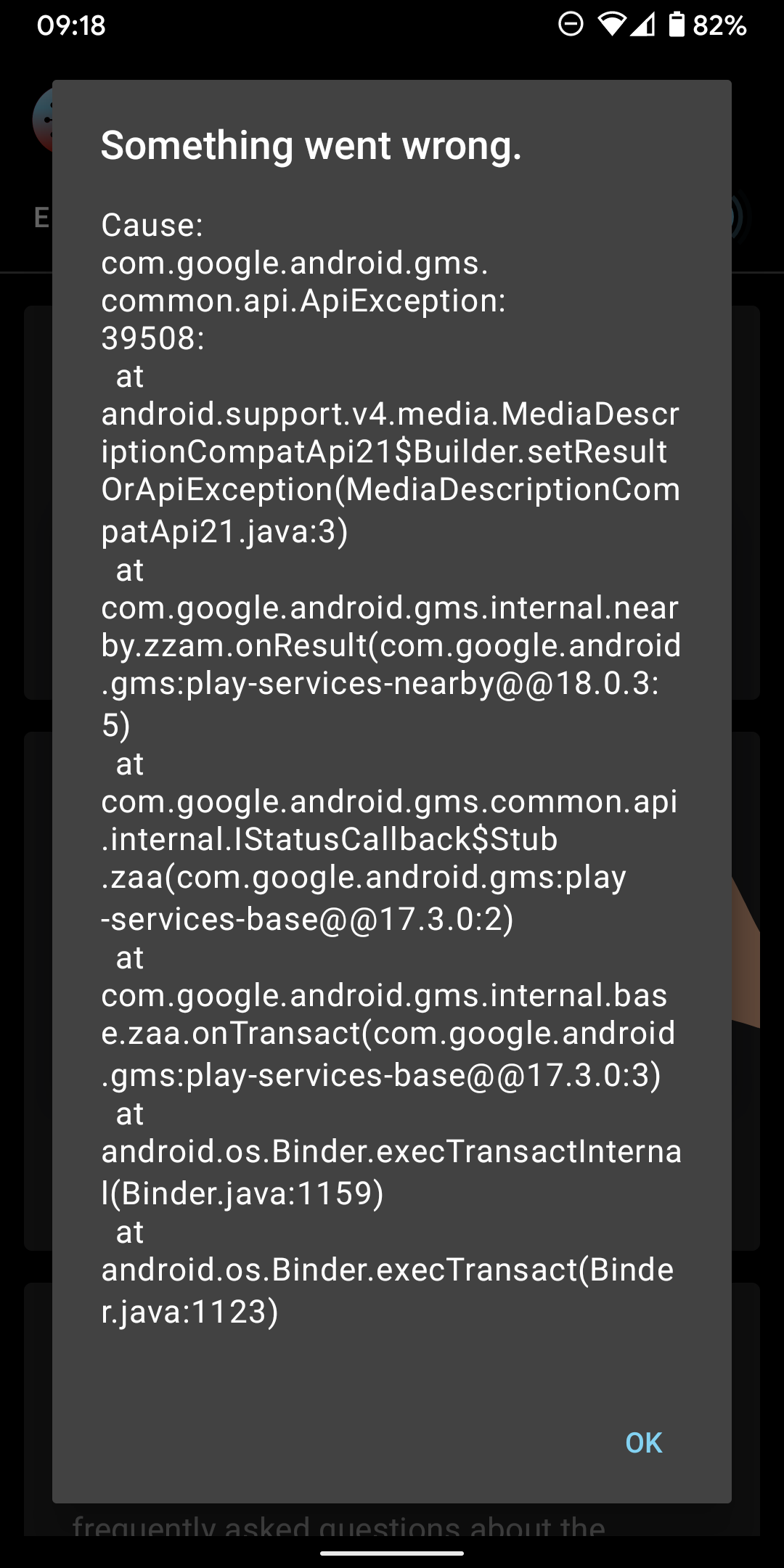
The problem is not resolved with 1.6.1 unfortunately. Unsure if you need more details such as logs etc?
Maddoc42
on 20 Nov 2020
This seems to be a weird one. Not sure what changed since the day before yesterday when I updated to 1.6.1, but now it's working. Unfortunately, the ENF data is not read accurately now. Although logging was on permanently, CWA now thinks logging was active for four days only.
otacke
on 20 Nov 2020
It's not working for me either. Last check was performed on September 1st.
Mobile device: Samsung Galaxy S7
Android version: 8.0.0
App Version: 1.6.1
ENF Version: 18204217000
Play Services version: 20.42.17 (040408-342117392)
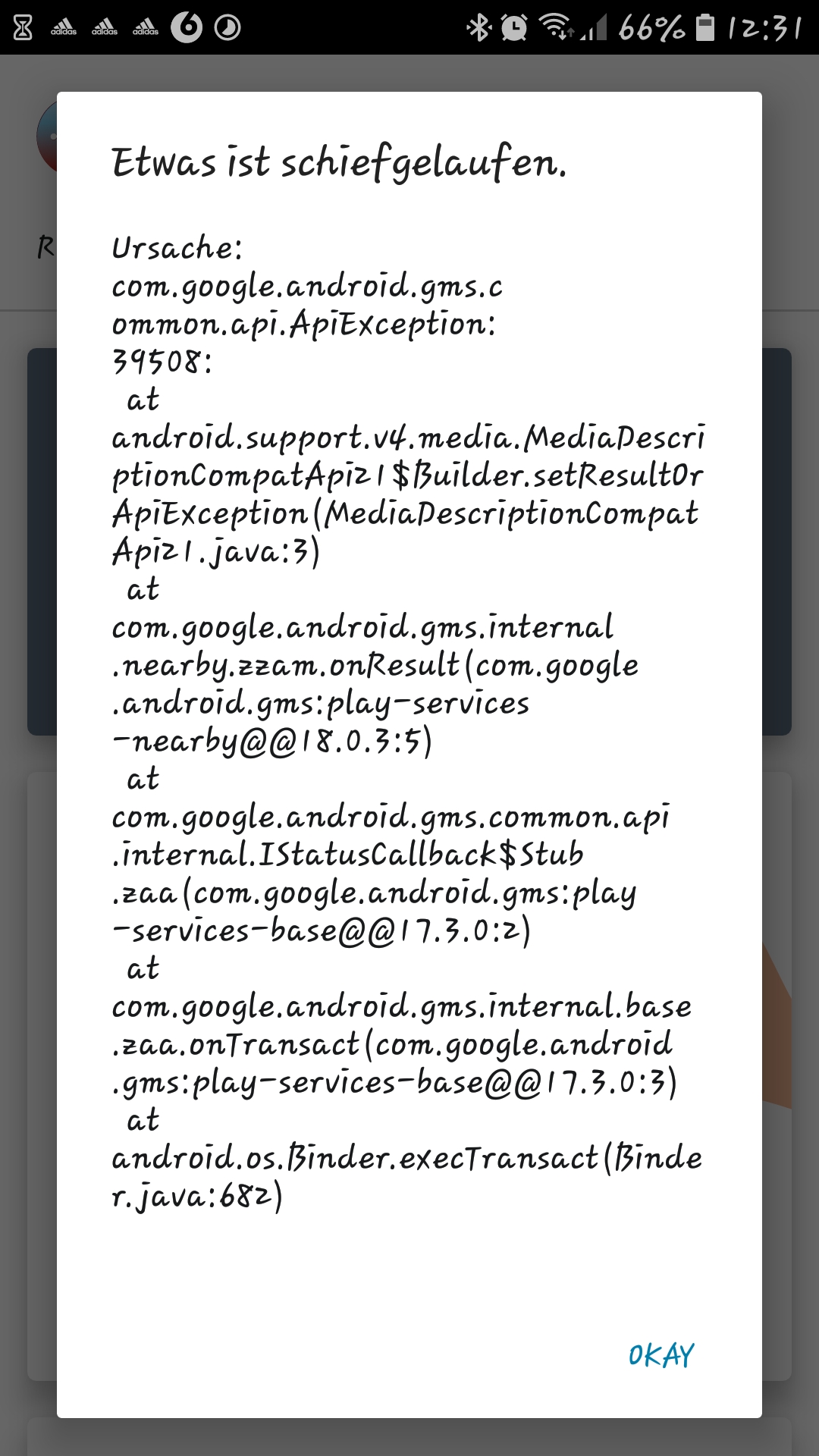
Waiting 24h with disabled Covid-19 notifications did not change anything. After activation the follwing error still occurs and the app is constantly trying to update/check the risk-status:
 plimo
on 22 Nov 2020
plimo
on 22 Nov 2020
Fehler 39508 auf Samsung S8 - Android 9 und App-Version 1.6.1.
Fehler tritt seit 3 Tagen auf.
APP angehalten,
Cache von Google Play Store nach 24 Stunden gelöscht.
Nach weiteren 24 Stunden ist der Fehler immer noch vorhanden.
 Albrecht08
on 23 Nov 2020
Albrecht08
on 23 Nov 2020
Fehler 39508
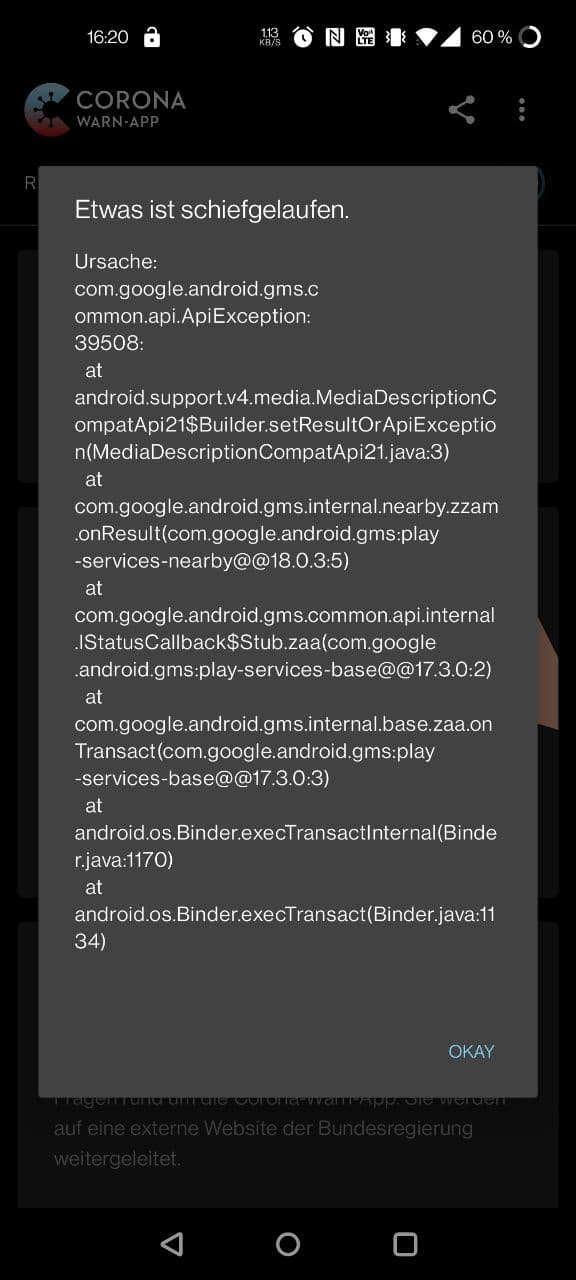
Mobile device: Oneplus 8
Android version: Android 11
App Version: 1.6.1
ENF Version: 18204217000
Play Services version: 20.42.17
Letzter erfolgreicher Sync am 21.11.2020
 CyberLine
on 23 Nov 2020
CyberLine
on 23 Nov 2020
Dear @CyberLine, @Albrecht08, @plimo, @Maddoc42,
Thank you for the recent reports. We will forward this to the developers. See also https://github.com/corona-warn-app/cwa-app-android/issues/1459#issuecomment-729002623.
Best wishes,
DS
Corona-Warn-App Open Source Team
dsarkar
on 24 Nov 2020
Thanks @dsarkar , I provided a bugreport to @thomasaugsten by mail.
plimo
on 24 Nov 2020
39508
Seit dem 18.11 kann die App nicht mehr aktualisiert werden.
Please report:
- Mobile device: Samsung S10e
- Android version: 10
- App Version: 1.6.1
 catweazle1
on 26 Nov 2020
catweazle1
on 26 Nov 2020
Dear @catweazle1,
Thank you for your feedback! We will forward this to the developers.
Regarding the update to CWA 1.7: Please note that it is a staged rollout. Over the next two days, 100% of the users should have received the update.
Best wishes,
DS
Corona-Warn-App Open Source Team
dsarkar
on 26 Nov 2020
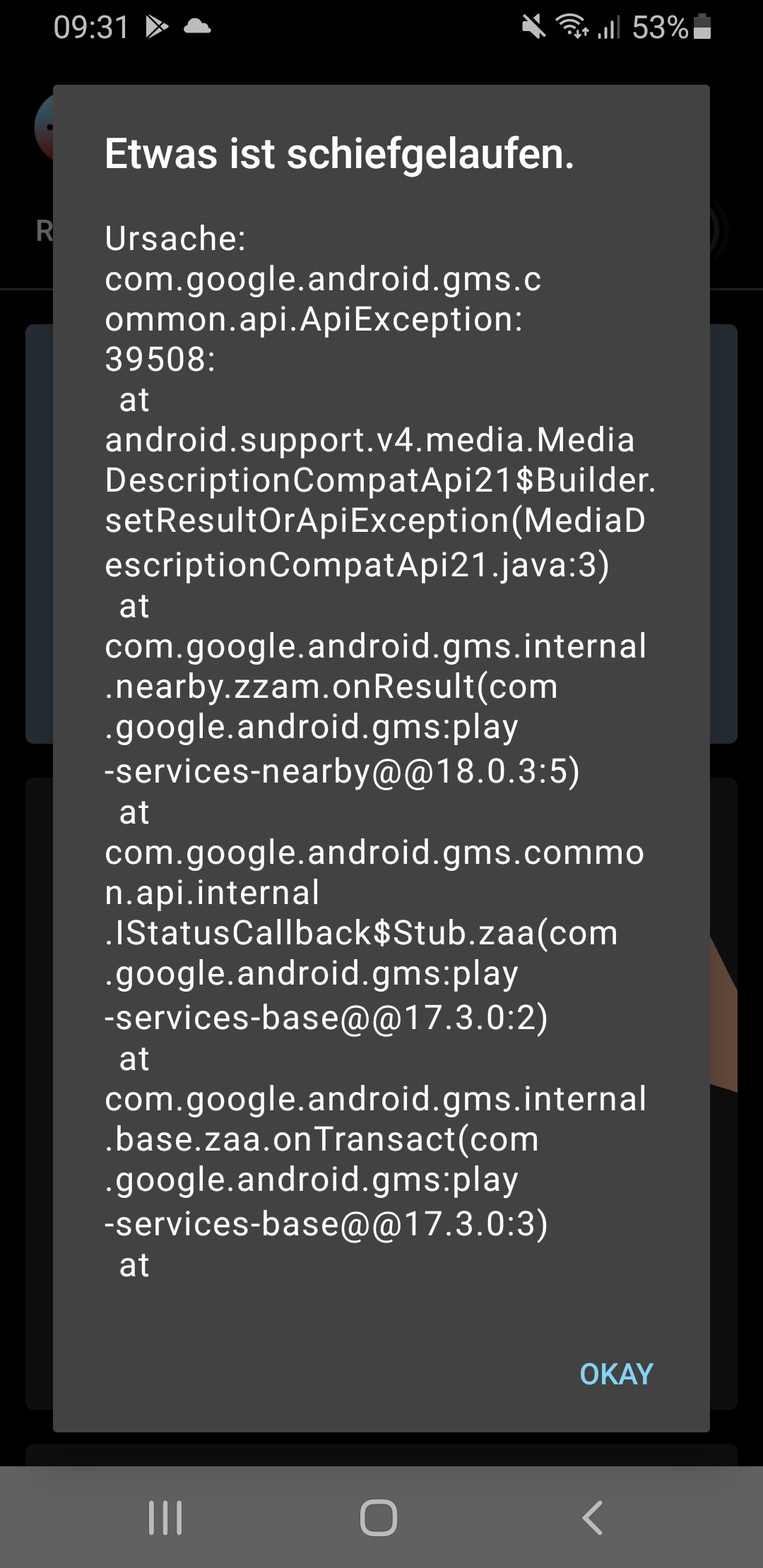
Mobile device SM-G960F
Android version 10
App Version 1.6.1
ENF Version 18204217000
Play Services version 22.8.42-21
"Anwendung zurücksetzen" und komplette Neuinstallation ohne Erfolg
 CalamityCarrie
on 26 Nov 2020
CalamityCarrie
on 26 Nov 2020
Dear @CalamityCarrie, @catweazle1,
Thank you for the recent reports. We will forward this to the developers. See also #1459 (comment).
Best wishes,
DS
Corona-Warn-App Open Source Team
dsarkar
on 26 Nov 2020
Still having error 39508
Device name HUAWEI P20
Android Version 10
CWA App Version 1.7.1
 Arist0cat
on 28 Nov 2020
Arist0cat
on 28 Nov 2020
Dear @Arist0cat,
Thank you for the recent report. We will forward this to the developers. See also #1459 (comment).
Best wishes,
DS
Corona-Warn-App Open Source Team
dsarkar
on 28 Nov 2020
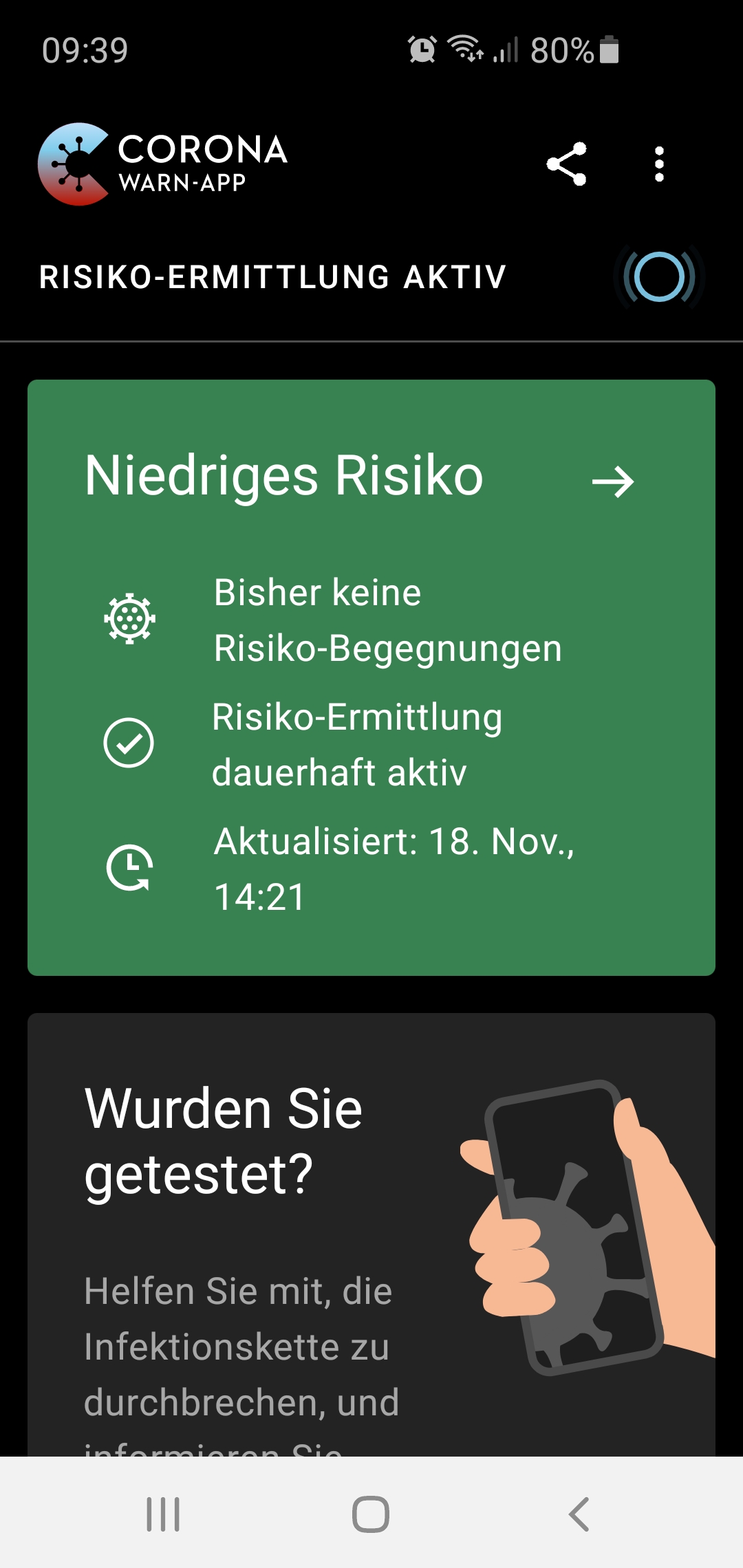
Fehler #39508 wird nach Update nicht mehr angezeigt,
Fehler besteht weiterhin:
Seit dem 18.11 konnte die App nicht mehr aktualisiert werden.
Please report:
- Mobile device: Samsung S10e
- Android version: 10
- App Version: 1.7.1 (Update installiert)
catweazle1
on 29 Nov 2020
Fehler taucht bei mir seit dem Update zu 1.7 auch nicht mehr auf. Risikoüberprüfung läuft trotzdem nicht
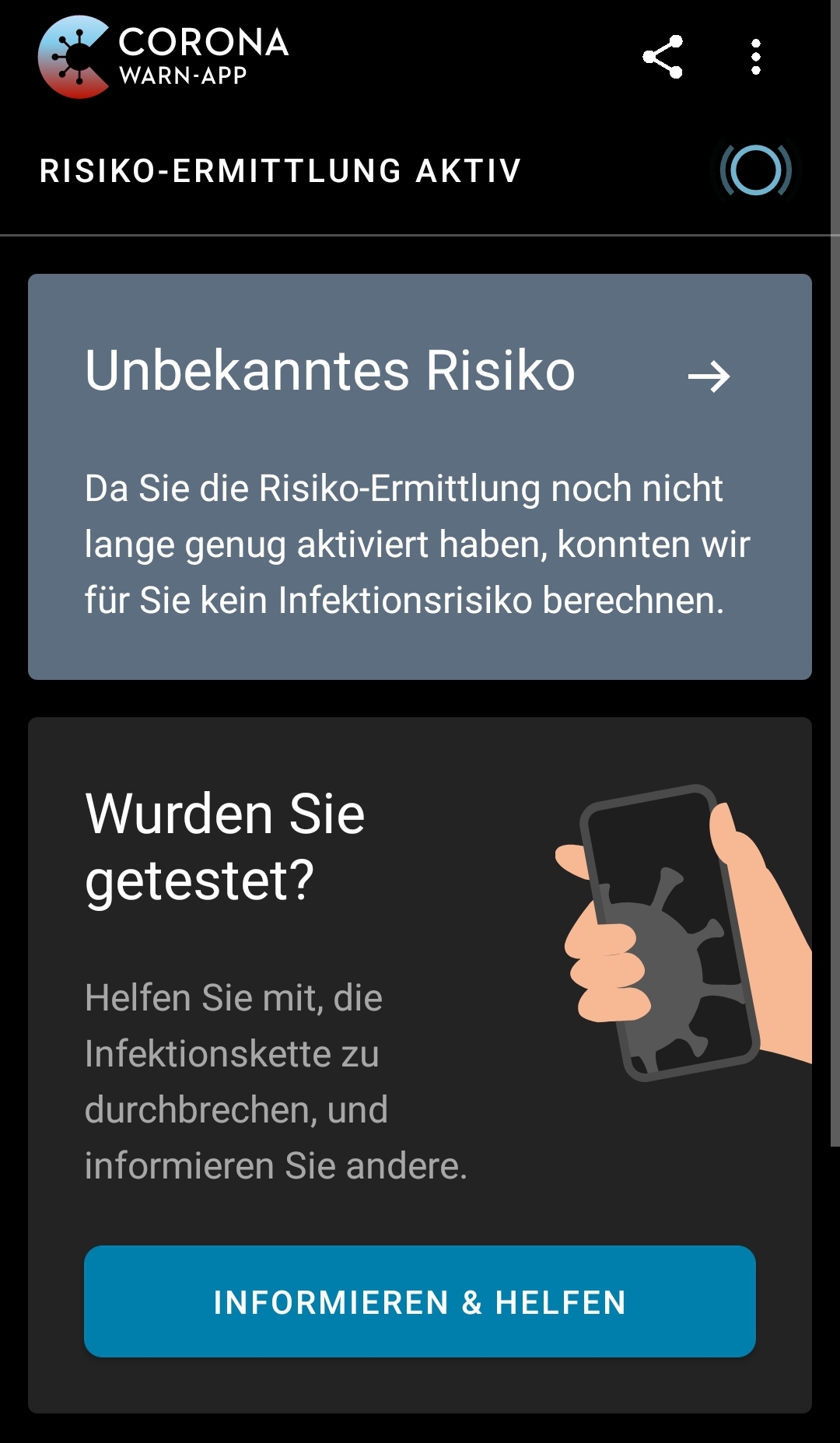
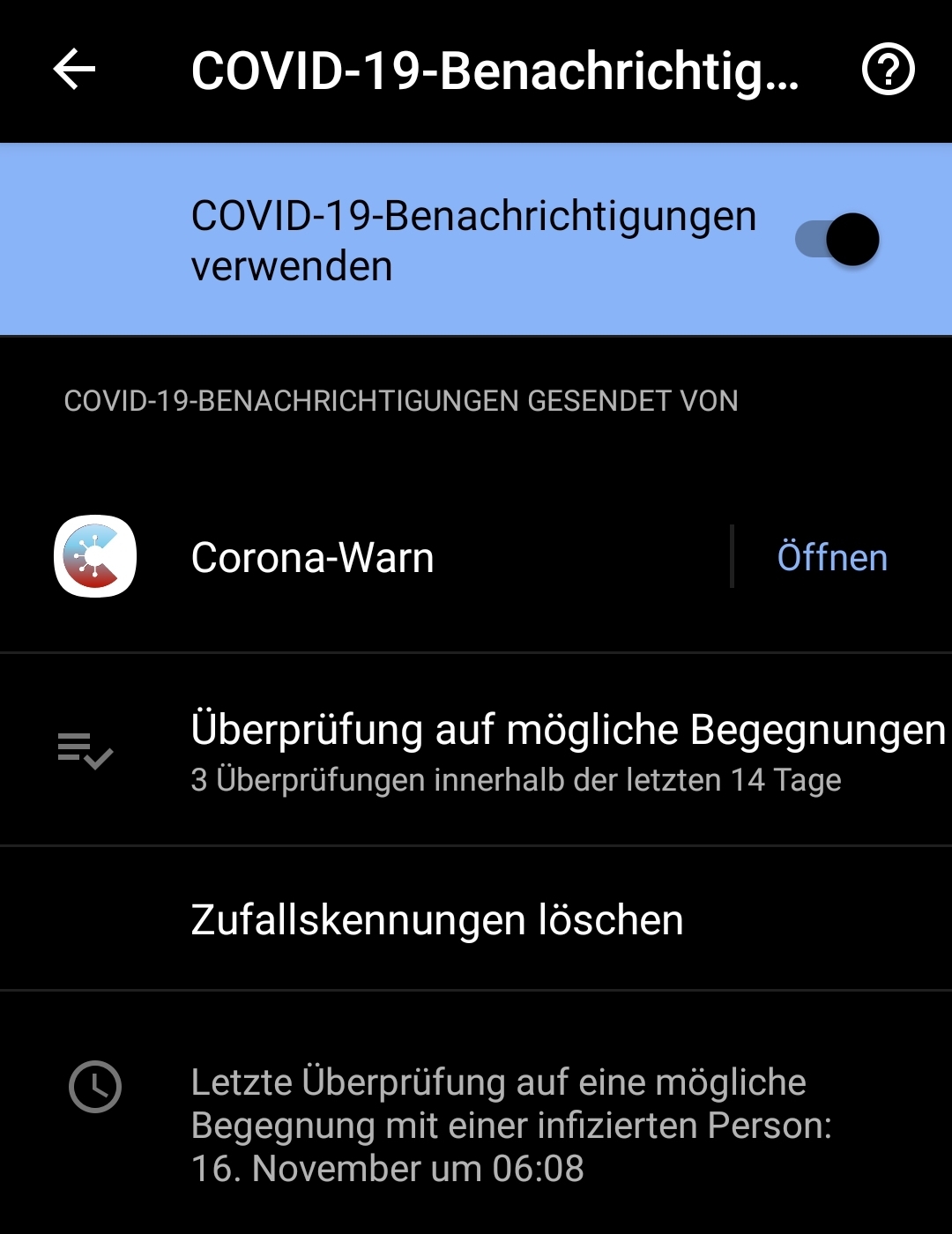
CalamityCarrie
on 30 Nov 2020
@CalamityCarrie, from your post https://github.com/corona-warn-app/cwa-app-android/issues/1459#issuecomment-734164797 I understand that 4 days ago:
- de-installed completely the CWA from the phone, and installed CWA again.
- you don't have another warn app installed from another country
Correct?
Best wishes,
DS
Corona-Warn-App Open Source Team
dsarkar
on 30 Nov 2020
@catweazle1, thanks for the information. I guess you tried such trivial ideas, like
- restart CWA application
- restart phone
- BUT, PLEASE, DO NOT uninstall the CWA application!
Best wishes,
DS
Corona-Warn-App Open Source Team
dsarkar
on 30 Nov 2020
@CalamityCarrie, from your post #1459 (comment) I understand that 4 days ago:
- de-installed completely the CWA from the phone, and installed CWA again.
- you don't have another warn app installed from another country
Correct?
Best wishes,
DSCorona-Warn-App Open Source Team
Yes I deinstalled 1.6 then reinstalled 1.6 then updated to 1.7
No other country apps installed.
Now sometimes I get the Error "Limit bereits erreicht" but only once a day. Risikoermittlung is still not working.
CalamityCarrie
on 1 Dec 2020
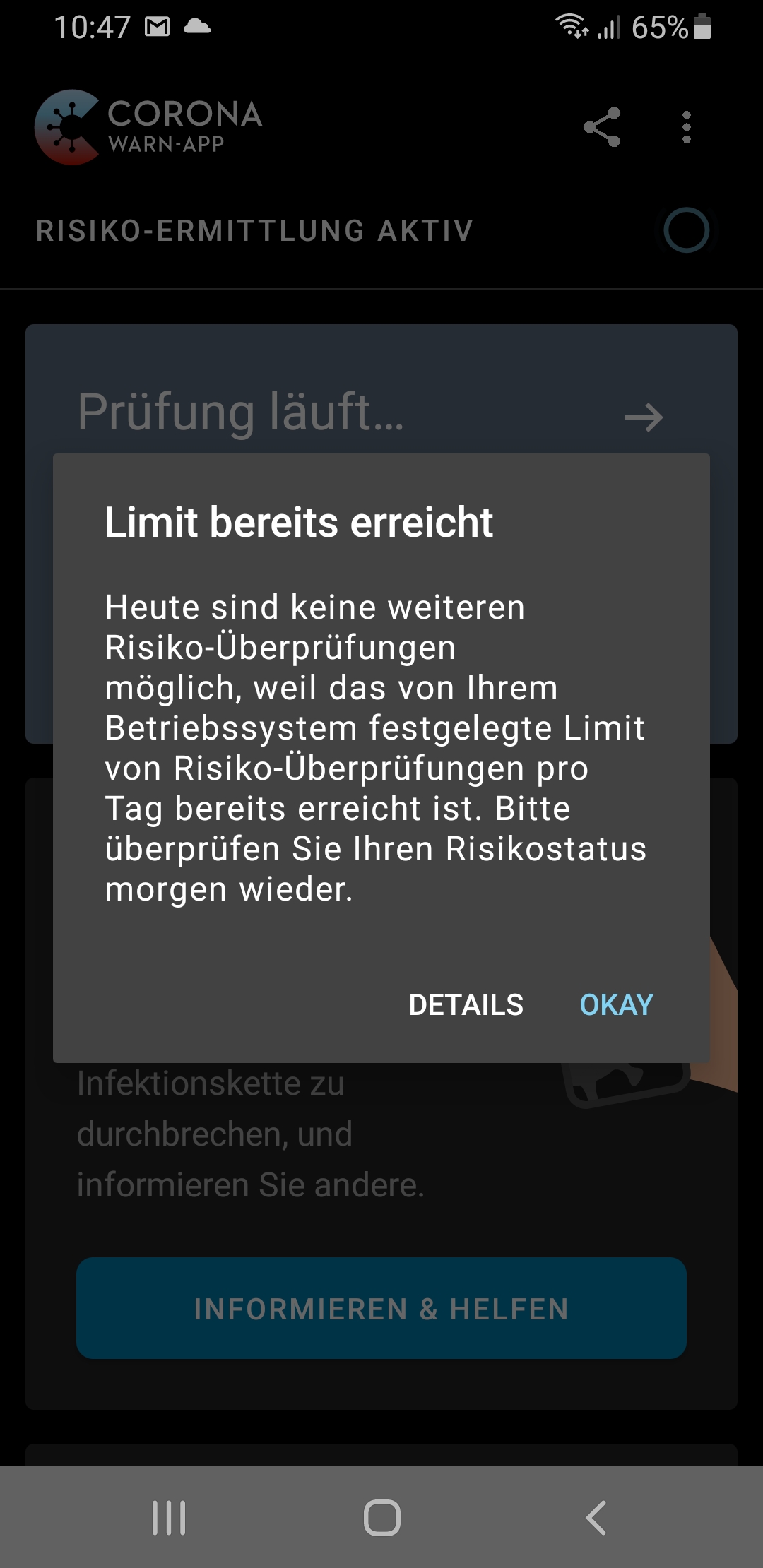
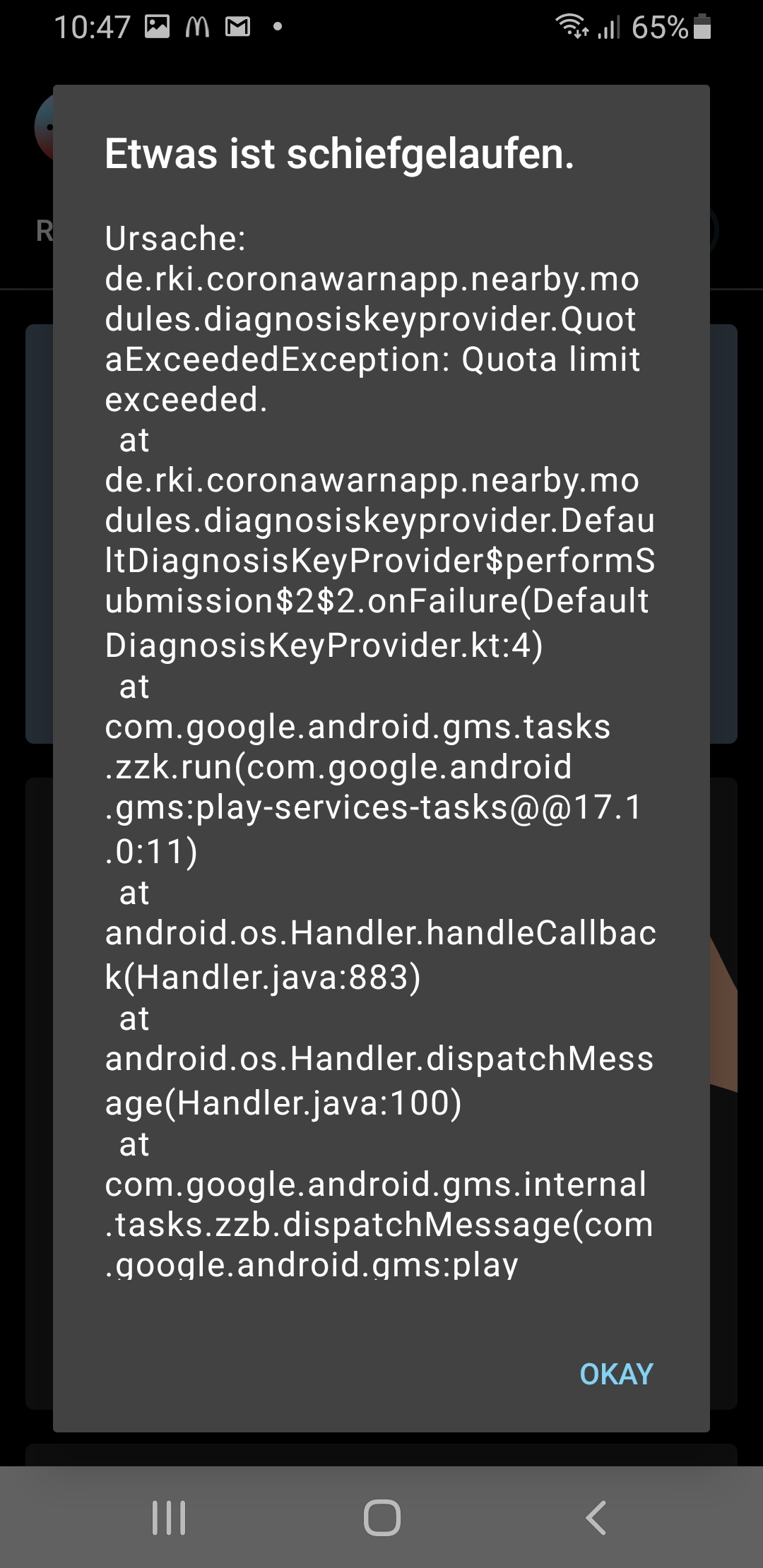
This is the error message I get in CWA 1.7
CalamityCarrie
on 3 Dec 2020
Hi @CalamityCarrie, Thanks for reporting. We will forward this to the developers. Best wishes,
DS
Corona-Warn-App Open Source Team
dsarkar
on 3 Dec 2020
Hallo, I'm back again.
After update to 1.51 everything works fine,
Also 1.7.1 works, exept the problem, that the app updates only 1 time a day.
Today i got the info that the last update for data was yesterday.
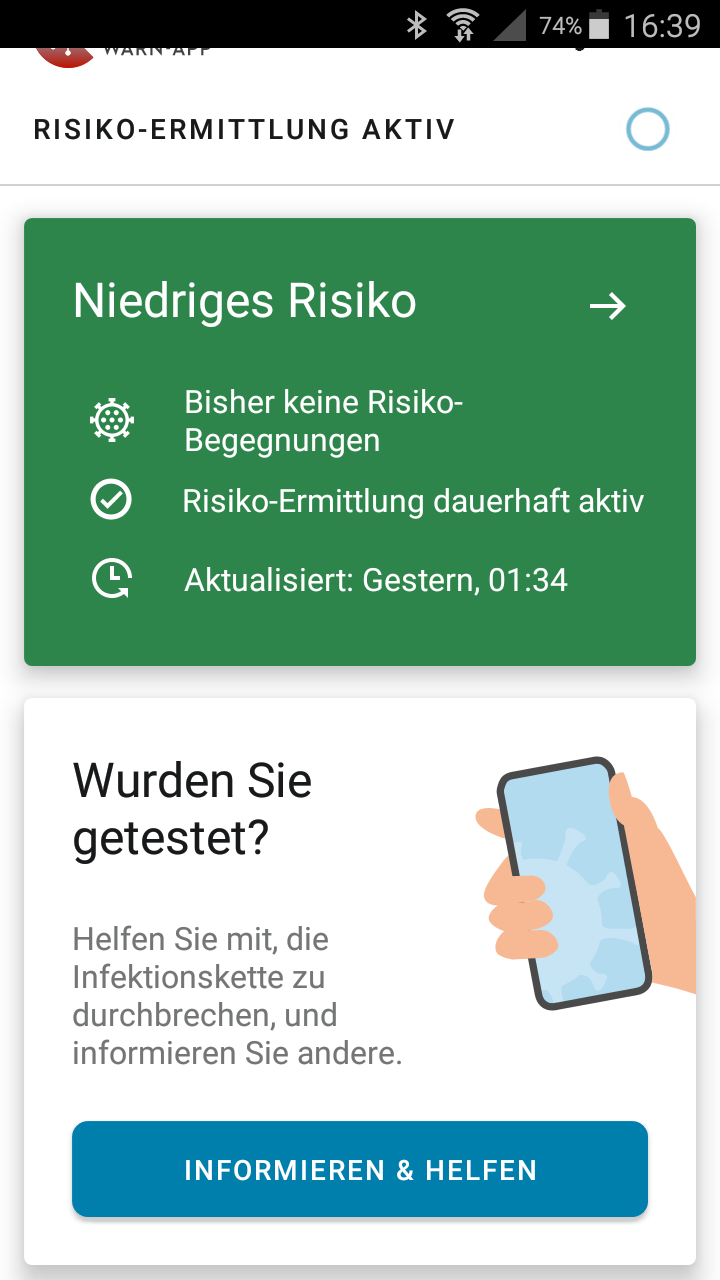
But Google shows an update this morning:
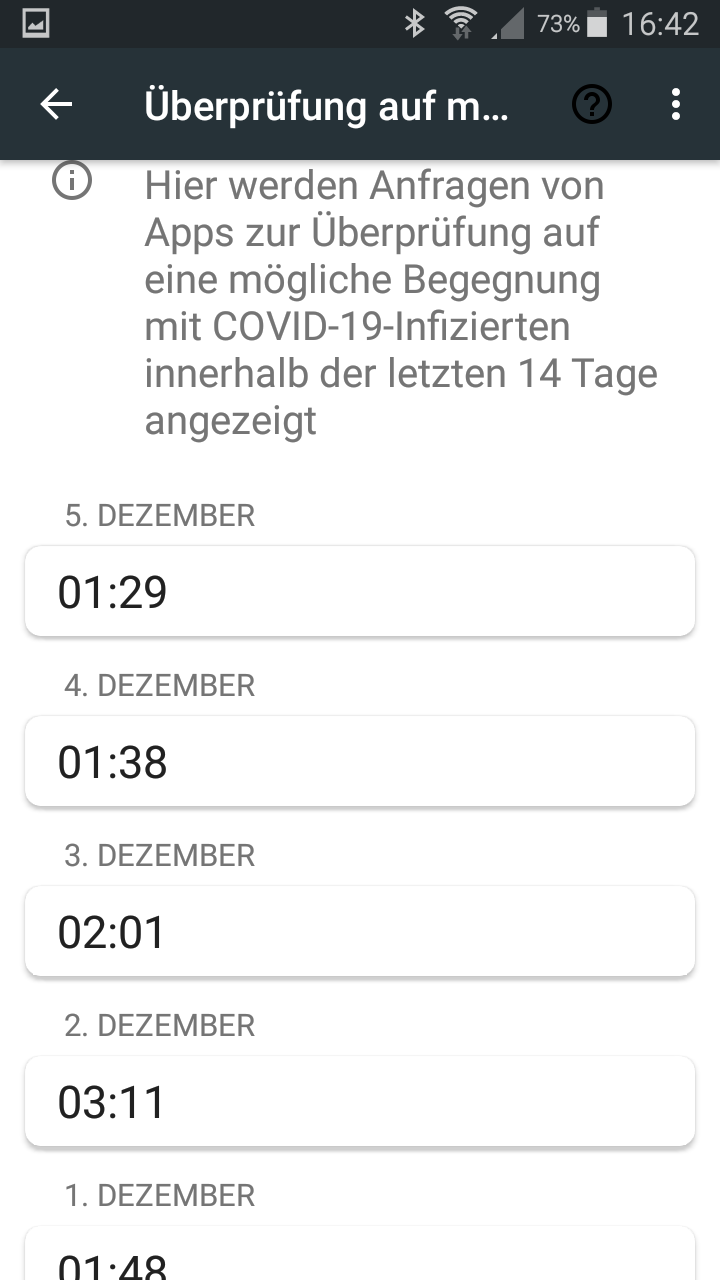
Any idea, what goes wrong here?
I use a Samsung S5 mini with android 6.
Regards
schneik1
schneik1
on 5 Dec 2020
@schneik1
Hallo, I'm back again.
After update to 1.51 everything works fine,
Also 1.7.1 works, exept the problem, that the app updates only 1 time a day.
Today i got the info that the last update for data was yesterday.
But Google shows an update this morning:
Any idea, what goes wrong here?
I use a Samsung S5 mini with android 6.
You talk about two problems:
- Google update timestamp differs from CWA last update timestamp.
- CWA app updates only once a day.
If you want to look into these problems it is probably better to open one or two new issues, since this one (https://github.com/corona-warn-app/cwa-app-android/issues/1459) is about the 39508 error, which you don't specifically mention, but I assume you had it previously and it has now gone away.
If you do go to a new issue you could also post your exposure log:
Go to Settings > Google > COVID-19 exposure notifications > Exposure checks
Use the three dot menu to Export exposure checks.
Rename the file extension from .json to .txt then attach the file to the post.
or for German UI:
Einstellungen > Google > COVID-19-Benachrichtigungen > Überprüfung auf mögliche Begegnungen
Drei-Punkte-Menü aufrufen und "Überprüfungen exportieren" auswählen.
CWA app 1.7.x should update up to 6 times a day if you have permanent WiFi access. See https://www.coronawarn.app/en/faq/#risk_update_24.
MikeMcC399
on 6 Dec 2020
@schneik1 can you please share some information about your mobile and wifi Connection and how often do you use it
Please add also detail information about your android build.
https://github.com/corona-warn-app/cwa-app-android/issues/1817
thomasaugsten
on 6 Dec 2020
Hallo,
here the info:
Phone: Samsung S5 mini SM-G800F
Android: 6.0.1
Kernal:3.4.39-13885706
Buildnumber:MMB29K,G800FXXU1CRG3
Provider is O2
The Corona-App is Version 1.7.1
The Phone is used every day.
I.e. yesterday and today 90% connected via home-WLAN.
Here the check-file.
all-exposure-checks.txt
Regards
schneik1
schneik1
on 6 Dec 2020
@schneik1
It looks like @thomasaugsten is suggesting that the discussion is continued in the new issue https://github.com/corona-warn-app/cwa-app-android/issues/1817 so I will reply over there.
MikeMcC399
on 6 Dec 2020
Related issues
 egandro
·
3Comments
egandro
·
3Comments
 Teddy265
·
3Comments
Teddy265
·
3Comments
 HuiiBuh
·
3Comments
HuiiBuh
·
3Comments
 Magoli1
·
3Comments
Magoli1
·
3Comments
 michaelwingender
·
3Comments
michaelwingender
·
3Comments
Most helpful comment
@MikeMcC399 While not designed as fix for this, #1550 will have a positive effect on this issue, due to stricter download behavior and decision regarding submission to the ENF in error cases. Were are also looking into background scheduling behavior but have not yet identified a connection between this issue and the scheduling.