Cwa-app-android: App takes long to launch
It takes ca 10 seconds to launch the app and to show the risk status. This happens since the last update of the app.
Device:
Galaxy A6 (a6lte)
Android 10
Internal Tracking ID: EXPOSUREAPP-2837
 ucmichan
All 11 comments
How long does it take (1 sec.,5 sec., etc.)?
 Ein-Tim
on 30 Aug 2020
Ein-Tim
on 30 Aug 2020
Hi @ucmichan,
thanks for your feedback.
As @Ein-Tim already commented, can you please let us know how long it takes till the app is launched and the risk status is updated.
How long are you using the App? Was it "slow" from the beginning?
Thanks.
Best regards,
ABB
Corona-Warn-App Open Source Team
 abro1i
on 31 Aug 2020
abro1i
on 31 Aug 2020
It takes ca 10 seconds to launch the app and to show the risk status. This happens since the last update of the app.
I also updated the issue description.
ucmichan
on 31 Aug 2020
During this 10s launch do you see a loading screen like this one?
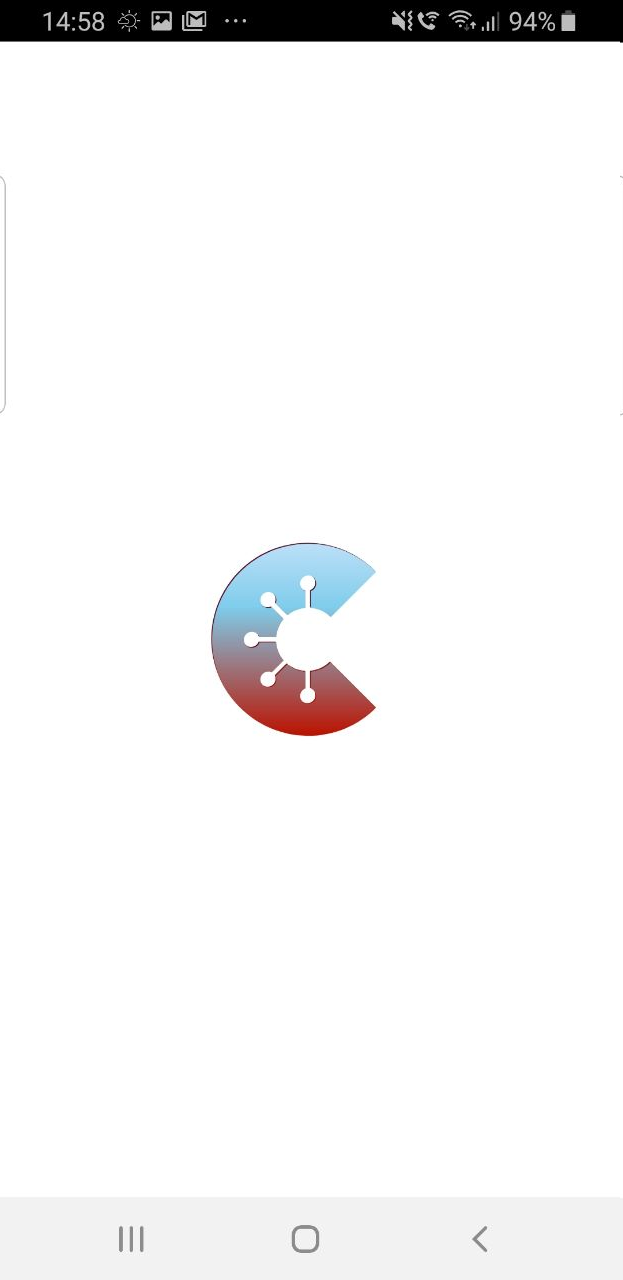
Do you have added a test (QR code) in your app?
 daimpi
on 31 Aug 2020
daimpi
on 31 Aug 2020
Hello @ucmichan ,
does this issue still occur?
@abro1i do we have any update on this?
Thanks,
LMM
Corona-Warn-App Open Source Team
 GPclips
on 24 Sep 2020
GPclips
on 24 Sep 2020
I have the same problem with version 1.5 on my Mi 9 with MIUI 12 / Android 10
 phpman89
on 26 Oct 2020
phpman89
on 26 Oct 2020
@phpman89 thanks for sharing your screen recording. Does this issue appear every time you try to open CWA or was this a one off?
daimpi
on 26 Oct 2020
Unfortunately the issue appear every time I open the CWA.
phpman89
on 26 Oct 2020
@phpman89 thanks the devs probably have to take a look at that 🙂.
(cc @GPclips @abro1i)
daimpi
on 26 Oct 2020
This was very likely fixed with https://github.com/corona-warn-app/cwa-app-android/pull/1857 by @d4rken
The update check during app launch could happen on the main thread, blocking the UI.
Further changes to app config behavior should also have a positive effect on this.
Hence, we would consider this as being addressed and closed, @JoachimFritsch .
 ralfgehrer
on 14 Dec 2020
ralfgehrer
on 14 Dec 2020
Hi @ucmichan, this issue should be fixed now. We would appreciate your feedback. Best wishes, DS
Corona-Warn-App Open Source Team
 dsarkar
on 22 Dec 2020
dsarkar
on 22 Dec 2020
Related issues
 ParthaEth
·
3Comments
ParthaEth
·
3Comments
 crcsn
·
3Comments
crcsn
·
3Comments
 AllesMeins
·
3Comments
AllesMeins
·
3Comments
 marceljay
·
3Comments
marceljay
·
3Comments
 sdschulze
·
3Comments
sdschulze
·
3Comments