Cutter: Graph widget, Rename variable and add flag bug in right click menu
Environment information
- Operating System: Parrot 4.6
- Cutter version: 1.8.4, git version 01-Aug-2019
- File format: ELF
Describe the bug
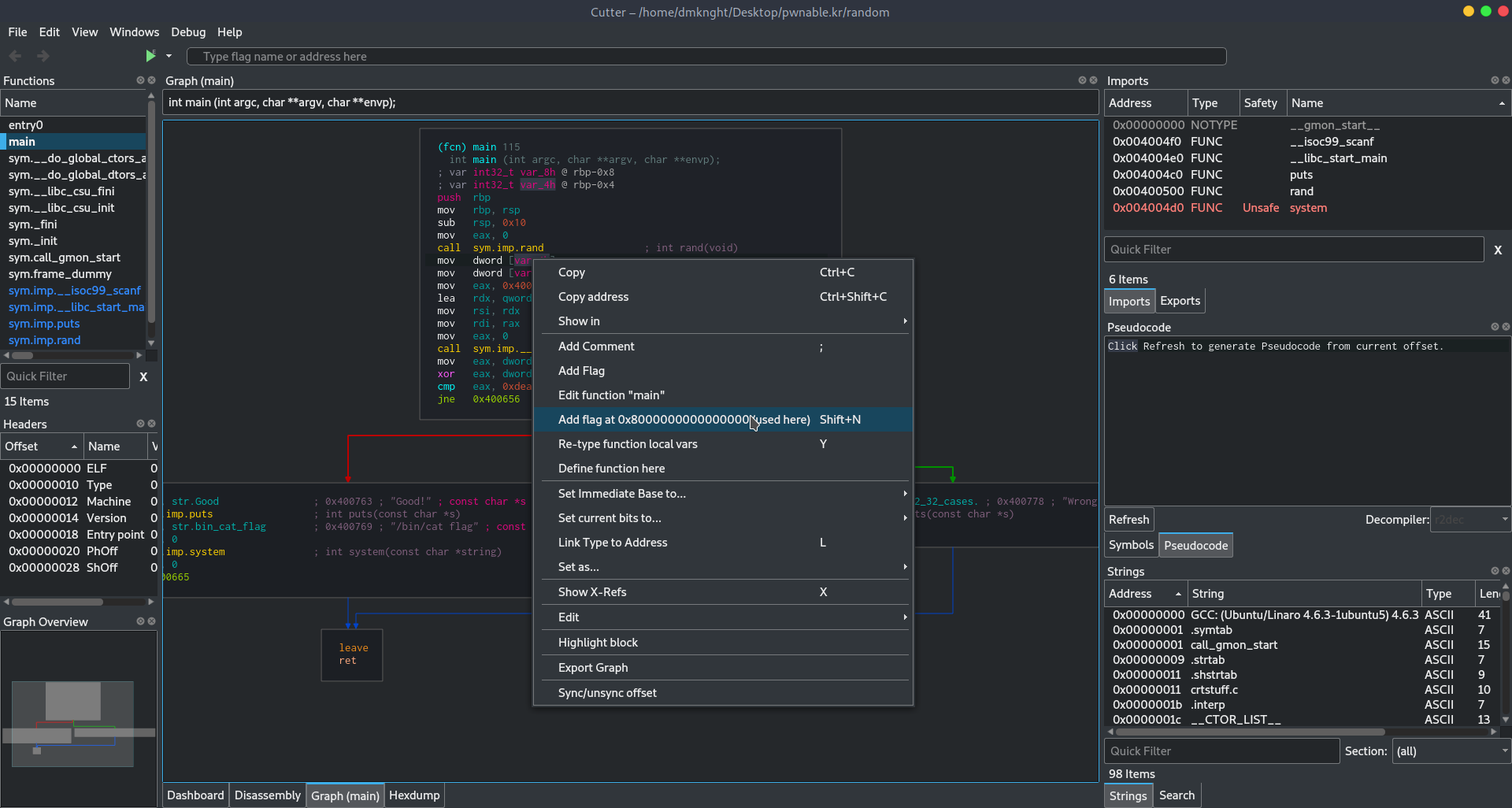
When I use right click on variable name to change name of variable, there is Add flag menu only.
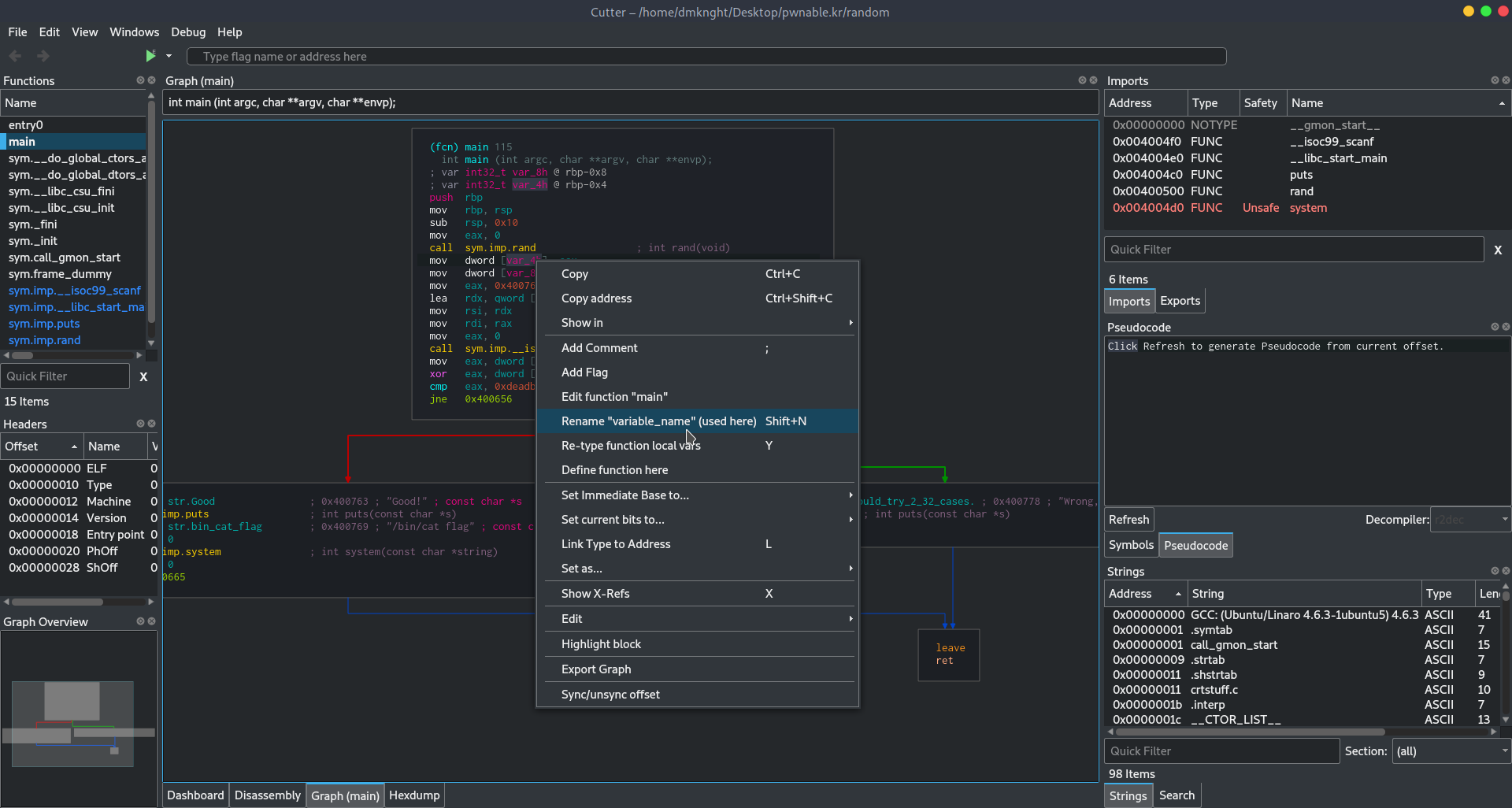
If I use add flag menu and change value in it, the menu Rename variable will show up but it doesn't rename my variable
To Reproduce
Steps to reproduce the behavior:
- Go to Graph widget
- Right click on a variable. No
Edit variable namehere (it was there before) - Select
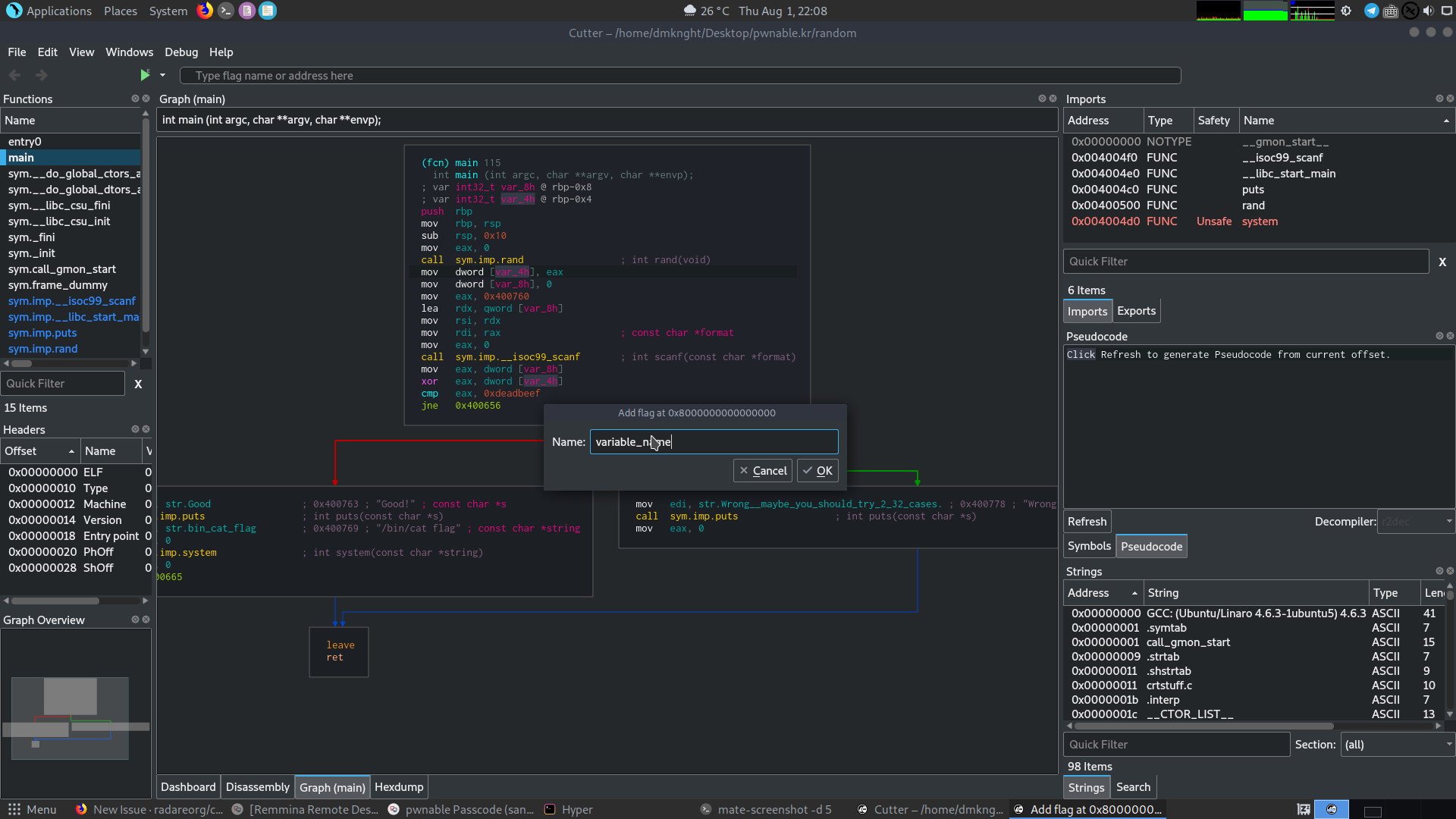
Add flag, set value in this windows and selectOk - Right click again on variable that we've edited, It will show
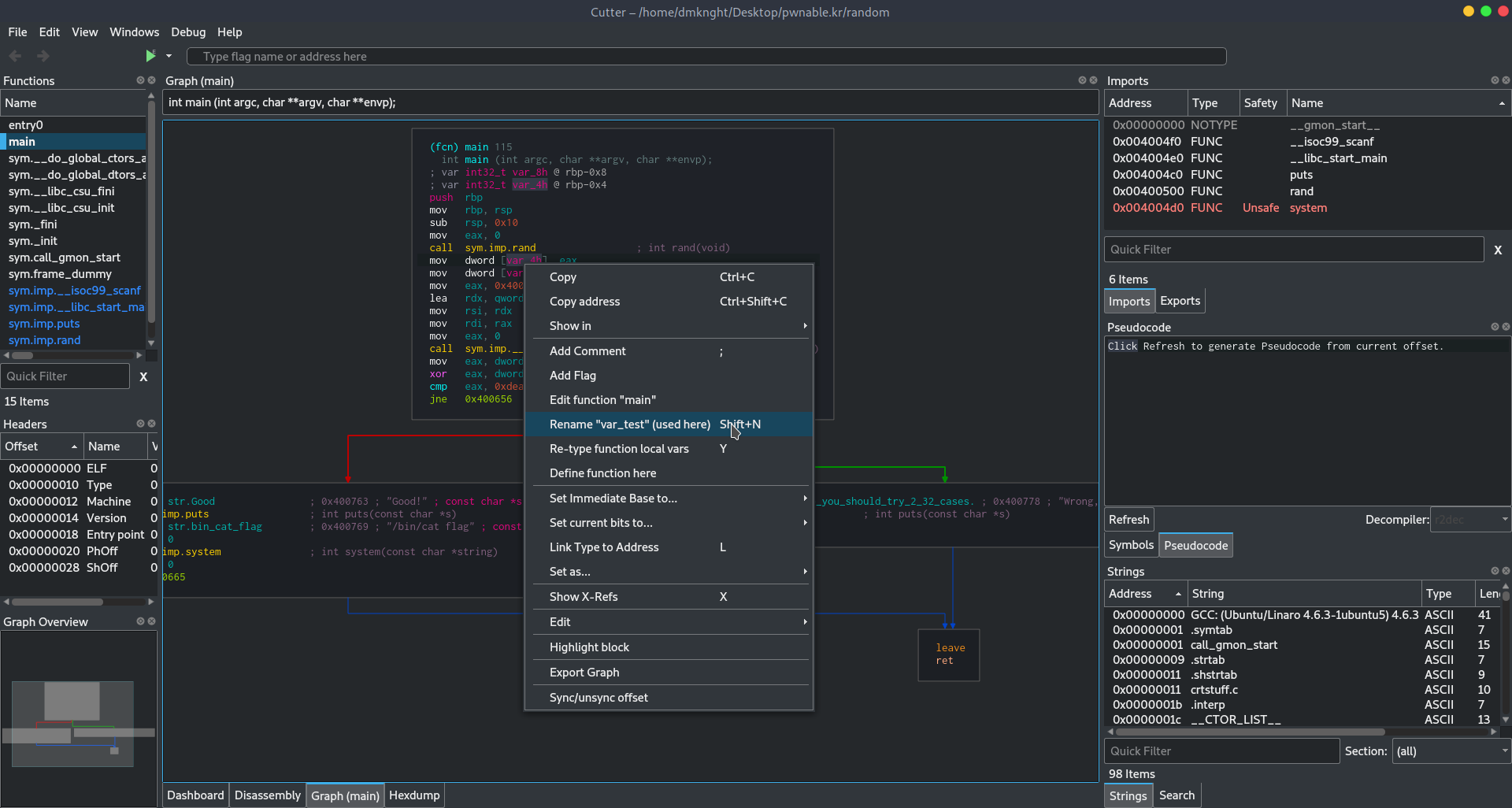
Rename $variable_name (used here) - Try edit variable name again, nothing changes in Graph widget
Expected behavior
- Rename variable menu works
- Maybe split Rename variable and add flag as same as old versions?
Screenshots
Right click on variable name, only
Add flagmenu shows up
Edit value in
Add flag
- Edit variable name menu shows up
- Edit variable name again but nothing work
Additional context
I am playing random challenge at https://pwnable.kr/play.php
 dmknght
All 5 comments
Was able to repeat it. It's probably a problem with r2. anj doesn't detect reference to variable [{"type":"address","offset":18446744073709551608}]
 karliss
on 1 Aug 2019
karliss
on 1 Aug 2019
an has code for dealing with variables but it doesn't work. In V mode d/v works. The most obvious difference is that an calls r_anal_op in R_ANAL_OP_MASK_BASIC mode but d/v calls it with R_ANAL_OP_MASK_ALL.
karliss
on 1 Aug 2019
@karliss this bugs seems fixed with Cutter 1.9 and radare2 3.9. However the text on menu is still Retype function local vars Y. The function was called work fine (define variable). So i think this bug was fixed from radare2 and it needs a little fix from cutter side (sorry i can't take the screenshot right now. I'll do it as soon as possible.
dmknght
on 24 Sep 2019
Thank you for your feedback. Everyone in dev team agrees that renaming process should be improved but it is a bit more complicated than that.
Those are two somewhat different somewhat things. R2 has separate commands for renaming a specific kind of thing (global flag, rsp based local var, rbp based local bar, ...). There is also a command for renaming whatever is referenced on current line.
Before and after 1.9 cutter exposes two of them.
Rename variable with N shortcut you complained about is based on r2 command for renaming anything on current line. Nothing changed there it is still broken for renaming local variables.
The changes in 1.9 in affected second command whose primary purpose is editing local variables (type and name). Nothing was fixed on cutter or r2 but it became easier to use cutter local variable editing function as alternative way of renaming local variables.
In ideal case there would be single action for renaming whatever you clicked on. Problem with making this work nicely is that cutter has no idea what part of disassembly that you clicked on refers to. It doesn't know the difference between opcode cmp, local variable cmp, comment or string literal containing those letters. Second problem as pointed out before is that command for renaming anything is broken.
karliss
on 24 Sep 2019
@karliss so from what i am understand, the string Rename local variable is a fixed text and there would be now Rename variable X Rename variable Y in the menu like previous versions? So i think this issue can be closed because the rename problem is fixed (look like).
P/s:
- when i right clicked on the function, there are 2 options:
Rename <name of function>andRename function local vars(this rename local variable shows nothing in box). - When i right clicked on cmp, there are 2 options:
Add flag at <offset>andRename function local vars. - The same: 2 menu when i right clicked on string object
- Comment seems doesnt work.
So from what i see, Cutter still detects function name, flag, object some how and variable name is fixed in the menu. I am thinking maybe hideRename function local varswhen users right click oncmp(for the flag) andfunction nameor string could be a template choice before you guys can complete your function. Ofc this is my idea and i have never looked at the part of code so I am just giving i dea :D
dmknght
on 24 Sep 2019
Related issues
 nauliajati
·
3Comments
nauliajati
·
3Comments
 hamsterwoede
·
4Comments
hamsterwoede
·
4Comments
 optizone
·
3Comments
optizone
·
3Comments
 Pamplemousse
·
3Comments
Pamplemousse
·
3Comments
 dhucul
·
3Comments
dhucul
·
3Comments
Most helpful comment
anhas code for dealing with variables but it doesn't work. In V mode d/v works. The most obvious difference is thatancallsr_anal_opinR_ANAL_OP_MASK_BASICmode but d/v calls it withR_ANAL_OP_MASK_ALL.