Cura: when printing multiple identical models at one time (similar to an array), cura has a tolerable threshold.
when printing multiple identical models at one time (similar to an array), cura has a tolerable threshold. When the number increases to a certain value, you can still slice at this time, and you cannot slice even if you increase one.At this point, the slicing progress bar will stop at 0% and occupy a lot of memory. This threshold looks very low.This seems to have nothing to do with the performance of the computer.For computers with smaller memory, it seems that only the slice time is affected.This problem does not exist in other slicing software.
 gailulun
All 17 comments
Could you maybe attach a project file where this happens? (Save, don't export, and compress it via zip to get github to accept the attached file.)
 rburema
on 24 Mar 2020
rburema
on 24 Mar 2020
The sliceable threshold of this model is 35, and it cannot be sliced when it is increased to 36 (the CPU usage is almost zero when sliced at this time). And when saving as a .3mf file, cura almost used all my 24GB memory and 100% hard disk IO. The CPU utilization also soared, but the progress bar hardly moved to save it. I waited for a minute to save the 35 models.But it was too big to upload.This threshold should also be related to the complexity or size of the model. When I replaced the model with a more complex model(Including more rounded corners), even 20 of them could not be sliced at this time.
gailulun
on 25 Mar 2020
sorry it was too late in China then(1:00 AM Beijing Time by then.) and I just saw the news.
gailulun
on 25 Mar 2020
Hi, please provide a project file (do File->Save) and zip and attach the .3mf file. We need to see that so we know the settings you are using. Thanks.
 smartavionics
on 25 Mar 2020
smartavionics
on 25 Mar 2020
Just save the project file with no models on the buildplate.
smartavionics
on 25 Mar 2020
Hi, please provide a project file (do File->Save) and zip and attach the .3mf file. We need to see that so we know the settings you are using. Thanks.
it's almost 170MB
gailulun
on 25 Mar 2020
Even without the models ?
smartavionics
on 25 Mar 2020
no models?
gailulun
on 25 Mar 2020
like this?
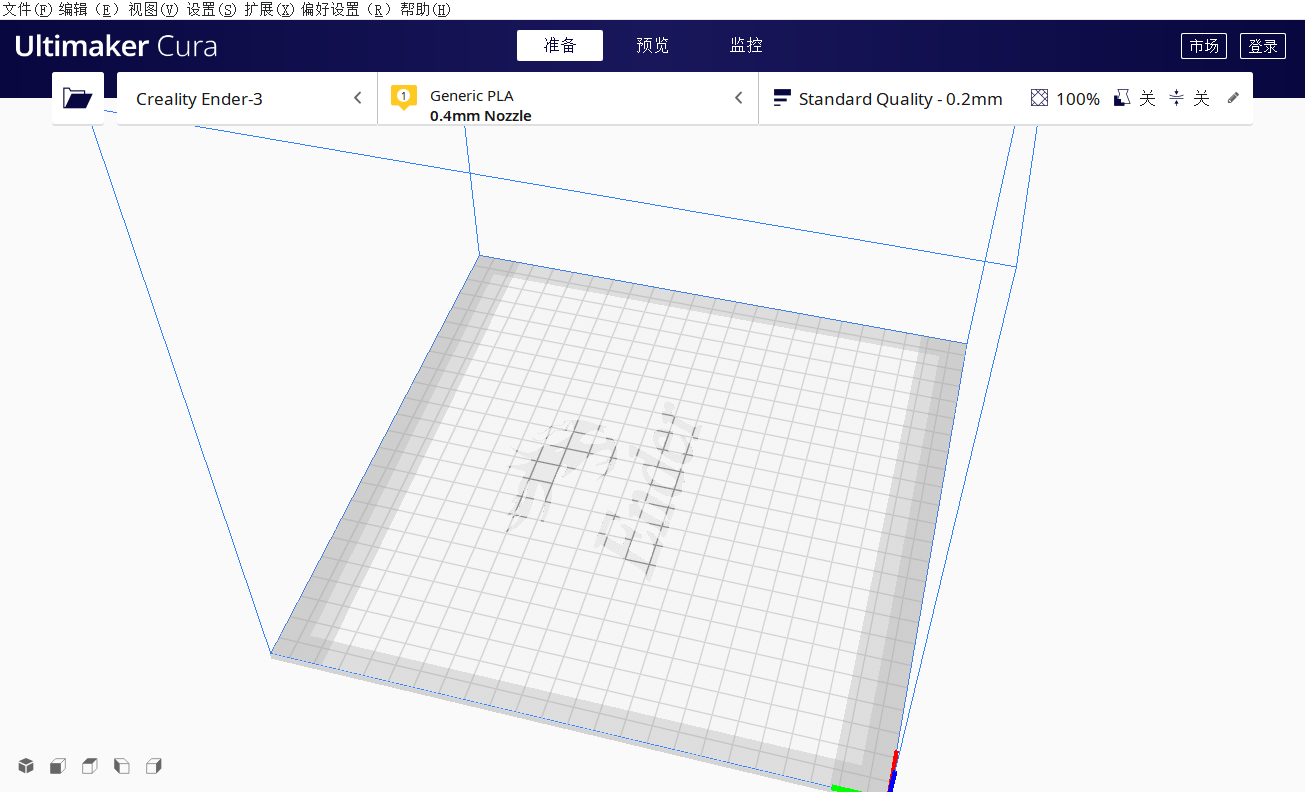
😂
gailulun
on 25 Mar 2020
Don't worry, I have found what the problem is. Devs, this is what I get when I try to slice 40 parts...
2020-03-25 10:55:30,138 - DEBUG - [MainThread] CuraEngineBackend.CuraEngineBackend._onStartSliceCompleted [444]: Sending slice message took 3.830373764038086 seconds
2020-03-25 10:55:31,836 - DEBUG - [EngineErrorThread] UM.Backend.Backend._backendLog [106]: [Backend] [libprotobuf ERROR /home/markb/3dp/cura/cura-build-environment.git/build/Protobuf-prefix/src/Protobuf/src/google/protobuf/io/coded_stream.cc:207] A protocol message was rejected because it was too big (more than 524288000 bytes). To increase the limit (or to disable these warnings), see CodedInputStream::SetTotalBytesLimit() in google/protobuf/io/coded_stream.h.
2020-03-25 10:55:31,836 - DEBUG - [EngineErrorThread] UM.Backend.Backend._backendLog [106]: [Backend] [ERROR] Failed to parse message:
2020-03-25 10:55:31,837 - DEBUG - [EngineErrorThread] UM.Backend.Backend._backendLog [106]: [Backend] ðç
2020-03-25 10:55:31,838 - DEBUG - [EngineErrorThread] UM.Backend.Backend._backendLog [106]: [Backend] ©ÌØ´àÌffÀ=
2020-03-25 10:55:31,838 - DEBUG - [EngineErrorThread] UM.Backend.Backend._backendLog [106]: [Backend] ÿÀÀÌÌ=ffÀÁ@áú>ffÀÁ
I think the only workaround would be to reduce the number of polygons in the model or print less than 36 models in one go.
smartavionics
on 25 Mar 2020
I think so too......
gailulun
on 25 Mar 2020
Does this mean that if a single model exceeds 500M, it cannot be sliced.
gailulun
on 25 Mar 2020
perhaps. . . We can partition the slices, reduce the amount of data contained in each zone to less than 500MB, and integrate the code into a file after the slice is completed. That will be a big project. . .
gailulun
on 25 Mar 2020
Thanks for the analysis @smartavionics
I'll bring it up in the next discussion with the (other) devs.
@gailulun That might be a good approach to fixing it, yes. Not sure if that'll actually be a big project (it may be), that depends on the details. In any case, seems for now you should use the workaround, until we've fixed this (which might not be for a while, depending on priorities).
rburema
on 25 Mar 2020
Very happy to contribute to you😀
gailulun
on 25 Mar 2020
Duplicate of https://github.com/Ultimaker/Cura/issues/3105. There's a lot of analysis in that topic too. Please refer there.
 Ghostkeeper
on 25 Mar 2020
Ghostkeeper
on 25 Mar 2020
Related issues
 DmitryBychkov
·
3Comments
DmitryBychkov
·
3Comments
 wi1k1n
·
3Comments
wi1k1n
·
3Comments
 muhammadelmogy
·
3Comments
muhammadelmogy
·
3Comments
 Nemernemer
·
3Comments
Nemernemer
·
3Comments
 DamianSepczuk
·
3Comments
DamianSepczuk
·
3Comments