Cura: 4.3 and 4.4B Bugs with Screen sizing and multiscreen setups.
Application version
4.3 and 4.4B
Platform
Windows 10, i7 4ghz cpu, 16gb ram, nvidia 1070gtx gpu, 3x 4k Dell monitors.
Printer
Ender5
Reproduction steps
Issue1 (4.4B only)
- Load Cura
- Attempt to resize the window.
Issue2
- Load Cura.
- Move the Cura window to another screen that isn't the main screen.
- Close Cura.
Issue3
- Load Cura.
- At a random point in time menus just grey out.
Actual results
Issue1
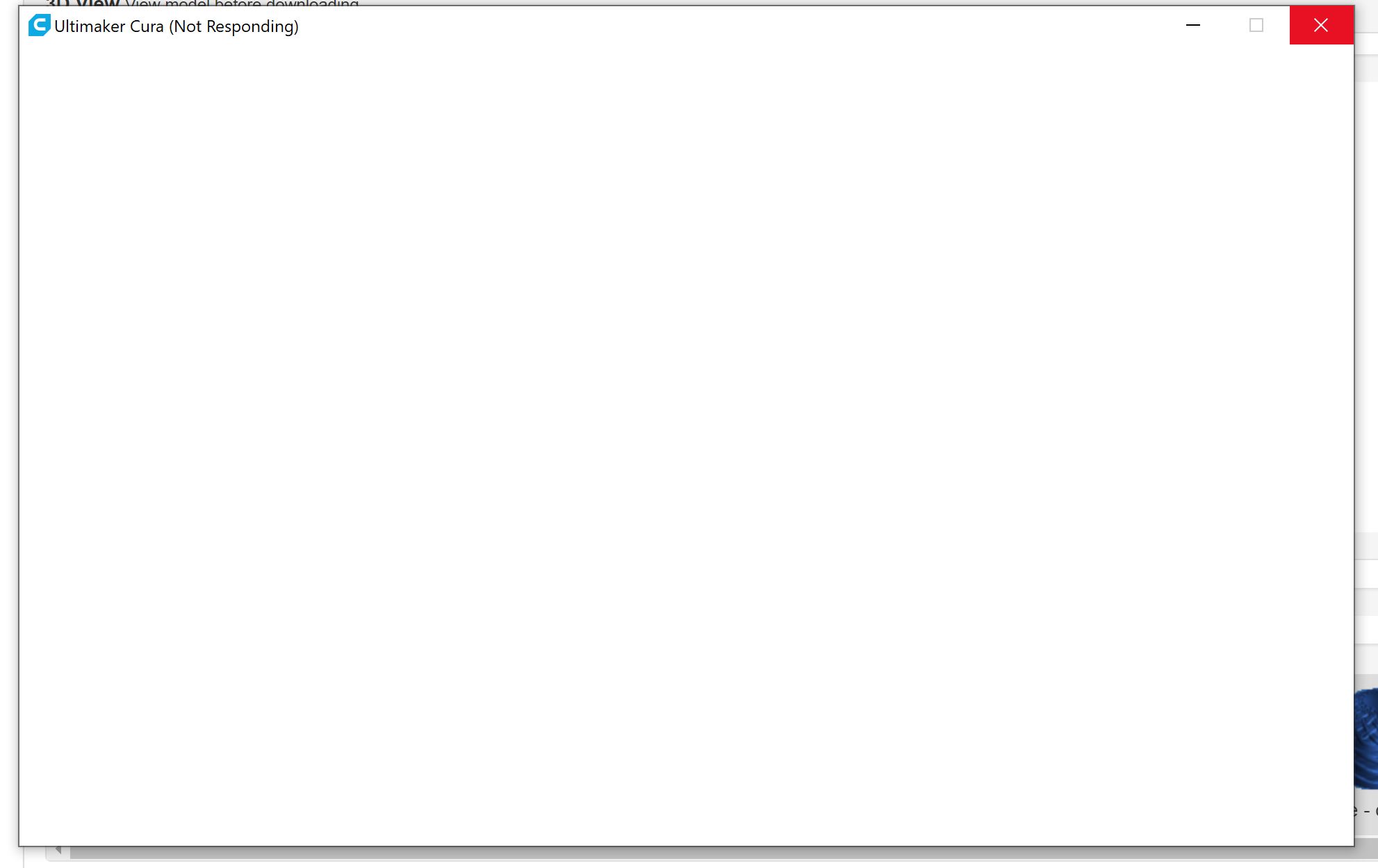
All the menus disappear from the window as per attached photo so the window isn't scaleable at all. On a 4k screen its only about 1/4 of the screen so not being able to resize it is not practical. This happens even if you click the maximise button on the window.

Issue2
After closing Cura on a different window if you attempt to open Cura again it trys to open it in the screen it was closed on but never does. The application just crashes. The only way to fix this is to then remove Cura and all settings completely from the machine and reinstall.
Issue3
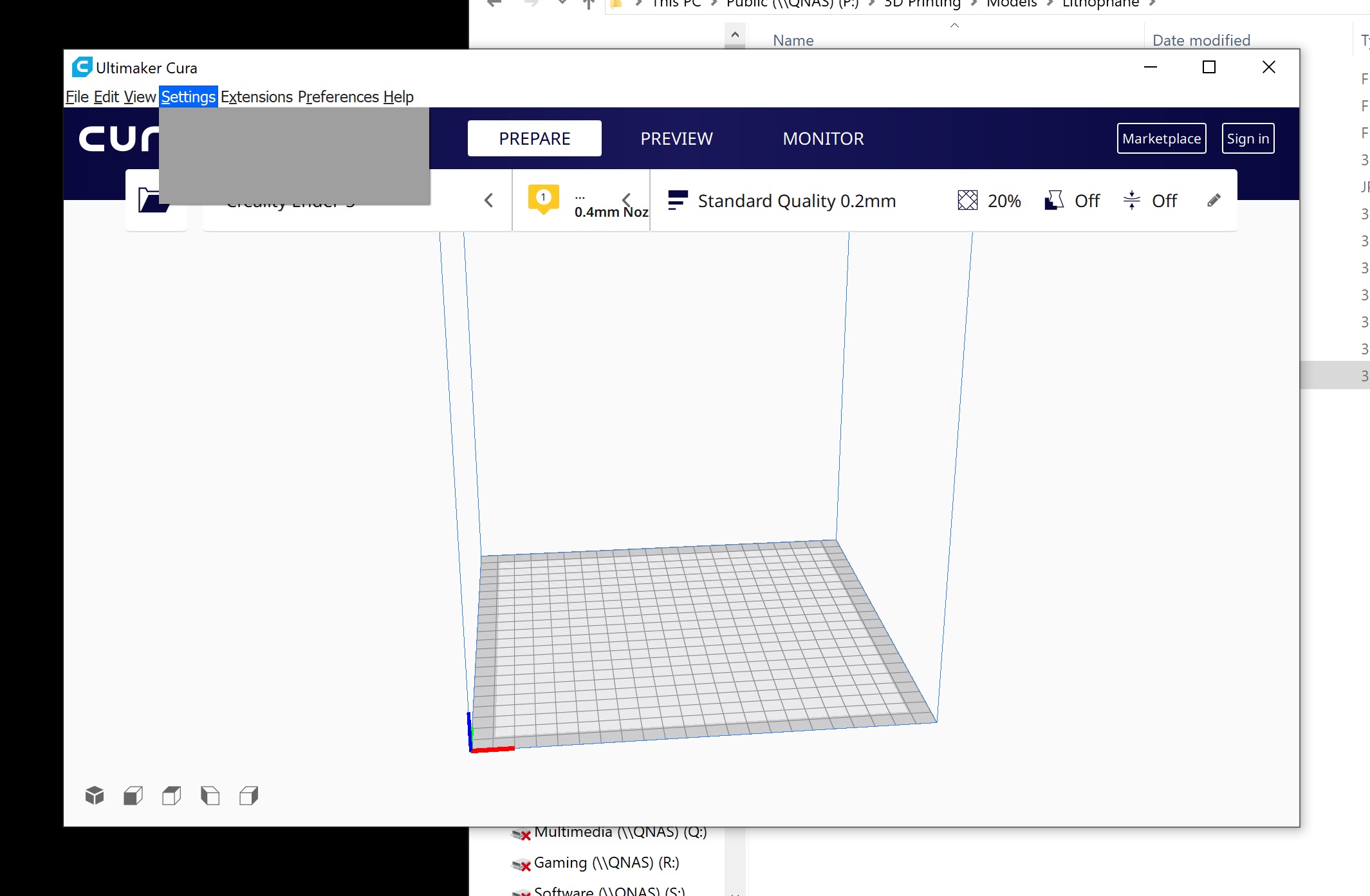
Menus randomly grey out completely when in use and the only way to fix is to close Cura and reopen.
Expected results
Issue1
Cura window should be scalable to any size and have all the menus available.
Issue2
Cura should be able to be moved to any screen and it continue to function properly. The screen its loaded on should not impact the application.
Issue3
Menus should be viewable at all times.
Additional information
(Extra information relevant to the issue, like screenshots. Don't forget to attach the log files with this issue report.)
 DX12Diodes
All 6 comments
For issue 2, there is a checkbox in the General preferences labeled "Restore window position on start" in Cura 4.4. If you uncheck that, this should prevent that problem.
 fieldOfView
on 14 Nov 2019
fieldOfView
on 14 Nov 2019
Are all the monitors connected to the Nvidia GPU, or do you also have an embedded Intel GPU in that i7?
fieldOfView
on 14 Nov 2019
All 3 are connected to the Nvidia GPU, there is an embedded GPU on the mobo but it has nothing connected to it.
DX12Diodes
on 14 Nov 2019
- Are the drivers up to date?
- Do you connect directly to the monitors or do you use a dock?
 rburema
on 15 Nov 2019
rburema
on 15 Nov 2019
Latest NVidia driver, direct connected to the gpu no docks or anything in between.
DX12Diodes
on 15 Nov 2019
I have a multi-screen set-up rendered by an NVIDIA GPU as well at home (GTX 2070 Windforce), but have not seen these issues yet. Maybe it's specific to the 1070 drivers?
 Ghostkeeper
on 3 Dec 2019
Ghostkeeper
on 3 Dec 2019
Related issues
 probonopd
·
3Comments
probonopd
·
3Comments
 dstulken
·
3Comments
dstulken
·
3Comments
 thopiekar
·
3Comments
thopiekar
·
3Comments
 StanislavJochman
·
3Comments
StanislavJochman
·
3Comments
 Nemernemer
·
3Comments
Nemernemer
·
3Comments
Most helpful comment
Are all the monitors connected to the Nvidia GPU, or do you also have an embedded Intel GPU in that i7?