Crouton: screenshots/regions in a xiwi window
In a xiwi chroot, mine is utopic, the normal screenshot function (Ctrl-F5/SwitchWindow) just seemingly minimizes the chroot window, I think it's just doing a window switch, and doesn't take a screenshot. Same thing happens when trying to capture a region (Ctrl-Shift-F5/SwitchWindow).
Here's my 'croutonversion' output:
  crouton: version 1-20141224143251
  release: utopic
  architecture: amd64
  targets: xiwi,audio,cli-extra,gtk-extra,extension,gnome,kde,xbmc,chrome-beta
  host: version 6457.36.0 (Official Build) beta-channel falco
NOTE: I have a reply and explanation from @dnschneid concerning this below:
@DennisLfromGA - that's because the extension captures the SwitchWindow key and specially processes it to unfocus the chroot. It might be possible to either toss the keypress up the stack or trigger a screenshot (not sure what the APIs are like), but either way, it's probably worth opening a new issue for.
So, I guess it might be worth a look to see how difficult it might be, it could be useful.
 DennisLfromGA
All 13 comments
Similar behavior observed with ARM cb with precise / xfce / xiwi initially Ctrl and F5 would minimize chroot window but after trying different timing combinations of the 2 keys, was able to get screenshots consistently. Stable channel, crouton and xiwi from Saturday. Can post output if needed, but it's working, but was touchy.
 tedm
on 30 Dec 2014
tedm
on 30 Dec 2014
What are the (secret) timing combinations oh enlightened one? ;-)
On Tue, Dec 30, 2014 at 4:55 PM, tedm [email protected] wrote:
Similar behavior observed with ARM cb with precise / xfce / xiwi initially
Ctlr F5 would minimize chroot window but after trying different timing
combinations of the 2 keys, was able to get screenshots consistently.
Stable channel, crouton and xiwi from Saturday. Can post output if needed,
but it's working, but was touchy.—
Reply to this email directly or view it on GitHub
https://github.com/dnschneid/crouton/issues/1287#issuecomment-68402915.
DennisLfromGA
on 31 Dec 2014
@DennisLfromGA LOL! Try these: hold down ctrl first, then F5, let up F5 first, then ctrl.
Also, put focus of cursor off chroot window and onto chrome or desktop. Or vice versa ;)
tedm
on 31 Dec 2014
@DennisLfromGA am playing with it right now, I don't think timing is an issue anymore, it's consistent:
As long as the chroot is not full screen, or have the focus (cursor in it), then the ctrl F5 will screen shot as normal. If the focus is on the chroot portion of screen, ctrl F5 will just minimize it. If the chroot is full screen, I guess you need to use your DE's screenshot function as would be expected - to give a full screen chroot it's full keyboard access (though the alt tab is great to switch back to Chrome OS!)
tedm
on 31 Dec 2014
@tedm, Thanx for the info.
Like you mentioned, we can use the native DE's screenshot functions so all is not lost in a chroot. This might even be enough to thwart any extensive work to get it done in xiwi, I"m sure there are more important areas to work on.
DennisLfromGA
on 31 Dec 2014
@DennisLfromGA yes, I actually like using the associated keys of the full-screened OS, so I see that as a plus.
I've noticed one odd thing - with the chroot coming up as full screen, F4 (rect. box with arrows in upper L and lower R) do change the border from full-screen chroot to windowed full-screen, but won't minimize to about half screen, unless I've manually minimized it at least once. From then on it toggles windows small to full screen reliably.
Were you able to take Chrome OS screenshots with chroot up by moving focus or active window off the chroot?
tedm
on 31 Dec 2014
Seems to have been fixed so closing, please re-open if this issue is still a concern.
DennisLfromGA
on 9 Oct 2016
I'm currently running into this issue, and the secret timing combinations aren't working. I'm not sure how to keep the xiwi window displayed without shifting focus to it either, and I don't want to install a desktop environment. Were you able to find a fix, Dennis?
crouton: version 1-20170901092920~master:0216f9d1
release: sid
architecture: amd64
xmethod: xiwi
targets: xiwi,core
host: version 9592.85.0 (Official Build) stable-channel cave
kernel: Linux localhost 3.18.0-14875-g438cb8ab27c6 #1 SMP PREEMPT Mon Aug 21 20:07:58 PDT 2017 x86_64 GNU/Linux
freon: yes
 eyqs
on 13 Sep 2017
eyqs
on 13 Sep 2017
@eyqs,
Are you opening a shell session via ctrl+alt+t or are you using the 'Crosh Window' / 'Secure Shell' extension combo?
Are you using
enter-chrootor launching an app in the chroot?
I always use the 'Crosh Window' / 'Secure Shell' extension combo -
I tried a fairly recent elementary chroot -
chronos@localhost ~ $ edit-chroot -l xen.elem
name: xen.elem
encrypted: no
Entering /var/crouton/chroots/xen.elem...
crouton: version 1-20170310141758
release: xenial
architecture: amd64
xmethod: xorg
targets: xorg,xiwi,elementary,cli-extra,chrome-beta
host: version 9765.53.0 (Official Build) beta-channel lulu
kernel: Linux localhost 3.14.0 #1 SMP PREEMPT Tue Sep 5 12:32:03 PDT 2017 x86_64 x86_64 x86_64 GNU/Linux
freon: yes
Unmounting /var/crouton/chroots/xen.elem...
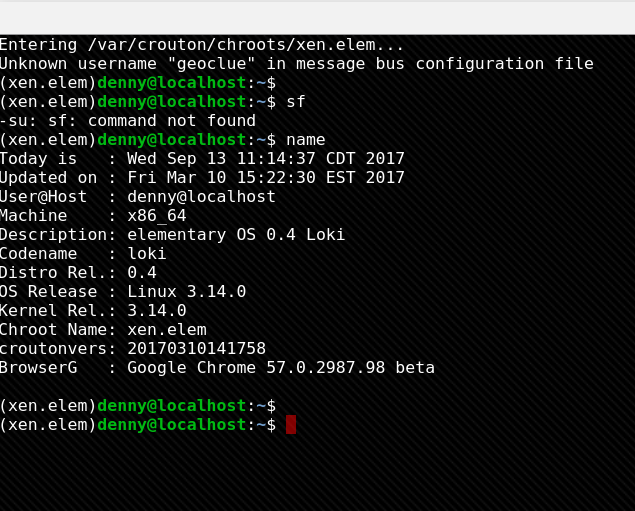
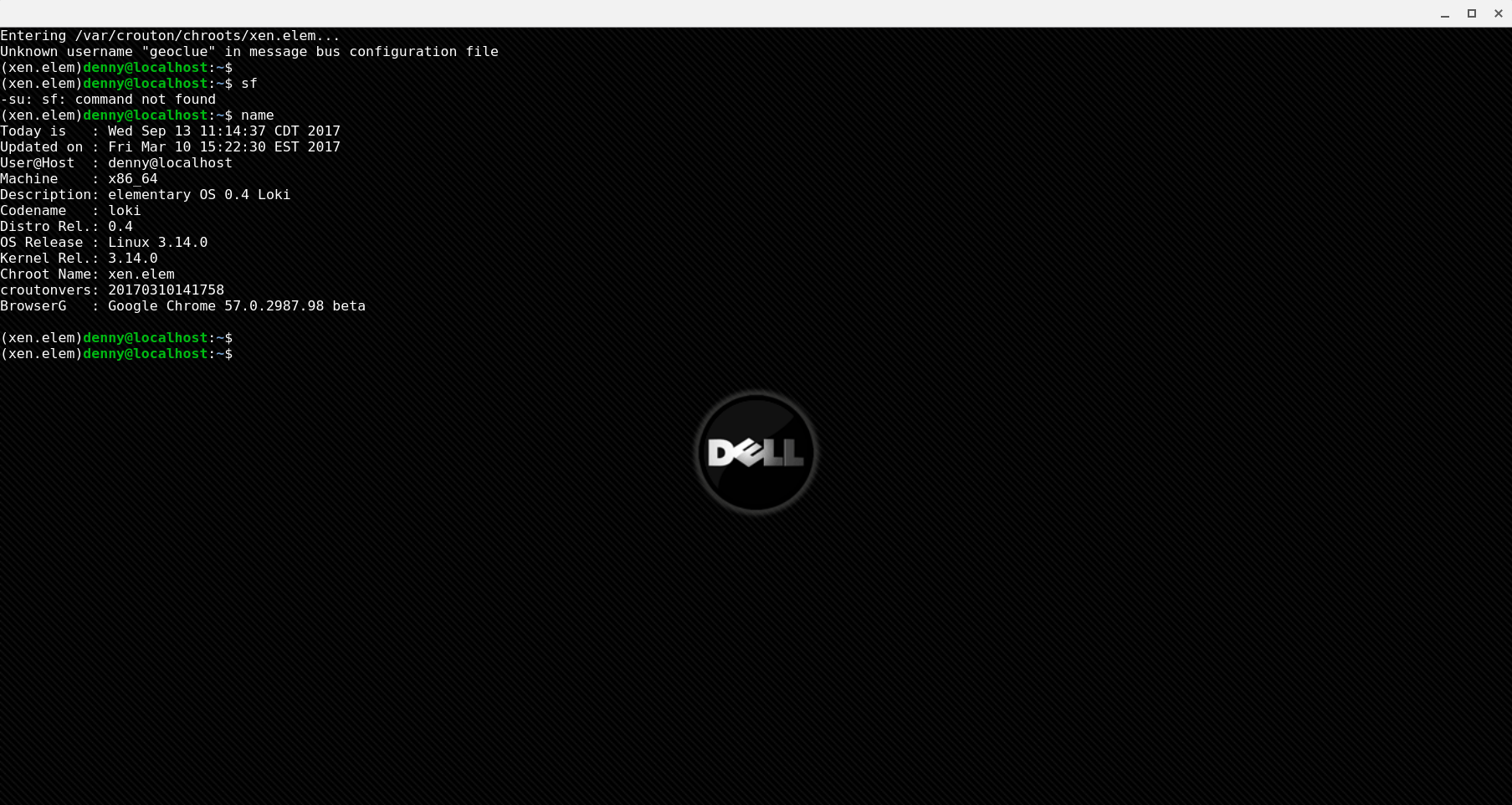
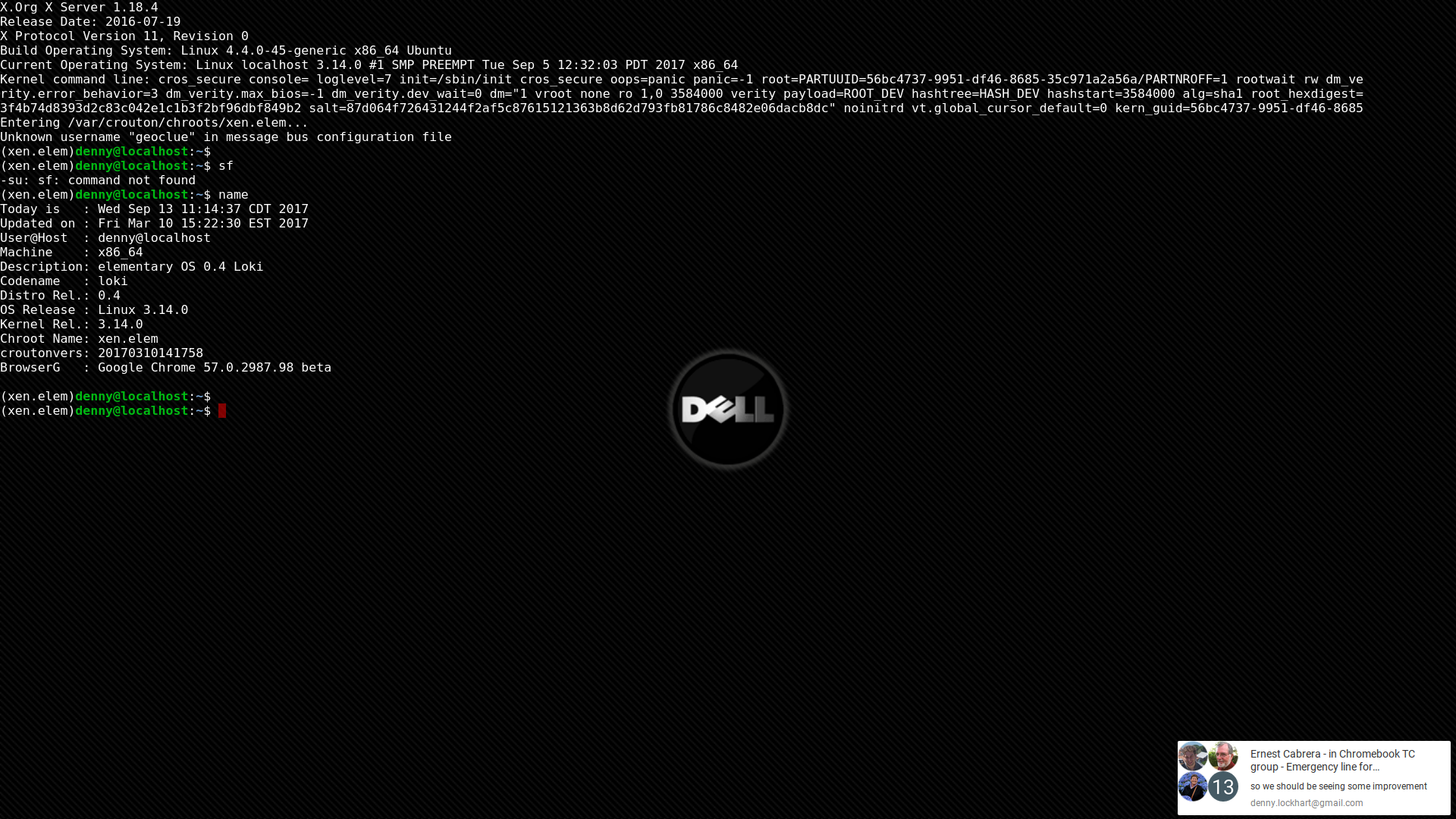
Using enter-chroot I was able to take screenshots in a region, window, and fullscreen -
REGION:
WINDOW:
FULLSCREEN:
It seemed to work in any sequence but I think Ted's suggestion to "hold down ctrl first, then F5, let up F5 first, then ctrl" might work best???
I could be misunderstanding your issue tho, if so, sorry, please give us a few more details.
Hope this helps,
-DennisL
DennisLfromGA
on 13 Sep 2017
I can't take a screenshot when I run an app in my chroot in a new xiwi window, e.g. xiwi xclock. Apps in new tabs are fine, though.
eyqs
on 14 Sep 2017
@eyqs,
Okay, that new info. helped.
I still have no problem launching 'xclock' and getting screenshots, see below -
WINDOW:
SCREEN:
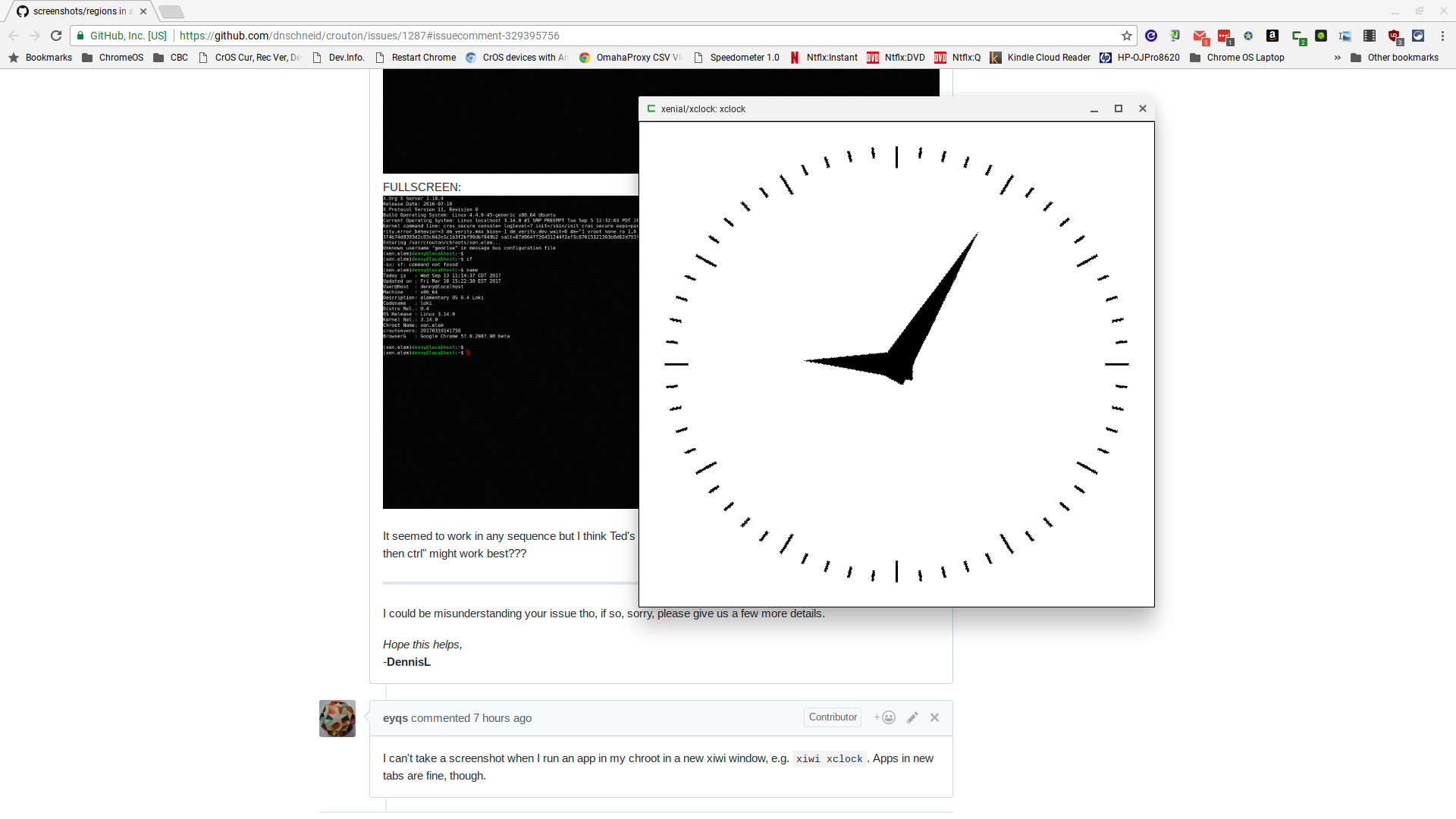
You may have an extension that's interfering, other than that I'm out of ideas...
Hope this helps,
-DennisL
DennisLfromGA
on 14 Sep 2017
Ah, got it. I said xiwi xclock but I didn't actually do that. Turns out the app I was actually running, QGIS, probably has a shortcut to minimize on F5 or something.
eyqs
on 15 Sep 2017
@eyqs,
Ah, got it. I said xiwi xclock but I didn't actually do that.
Well, that doesn't help a lot, we assume we're getting accurate info. when we're trying to troubleshoot problems. 👎
-DennisL
DennisLfromGA
on 16 Sep 2017
Related issues
 killshot13
·
3Comments
killshot13
·
3Comments
 jbaum98
·
4Comments
jbaum98
·
4Comments
 Taylormsz
·
5Comments
Taylormsz
·
5Comments
 kgingging
·
5Comments
kgingging
·
5Comments
 harryprince
·
3Comments
harryprince
·
3Comments
Most helpful comment
@eyqs,
Well, that doesn't help a lot, we assume we're getting accurate info. when we're trying to troubleshoot problems. 👎
-DennisL