Croppie: Image rotated after render high resolution image
Hi,
I have an issue when using croppie. This error only with high resolution image (or Large image for example 5MB).
Step1: Select an high resolution image with height > width:
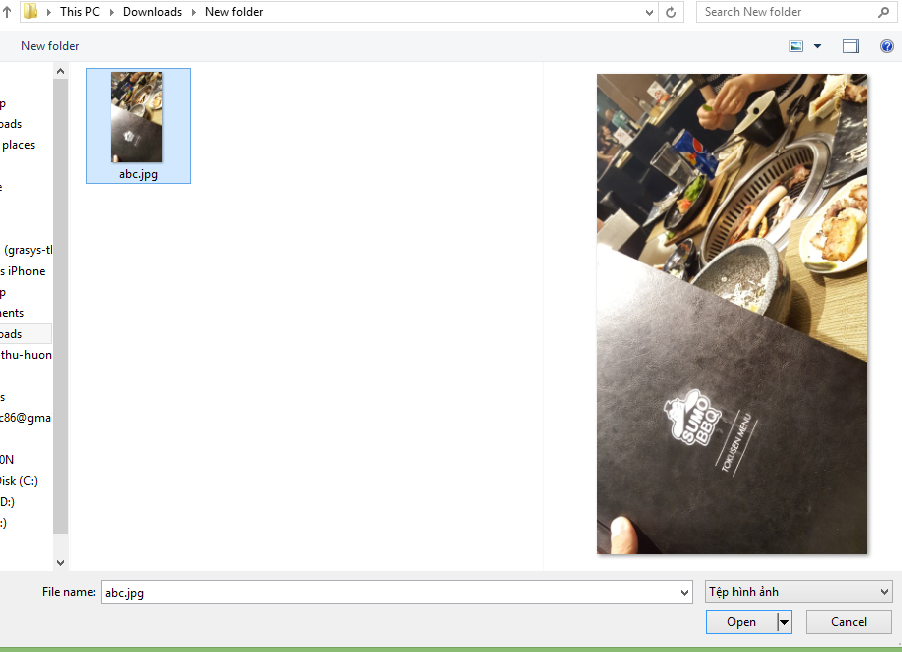
And it render with rotated image:
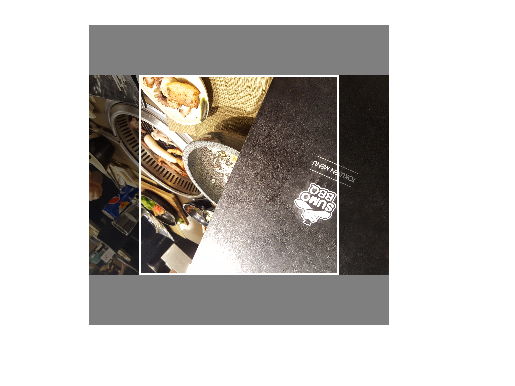
This issue not occur on some computer.
I don't know why and how to fix this.
Do you have any idea for this case?
Thanks!
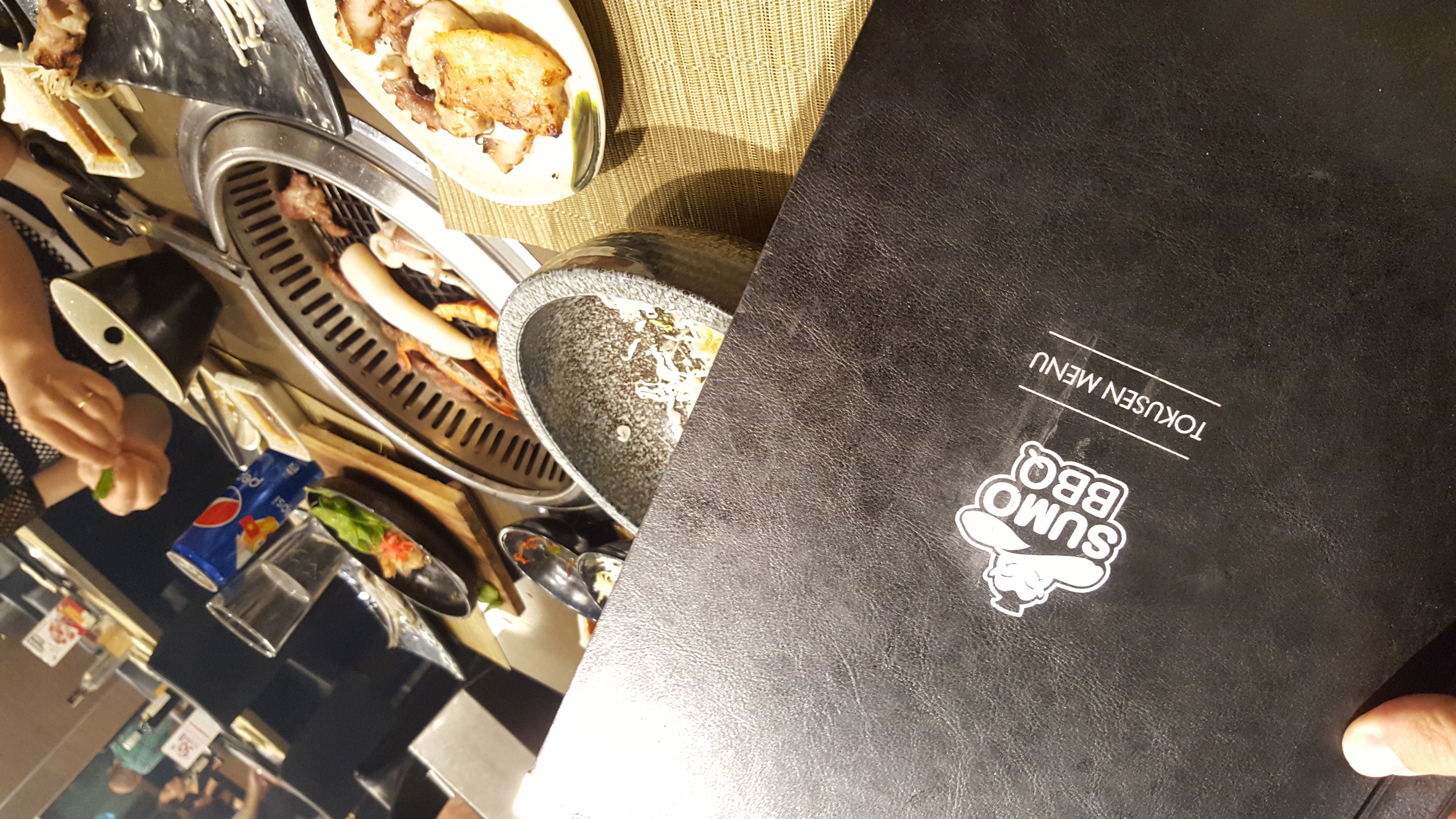
Original Image:
 thinhpc
All 2 comments
Hi, you should enableExif:
Enable exif orientation reading. Tells Croppie to read exif orientation from the image data and orient the image correctly before rendering to the page.
Requires exif.js

 io-ma
on 9 Jun 2017
io-ma
on 9 Jun 2017
👍3
@thinhpc you didn't have any issue with bigs images like me?
https://github.com/Foliotek/Croppie/issues/328
 erperejildo
on 16 Jun 2017
erperejildo
on 16 Jun 2017
Was this page helpful?
0 / 5 - 0 ratings
Related issues
 guschnwg
·
4Comments
guschnwg
·
4Comments
 wyzard
·
3Comments
wyzard
·
3Comments
 edagenais
·
6Comments
edagenais
·
6Comments
 Terumi
·
3Comments
Terumi
·
3Comments
 carloscba
·
3Comments
carloscba
·
3Comments
Most helpful comment
Hi, you should enableExif: