Create-react-app: svg import as React Component is not working in Internet Explorer
Describe the bug
Importing svg as React component is not working in Internet Explorer (IE 11)
Environment
every environment for IE 11 is not working with [email protected]
Steps to reproduce
- npx create-react-app example & cd example
- Import any svg as react component.
import { ReactComponent as ExampleIcon} from './assets/example-icon.svg'and render
<ExampleIcon />
Expected behavior
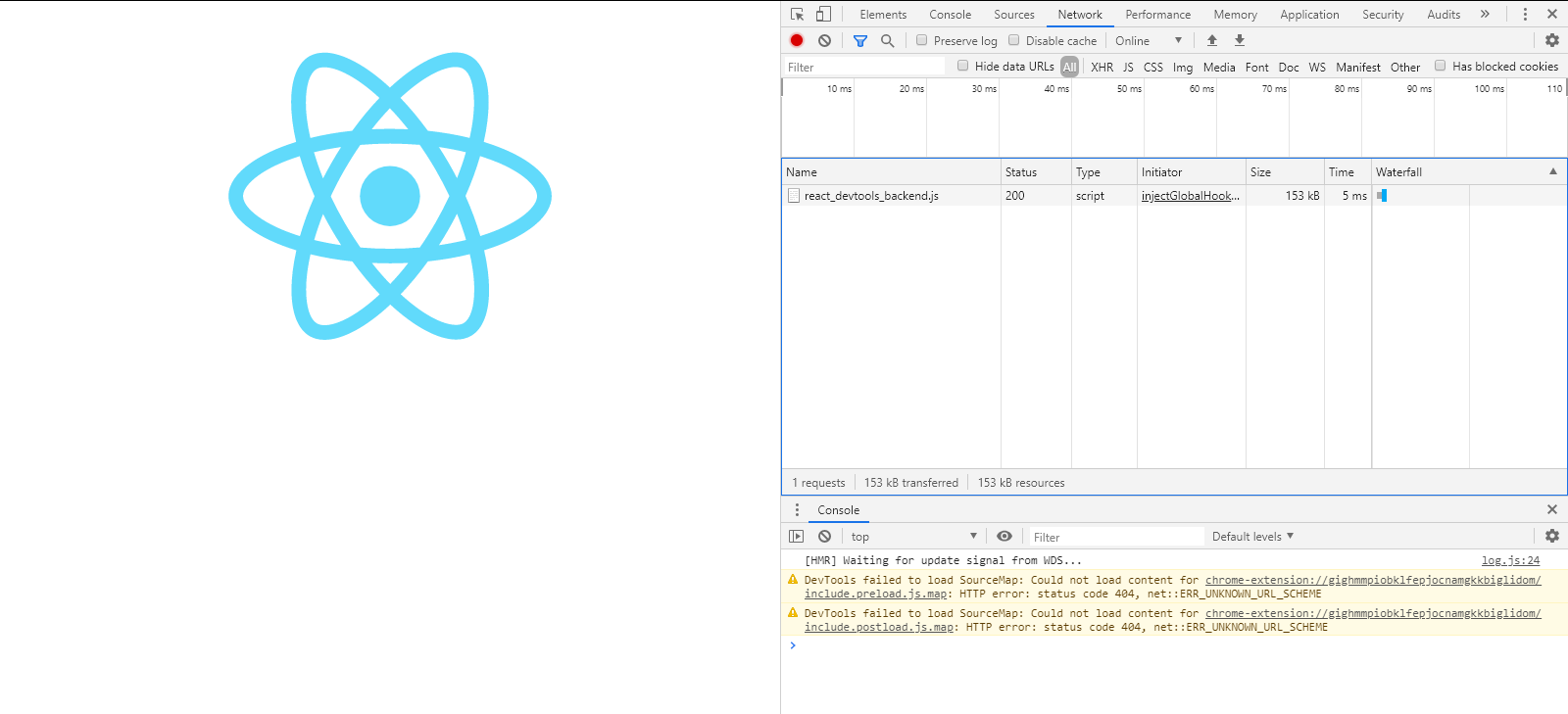
should render svg
Working in chrome
Actual behavior
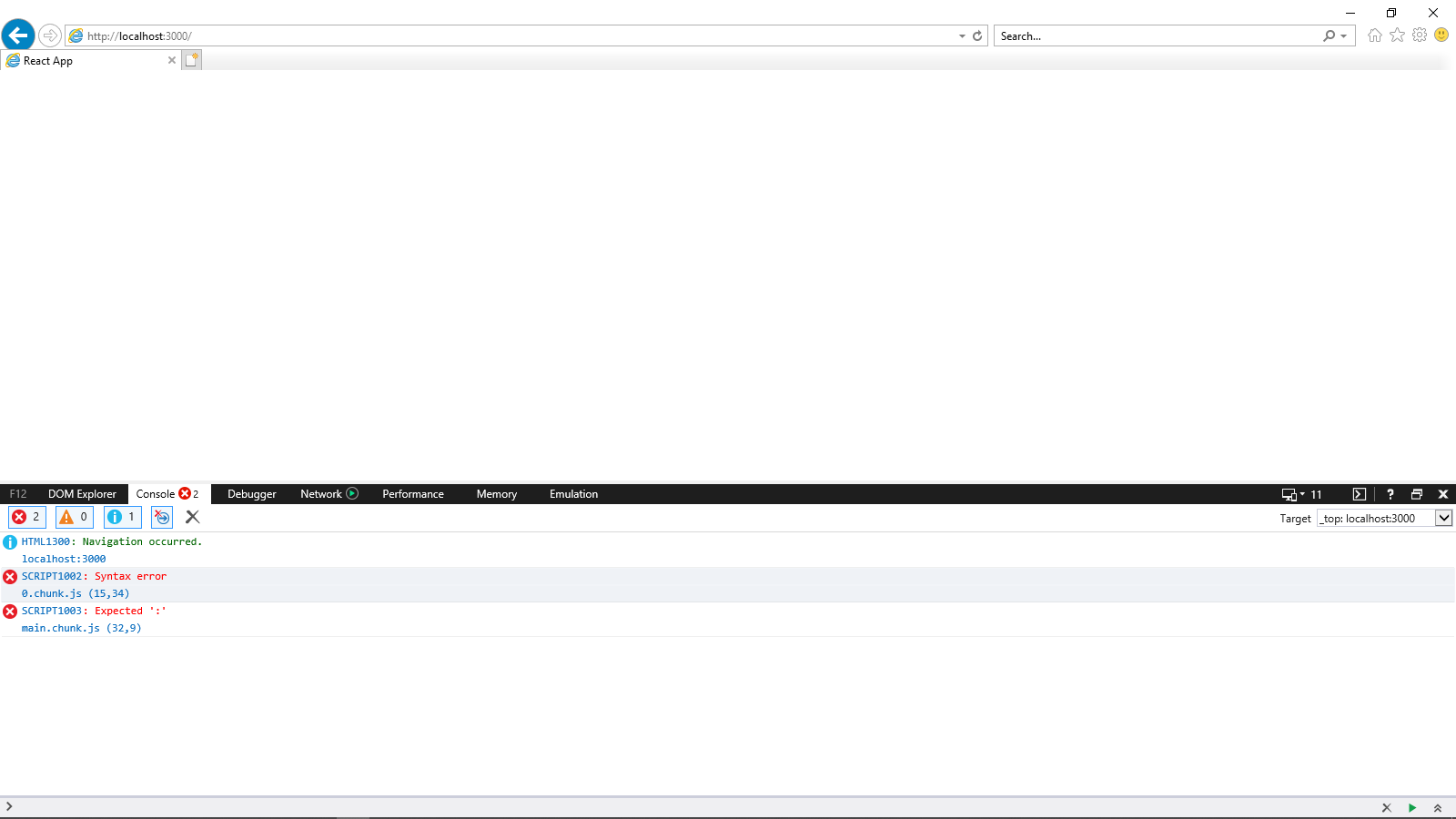
not rendering in IE 11 (throws error )
Reproducible demo

app-link: application link
 sheshanth
>All comments
This is not a CRA bug.
You can try copying the contents of browserslist.production to browserslist.development. This is in package.json.

By default, the supported browsers in development mode are last 1 chrome version, last 1 firefox version and last 1 safari version.
You may have to delete node_modules/.cache to have the targets refresh.
 neilbryson
on 15 May 2020
neilbryson
on 15 May 2020
👍2
Was this page helpful?
0 / 5 - 0 ratings
Related issues
 alleroux
·
3Comments
alleroux
·
3Comments
 adrice727
·
3Comments
adrice727
·
3Comments
 wereHamster
·
3Comments
alleroux
·
3Comments
wereHamster
·
3Comments
alleroux
·
3Comments
 dualcnhq
·
3Comments
dualcnhq
·
3Comments
Most helpful comment
This is not a CRA bug.
You can try copying the contents of
browserslist.productiontobrowserslist.development. This is in package.json.By default, the supported browsers in development mode are
last 1 chrome version,last 1 firefox versionandlast 1 safari version.You may have to delete
node_modules/.cacheto have the targets refresh.