Coverlet: Fails to install in Visual Studio 2017 OSX
Error: Could not install package 'coverlet.msbuild 1.2.0'. You are trying to install this package into a project that targets '.NETFramework,Version=v4.6', but the package does not contain any assembly references or content files that are compatible with that framework. For more information, contact the package author.
VS2017: v7.4.3 Build 10, with NUnit
OSX: v10.13.4
 dhowe
dhowe
All 11 comments
Can you target 4.6.1? I'm pretty sure .net standard 2.0, which coverlet targets, isn't supported in 4.6 but is in 4.6.1.
 coderpatros
on 8 May 2018
coderpatros
on 8 May 2018
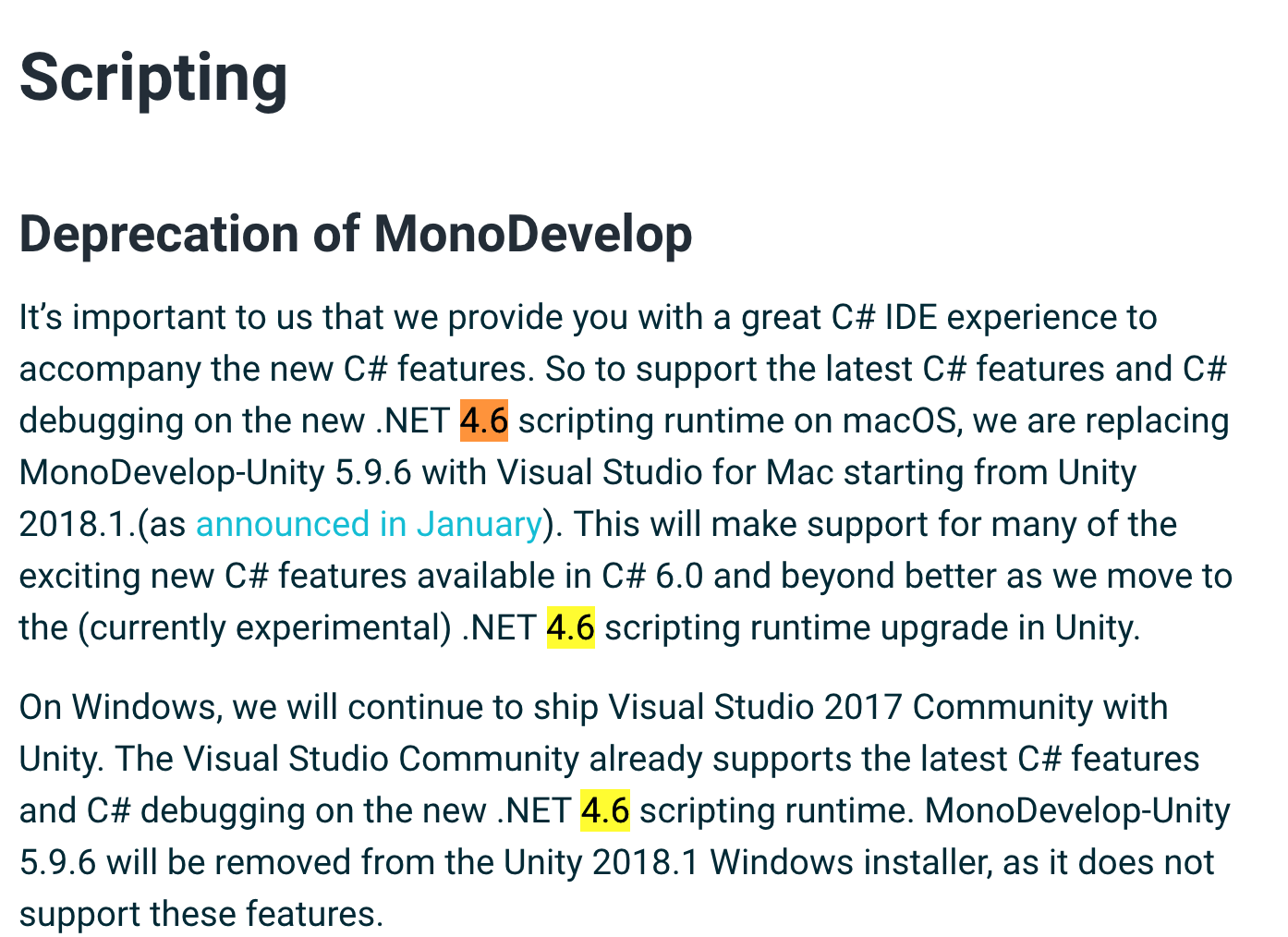
I believe I need to stay at 4.6 for unity...
dhowe
on 8 May 2018
This tool is for measuring code coverage of .net core projects. So you probably need to use something else. Unfortunately the only other free open tool I know of for full framework projects is Windows only.
coderpatros
on 9 May 2018
I wonder if I should be using .NET framework or .NET core (or even .NET Standard) in the first place... As there are no unity-dependent parts of the library, I believe I can do any of these. I just need it to be compatible with unity in the end... Am I correct that changing the project type to either Core or Standard class library (assuming no Framework-specific APIs) would solve this problem with coverlet (and possibly similar problems with other tools) ?
dhowe
on 9 May 2018
If I'm understanding you correctly... with your library target .net standard 1.3 or lower. You can then use it in a project targeting full framework 4.6.
Then implement your unit tests in a .net core project. That way you can reference coverlet in the unit test project and measure code coverage for the .net standard library project.
coderpatros
on 9 May 2018
ok, so I recreated the project as .NET Core 2.0 and coverlet now works nicely (70%)... thanks for your help
dhowe
on 9 May 2018
No worries @dhowe
coderpatros
on 10 May 2018
So the root of the problem here is that coverlet isn't packaged as a usual library, this means that there are not binaries in the lib folder of the NuGet package. All Coverlet binaries go into the build folder. I'm guessing that's where Visual Studio for Mac hiccups. Also, I personally don't think there's anything stopping coverlet from working on the full .NET Framework, I just haven't had a chance to test it and fix any edge cases
 tonerdo
on 10 May 2018
tonerdo
on 10 May 2018
That would be great.
An unrelated question: what's the best way to figure out what code is not being covered? I get 70% in the summary, but looking through the JSON output isn't very helpful in this regard...
dhowe
on 10 May 2018
It's best to use a graphical visualization tool like ReportGenerator with the opencover output or you can use a cloud service like Codecov or Coveralls
tonerdo
on 10 May 2018
@dhowe any news?
Feel free to close if solved.
 MarcoRossignoli
on 28 Sep 2019
MarcoRossignoli
on 28 Sep 2019
Related issues
 jamir-araujo
·
4Comments
jamir-araujo
·
4Comments
 IGx89
·
4Comments
IGx89
·
4Comments
 arohithr8
·
5Comments
arohithr8
·
5Comments
 escalonn
·
6Comments
MarcoRossignoli
·
4Comments
escalonn
·
6Comments
MarcoRossignoli
·
4Comments
Most helpful comment
It's best to use a graphical visualization tool like ReportGenerator with the opencover output or you can use a cloud service like Codecov or Coveralls