Core: Login screen design in ie11 is off ...
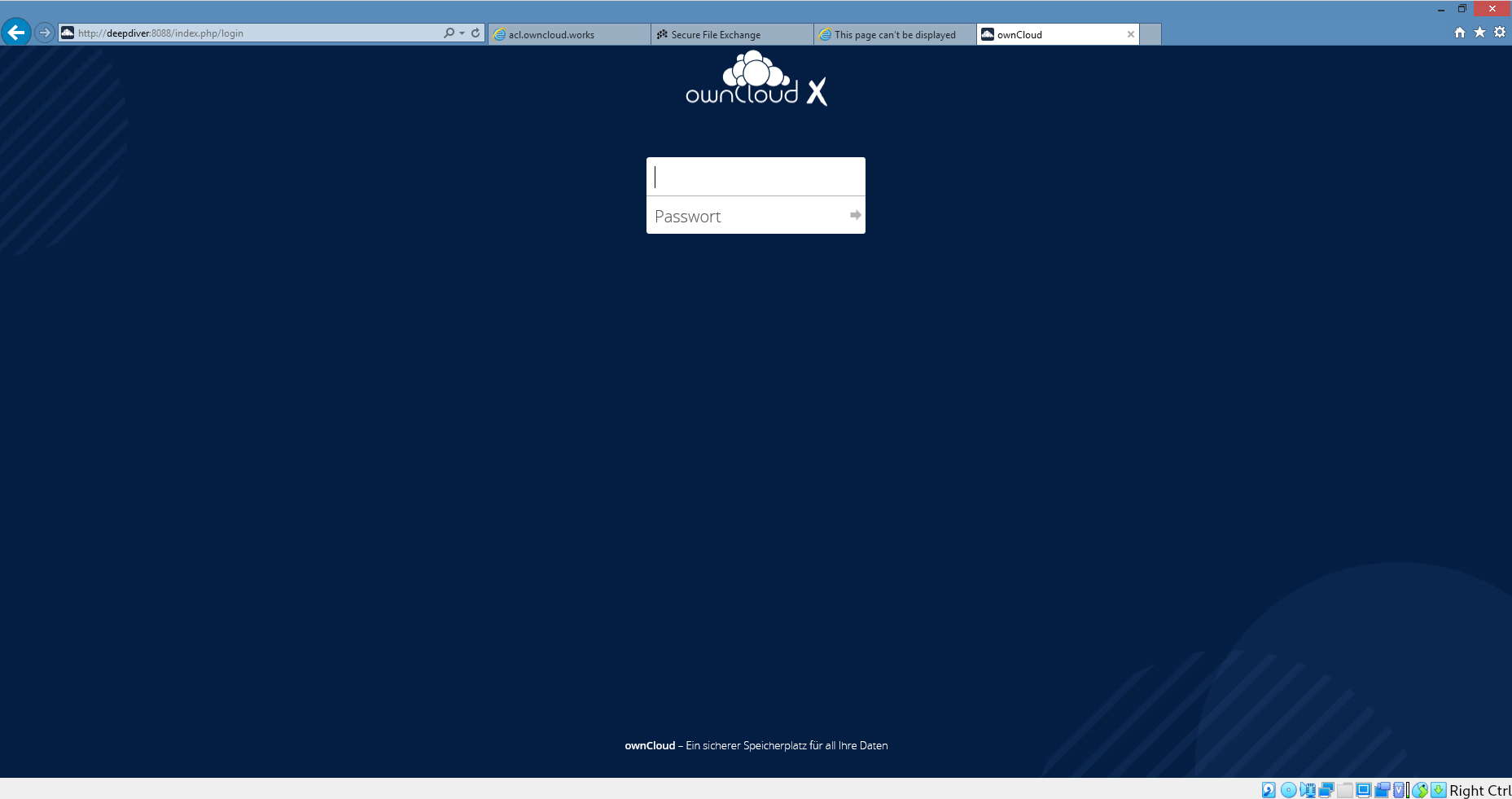
 DeepDiver1975
All 12 comments
@ChrisEdS
 pmaier1
on 14 Jul 2020
pmaier1
on 14 Jul 2020
@DeepDiver1975 What theme is that?
 micbar
on 14 Jul 2020
micbar
on 14 Jul 2020
Our new Community background.
 ChrisEdS
on 14 Jul 2020
ChrisEdS
on 14 Jul 2020
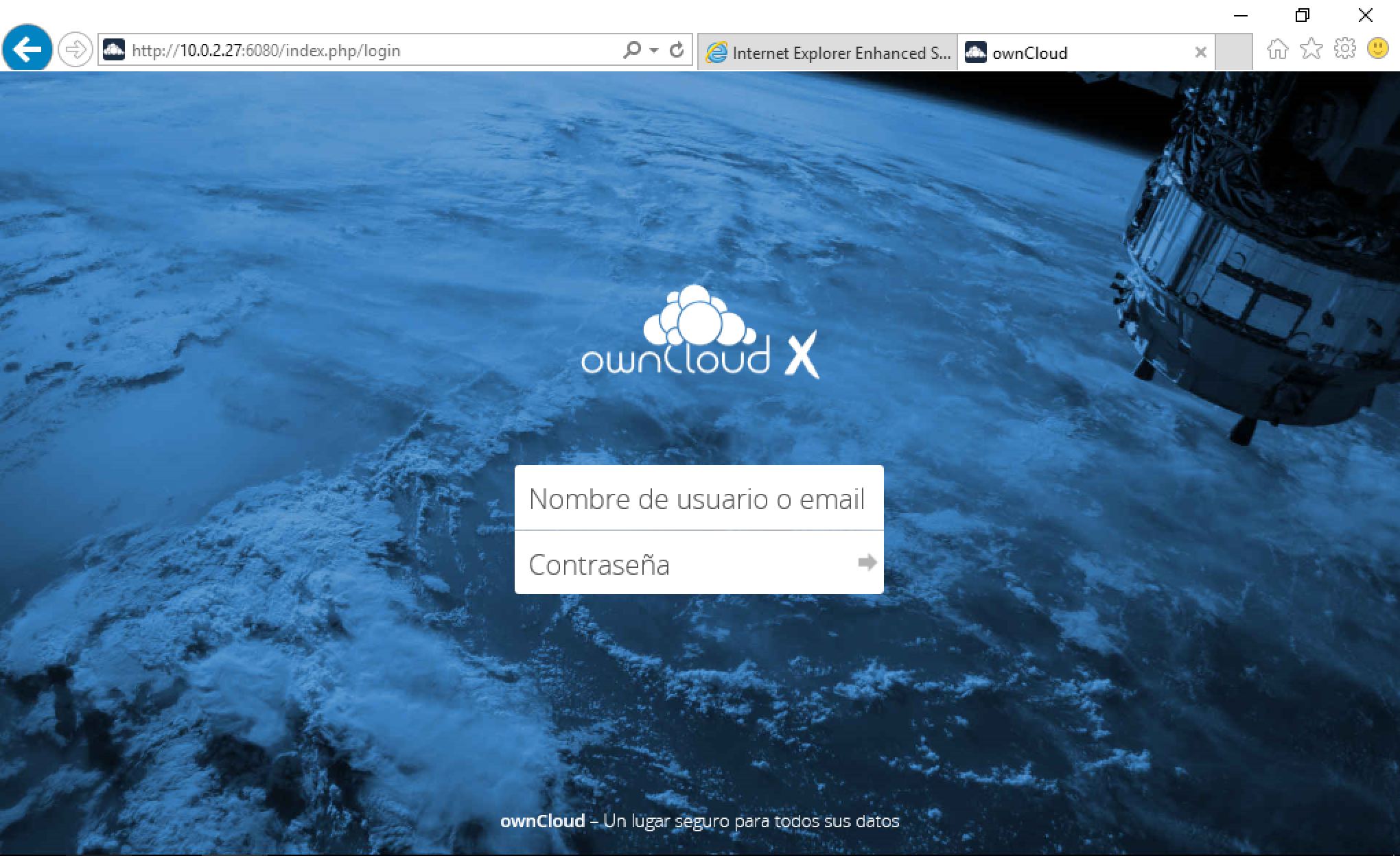
Internet explorer 11 and 10.4.1
 davitol
on 14 Jul 2020
davitol
on 14 Jul 2020
In Firefox I see:

Which is the "new" background image for the login screen.
I guess that is the way it should be - logo images and Username/Password fields are centered.
 phil-davis
on 14 Jul 2020
phil-davis
on 14 Jul 2020
Correct. Do you have a IE11 to validate the bug?
ChrisEdS
on 14 Jul 2020
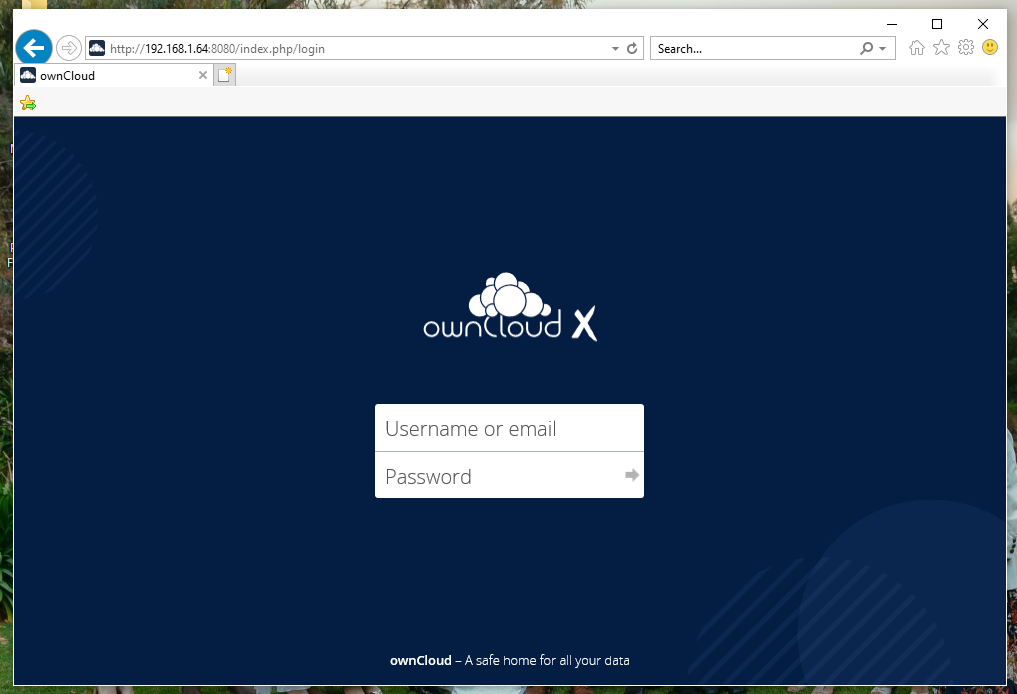
I installed IE11 on a laptop running current Windows10 (sad). The login looks OK to me:
phil-davis
on 14 Jul 2020
If I drag the bottom of the window to make it smaller, then the username and password fields do not resize automagically. They end up out of view:
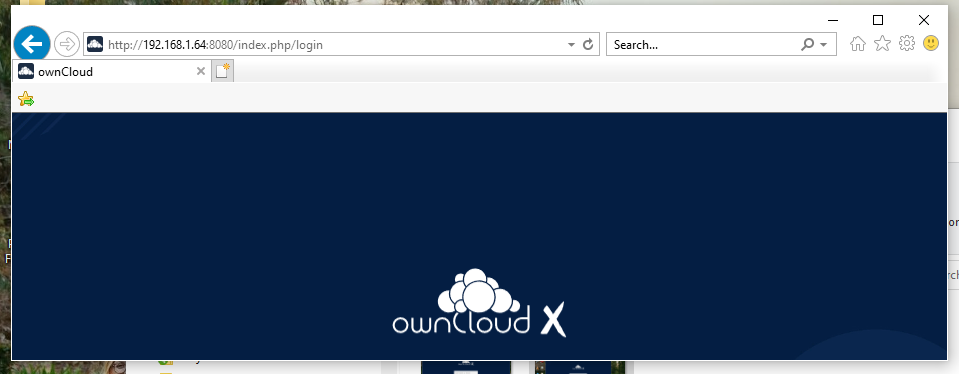
On other browsers the username and password fields stay in view until the vertical height gets very small.
But that might be an existing "feature" with IE11.
phil-davis
on 14 Jul 2020
If I drag the bottom of the window to make it smaller, then the username and password fields do not resize automagically. They end up out of view:
You can still scroll to the credential fields, right?
ChrisEdS
on 14 Jul 2020
You can still scroll to the credential fields, right?
Yes
phil-davis
on 14 Jul 2020
If I start with the window wide, or drag the window wide, then I get the screen like the first post - with the logo and credentials fields at the top, not centered. When I do the same in chrome, firefox or Edge they stay centered.
phil-davis
on 14 Jul 2020
Fix is here https://github.com/owncloud/core/pull/37692
ChrisEdS
on 14 Jul 2020
Related issues
 michaelstingl
·
5Comments
michaelstingl
·
5Comments
 tommis
·
5Comments
tommis
·
5Comments
 jvillafanez
·
4Comments
jvillafanez
·
4Comments
 patrickjahns
·
4Comments
patrickjahns
·
4Comments
 mattcatt00
·
4Comments
mattcatt00
·
4Comments