Brief Description
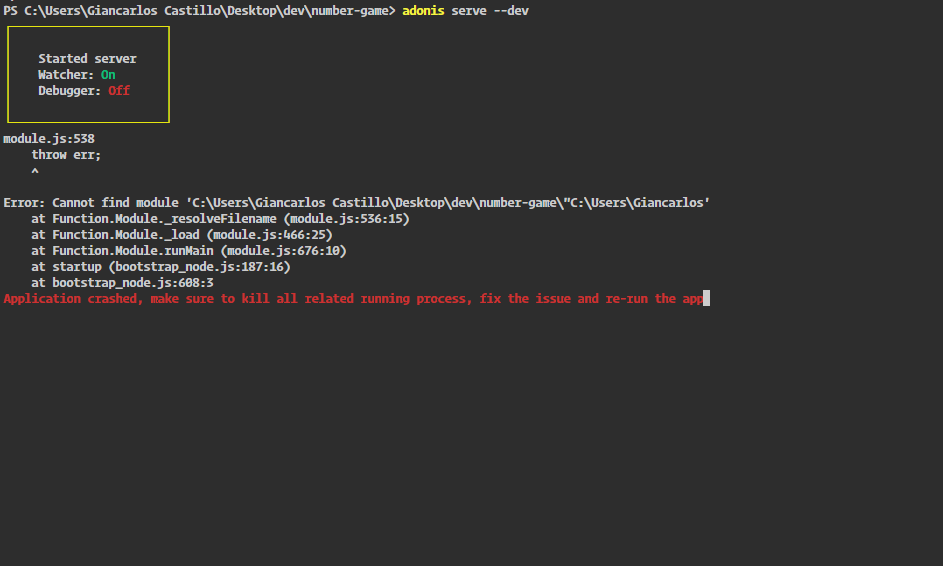
Following the tutorial of the page I find the following error in Windows 10 build 1709
$ adonis serve --dev

module.js:538
    throw err;
    ^

Error: Cannot find module 'C:\Users\Giancarlos Castillo\Desktop\dev\number-game\"C:\Users\Giancarlos'    at Function.Module._resolveFilename (module.js:536:15)    at Function.Module._load (module.js:466:25)
    at Function.Module.runMain (module.js:676:10)
    at startup (bootstrap_node.js:187:16)
    at bootstrap_node.js:608:3
Application crashed, make sure to kill all related running process, fix the issue and re-run the app
Screenshot
 GianCastle
All 3 comments
The problem is with chokidar, an internal module used by AdonisJs
This happens coz of a space inside folder name
 thetutlage
on 28 Nov 2017
thetutlage
on 28 Nov 2017
😕4
👍1
Closing since not actionable
thetutlage
on 30 Nov 2017
This thread has been automatically locked since there has not been any recent activity after it was closed. Please open a new issue for related bugs.
![lock[bot] picture](https://avatars.githubusercontent.com/in/6672?v=4&s=40) lock[bot]
on 11 Mar 2020
lock[bot]
on 11 Mar 2020
Was this page helpful?
0 / 5 - 0 ratings
Related issues
 krunaldodiya
·
3Comments
krunaldodiya
·
3Comments
 seanc
·
4Comments
seanc
·
4Comments
 Extarys
·
4Comments
Extarys
·
4Comments
 themodernpk
·
3Comments
themodernpk
·
3Comments
 umaams
·
3Comments
umaams
·
3Comments