Contentify - Matches Page Incorrect logo
Hi All,
I have contentify running locally and all is running OK.
I have an issue where I have created a Team and Uploaded and image and then created an opposition and uploaded an image for testing purpose.
When creating a match, the image from the opposition displays correctly; however, the logo for the team doesn't. It seams to default to a standard logo. even though one has been uploaded and is displayed in the teams section.
In the attached the blue icon on the match menu is the one I was expecting to be replaced by the one uploaded for the team.
There is no code changes and all has been created with images uploaded via the back end admin interface.
No matter how many local teams I create, the image defaults to the blue logo. So without me having to manually edit to get this to work. Is there a suggested code edit required?
Image 1 displaying issue
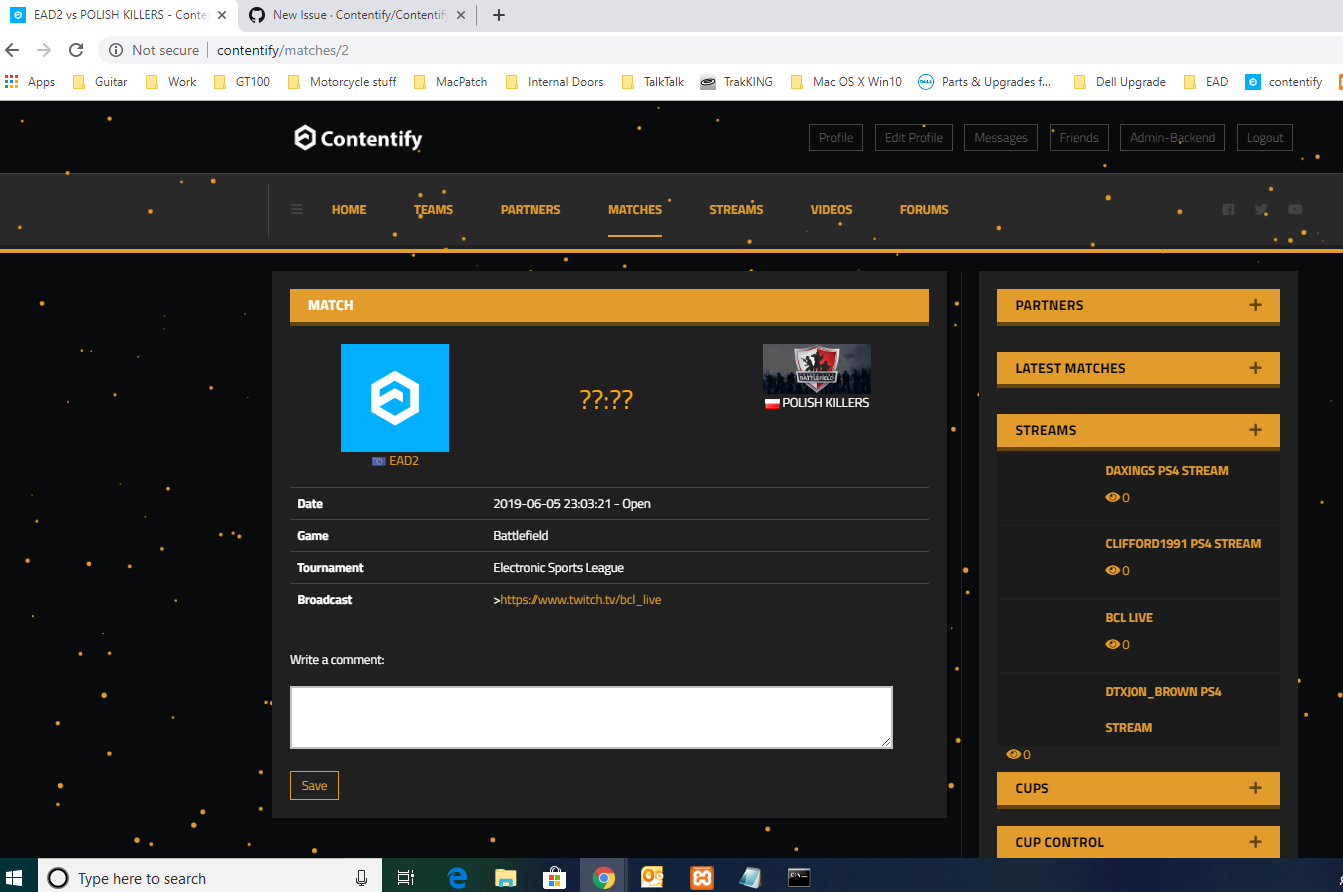
Image 2 showing correct icon on the teams sections
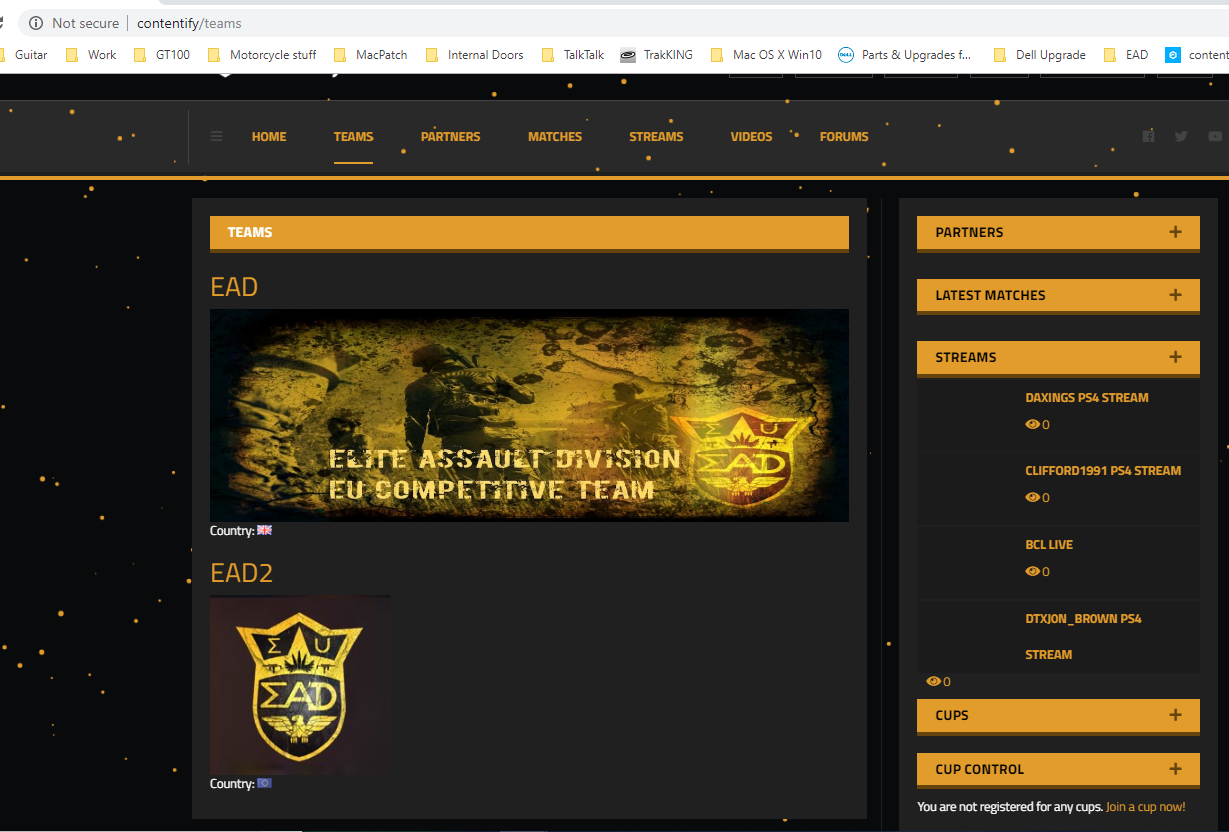
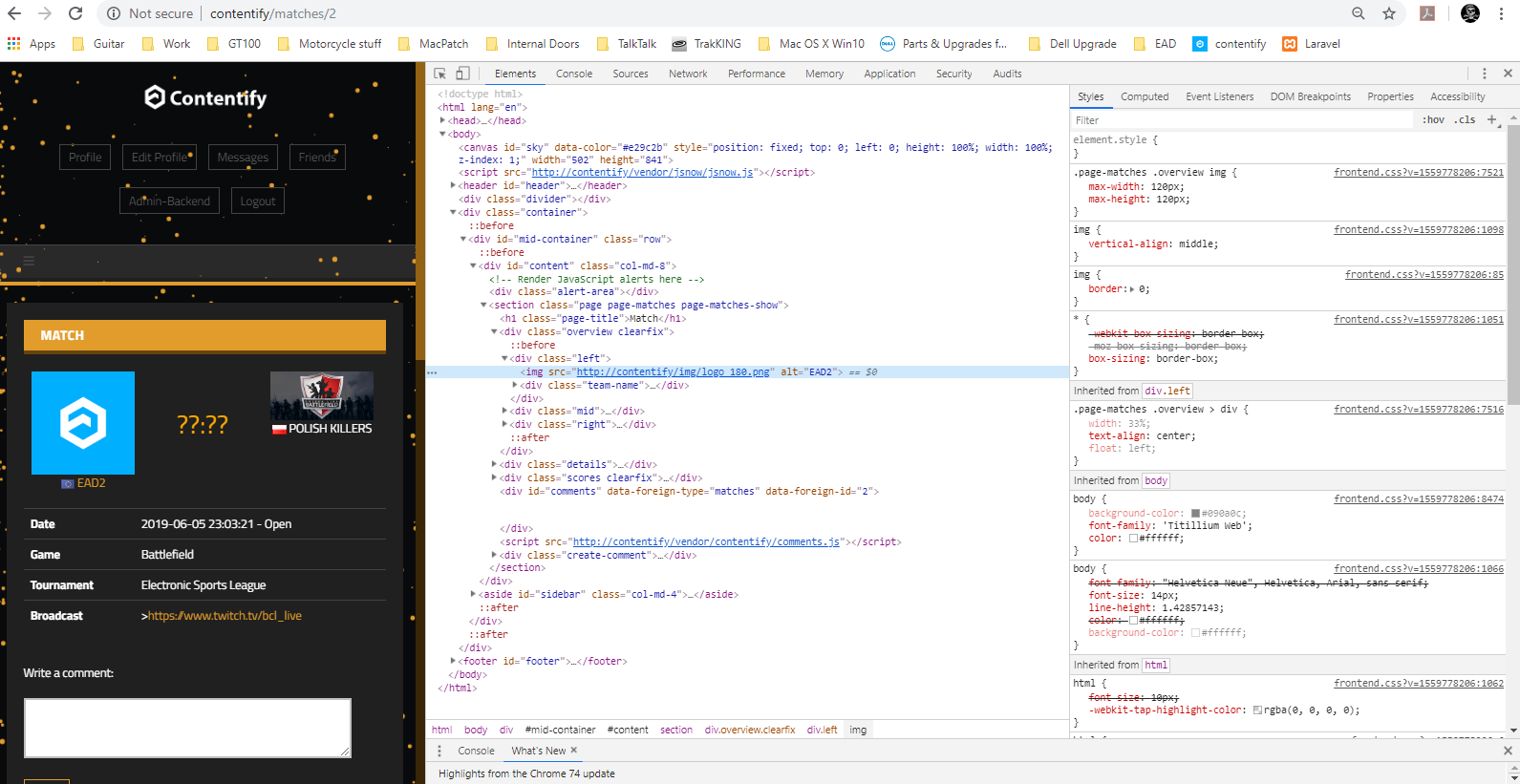
Image 3
Inspect on
 Daxing246
All 10 comments
Version?
 torriz
on 7 Jun 2019
torriz
on 7 Jun 2019
Hi,
- Windows 10 Pro version 10.0.17763.504
- xampp windows x64 - 7.1.30 / PHP 7.1.30
- laravel (v5.8.17)
- Contentify 2.6
Daxing246
on 7 Jun 2019
Hello @Daxing246
Sorry for the late answer.
This is not a bug, it is, kinda, a features.
I agree that this not the best solution though... the page is using the general clan/team/organization logo to symbolize the home team.
Yeah it would be cool to use a specific team logo.
But there is a problem, which is illustrated on your second screenshot:
Typically you would use a logo in a banner format for a team - small height, great width. Like the one for your "EAD" team.
But on the matches page you would need to use a logo in a square shape which then would be also displayed on the teams overview page - like the logo of your "EAD2" team.
So there had to be two different images. probably this is something we can add in the future - but not right now. :P
You could add it on your own though, it is not that difficult.
- Add a database field, for example named "logo" and of type "VARCHAR" (nullable)
- Tell the CMS to automatically do the file handling => https://github.com/Contentify/Contentify/blob/2.6/app/Modules/Teams/Team.php#L43
- Add the form field to upload the file => https://github.com/Contentify/Contentify/blob/2.6/app/Modules/Teams/Resources/Views/admin_form.blade.php#L16 (you have to pass the name of the database filed as a parameter)
- Use it on the match page. This is the line you have to change: https://github.com/Contentify/Contentify/blob/2.6/app/Modules/Matches/Resources/Views/show.blade.php#L5 Repalce it with this: https://github.com/Contentify/Contentify/blob/2.6/app/Modules/Matches/Resources/Views/show.blade.php#L16 But you have to cahnge the field name from "image" to whatever your filed is named, of course
Keep in mind that these changes could be overwritten when you update your website to a newer version!
 chriskonnertz
on 1 Jul 2019
chriskonnertz
on 1 Jul 2019
I'm thinking about making that an official plugin for the CMS.
chriskonnertz
on 1 Jul 2019
Hey, mich hat das ganze auch etwas gestört. Ich habe das ganze dann allerdings einfach hardcoded einfach in der Datenbank eine weitere Spalte eingefügt mit 1.1_image als beispiel und dann im Blade ersetzt. Da ich das ganze noch nicht mit der Datenbank über das Backend verknüpft habe spare ich mir erstmal den Code ;)
Hier mal ein Beispiel wie es bei mir aussieht.
https://puu.sh/FsTMa/564efba40a.png
https://puu.sh/FsTMM/00cc676752.png
https://puu.sh/FsTVn/adda260f49.png
https://puu.sh/FvEPe/bd47971e9e.png
LIVE BEISPIEL:
www.xeeders.de
:::UPDATE:::
Inzwischen habe ich auch alles mit der DB verknüpft.
Die veränderten Files habe ich mal zusammen gestellt.
http://purfuerst.rocks/Teams-Matches.7z
Lg
Dennis
 DrCha0z
on 4 Apr 2020
DrCha0z
on 4 Apr 2020
Hey,
ergibt definitiv Sinn das einzubauen!
Scheint du hast es perfekt umgesetzt, soweit ich das beurteilen kann hätte ich das genauso gemacht.
Danke für das Feedback @DrCha0z
chriskonnertz
on 14 Apr 2020
Ja das war absolut sinnvoll ;)
Ich fühle mich ja etwas geschmeichelt :D
Da ich nur so ein kleiner Hobbybastler bin kann es natürlich mal sein das bei mir die Einrückung nicht 100% stimmt, aber das könnt ihr Programierer dann ja für eine Neuere Version verbessern xDDD
DrCha0z
on 14 Apr 2020
Done: https://github.com/Contentify/Contentify/commit/afae2e0ce9010d023833175b8d73befe9d69599b
Im Grunde das gleiche wie deine Lösung. Es ist wohl sinnvoll wenn du deine Website darauf umstellst, denke im Grunde musst du nur dein Feld umbenennen, da ich das neue Feld bannergenannt habe.
chriskonnertz
on 15 Apr 2020
Die umbenennung ist kein Problem ;) das war eher nur das erste was mir eingefallen ist als ich es geschrieben habe vor knapp 1Jahr.
Ich hab das ein oder andere geändert, deswegen ist ein umstellen für mich noch nicht geplant. Wenn demnächst V3 raus kommt wie ich ja oben in den issues gelesen habe, dann werde ich mir eh die 3.0 Installieren und dort die anderen Sachen weiter anpassen & meine Datenbank dann einfach implemitieren ;)
DrCha0z
on 15 Apr 2020
Alles klar!! :)
chriskonnertz
on 16 Apr 2020
Related issues
 niclasreich
·
3Comments
niclasreich
·
3Comments
 kamohy
·
5Comments
kamohy
·
5Comments
 nrRudiak
·
3Comments
nrRudiak
·
3Comments
 Devilcraft1407
·
3Comments
Devilcraft1407
·
3Comments
 Ozymandias2
·
4Comments
Ozymandias2
·
4Comments