Hello! I lost my all icons from website. After update from 2.0 at 2.2. I attach some screens. I search in widget_cups_control.blade.php for example and there are for cups a "crosshair" icon but on front is not displayed.
Social links from header & footer, Add friend, PM and Events Crosshair

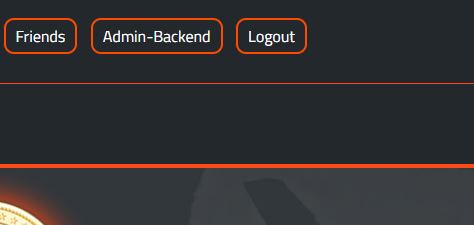

I think i do something wrong?
Late edit: I saw a problem with Forgor password, if i hit the button don't make anything.
 khalifaone
All 8 comments
Hello,
please take a look at the HTML code of the page (in your borwser, go to the main brwoser menu, then go to "page" or "developer", then go to "sho source" or something similar). Starting in line 21 (or close to this line) there should be code similar to this:
<link media="all" type="text/css" rel="stylesheet" href="http://localhost/contentify2/public/vendor/font-awesome/css/fontawesome-all.min.css">


<link media="all" type="text/css" rel="stylesheet" href="http://localhost/contentify2/public/css/backend.css">

<link media="all" type="text/css" rel="stylesheet" href="http://localhost/contentify2/public/vendor/bootstrap-datetimepicker/bootstrap-datetimepicker.css">

<link media="all" type="text/css" rel="stylesheet" href="http://localhost/contentify2/public/vendor/bootstrap-tagsinput/bootstrap-tagsinput.css">
Then click on This URL (it should be higlighted): http://localhost/contentify2/public/vendor/font-awesome/css/fontawesome-all.min.css
Is your browser able to open this file? If not make sure the file exists. If it does not exist, you can get it here: https://github.com/Contentify/Contentify/blob/v2.2/public/vendor/font-awesome/css/fontawesome-all.min.css
 chriskonnertz
on 24 Mar 2018
chriskonnertz
on 24 Mar 2018
I saw a problem with Forgor password, if i hit the button don't make anything.
Thank you for reporting this bug! Bugfix: https://github.com/Contentify/Contentify/commit/5902aa418253f2e9f6c865a28c6e8b376b2b0298
(I assume the easy way for you to apply this bug fix is by just copy + paste the change manually. But pay attention, your file might look a bit different - only apply the change, do not change something else!)
chriskonnertz
on 24 Mar 2018
Thank you @chriskonnertz i solved problem with Reset Password. Im working at FontAwesome Icons to fix.
khalifaone
on 24 Mar 2018
Nice!
PS: You are still using FontAwesome 4 right? FontAwesome 5 has removed and renamed a lot of icons so this could be a problem but in this case not all of the icons should appear, only some of them... So I guess this is not the problem. However, I want to mention it, just in case.
chriskonnertz
on 24 Mar 2018
Hello! Sorry for posting again.. But problem is still there.. I check my font-awesome css from vendor. File are there and i updated with your last version 5.0.1. I attach some screens from Chrome Console..
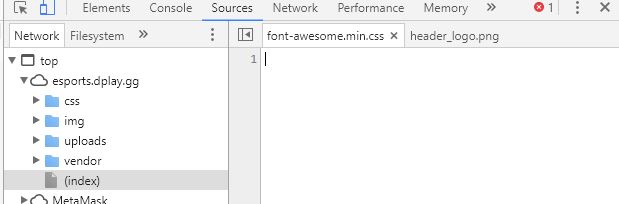
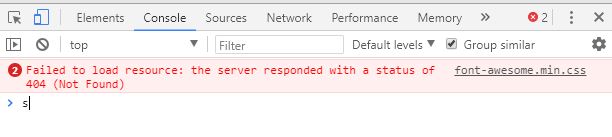
If i put css code in console its works..
khalifaone
on 26 Mar 2018
When I go to your website, I can see all the icons:
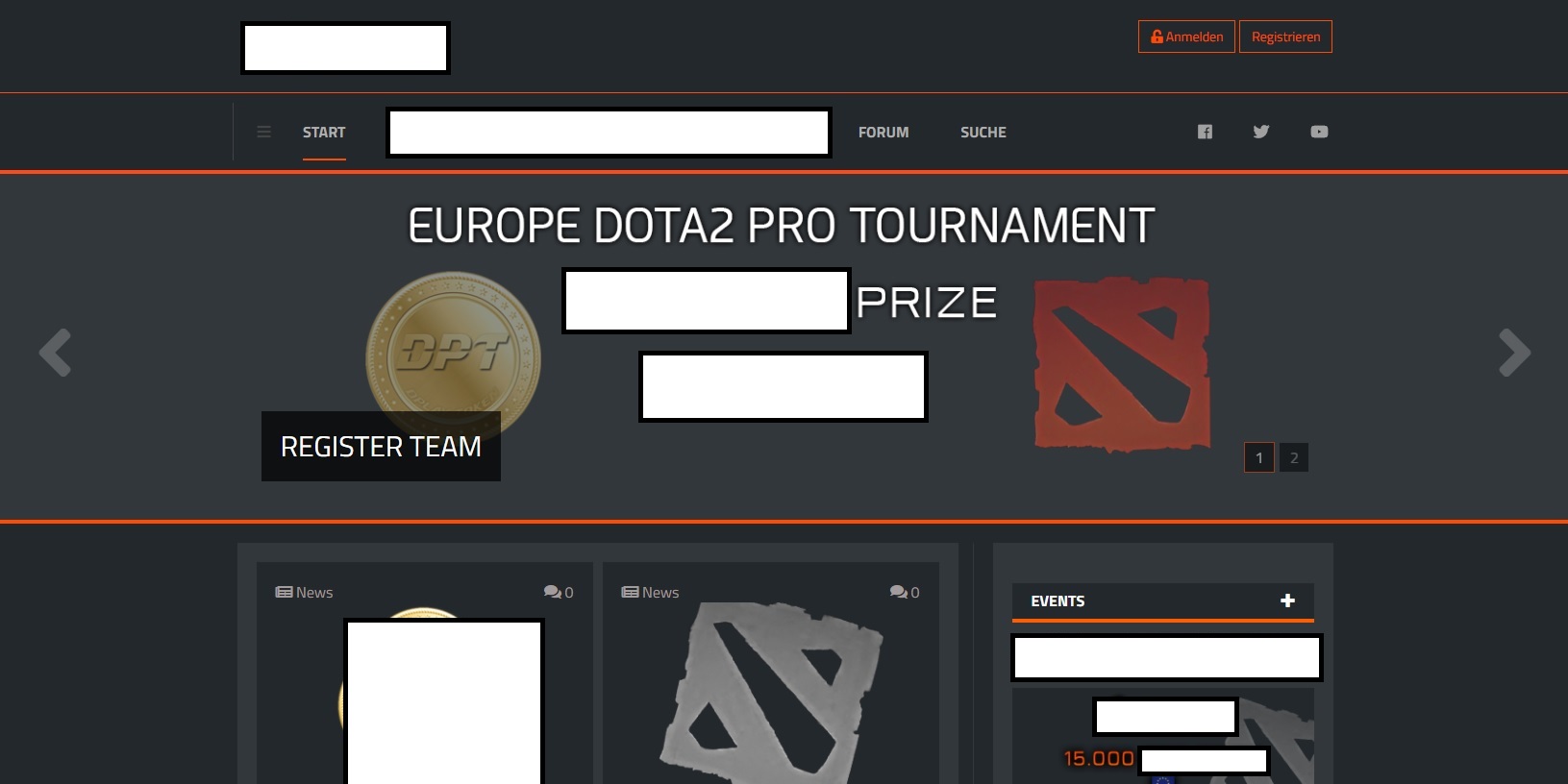
(I did hide some parts of the website since I do not know if this website is ready for launch.)
Are you sure it is not a caching problem of your browser? Please visit the website with Microsoft Internet Explorer / Edge to validate my theory.
chriskonnertz
on 26 Mar 2018
Sorry. i forgot to annouce you! I made an update at v2.3 and are all good now!Thank you and one again sorry for not posting new updates!
khalifaone
on 26 Mar 2018
Okay, great!
chriskonnertz
on 27 Mar 2018
Related issues
 torriz
·
5Comments
torriz
·
5Comments
 NePhiTV
·
5Comments
NePhiTV
·
5Comments
 nrRudiak
·
3Comments
nrRudiak
·
3Comments
 maxbrood
·
5Comments
khalifaone
·
3Comments
maxbrood
·
5Comments
khalifaone
·
3Comments