As further discussed in Slack, we want to replace the pretty error screens, which have been removed in #596, with more user-friendly solutions.
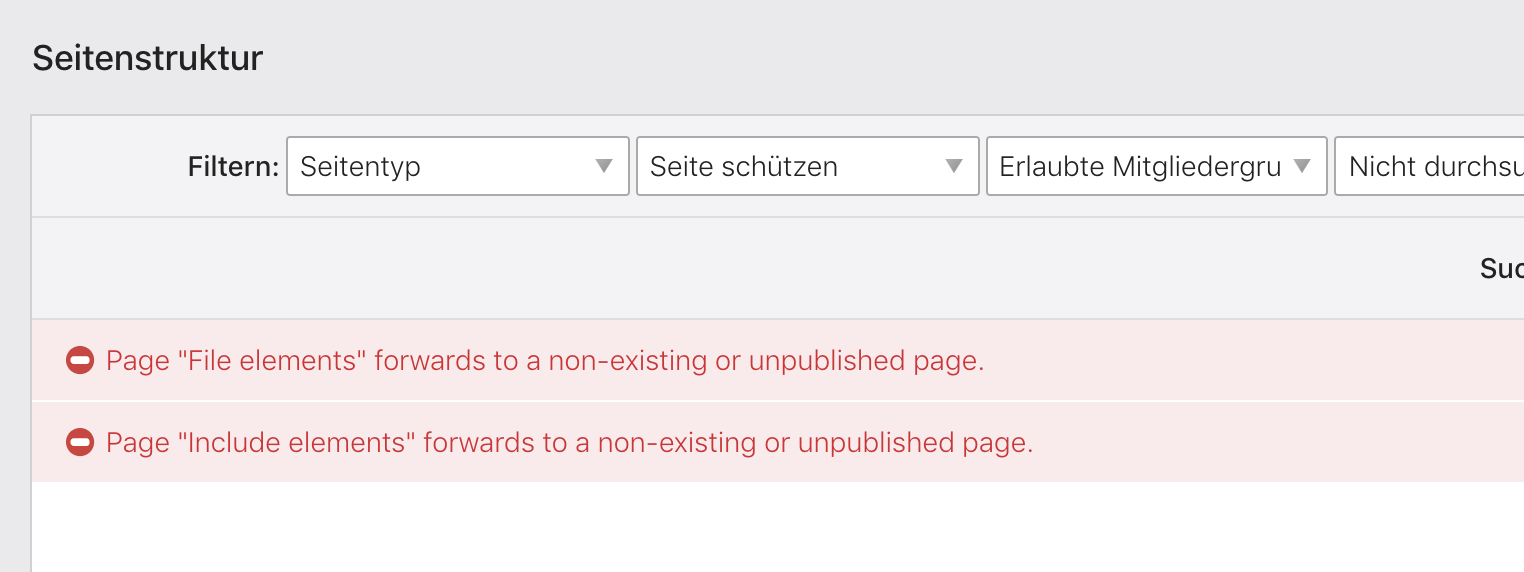
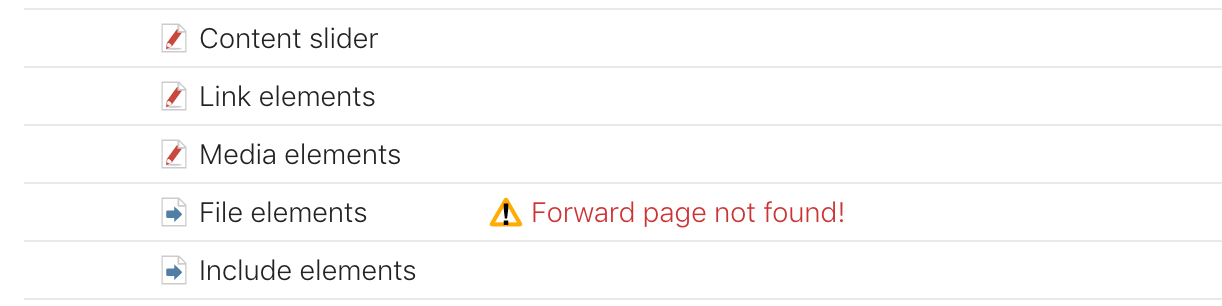
1. Forward page not found
We could show a warning in the back end in this case, either above the site structure or directly in it.
2. No root page/layout found
For new users, we could explain the first steps in a guided tour:
- Create a front end module
- Create a page layout
- Add a root page and a regular page
- Add a content element
Possible scripts: https://introjs.com or https://github.com/xbsoftware/enjoyhint or …
_Originally posted by @leofeyer in https://github.com/contao/contao/pull/596#issuecomment-513257762_
 leofeyer
All 3 comments
I like the idea of a guided tour within the back end.
As a side note: @netzarbeiter and I are planning to include a step-by-step guide into the official documentation as well, explaining all the necessary, basic steps that you always have to do, when first setting up a website in Contao, i.e.:
- create theme
- create page layout
- (optional, depending on website) create non-page dependent modules and add them to the page layout
- create website root
- select page layout
- create pages
- (optional, depending on website) create page dependent modules and add them to the page layout
- …
 fritzmg
on 23 Jul 2019
fritzmg
on 23 Jul 2019
In this case we probably do not need the guided tour at all.
leofeyer
on 23 Jul 2019
In this case we probably do not need the guided tour at all.
I'd still find it neat 😁
fritzmg
on 23 Jul 2019
Related issues
 xchs
·
3Comments
xchs
·
3Comments
 adojck
·
3Comments
adojck
·
3Comments
 kikmedia
·
4Comments
kikmedia
·
4Comments
 Physiklehrer
·
3Comments
Physiklehrer
·
3Comments
 m-vo
·
3Comments
m-vo
·
3Comments
Most helpful comment
I'd still find it neat 😁