Components: [Question]: MdMenuTrigger - how to utilize API methods
Sorry to ask this here, but I don't know where else to ask it.
It's not clear to me from the docs on how I can use the API methods listed for components/directives. In this case I'm wanting to open and close a menu programmatically using the "openMenu" and "closeMenu" methods respectively.

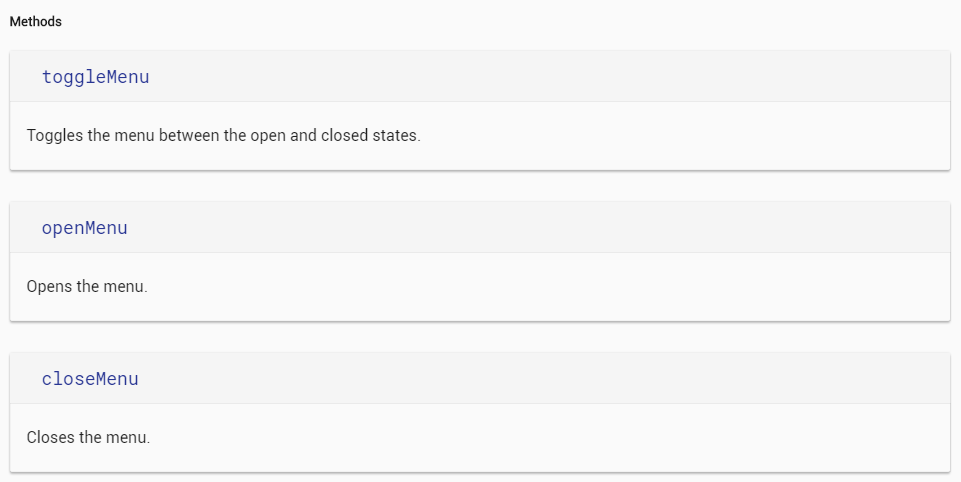
I've tried importing and creating an instance within my component (not sure how to satisfy the constructor arguments) as well as passing the trigger element to a class function (provides instance of md-button and not md-menu-trigger).
import { MdMenuTrigger } from '@angular/material';

// class definition ...
constructor() {
    this.shipItMenuTrigger = new MdMenuTrigger();
  }

openMenu(menu:MdMenuTrigger) {
    //console.log(menu);
    //console.log(menu.openMenu);
    console.log(this.shipItMenuTrigger.openMenu);
  }


<button #shipItMenuTrigger
               md-button
               [mdMenuTriggerFor]="shipItMenu"
               (mouseenter)="openMenu(shipItMenuTrigger)">Ship It
</button>
 denver-HJS
All 3 comments
Take a look at @ViewChild. Note the opts/read parameters for when your queries get more complicated.
 willshowell
on 26 Jul 2017
willshowell
on 26 Jul 2017
Thanks for such a clear and straightforward example. That helps me understand it a lot better.
denver-HJS
on 26 Jul 2017
This issue has been automatically locked due to inactivity.
Please file a new issue if you are encountering a similar or related problem.
Read more about our automatic conversation locking policy.
_This action has been performed automatically by a bot._
![angular-automatic-lock-bot[bot] picture](https://avatars.githubusercontent.com/in/40213?v=4&s=40) angular-automatic-lock-bot[bot]
on 6 Sep 2019
angular-automatic-lock-bot[bot]
on 6 Sep 2019
Related issues
 theunreal
·
3Comments
theunreal
·
3Comments
 vitaly-t
·
3Comments
vitaly-t
·
3Comments
 kara
·
3Comments
kara
·
3Comments
 Miiekeee
·
3Comments
Miiekeee
·
3Comments
 shlomiassaf
·
3Comments
shlomiassaf
·
3Comments
Most helpful comment
Take a look at
@ViewChild. Note the opts/read parameters for when your queries get more complicated.https://plnkr.co/edit/O2FJgunnKfJi4MfFb0E6?p=preview