Community-edition: Building Rambox on Windows - Only Blue Screen with Menu Bar
Steps to reproduce
- git clone https://github.com/ramboxapp/community-edition.git
- cd rambox
- cp env-sample.js env.js
- npm install
- npm run build:win64
Then either run Rambox.exe inside win-unpacked folder or install "Rambox-0.7.3-win" setup
Expected behavior
should work as the normal installer from Rambox
Actual behavior
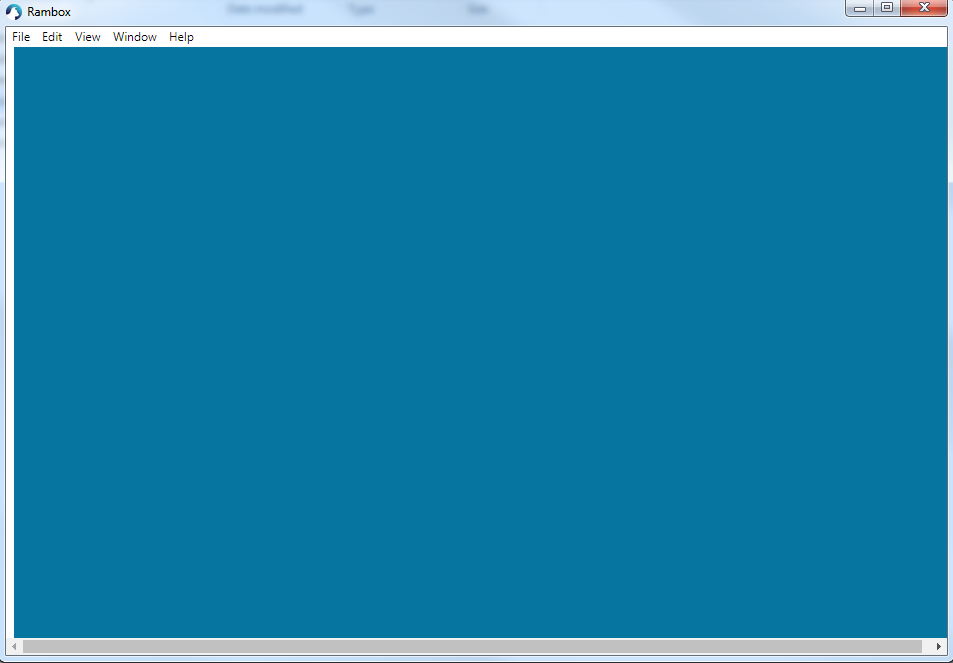
Blue background with menu.
ENVIRONMENT
Rambox: v0.7.3
OS: WIN 7
Arch: x64
NOTE:- The issue is with the "app.asar" file in resources folder...when the file "app.asar" from a original installer (after install just copy the file) is copied to the resources folder of the build (ex:- \dist\win-unpacked\resources ) it works normally.
 Sx3
Sx3
All 5 comments
Thanks for opening your first issue here! Be sure to follow the issue template!
![welcome[bot] picture](https://avatars0.githubusercontent.com/in/4141?v=4&s=40) welcome[bot]
on 18 Dec 2019
welcome[bot]
on 18 Dec 2019
Try these steps:
- git clone https://github.com/ramboxapp/community-edition.git
- cd rambox
- cp env-sample.js env.js
- npm install
- npm run sencha:compile
- cd..
- cd rambox-build
- npm install
- npm run build:win64
 fvulich
on 20 Dec 2019
fvulich
on 20 Dec 2019
Thank your very much. above steps worked perfectly !
Sx3
on 20 Dec 2019
Glad to hear that! Have a nice day.
fvulich
on 26 Dec 2019
This thread has been automatically locked since there has not been any recent activity after it was closed. Please open a new issue for related bugs.
![lock[bot] picture](https://avatars1.githubusercontent.com/in/6672?v=4&s=40) lock[bot]
on 25 Jan 2020
lock[bot]
on 25 Jan 2020
Related issues
 soulchainer
·
3Comments
soulchainer
·
3Comments
 jvdmeij
·
4Comments
jvdmeij
·
4Comments
 saalkom
·
3Comments
saalkom
·
3Comments
 juanmlambre
·
3Comments
juanmlambre
·
3Comments
 julien-tmp
·
4Comments
julien-tmp
·
4Comments