Community-edition: whatsapp web not load
Steps to reproduce
- install rambox 0.63
- add whatsapp
- try it
Expected behavior
Load whatapp and working
Actual behavior
not load, white screen
ENVIRONMENT
Windows 7 Pro.
64 bit
Core i7
Rambox: v0.6.3
OS: windows 7 pro
Arch: x64
 Lvaskz
All 7 comments
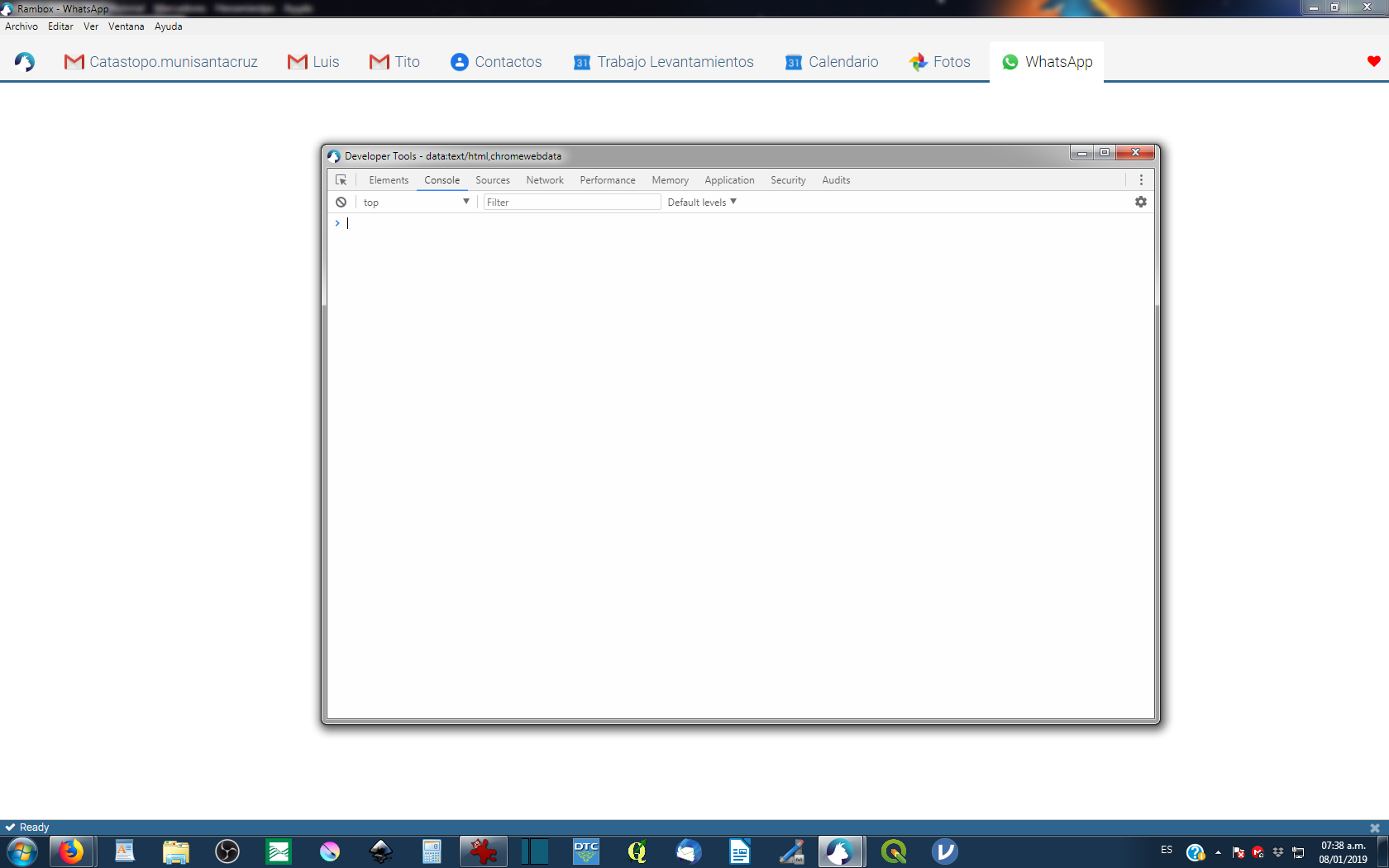
Open Dev tools for what's app tab (right click on whatsap).
Do you have any errors in console tab ? Red messages
 maxerbox
on 7 Jan 2019
maxerbox
on 7 Jan 2019

Lvaskz
on 8 Jan 2019
Here, I get the message:
"WhatsApp works with Google Chrome 36+
To use WhatsApp, update Chrome or use Mozilla Firefox, Safari, Microsoft Edge or Opera.
UPDATE GOOGLE CHROME"
 MarvinMep
on 10 Jan 2019
MarvinMep
on 10 Jan 2019
Hey @MarvinMep , I was getting the same. I upgraded to 0.63 and still had the same message as you. I then did a reload and it reloaded OK. Right click on your whatsapp tab heading and choose reload, I think it'll fix your problem.
 shanness
on 12 Jan 2019
shanness
on 12 Jan 2019
Thanks, @shannes! It worked here.
MarvinMep
on 14 Jan 2019
Hi, now it is ok. No problem with rambox in fact, just with restiction in my pc. TI FIXED
Lvaskz
on 4 Feb 2019
This thread has been automatically locked since there has not been any recent activity after it was closed. Please open a new issue for related bugs.
![lock[bot] picture](https://avatars1.githubusercontent.com/in/6672?v=4&s=40) lock[bot]
on 6 Mar 2019
lock[bot]
on 6 Mar 2019
Related issues
 saalkom
·
3Comments
saalkom
·
3Comments
 leif
·
4Comments
leif
·
4Comments
 mforcer
·
3Comments
mforcer
·
3Comments
 SimJoSt
·
4Comments
SimJoSt
·
4Comments
 menzow
·
4Comments
menzow
·
4Comments
Most helpful comment
Hey @MarvinMep , I was getting the same. I upgraded to 0.63 and still had the same message as you. I then did a reload and it reloaded OK. Right click on your whatsapp tab heading and choose reload, I think it'll fix your problem.