Community-edition: Facebook Messenger High CPU Usage
<!-- Please describe here your issue and steps to reproduce it. -->
Issue: The process from Rambox that contains the Facebook Messenger "tab" is using ~10% steadily despite not doing anything intensive (just sitting open idly). I know it is this specific process because when I kill it, the Messenger tab goes black but all other services work and CPU usage drops significantly. This is not a FB issue since the behavior is not exhibited in Chrome.
Steps to reproduce:
Open Rambox and be signed in to Facebook Messenger
<!-- DON'T REMOVE THE FOLLOWING LINES -->
-
> Rambox 0.5.13
> Electron 1.7.8
> linux x64 4.13.7-1-ARCH
 thatgeek95
All 9 comments
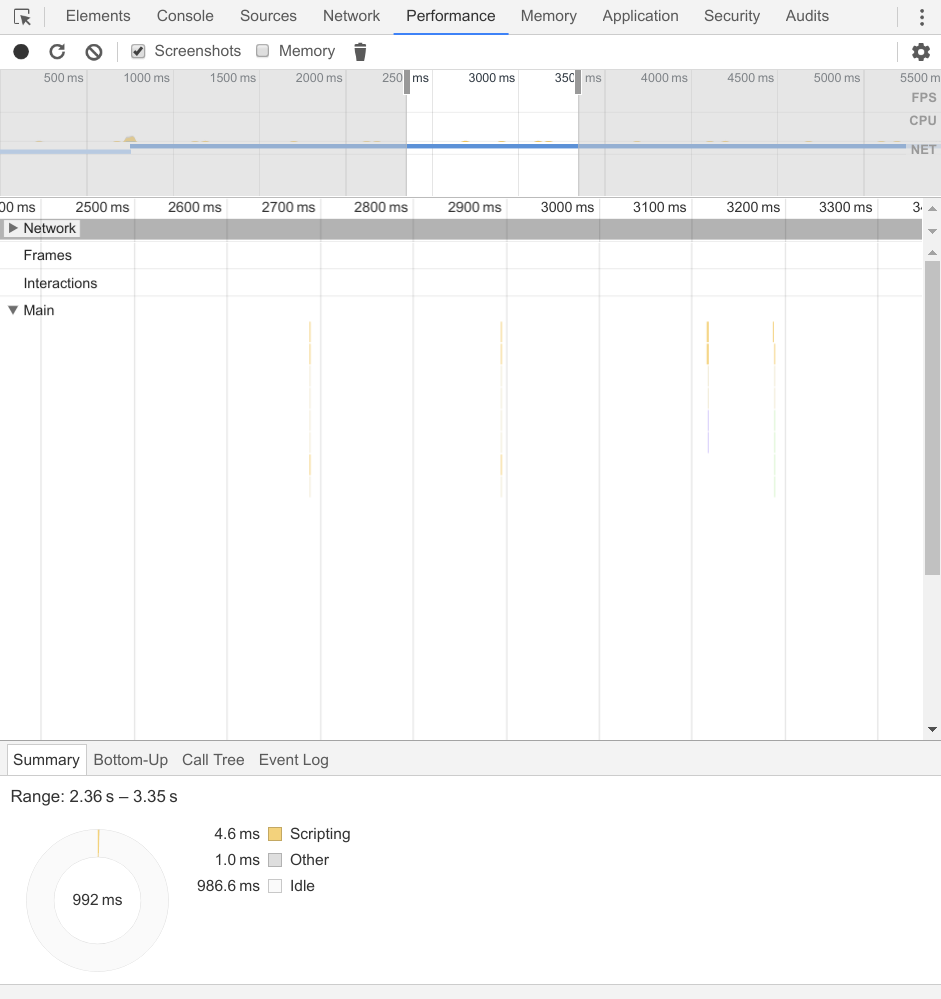
I can second this issue. The profiler shows it executes some idle callback repeatly.
 (left: chromium 61.0.3163.100, right: rambox 0.5.13)
Version: 0.5.13
Platform: linux (x64)
Electron: 1.7.8
Chromium: 58.0.3029.110
Node: 7.9.0
 op8867555
on 19 Oct 2017
op8867555
on 19 Oct 2017
I can confirm this behaviour on my machine as well. CPU utilization drops from 25 percent to 1 when the fb-messenger tab is being deactivated.
Version: 0.5.13
Platform: MacOS 10.12.1
Electron: 1.7.8
Chromium: 58.0.3029.110
Node: 7.9.0
 berlinjunker
on 19 Oct 2017
berlinjunker
on 19 Oct 2017
I can confirm this on Windows 10 Pro (64-bit): With two logical (& physical) cores I get ~50% cpu usage in Task-Manager, suggesting that it's fully exhausting one core. And indeed, when binding Rambox to only one core, this core goes up to almost 100% usage. When minimizing Rambox, the load disappears after approx. 12 seconds and comes back as soon as the Rambox window is opened again. When using regular browsers (Chrome, Firefox) to access Facebook Messenger, this problem doesn't occur.
Rambox 0.5.13
Electron 1.7.8
win32 x64 10.0.15063
 daimpi
on 19 Oct 2017
daimpi
on 19 Oct 2017
@op8867555 Can you make the test again but instead of using Messenger service from Rambox, use Custom Service?
 saenzramiro
on 19 Oct 2017
saenzramiro
on 19 Oct 2017
@saenzramiro
Just tried using a custom service (url set to https://www.messenger.com) and it works well without issue. :)
op8867555
on 19 Oct 2017
Update: I just noticed that the problem seems to be gone on my computer and I cannot reproduce it. I restarted my PC in the meantime and had temporarily added Messenger via the above custom URL, but now I'm back to the built-in Messenger and the problem isn't appearing there either… strange.
daimpi
on 19 Oct 2017
I confirm the issue is gone, probably FB released a fix.
 rafenden
on 19 Oct 2017
rafenden
on 19 Oct 2017
Great! So let's close this issue.
saenzramiro
on 23 Oct 2017
This thread has been automatically locked since there has not been any recent activity after it was closed. Please open a new issue for related bugs.
![lock[bot] picture](https://avatars1.githubusercontent.com/in/6672?v=4&s=40) lock[bot]
on 25 Oct 2018
lock[bot]
on 25 Oct 2018
Related issues
 jvdmeij
·
4Comments
jvdmeij
·
4Comments
 jamy015
·
4Comments
jamy015
·
4Comments
 menzow
·
4Comments
menzow
·
4Comments
 leif
·
4Comments
leif
·
4Comments
 biggestchops
·
3Comments
biggestchops
·
3Comments
Most helpful comment
Update: I just noticed that the problem seems to be gone on my computer and I cannot reproduce it. I restarted my PC in the meantime and had temporarily added Messenger via the above custom URL, but now I'm back to the built-in Messenger and the problem isn't appearing there either… strange.