Common-voice: Hitting "save" or "submit" buttons should give visual response feedback
- Go to https://voice.mozilla.org/profile
- Edit your profile
- Click on "Save"
It doesn't provide you with any feedback. Thus you don't know if it actually saved your changes.
 orschiro
All 5 comments
yes, +1 for it. I clicked about 5 times on save and after that, i just refreshed a page to find it does save our data but no confirmation.
 TheDevTwister
on 15 Jul 2017
TheDevTwister
on 15 Jul 2017
This could use feedback or confirmation such as: a message like "Great! or Success! your profile has been updated" , a form reset, a plus sign changed to a check mark, etc. I clicked Save about 3 times, too.
 angelawyman
on 20 Jul 2017
angelawyman
on 20 Jul 2017
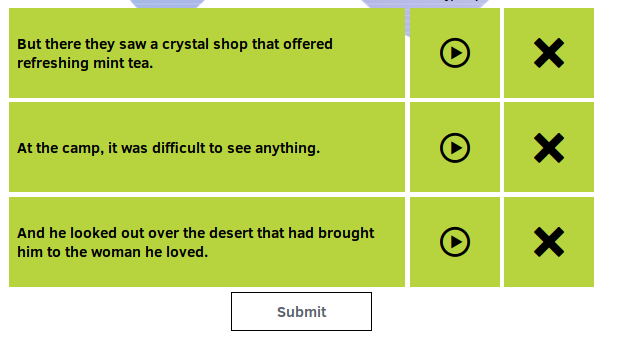
Another case I found is "submit". Sometimes I press "submit" and it just takes a few seconds for the page to show me the next sentences. However, because I don't get any feedback on the process, I tend to click again because I think I haven't properly pressed the button. This completely screws up the submission.
orschiro
on 23 Jul 2017
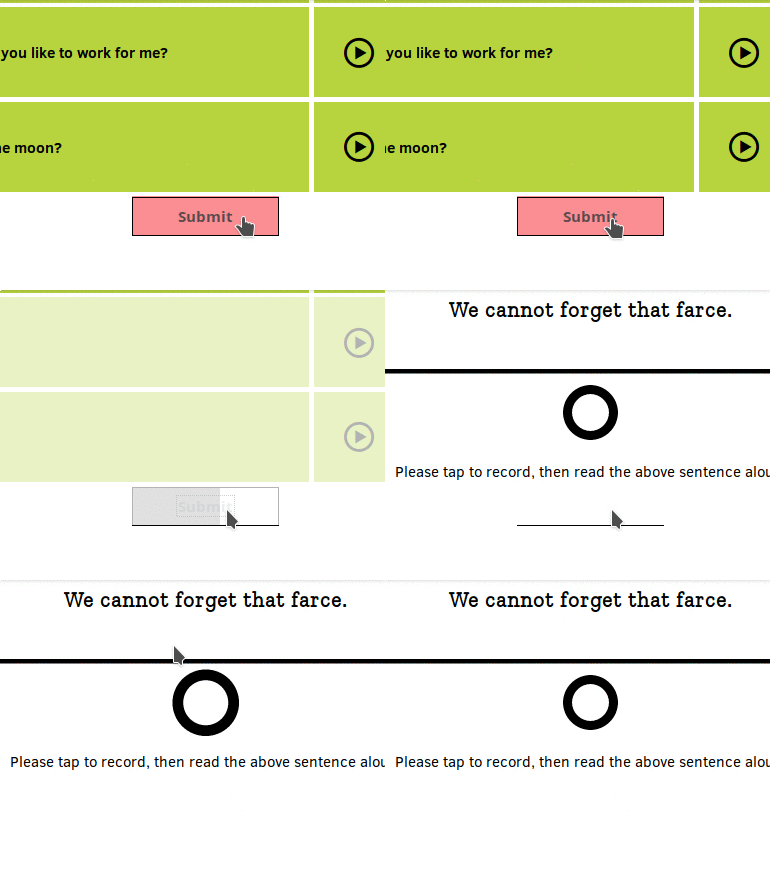
Love the new visual response to submitting your sentences!
orschiro
on 27 Jul 2017
Whoops, meant to close this one when I submitted the above change.
https://github.com/mozilla/voice-web/commit/c84ce400f03030a463bdc813dd3cd11516bad3b2
 mikehenrty
on 28 Jul 2017
mikehenrty
on 28 Jul 2017
Related issues
mikehenrty
·
3Comments
 connorshea
·
5Comments
connorshea
·
5Comments
 r00ster91
·
4Comments
r00ster91
·
4Comments
 nevik
·
5Comments
nevik
·
5Comments
 ivonnekn
·
5Comments
ivonnekn
·
5Comments
Most helpful comment
Love the new visual response to submitting your sentences!