Colabtools: File uploads are only saving partial file contents
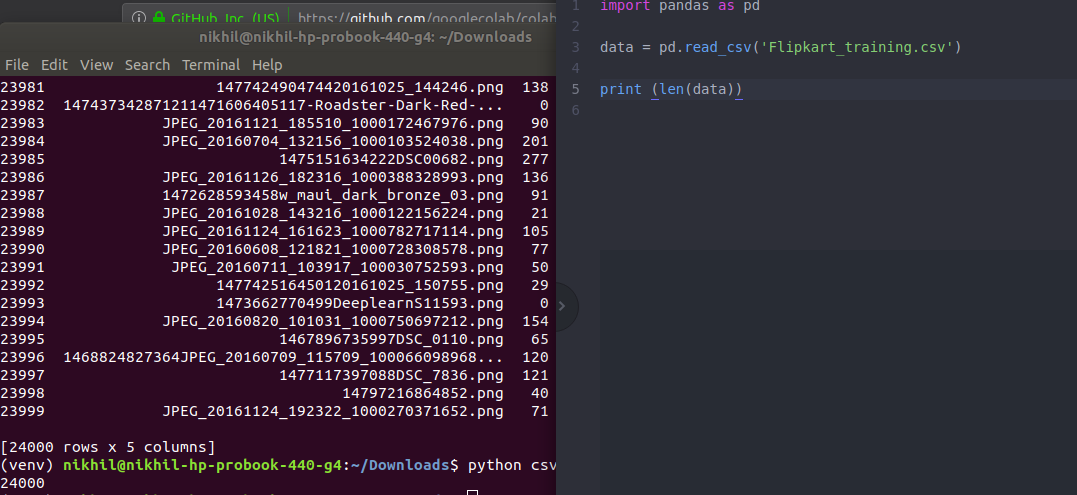
When I upload a csv file to collab, it only shows 4306 rows out of the actual 24000. I have tried reading it on my local pc and have confirmed that it does indeed contain 24000 rows. This issue seems to be specific to collab, and reading it using pandas also returns only 4306 rows. What could be the issue?
My notebook:

My local pc:
 nick-nagaraj
All 9 comments
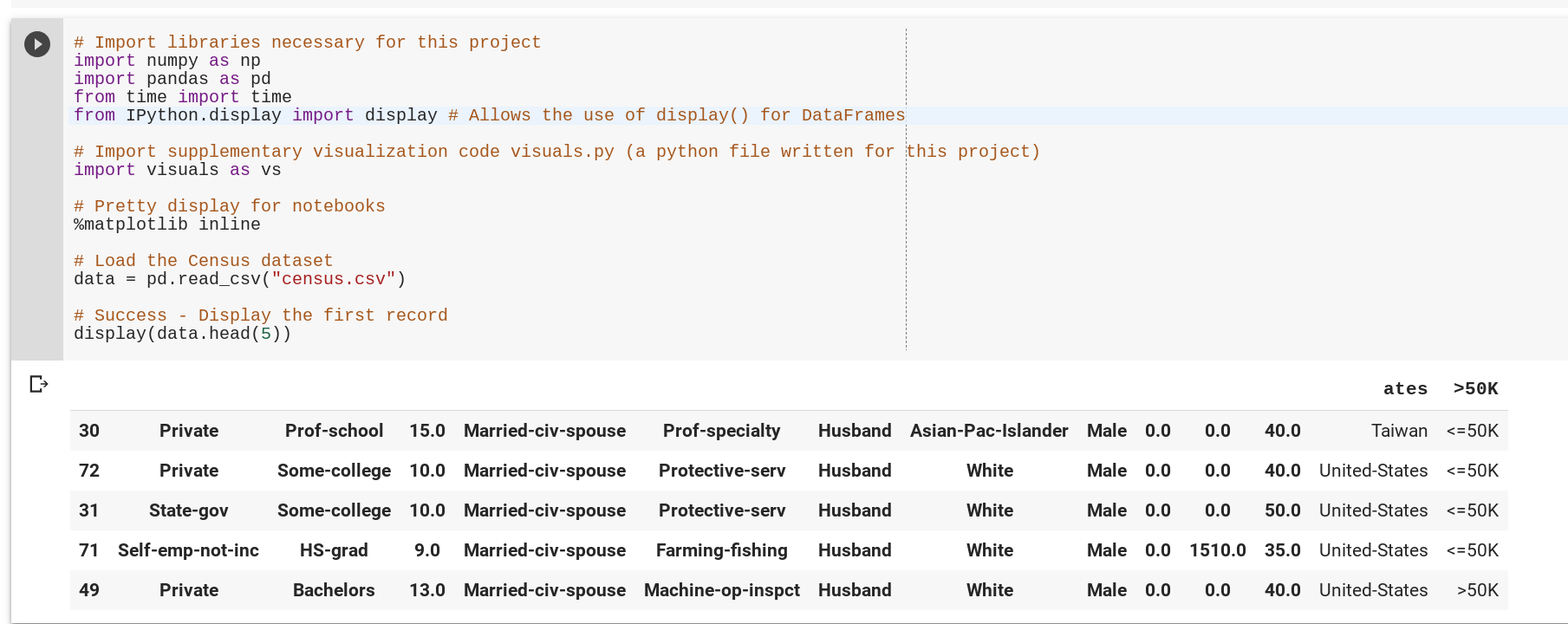
I'm having a similar issue. When I upload census.csv, it's as though the dataframe is starting midway through at a random point (in this case the first full row is 44239).
The "header" just says "ates" and ">50k" - so it's using a partial row of 44239 as a header.
 nanselmo
on 21 Feb 2019
nanselmo
on 21 Feb 2019
Same issue here with xls file. When I downloaded back from colab it look like this
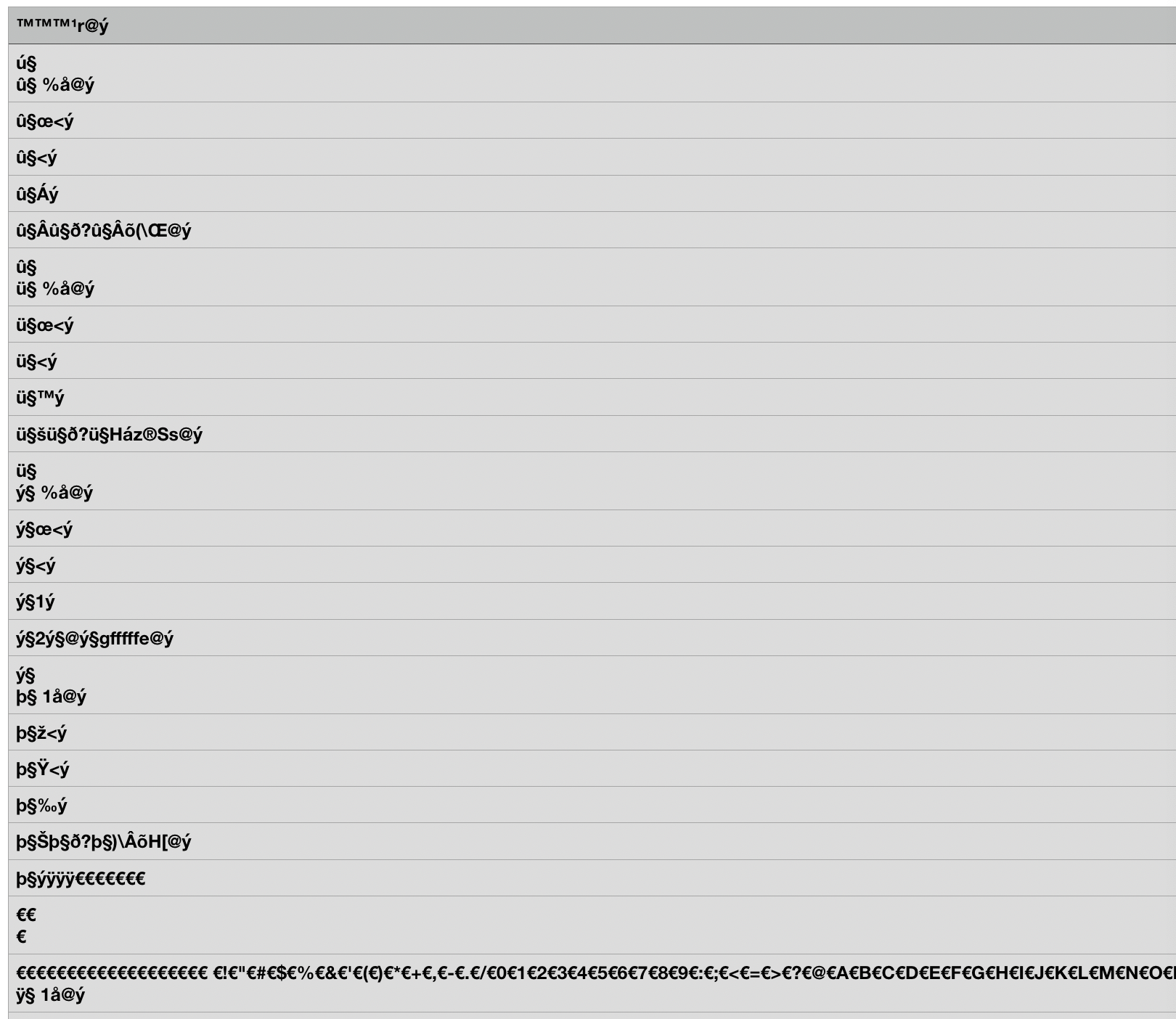
I have noticed if file size is less than 1mb it works fine.
 Llvve
on 21 Feb 2019
Llvve
on 21 Feb 2019
We are working on an urgent fix for this.
@Llvve is correct that files <1MB should complete normally.
A temporary workaround for larger files is to use:
from google.colab import files
files.upload();
 blois
on 21 Feb 2019
blois
on 21 Feb 2019
Sorry for the trouble. We're working on a service change now to fix.
An immediately usable work-around is to upload the file to Google Drive, and then to copy the file after mounting your Drive using the recipe here
from google.colab import drive
drive.mount('/content/gdrive')
 colaboratory-team
on 21 Feb 2019
colaboratory-team
on 21 Feb 2019
Sorry for the trouble. We're working on a service change now to fix.
An immediately usable work-around is to upload the file to Google Drive, and then to copy the file after mounting your Drive using the recipe here
from google.colab import drive
drive.mount('/content/gdrive')
Thanks for the response. Unfortunately, this doesn't work for me as I am also currently encountering another error at the moment where I am unable to enter the authorization code to mount google drive. (However, I believe this issue is currently being addressed)
nick-nagaraj
on 21 Feb 2019
Does a local upload work for you Nick?
from google.colab import files
uploaded = files.upload()
nanselmo
on 21 Feb 2019
This issue should be mitigated in new VMs.
If you have an old VM, please click "Reset all runtimes" in the Runtime menu to get a fresh one.
If you still see issues after that, please chime in here.
If you previously saw issues and no longer do, feel free to thumbs-up this update to avoid spamming the history.
colaboratory-team
on 21 Feb 2019
may be it's not related, colab now lost connectivity to my gdrive
Sign in with Google temporarily disabled for this app
This app has not been verified yet by Google in order to use Google Sign In.
 githubbla
on 22 Feb 2019
githubbla
on 22 Feb 2019
@githubbla please open a new issue with as much reproduction information as you can include.
colaboratory-team
on 22 Feb 2019
Related issues
 wezleysherman
·
4Comments
wezleysherman
·
4Comments
 markus-weiss
·
4Comments
markus-weiss
·
4Comments
 htadashi
·
4Comments
htadashi
·
4Comments
 Edouard2laire
·
3Comments
Edouard2laire
·
3Comments
 Gurubux
·
5Comments
Gurubux
·
5Comments
Most helpful comment
This issue should be mitigated in new VMs.
If you have an old VM, please click "Reset all runtimes" in the Runtime menu to get a fresh one.
If you still see issues after that, please chime in here.
If you previously saw issues and no longer do, feel free to thumbs-up this update to avoid spamming the history.