Codesandbox-client: "Illegal value for token color" when using custom VSCode theme
🐛 bug report
Description of the problem
When generating a color theme using the Generate Color Theme From Custom Settings in VSCode and pasting the resulting output into the Custom VSCode Theme setting I get the error Problem initializing template in editor: Illegal value for token color:.
I am using the Material theme in VS Code.
The color theme that VSCode generates: https://gist.github.com/Bassetts/f824270f99d4fd205744a4aa213fe851

Your Environment
| Software | Name/Version|
| ---------------- | ---------- |
| Сodesandbox | PROD-1541005726-0dba21e
| Browser | Firefox Nightly 65.0a1 (2018-11-01) (64-bit)
| Operating System | macOS Mojave 10.14.1
| Visual Studio Code | 1.29.0-insider
 Bassetts
All 6 comments
Found the issue here, VSCode has trouble handling the empty values ("").
Until we deploy a fix, a workaround would be to find all "" values and delete those lines (I think there are 3).
 CompuIves
on 1 Nov 2018
CompuIves
on 1 Nov 2018
Got same error when using VSCode, Jupyter Notebook and color theme Atom One Dark:
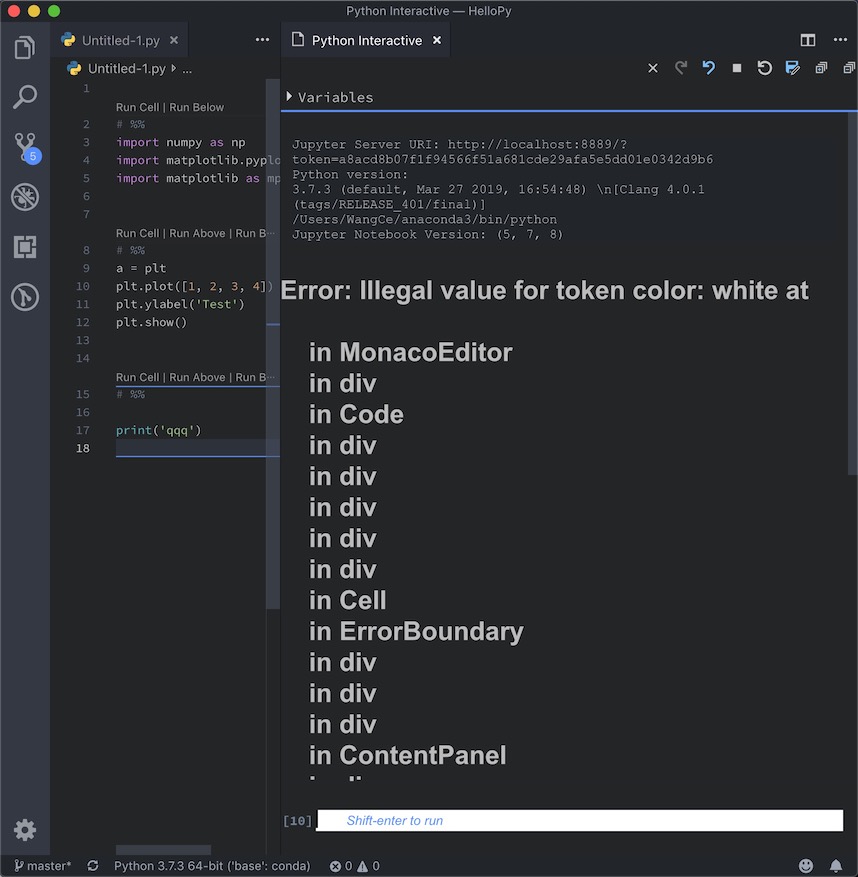
VSCode default color theme is OK
 HaloWang
on 3 Jun 2019
HaloWang
on 3 Jun 2019
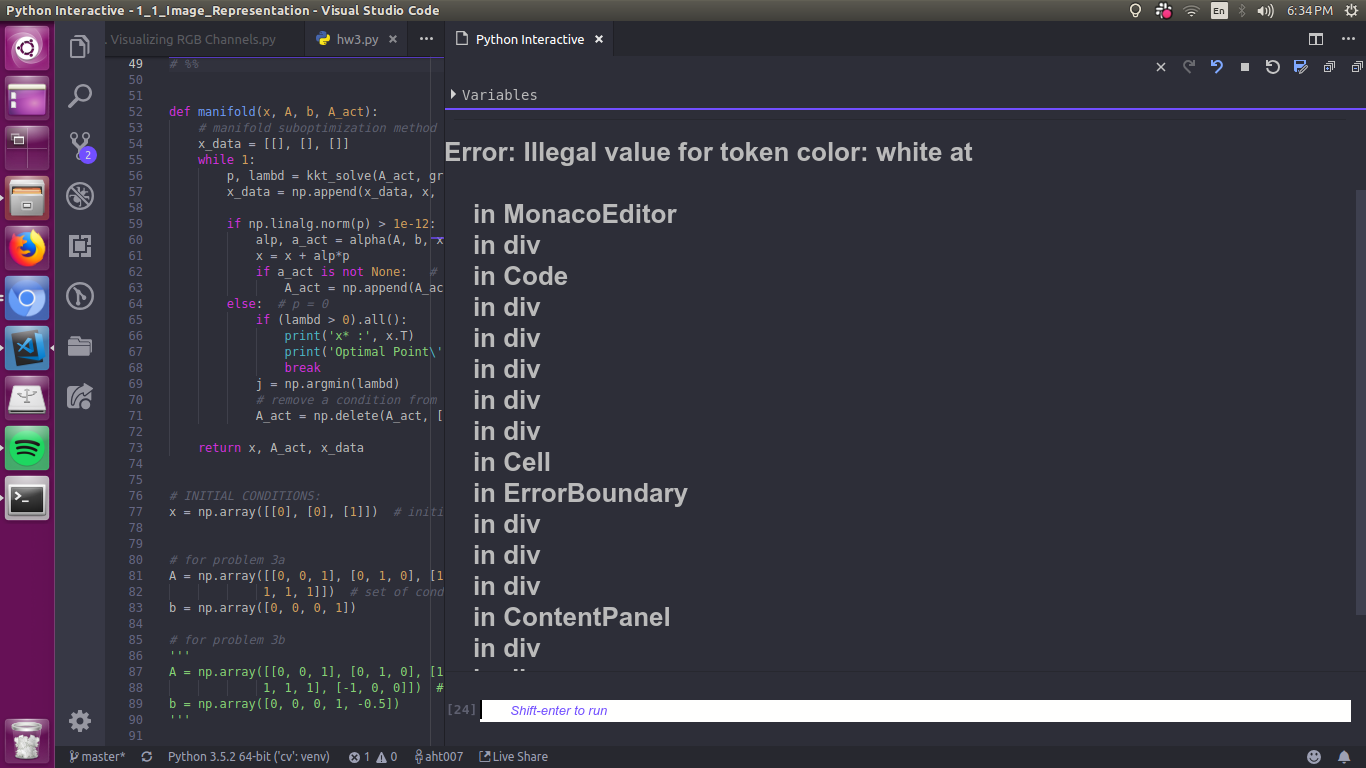
Same error using Atom one dark theme. It was working without error couple of days ago
 ahtabrizi
on 3 Jun 2019
ahtabrizi
on 3 Jun 2019
@aht007 Same here with Material Theme Darker. Shouldn't we move this issue to main VSCode repository?
 meandmymind
on 7 Jun 2019
meandmymind
on 7 Jun 2019
This issue is stale because it has been open many days with no activity. It will be closed soon unless the stale label is removed or a comment is made.
![github-actions[bot] picture](https://avatars2.githubusercontent.com/in/15368?v=4&s=40) github-actions[bot]
on 4 Sep 2020
github-actions[bot]
on 4 Sep 2020
This issue has been automatically closed because there wasn't any activity after the previous notice or the stale label wasn't removed.
github-actions[bot]
on 28 Sep 2020
Related issues
 kentcdodds
·
3Comments
kentcdodds
·
3Comments
 donavon
·
3Comments
donavon
·
3Comments
 andreplaranja
·
3Comments
andreplaranja
·
3Comments
 Haroenv
·
3Comments
Haroenv
·
3Comments
 supersonicclay
·
3Comments
supersonicclay
·
3Comments
Most helpful comment
Found the issue here, VSCode has trouble handling the empty values (
"").Until we deploy a fix, a workaround would be to find all
""values and delete those lines (I think there are 3).