Code-server: Syntax Highlighting not working with Nativefier
code-serverversion: v1.32.0-282- OS Version: Mac, server hosted on Ubuntu 18.04.1 LTS
Description
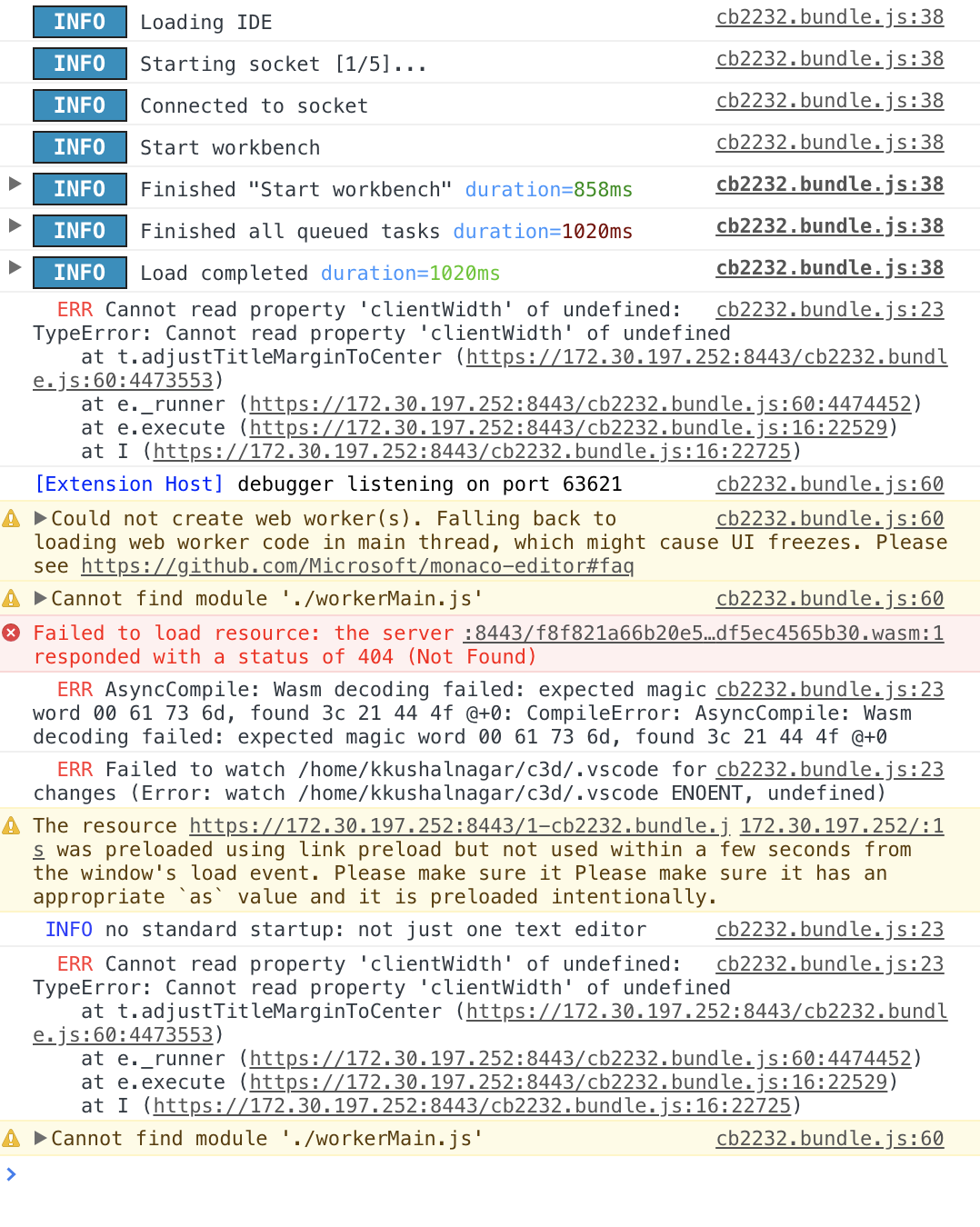
Synatx highlighting for all files does not work with Nativefier (which hosts a browser in an electron app). I've had occasional issues using it in the web browser where the syntax highlighting stops working, so this could be related.
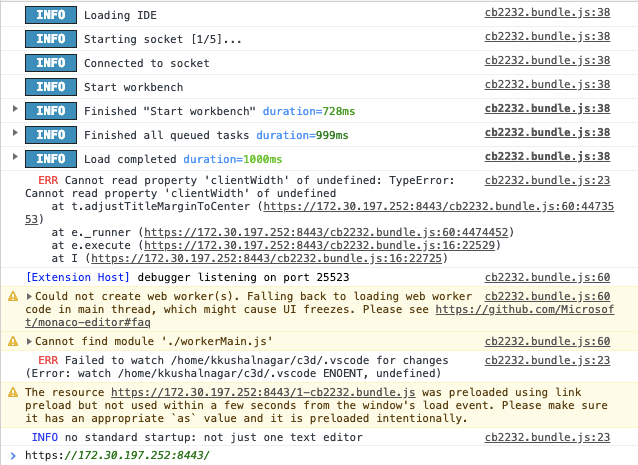
Screenshot of console in a working browser window
Screenshot of console in the nativefier app
Steps to Reproduce
- Install Nativefier
npm install nativefier -g - Open vs code server with nativefier
nativefier --ignore-certificate https://xx.xx.xx.xx:portThe files do not have syntax highlighting
This was tested with all relevant looking flags (--insecure, --enable-es3-apis, --ignore-certificate, --flash), but none of them got syntax highlighting to work.
 kasplat
All 11 comments
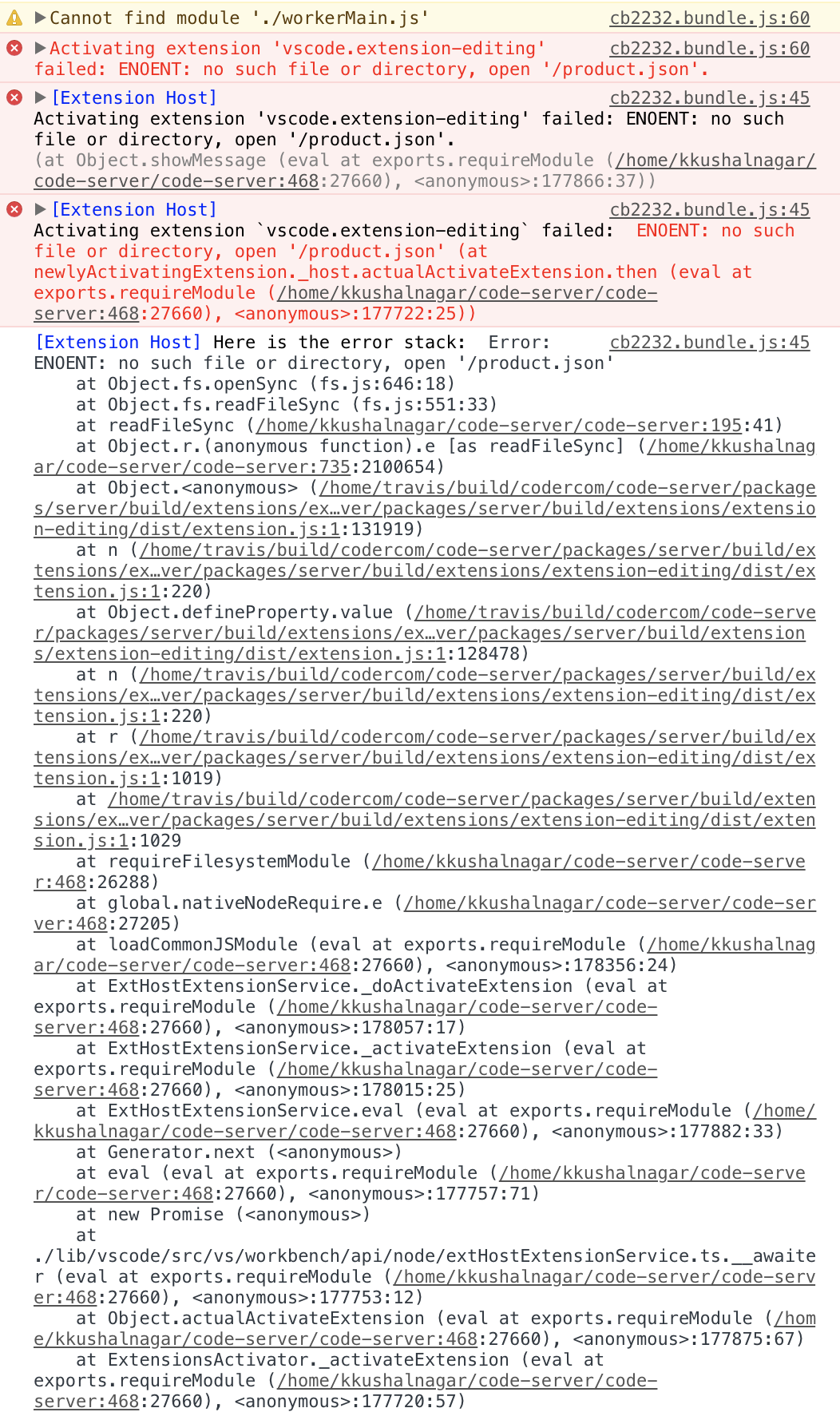
After a few minutes, this error showed up in the console. Looks like a file existence error.
kasplat
on 26 Mar 2019
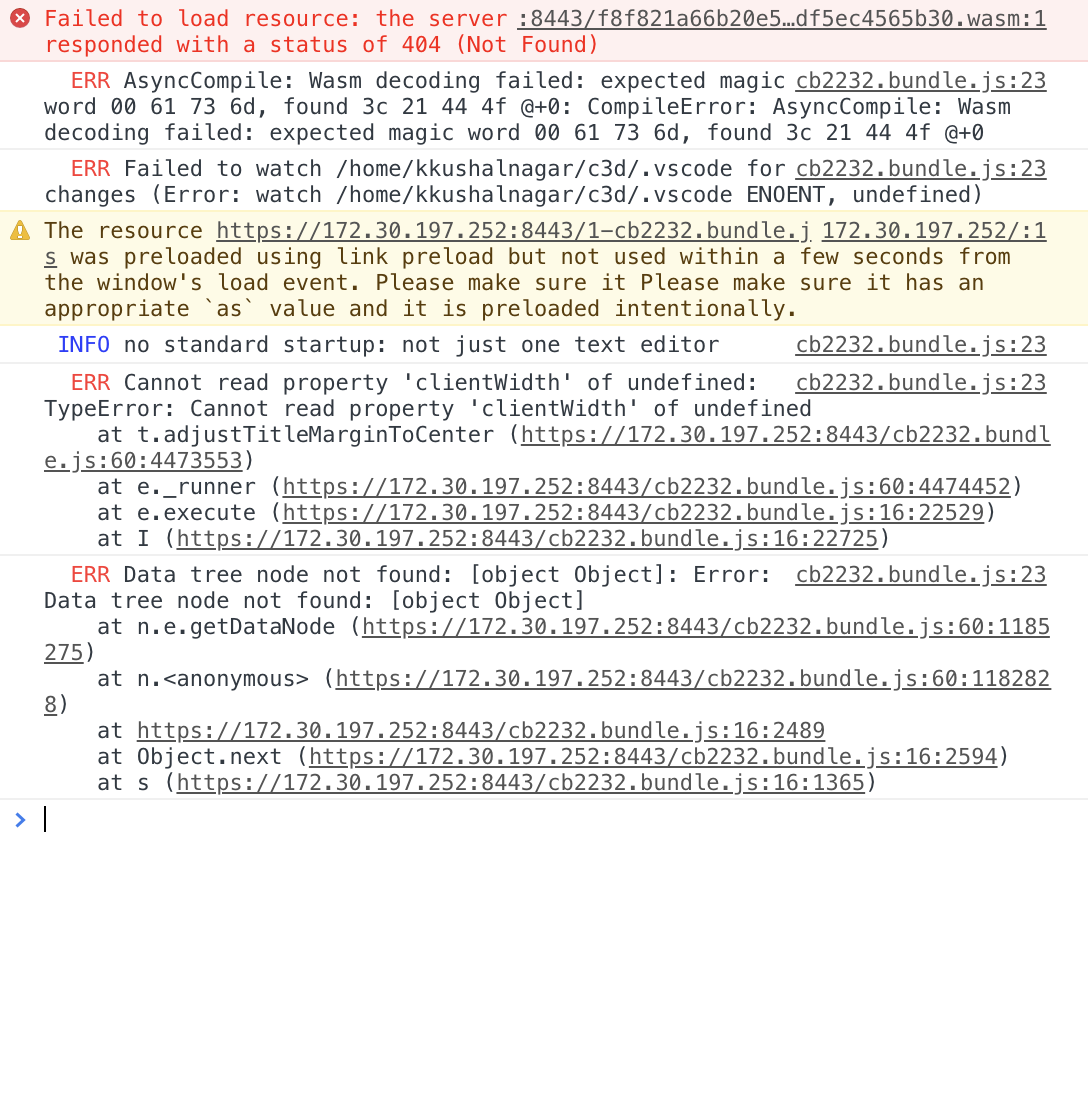
Running it as sudo to avoid the previous issue has this issue instead:
kasplat
on 26 Mar 2019
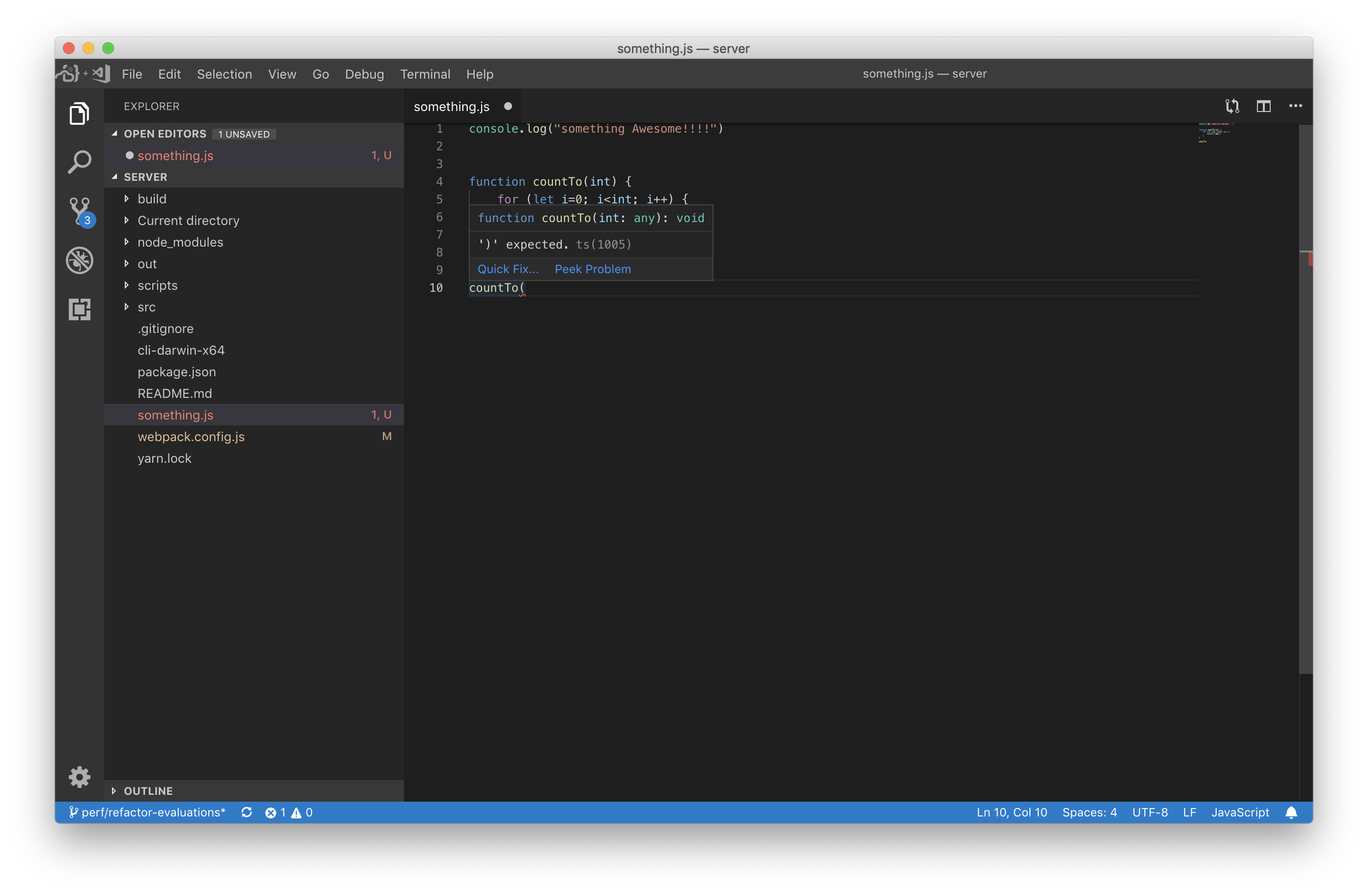
I followed the steps above and syntax highlighting seems to work, unless i am not understanding correctly:
 nol166
on 26 Mar 2019
nol166
on 26 Mar 2019
Interesting, not sure why it doesn't work on my machine then. Any suggestions for things to report?
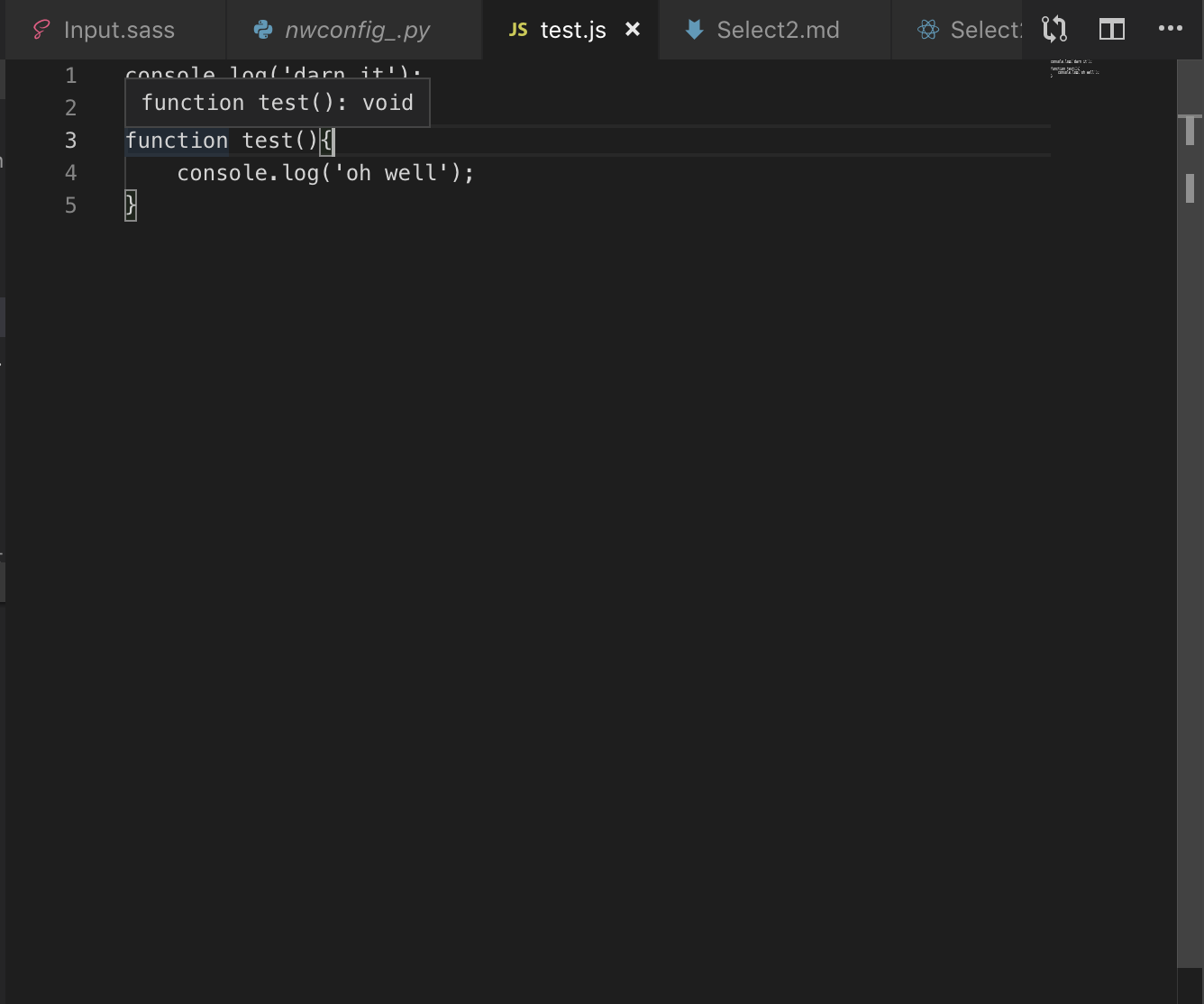
I did make sure to wait a few minutes to see if it loaded to no avail.
kasplat
on 26 Mar 2019
@kasplat I built the electron app from a more recent binary that I built from the source. It may be a bug that has since been fixed. We are releasing an "official" new binary later today so that will likely resolve the problem.
nol166
on 26 Mar 2019
I tried nativefier with newly released binary, but sadly, syntax highlight doesn't seem to work.
Maybe I should build electron app without nativefier?
It's disappointing because nativefier protect me from close code-server tab on chrome by accidentally press ctrl+w to close editor tab. (And more native feel too)
 RyanK1m
on 28 Mar 2019
RyanK1m
on 28 Mar 2019
--no-auth solve the problem. nativefier app doesn't send cookie with password.
no password means no webassembly file. I guess that wasm file support syntax highlight?
So... I should somehow solve that puzzle now.
RyanK1m
on 28 Mar 2019
I was having the same problem. What I did was move the auth to Nginx using basic auth, then added a special case to turn it off. Nativefier can then be set with the username & password to auto-login. Now the only thing that escapes auth is the .wasm extension.
I also set the server to --no-auth.
auth_basic_user_file /path/to/.htpasswd;
auth_basic           "Administrator’s Area"

location ~ \.wasm {
  auth_basic off;
  ...
}
location / {
  ...
}
 Cosby5
on 29 Mar 2019
Cosby5
on 29 Mar 2019
@nol166 any chance this can be solved without using nginx in a reasonable amount of time? It probably wouldn't be too bad to set up nginx, but it would be nice if code server supported this out of the box.
kasplat
on 12 Apr 2019
Isn't this technically a nativefier bug? Or is it the way code-server handles cookies
 coadler
on 12 Apr 2019
coadler
on 12 Apr 2019
Judging from the comments above, it does seem to be an issue for nativefier, so I'll raise the issue over there. If there's a reasonable way to fix this here though feel free to reopen it. The thread is here https://github.com/jiahaog/nativefier/issues/789.
kasplat
on 12 Apr 2019
Related issues
 pchecinski
·
3Comments
pchecinski
·
3Comments
 Arsaev
·
3Comments
Arsaev
·
3Comments
 infogulch
·
3Comments
infogulch
·
3Comments
 avelino
·
3Comments
avelino
·
3Comments
 grant
·
3Comments
grant
·
3Comments