Cockpit: Store Metrics doesn't work on RPI 4 with raspbian buster
Cockpit version: 188-1 (on OMV 5)
OS: Raspbian GNU/Linux 10 (buster)
Page: System
Issue:
I like this tool since I can keep track of the system info and metrics.
However, if I understand correctly, the Store Metrics function should maintain the metrics so that I can come back like a week later and see how my system performed.
But it looks like to me that it wasn't functioning properly.
If anyone could take a look or know the fix, it is very much appreciated.
Thank you.
Steps to reproduce:
1.Install Cockpit through the OMV-Extras plugin in OMV 5.
- Go to the GUI.
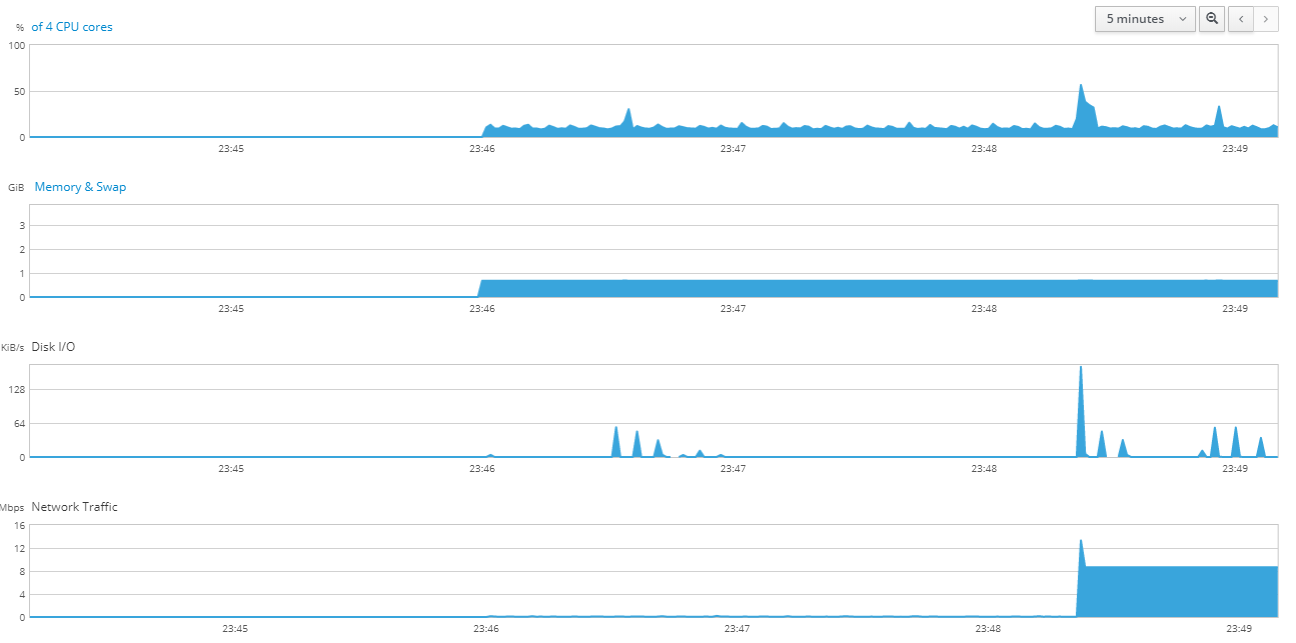
- Let 5 mins view run for sometime
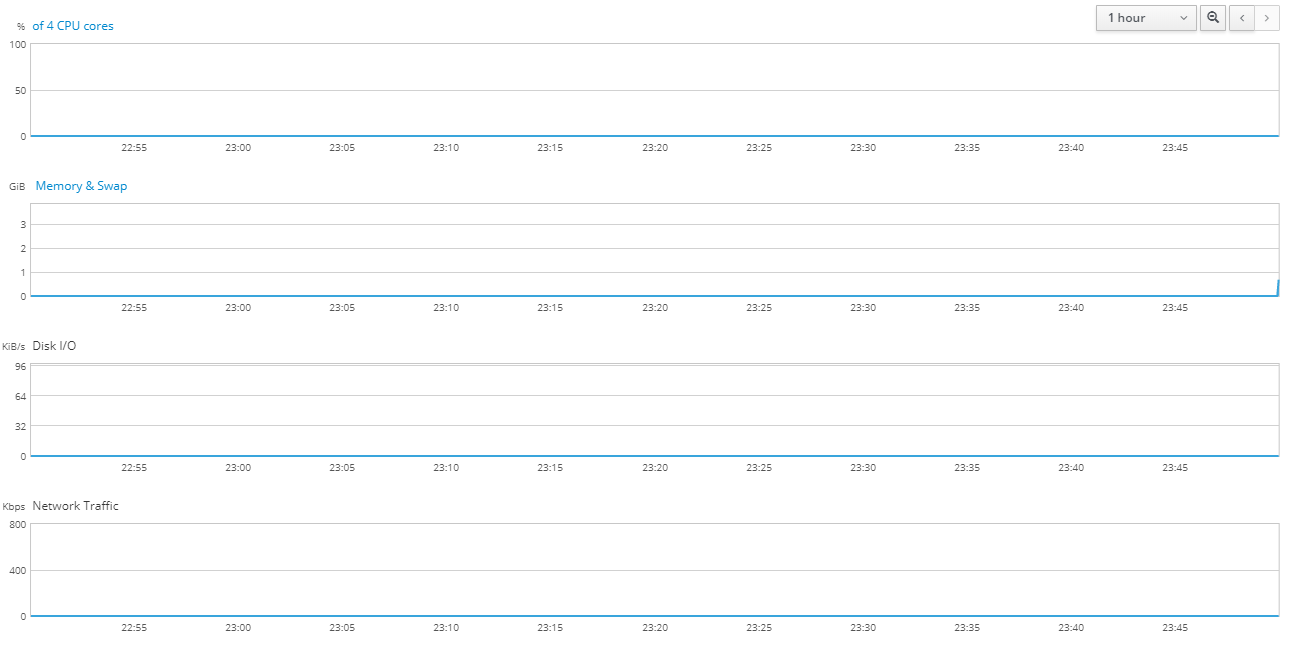
- Switch to 1hr view or refresh the page
- No metrics seems to be stored.
- Also I don't see any journalctl logs generated while I switch the view.
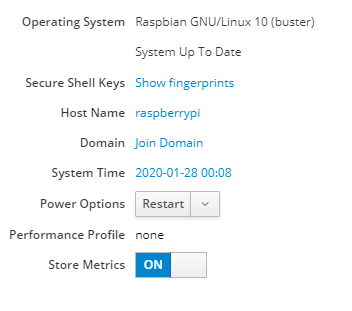
Store Metrics is ON
5 mins view
then I switch to 1hr view (you can compare the timestamps with the 5 mins view)
 LizhangX
All 9 comments
188 is very old version (now we are at 211). There has been a bunch of fixes with storing and showing metrics since this version. Does this problem persists on some reasonably new version?
 marusak
on 28 Jan 2020
marusak
on 28 Jan 2020
@marusak Thanks a lot for your reply. Understood.
I am going to raise an issue to the OMV-Extra side and see if they could provide/support newer versions. Closing this one for now.
LizhangX
on 29 Jan 2020
Reopen:
Updated to version 208-1~bpo10+1 using Debian Buster backports.
Still seeing the same issue.
Took me few times to successfully login to the GUI with the same credential, and the system tab seem much slower than 188 on the first load after login.
Also seeing this log on both versions, not sure if this could be related.
Jan 28 23:02:39 raspberrypi cockpit-tls[2481]: cockpit-tls: gnutls_handshake failed: A TLS fatal alert has been received.
LizhangX
on 29 Jan 2020
Same issue here, installed cockpit 211 from Bullseye backports on Raspbian Buster.
pmlogger seems to be running fine though (screenshot below).
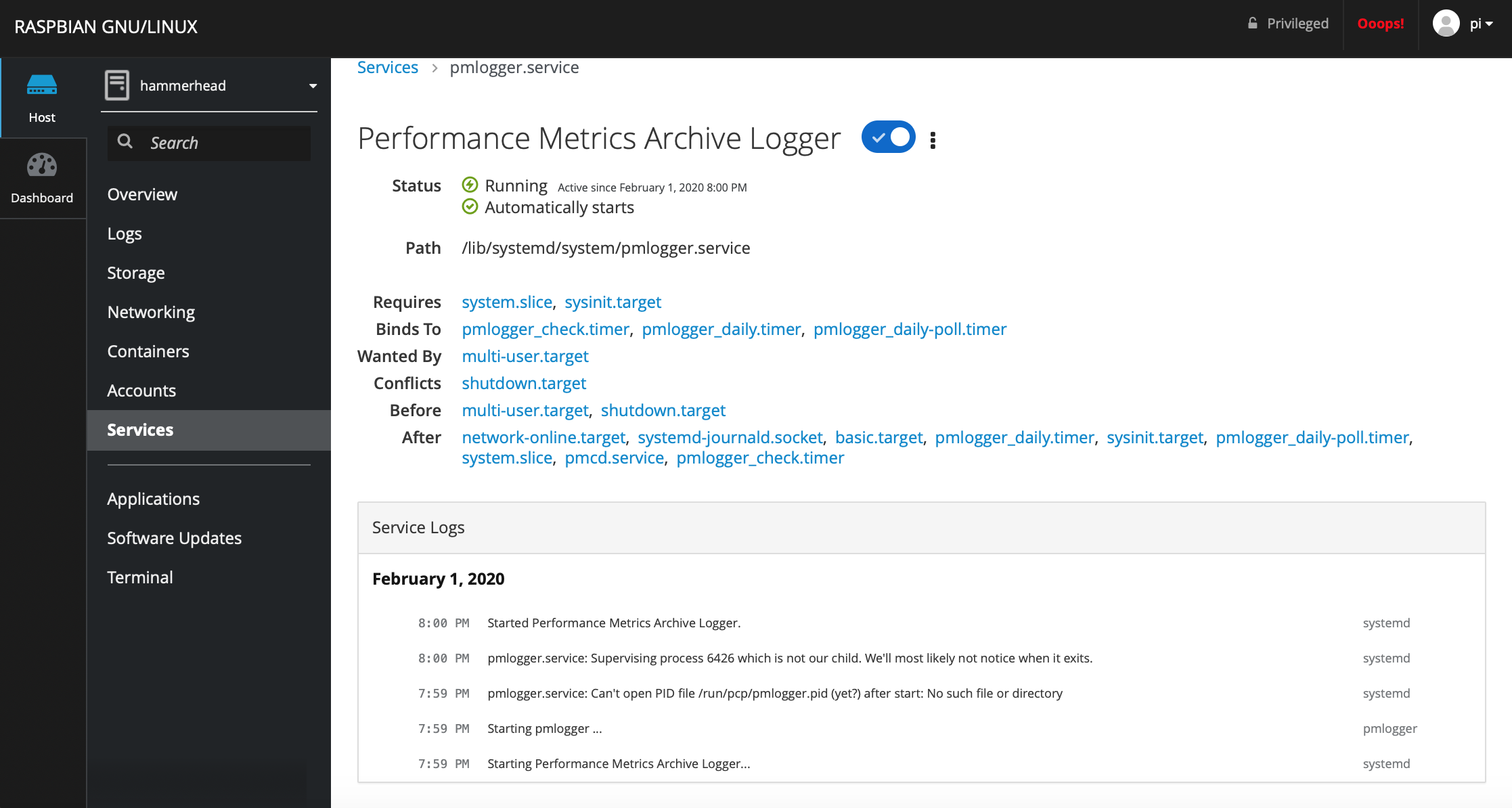
Also:
journalctl -t cockpit-pcp
-- Logs begin at Thu 2019-02-14 10:11:59 GMT, end at Sun 2020-02-02 04:12:22 GMT. --
-- No entries --
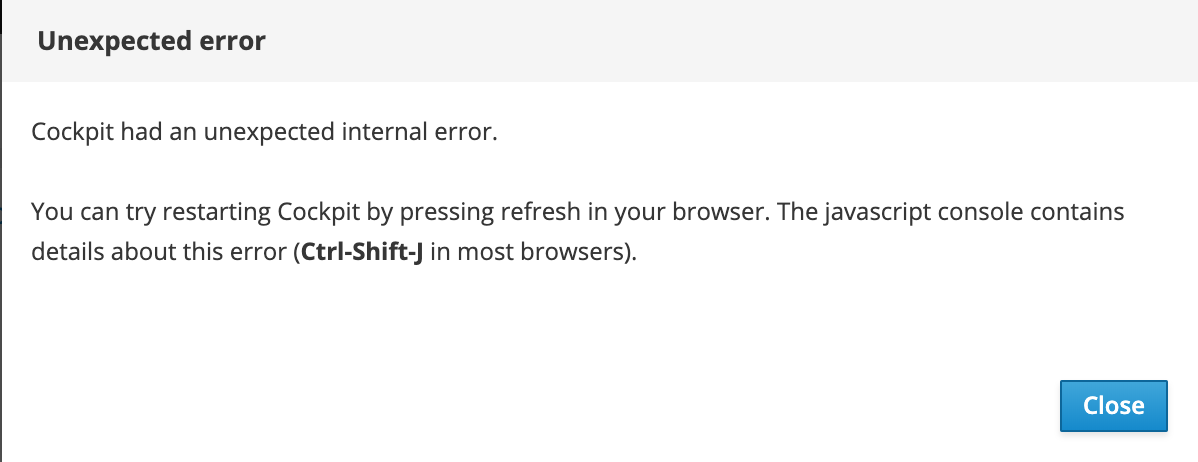
And there is this unexpected internal error - tested on Chrome and Safari
 jplegat
on 2 Feb 2020
jplegat
on 2 Feb 2020
@jplegat the latest version 212 seems available in raspbian repository at http://archive.raspbian.org/raspbian/pool/main/c/cockpit/
cockpit_212-1.debian.tar.xz 06-Feb-2020 09:51 16348
cockpit_212-1.dsc 06-Feb-2020 09:51 3100
cockpit_212-1_all.deb 06-Feb-2020 10:16 28176
cockpit_212.orig.tar.xz 06-Feb-2020 09:51 12733448
When I tried to upgrade my pi it was reporting that 188 is the latest version (perhaps a mirror I use misses this update yet).
Have you had a chance to try?
 mi-hol
on 10 Feb 2020
mi-hol
on 10 Feb 2020
@mi-hol Newer version of Cockpit doesn't seem to come with Debian out of the box. You might need to update the source list using bullseye to have the newest 212 version. And buster-backports to have 208. Reference
I was trying with 208 but will try with 212 and get back here.
LizhangX
on 10 Feb 2020
@LizhangX did 212 work for you?
mi-hol
on 16 Feb 2020
@mi-hol Hi, I didn't have time to check yet.
You can try the bullseye source list and do apt-get update/upgrade once.
LizhangX
on 18 Feb 2020
Hello guys,
I just upgraded and I'm still having same issue with a Debian bullseye/sid on a cubieboard.
pcp (5.0.3-1)
cockpit-pcp (213-1)
pmlogger active and running.
No cockpit-pcp logs at all.
I also confirmed that logs exists and contain data using:
pmiostat -a 20200228.0
pmstat -a 20200228.0
"Store Metrics" is ticked but it looks like only shows "realtime" collection, once I refresh page, data get lost and starts over.
EDIT UPDATE:
I give it a try with "strace" to cockpit-pcp and it looks to be opening file without issues:
access("/var/log/pcp/pmlogger/ncc1701b/20200228.0", F_OK) = 0
openat(AT_FDCWD, "/var/log/pcp/pmlogger/ncc1701b/20200228.0", O_RDONLY) = 32
fstat64(32, {st_mode=S_IFREG|0644, st_size=38653260, ...}) = 0
After that, it does a lot of reads and moves on next file.
I will be happy to provide any details that could help to debug it.
Andres.-
 basilean
on 1 Mar 2020
basilean
on 1 Mar 2020
Related issues
 kxxoling
·
5Comments
kxxoling
·
5Comments
 kai4785
·
4Comments
kai4785
·
4Comments
 MauriceNorden
·
3Comments
MauriceNorden
·
3Comments
 Discusal
·
4Comments
Discusal
·
4Comments
 FireDrunk
·
6Comments
FireDrunk
·
6Comments
Most helpful comment
Hello guys,
I just upgraded and I'm still having same issue with a Debian bullseye/sid on a cubieboard.
pcp (5.0.3-1)
cockpit-pcp (213-1)
pmlogger active and running.
No cockpit-pcp logs at all.
I also confirmed that logs exists and contain data using:
pmiostat -a 20200228.0
pmstat -a 20200228.0
"Store Metrics" is ticked but it looks like only shows "realtime" collection, once I refresh page, data get lost and starts over.
EDIT UPDATE:
I give it a try with "strace" to cockpit-pcp and it looks to be opening file without issues:
access("/var/log/pcp/pmlogger/ncc1701b/20200228.0", F_OK) = 0
openat(AT_FDCWD, "/var/log/pcp/pmlogger/ncc1701b/20200228.0", O_RDONLY) = 32
fstat64(32, {st_mode=S_IFREG|0644, st_size=38653260, ...}) = 0
After that, it does a lot of reads and moves on next file.
I will be happy to provide any details that could help to debug it.
Andres.-