Cockpit: Usage pages broken in 210
- Cockpit Version: 210
- OS: Ubuntu 18.04.3 LTS
Installed using bionic-backports:
sudo apt-get install -t bionic-backports cockpit
I have made no other changes.
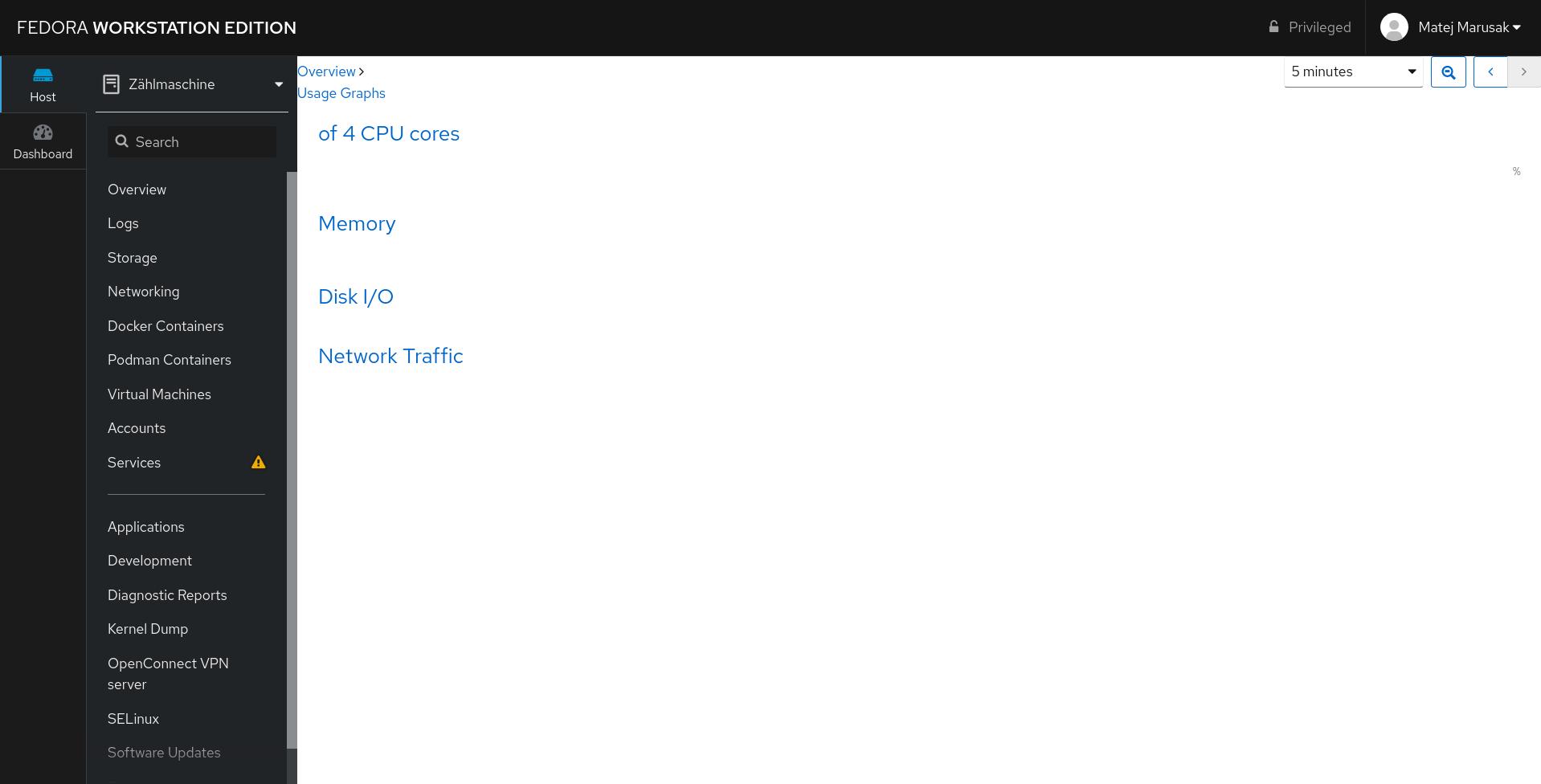
Cockpit appears functional and allows me to login, reports most information about my system. However the Usage Graphs pages appear blank or with error.
I have tested this on both Firefox (72.0.1 x64) and Chrome.
(79.0.3945.117) My browser console shows errors:
Refused to apply inline style because it violates the following Content Security Policy directive: "default-src 'self' https://ubuntu-vm:9090". Either the 'unsafe-inline' keyword, a hash ('sha256-47DEQpj8HBSa+/TImW+5JCeuQeRkm5NMpJWZG3hSuFU='), or a nonce ('nonce-...') is required to enable inline execution. Note also that 'style-src' was not explicitly set, so 'default-src' is used as a fallback.
How can I resolve this issue?
 onefourfive
All 17 comments
Cockpit Version: 210
OS: Ubuntu 18.04.3 LTS
I also get the same error
Everything worked fine in the previous version, I only do sudo apt-get upgrade.

 ChengYen-Tang
on 11 Jan 2020
ChengYen-Tang
on 11 Jan 2020
Everything worked fine in the previous version
In 209? Because this change was introduced in 209 and there were no related changes in 210 (but it could get broken).
 marusak
on 11 Jan 2020
marusak
on 11 Jan 2020
I have not tested 209, but I have verified 208 is working on my platform.
onefourfive
on 11 Jan 2020
Yeah, 208 was before we redesigned the overview page.
If you could help and test 209, that would be awesome, but otherwise we will consider this being broken on 209 as well.
I noticed pattern between both reports being Ubuntu 18.04.3 LTS.
marusak
on 11 Jan 2020
I also have the issue reported on the top of this report. Debian unstable x86, cockpit 210.
Tested with firefox, brave, chrome and opera on linux and with chromium and chrome on windows (latest and x64 version on all of them), and every single browser reports the same error on the js console.
 pitsi
on 11 Jan 2020
pitsi
on 11 Jan 2020
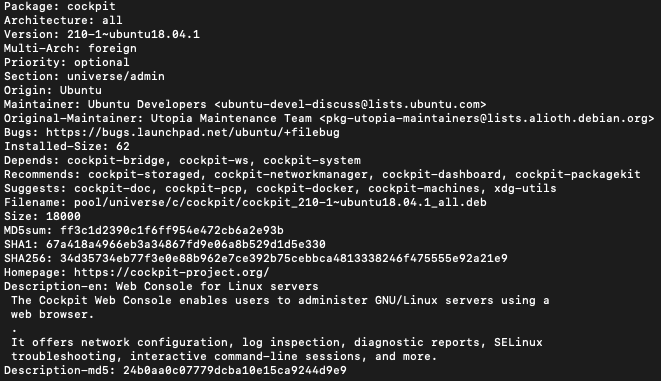
I Can't find 209


ChengYen-Tang
on 12 Jan 2020
209 was not packaged on ubuntu, as it was not packaged on debian too. They both "jumped" from 208 straight to 210.
http://changelogs.ubuntu.com/changelogs/pool/universe/c/cockpit/cockpit_210-1/changelog
https://metadata.ftp-master.debian.org/changelogs//main/c/cockpit/cockpit_210-1_changelog
pitsi
on 12 Jan 2020
I have this issue aswell.
 polhaghverdian
on 12 Jan 2020
polhaghverdian
on 12 Jan 2020
So this is not ubuntu related, as I was guessing in one of my previous comments.
Fedora 31, cockpit-210-1.fc31.x86_64 (not development build, but from what we have in repos)
marusak
on 13 Jan 2020
Same issue here too.
 eskimo
on 13 Jan 2020
eskimo
on 13 Jan 2020
Please advise how to install older versions of Cockpit-- not only to test 209 but to install 208 on systems I'd like to get up and running.
onefourfive
on 14 Jan 2020
@onefourfive: On https://launchpad.net/ubuntu/+source/cockpit/+changelog you have all versions that ever got built. E. g. the latest 208 build for amd64 is https://launchpad.net/ubuntu/+source/cockpit/208-1~ubuntu18.04.1/+build/18206246, where you can download the debs. Just downgrading cockpit-system should be enough.
 martinpitt
on 14 Jan 2020
martinpitt
on 14 Jan 2020
It does not seem to be fixed with 9f8ff73 unfortunately
marusak
on 20 Jan 2020
@marusak: Hmkay, the layout is fine again for me. The CPU and memory page is still Oopsing, but that's #13290 (I'll look into that now).
Are you still able to reproduce this issue with current master? Which browser?
martinpitt
on 20 Jan 2020
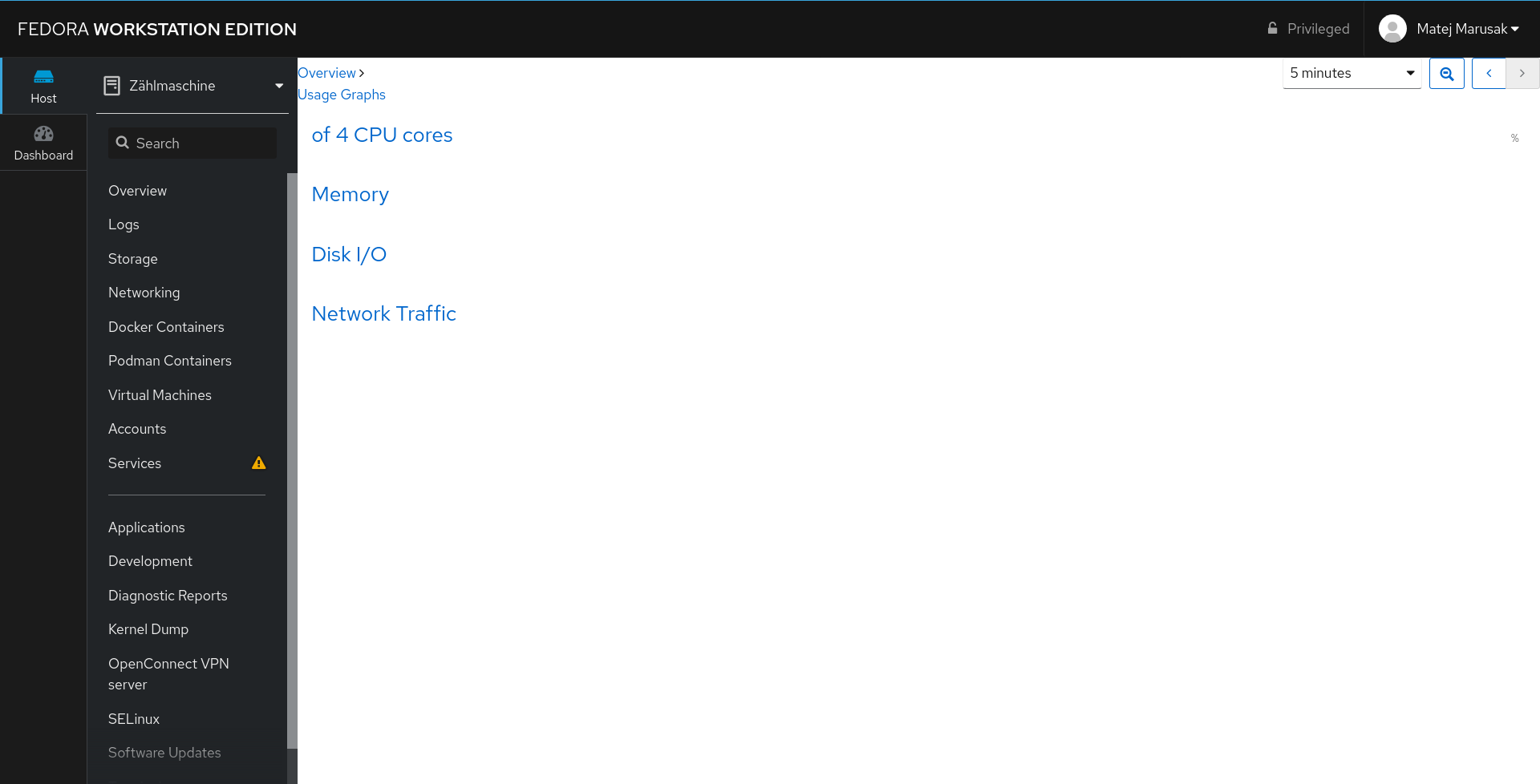
I built rpms (as this was never issue development builds). I also checked that changes from that commit are actually there. Happens on both firefox and chrome.
marusak
on 20 Jan 2020
@marusak: Correct. This is a packaging issue. The appropriate JS & CSS is not being included. No amount of CSS changes will ever fix this, as it's a problem with the files being loaded in the first place (and not CSS).
If you have a local git checkout of Cockpit and build Cockpit yourself with the symlink for development, then you won't come across this issue, as the correct files will be built. Packages (some or all — not sure) aren't including the right files, it seems.
 garrett
on 20 Jan 2020
garrett
on 20 Jan 2020
Hmm, /usr/share/cockpit/systemd/graphs.html.gz seems to correctly include it:
<link href="graphs.css" rel="stylesheet">
and /usr/share/cockpit/systemd/graphs.css.gz exists (shipped in cockpit-system.rpm) and looks reasonable. It's exactly the same structure as e. g. with logs.{html,css.gz}. I checked this on the real Fedora 31 RPMs for cockpit 210 (i. e. production build).
I built rpms from master and tested them in a VM (fedora-31). Same file structure, the graphs pages work (both overview and individual CPU and memory).
In short: I see nothing wrong, can't reproduce this issue with master (plus #13420), and thus have absolutely no idea what's wrong.. Let's look at @marusak's machine in Brno then?
martinpitt
on 20 Jan 2020
Related issues
 gorgitko
·
6Comments
gorgitko
·
6Comments
 kai4785
·
4Comments
kai4785
·
4Comments
 FireDrunk
·
6Comments
FireDrunk
·
6Comments
 851d229
·
6Comments
851d229
·
6Comments
 kxxoling
·
5Comments
kxxoling
·
5Comments
Most helpful comment
So this is not ubuntu related, as I was guessing in one of my previous comments.

Fedora 31,
cockpit-210-1.fc31.x86_64(not development build, but from what we have in repos)