Coc.nvim: How to scroll Documentation that opened with SHIFT+K
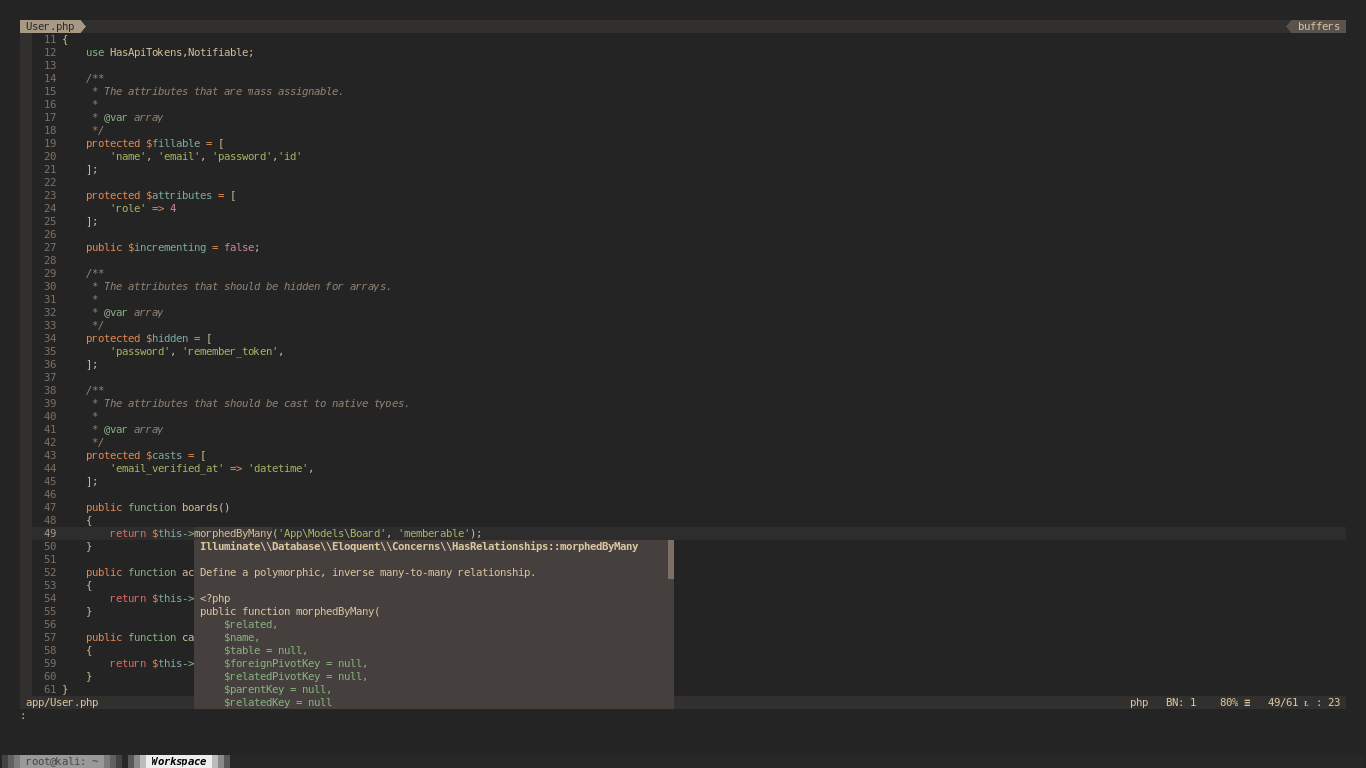
im trying to scroll the documentation but i don't know how to scroll it. Would you be able to help to do so.
im using vim 8.1
Many Thanks.
 knighht
All 15 comments
Related(?): #1160
 OkanEsen
on 16 Dec 2019
OkanEsen
on 16 Dec 2019
Related(?): #1160
so you mean there is no options to do that ?
knighht
on 17 Dec 2019
You have to write filter for the popup created by coc.nvim by now, you can scroll with mouse if you have mouse enabled.
 chemzqm
on 17 Dec 2019
chemzqm
on 17 Dec 2019
You have to write filter for the popup created by coc.nvim by now, you can scroll with mouse if you
have mouse enabled.
much oblige sir!, it helps me a lot.
EDIT: i added set mouse=a so that mouse support is enabled in vim.
knighht
on 20 Dec 2019
You have to write filter for the popup created by coc.nvim by now, you can scroll with mouse if you have mouse enabled.
how can I write filter created by coc.nvim ? If you wouldn't mind to give the code so that I can just copying in.
knighht
on 27 Dec 2019
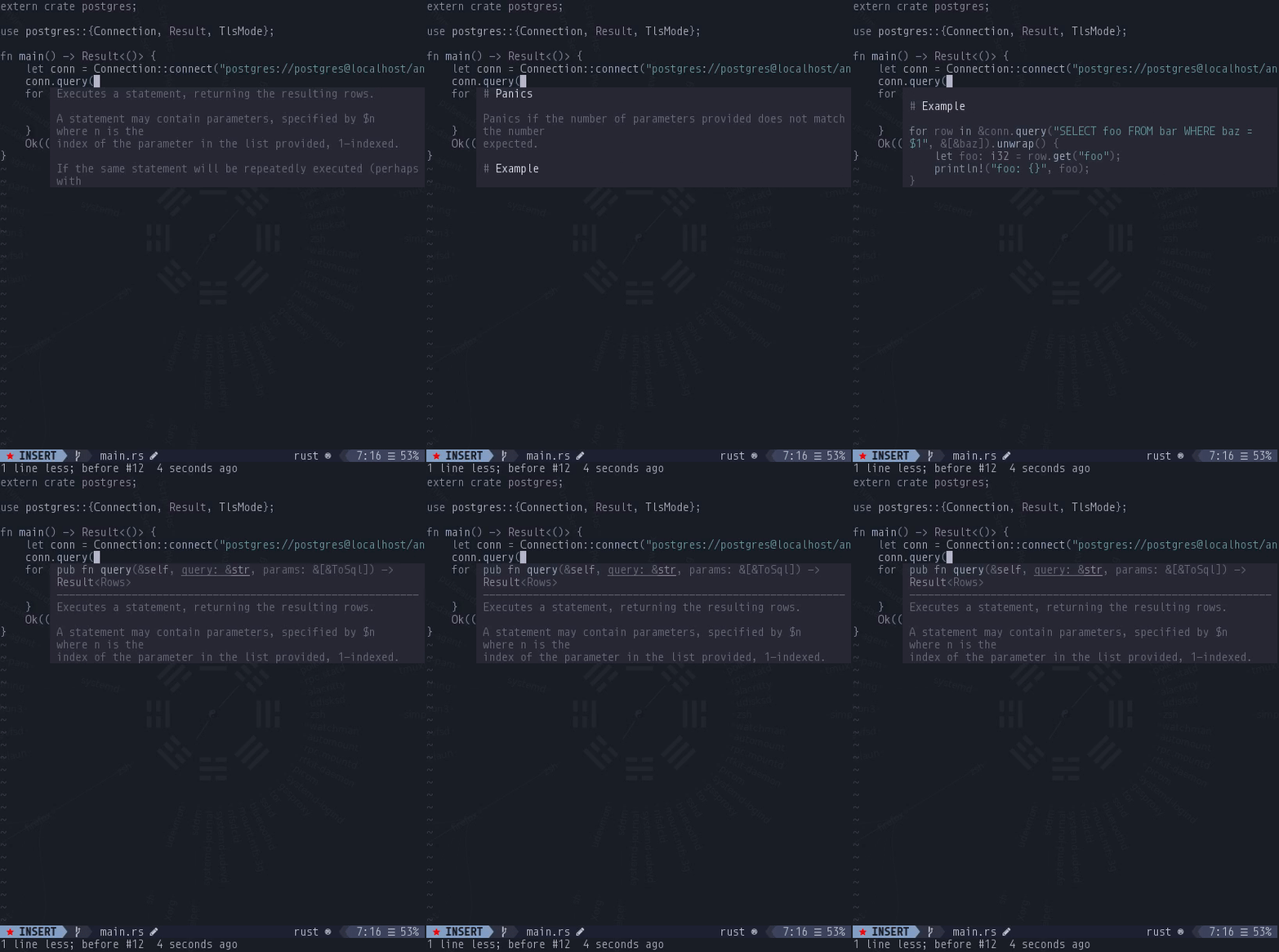
I'm using this function for scrolling any floating window with arrow keys without exiting insert mode:
function! FloatScroll(forward) abort
  let float = coc#util#get_float()
  if !float | return '' | endif
  let buf = nvim_win_get_buf(float)
  let buf_height = nvim_buf_line_count(buf)
  let win_height = nvim_win_get_height(float)
  if buf_height < win_height | return '' | endif
  let pos = nvim_win_get_cursor(float)
  if a:forward
    if pos[0] == 1
      let pos[0] += 3 * win_height / 4
    elseif pos[0] + win_height / 2 + 1 < buf_height
      let pos[0] += win_height / 2 + 1
    else
      let pos[0] = buf_height
    endif
  else
    if pos[0] == buf_height
      let pos[0] -= 3 * win_height / 4
    elseif pos[0] - win_height / 2 + 1  > 1
      let pos[0] -= win_height / 2 + 1
    else
      let pos[0] = 1
    endif
  endif
  call nvim_win_set_cursor(float, pos)
  return ''
endfunction

inoremap <silent><expr> <down> coc#util#has_float() ? FloatScroll(1) : "\<down>"
inoremap <silent><expr>  <up>  coc#util#has_float() ? FloatScroll(0) :  "\<up>"
 oblitum
on 31 Dec 2019
oblitum
on 31 Dec 2019
I'm using this function for scrolling any floating window with arrow keys without exiting insert mode:
function! FloatScroll(forward) abort
  let float = coc#util#get_float()
  if !float | return '' | endif
  let buf = nvim_win_get_buf(float)
  let buf_height = nvim_buf_line_count(buf)
  let win_height = nvim_win_get_height(float)
  if buf_height < win_height | return '' | endif
  let pos = nvim_win_get_cursor(float)
  if a:forward
    if pos[0] == 1
      let pos[0] += 3 * win_height / 4
    elseif pos[0] + win_height / 2 + 1 < buf_height
      let pos[0] += win_height / 2 + 1
    else
      let pos[0] = buf_height
    endif
  else
    if pos[0] == buf_height
      let pos[0] -= 3 * win_height / 4
    elseif pos[0] - win_height / 2 + 1  > 1
      let pos[0] -= win_height / 2 + 1
    else
      let pos[0] = 1
    endif
  endif
  call nvim_win_set_cursor(float, pos)
  return ''
endfunction

inoremap <silent><expr> <down> coc#util#has_float() ? FloatScroll(1) : "\<down>"
inoremap <silent><expr>  <up>  coc#util#has_float() ? FloatScroll(0) :  "\<up>"
thanks for the help. but, i can only open the docs with shift+k key in normal mode (does'nt work in insert mode). so, it doesn't work to me. and it seems like neovim's function called there.
knighht
on 1 Jan 2020
thanks for the help everyone and finally i found the very solution. i write code like this :
```
function FindCursorPopUp()
let radius = get(a:000, 0, 2)
let srow = screenrow()
let scol = screencol()
" it's necessary to test entire rect, as some popup might be quite small
for r in range(srow - radius, srow + radius)
for c in range(scol - radius, scol + radius)
let winid = popup_locate(r, c)
if winid != 0
return winid
endif
endfor
endfor
  return 0
endfunction

function ScrollPopUp(down)
  let winid = FindCursorPopUp()
  if winid == 0
    return 0
  endif

  let pp = popup_getpos(winid)
  call popup_setoptions( winid,
        \ {'firstline' : pp.firstline + ( a:down ? 1 : -1 ) } )

  return 1
endfunction
nnoremap
nnoremap
```
thanks again for https://vi.stackexchange.com/questions/21924/how-can-i-hide-and-scroll-popup-window-in-coc-nvim-in-vim/21927#21927.
knighht
on 1 Jan 2020
@oblitum
I'm using this function for scrolling any floating window with arrow keys without exiting insert mode:
function! FloatScroll(forward) abort
.
.
.
This works great for me, with 1 bug fix:
elseif pos[0] - win_height / 2 + 1 > 1
  let pos[0] -= win_height / 2 + 1
should be:
elseif pos[0] - (win_height / 2 + 1) > 1
  let pos[0] -= win_height / 2 + 1
I was getting an E5555: API call: Cursor position outside buffer because it kept trying to set the cursor to [0, 0].
 ArifRoktim
on 11 May 2020
ArifRoktim
on 11 May 2020
@ArifRoktim I noticed the bug and had actually fixed it already, but I couldn't get why putting parentheses in this case would fix it, I actually fixed it another way and simplified the code:
" INSERT mode floating window scrolling {{{
function! s:coc_float_scroll(amount) abort
  let float = coc#util#get_float()
  if !float | return '' | endif
  let buf = nvim_win_get_buf(float)
  let buf_height = nvim_buf_line_count(buf)
  let win_height = nvim_win_get_height(float)
  if buf_height < win_height | return '' | endif
  let pos = nvim_win_get_cursor(float)
  try
    let last_amount = nvim_win_get_var(float, 'coc_float_scroll_last_amount')
  catch
    let last_amount = 0
  endtry
  if a:amount > 0
    if pos[0] == 1
      let pos[0] += a:amount + win_height - 2
    elseif last_amount > 0
      let pos[0] += a:amount
    else
      let pos[0] += a:amount + win_height - 3
    endif
    let pos[0] = pos[0] < buf_height ? pos[0] : buf_height
  elseif a:amount < 0
    if pos[0] == buf_height
      let pos[0] += a:amount - win_height + 2
    elseif last_amount < 0
      let pos[0] += a:amount
    else
      let pos[0] += a:amount - win_height + 3
    endif
    let pos[0] = pos[0] > 1 ? pos[0] : 1
  endif
  call nvim_win_set_var(float, 'coc_float_scroll_last_amount', a:amount)
  call nvim_win_set_cursor(float, pos)
  return ''
endfunction
This way there can't be any off by one errors, and code is shorter. To use:
inoremap <silent><expr> <down> coc#util#has_float() ? <SID>coc_float_scroll(1) : "\<down>"
inoremap <silent><expr> <up> coc#util#has_float() ? <SID>coc_float_scroll(-1) : "\<up>"
vnoremap <silent><expr> <down> coc#util#has_float() ? <SID>coc_float_scroll(1) : "\<down>"
vnoremap <silent><expr> <up> coc#util#has_float() ? <SID>coc_float_scroll(-1) : "\<up>"
Personally I do:
let g:coc_snippet_next = '<c-l>'
let g:coc_snippet_prev = '<c-h>'
inoremap <silent><expr> <c-j> coc#util#has_float() ? <SID>coc_float_scroll(1) : "\<c-j>"
inoremap <silent><expr> <c-k> coc#util#has_float() ? <SID>coc_float_scroll(-1) : "\<c-k>"
vnoremap <silent><expr> <c-j> coc#util#has_float() ? <SID>coc_float_scroll(1) : "\<c-j>"
vnoremap <silent><expr> <c-k> coc#util#has_float() ? <SID>coc_float_scroll(-1) : "\<c-k>"
This way I scroll with <c-j>/<c-k> (vertical keys) and jump placeholders with <c-l>/<c-h> (horizontal keys).
oblitum
on 12 May 2020
@ArifRoktim I noticed the bug and had actually fixed it already, but I couldn't get why putting parentheses in this case would fix it, I actually fixed it another way and simplified the code:
Not sure why, but this is the only one suggested here that worked for me :man_shrugging:
Thanks @oblitum!
 jc00ke
on 12 May 2020
jc00ke
on 12 May 2020
An alternative I recently discovered was to open the documentation popup with shift+k then I switch to the window using ctrl+w, w then use normal vim bindings to navigate. Then ctrl+w, q to exit the popup.
 sharksforarms
on 17 Aug 2020
sharksforarms
on 17 Aug 2020
@sharksforarms I don't know how you figured that out, but it works and it's beautiful and thank you!
jc00ke
on 18 Aug 2020
That's well known, but I guess I've seen it only mentioned on gitter channel, not in this thread (until now). For what is worth, the above code had the assumption that one doesn't want to actually move inside the window to scroll it, and be able to scroll it while not leaving insert mode.
oblitum
on 18 Aug 2020
coc#util#float_scroll_i is now on master/release -> https://github.com/neoclide/coc.nvim/pull/2425
oblitum
on 10 Oct 2020
Related issues
 MaskRay
·
3Comments
MaskRay
·
3Comments
 lanox
·
3Comments
lanox
·
3Comments
 rkulla
·
3Comments
rkulla
·
3Comments
 hackingcat
·
3Comments
hackingcat
·
3Comments
 FrankLA0203
·
3Comments
FrankLA0203
·
3Comments
Most helpful comment
An alternative I recently discovered was to open the documentation popup with
shift+kthen I switch to the window usingctrl+w, wthen use normal vim bindings to navigate. Thenctrl+w, qto exit the popup.