Cms: Display current username inside CP's top right "My account" menu
Description
When testing user account permissions, it would be helpful to know who you're currently logged in as (without having to hover over the menu to see the alt tag, or clicking through to the My Account page itself)
Maybe something like...
<div class="menu" data-align="right">
    <ul>
        <li class="light" style="font-size: 10px; padding: 8px 0">{{ currentUser.getName() }}</li>
        <li><a href="{{ url('myaccount') }}">{{ 'My Account'|t('app') }}</a></li>
        <li><a href="{{ url('logout') }}">{{ "Sign out"|t('app') }}</a></li>
    </ul>
</div>
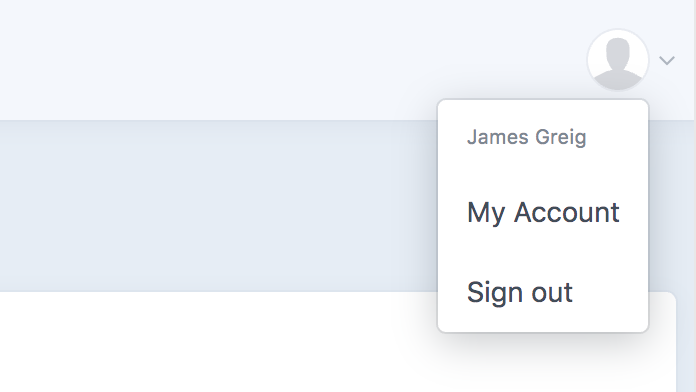
Displaying the current username in the account dropdown is also an established design pattern — see examples below.
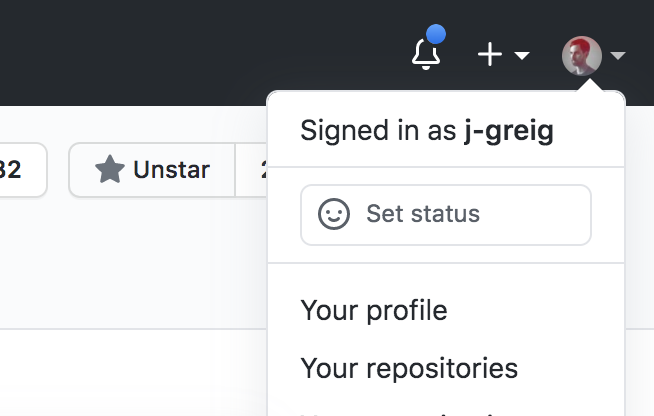
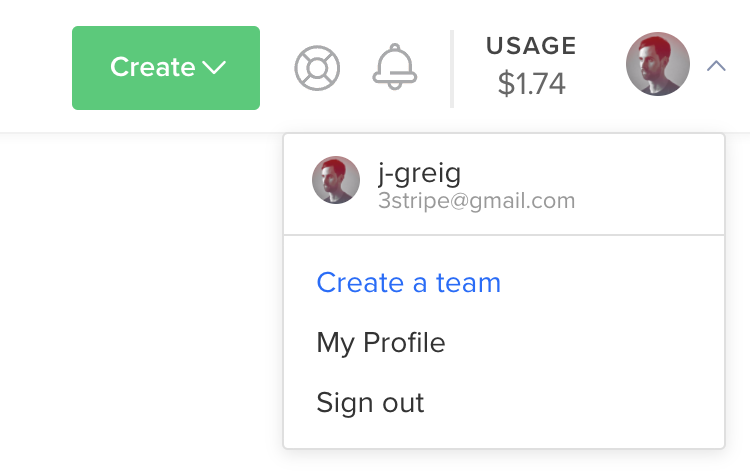
Thanks for considering my request :)
 j-greig
All 3 comments
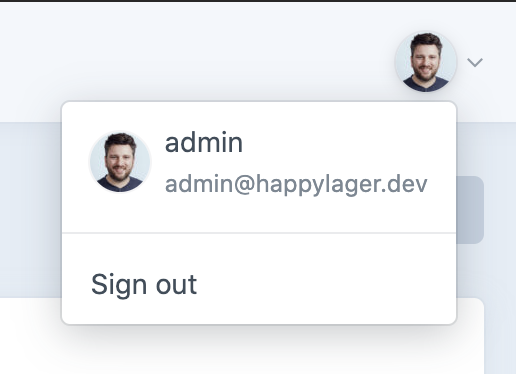
Added for the next 3.5 release!
 brandonkelly
on 26 Jul 2020
brandonkelly
on 26 Jul 2020
🎉3
👍1
That was quick ⚡️
j-greig
on 26 Jul 2020
Craft 3.5 RC4 is out now with that change.
brandonkelly
on 28 Jul 2020
Was this page helpful?
0 / 5 - 0 ratings
Related issues
 leigeber
·
3Comments
leigeber
·
3Comments
 angrybrad
·
3Comments
brandonkelly
·
3Comments
angrybrad
·
3Comments
angrybrad
·
3Comments
angrybrad
·
3Comments
brandonkelly
·
3Comments
angrybrad
·
3Comments
angrybrad
·
3Comments
Most helpful comment
Added for the next 3.5 release!