Cloud-builders: Missing permissions on cloud container builder role
I created a service account to build my images, I assigned it the "cloud container builder" role, it builds the image fine, but then it "fails" reading the logs.
ERROR: (gcloud.container.builds.submit) HTTPError 403: <?xml version='1.0' encoding='UTF-8'?><Error><Code>AccessDenied</Code><Message>Access denied.</Message><Details>[email protected] does not have storage.objects.get access to 45129378560.cloudbuild-logs.googleusercontent.com/log-afb39b5-fb91-4069-b145-4fdd2321bdd.txt.</Details></Error>
Am I missing something?
 stevenbarragan
All 13 comments
I assume that when you say:
I created a service account to build my images
you mean that you created a service account that you are using to submit builds? If so, this service account needs the Cloud Container Builder Editor role.
If that does not answer your question, please clarify for me...
 bendory
on 4 Sep 2017
bendory
on 4 Sep 2017
Yes, I created a service account and I assigned the "Cloud Container Builder Editor" role to it, and I'm still getting the same error when I try to submit.
The image gets created fine, but it fails on getting the logs.
stevenbarragan
on 15 Sep 2017
GCS permissions predate IAM and thus work a little differently. To view the logs, the Service Account in question needs to be a Viewer on the project in addition to have the Builder Editor role.
bendory
on 15 Sep 2017
@bendory Viewer permission is too broad. For example it grants read access to all buckets.
This is highly undesirable if you have any deployment strategy that stores secrets in these buckets.
Is there a permission that I can specifically grant to someone to enable them to see just the logs?
 ofpiyush
on 1 Feb 2018
ofpiyush
on 1 Feb 2018
If you'd like, you can set the logsBucket field on the Build resource to specify a custom location for your logs in GCS, and grant whatever permissions you want to those logs. At that point you can explicitly add your service account as a reader (or writer, or owner) of that bucket.
Note that the builder service account ([email protected]) must have write access to that bucket.
 imjasonh
on 1 Feb 2018
imjasonh
on 1 Feb 2018
Is there a way to configure that for build triggers?
Much appreciated!
ofpiyush
on 1 Feb 2018
@ofpiyush Yes, but you'll need to use the API to do so. Either create a trigger in the UI and update it using the API, or just create the trigger using the API in the first place.
In either case, the trigger's build describes the build that will be triggered, including its logsBucket.
Alternately, specify the build using a cloudbuild.yaml, wherein I believe you can specify logsBucket as a top-level field in the YAML.
imjasonh
on 1 Feb 2018
Just FYI, I've got this error because I didn't specify a subdir in the logging bucket:
ERROR: (gcloud.builds.submit) wrong collection: expected [storage.buckets], got [storage.objects], for path [gs://my-log-bucket]
-> You need to specify a subdir, e.g gs://my-log-bucket/foo
 discordianfish
on 18 Oct 2018
discordianfish
on 18 Oct 2018
-> You need to specify a subdir, e.g
gs://my-log-bucket/foo
Hey, Please update document ;-)
https://cloud.google.com/cloud-build/docs/build-config#logsbucket
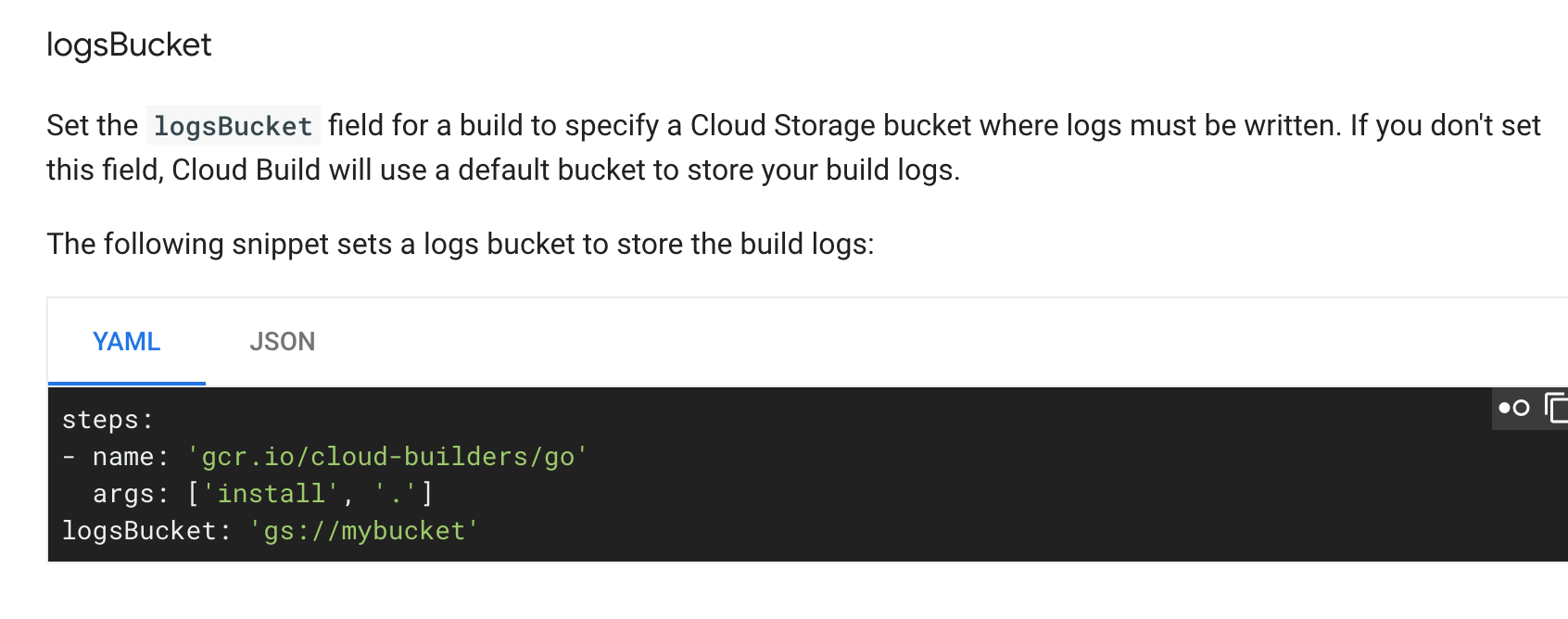
 hiroshi
on 6 Feb 2019
hiroshi
on 6 Feb 2019
Quick way:
gsutil mb gs://[BUCKET-NAME]/
gsutil iam ch serviceAccount:[SERVICE-ACCOUNT-ID]:objectCreator gs://[BUCKET-NAME]
steps:
- name: gcr.io/cloud-builders/docker
  args:
logsBucket: 'gs://[BUCKET-NAME]'
 dwdraju
on 21 Apr 2019
dwdraju
on 21 Apr 2019
If you just build from Dockerfile, use --gcs-log-dir=gs://[BUCKET-NAME]/[FOLDER-NAME]
 northtree
on 31 Jul 2019
northtree
on 31 Jul 2019
I could also do this, with objectView not objectCreator
gsutil mb gs://[BUCKET-NAME]/
gsutil iam ch user:[[email protected]]:objectView gs://[BUCKET-NAME]
steps:
- name: gcr.io/cloud-builders/gcloud
  args:
logsBucket: 'gs://[BUCKET-NAME]'
note : I cloud not create a bucket named 'cloud-build-logs'
ServiceException: 409 Bucket cloud-build-logs already exists.
 SpaceNet
on 25 Dec 2019
SpaceNet
on 25 Dec 2019
@SpaceNet buckets need to be globally unique - your chosen bucket name of cloud-build-logs is already in use.
 mindovermiles262
on 21 Feb 2020
mindovermiles262
on 21 Feb 2020
Related issues
 acasademont
·
4Comments
acasademont
·
4Comments
 tombiscan
·
4Comments
tombiscan
·
4Comments
 namtzigla
·
3Comments
namtzigla
·
3Comments
 govindrai
·
5Comments
govindrai
·
5Comments
 mbana
·
6Comments
mbana
·
6Comments
Most helpful comment
GCS permissions predate IAM and thus work a little differently. To view the logs, the Service Account in question needs to be a Viewer on the project in addition to have the Builder Editor role.