Clarity: [vmw-h5] Checkboxes and filter controls in data grid do not provide sufficient contrast with their background
Describe the bug
Checkboxes and filter controls in the data grid header have a gray color against a light gray background with color contrast 2.8:1
How to reproduce
- Go to https://clarity.design/documentation/datagrid/full
- on the first grid there
- check the contrast of the multiple selection checkbox in the header of the first grid + the filter popup toggle control
Expected behavior
Adjust the foreground/background colors of these elements to achieve a minimum 3.0:1 foreground/background color contrast.
Versions
App
- Angular: 9.0.0
- Node: N/A
- Clarity: 3.0.0
Device:
- Type: MacBook
- OS: OSX
- Browser Chrome
- Version 80.0.3987.132
 bashibozuk
All 5 comments
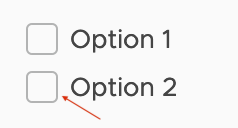
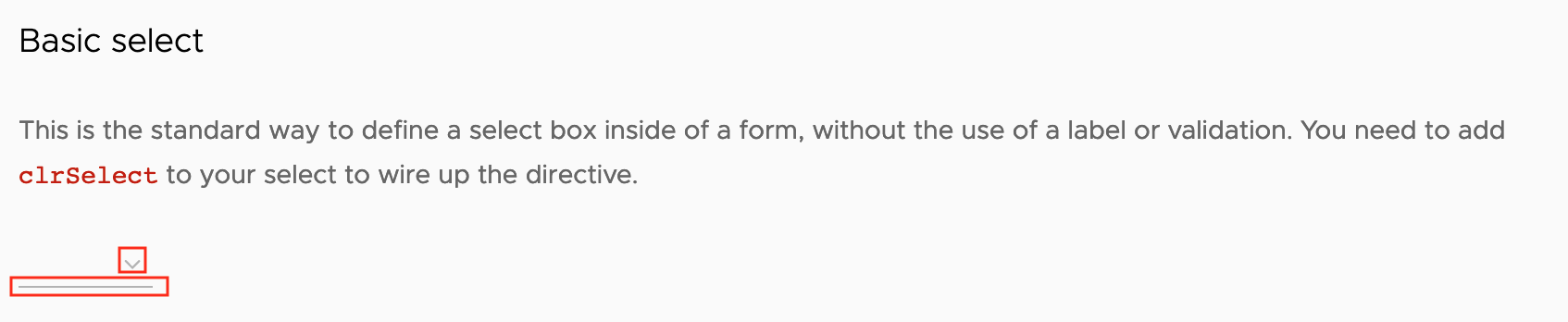
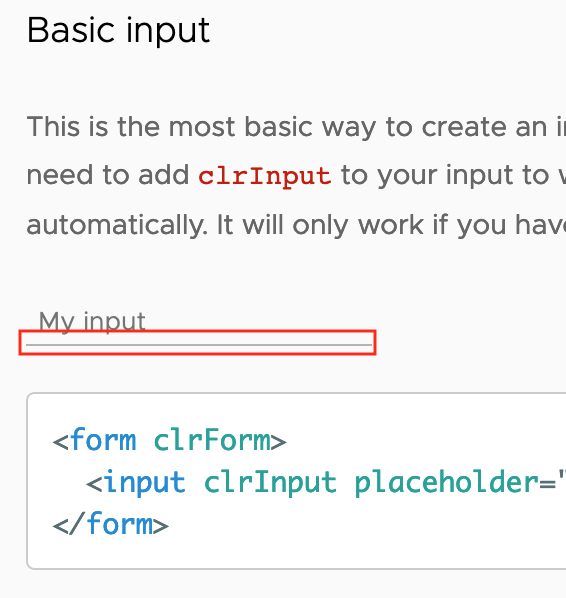
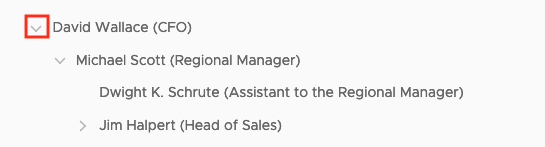
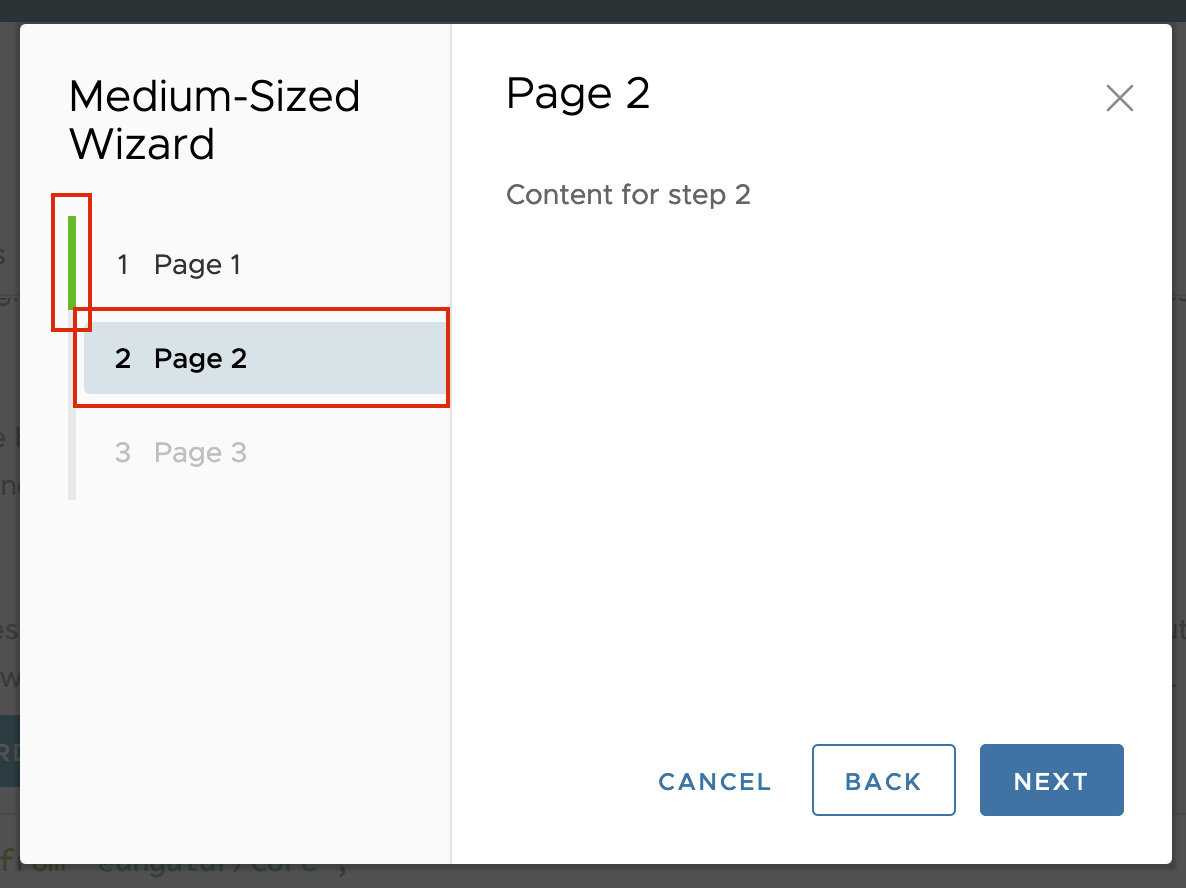
Same issue on other controls:
Datagrid
Filter: https://clarity.design/documentation/datagrid/custom-filtering
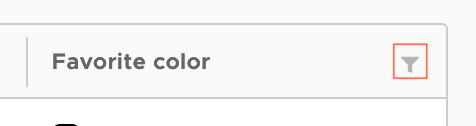
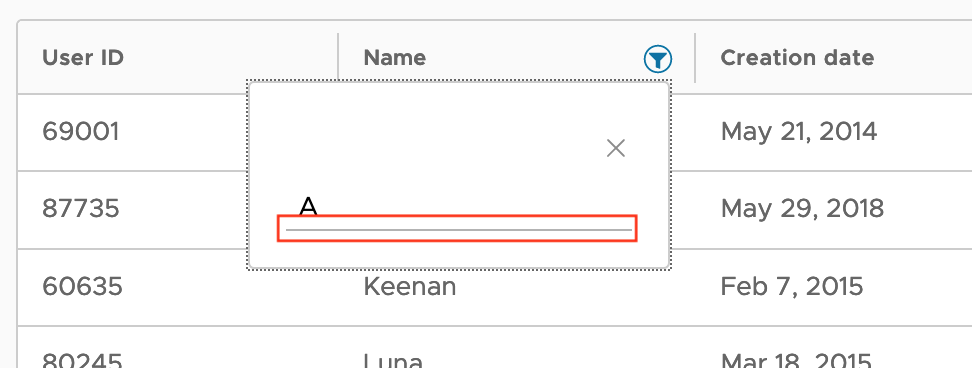
Batch action: https://clarity.design/documentation/datagrid/batch-action
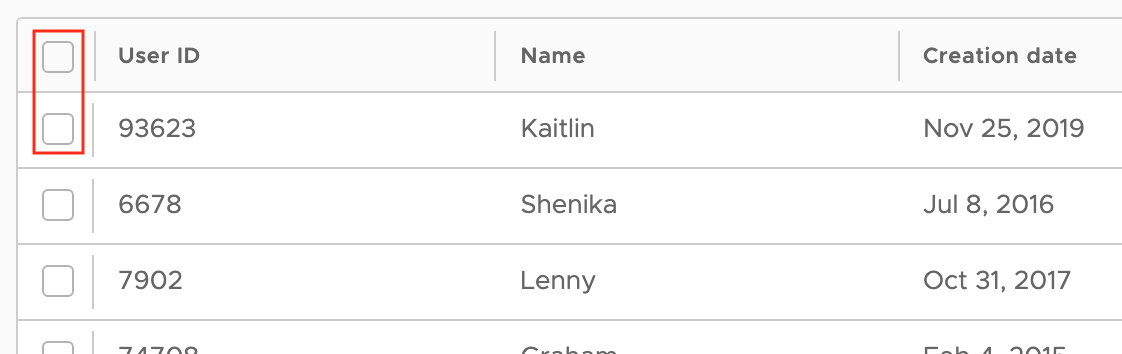
Checkboxes: https://clarity.design/documentation/checkboxes
 lf-collins
on 30 Mar 2020
lf-collins
on 30 Mar 2020
@colinreedmiller - can you comment on this issue? Is it something that your research has identified?
 hippee-lee
on 30 Mar 2020
hippee-lee
on 30 Mar 2020
WCAG 2.1 - 1.4.11 Non-text contrast
https://www.w3.org/WAI/WCAG21/Understanding/non-text-contrast.html
UI controls must meet 3:1 to be compliant - based on what is described in this issue we need to assess and adjust the items in question.
Adding @sheribyrne for confirmation.
 colinreedmiller
on 30 Mar 2020
colinreedmiller
on 30 Mar 2020
Yes, that is correct.
Sheri
On Mon, Mar 30, 2020 at 9:39 AM Colin Miller notifications@github.com
wrote:
WCAG 2.1 - 1.4.11 Non-text contrast
https://www.w3.org/WAI/WCAG21/Understanding/non-text-contrast.html
UI controls must meet 3:1 to be compliant - based on what is described in
this issue we need to assess and adjust the items in question.
Adding @sheribyrne https://github.com/sheribyrne for confirmation.—
You are receiving this because you were mentioned.
Reply to this email directly, view it on GitHub
https://github.com/vmware/clarity/issues/4402#issuecomment-606109077,
or unsubscribe
https://github.com/notifications/unsubscribe-auth/ALHRHKWOLP3NJXHLRO23NILRKDDKLANCNFSM4LTH7ZTA
.
 sheribyrne
on 30 Mar 2020
sheribyrne
on 30 Mar 2020
Clarity cares deeply about accessibility, and we work with our accessibility team to identify and triage issues. We have an internal tracking system to identify and verify accessibility issues, which has captured this already. Some issues with Clarity Angular are difficult to solve without causing side effects or breaking changes, and we have to balance concerns with fixing issues and breaking changes. As we build out Clarity Core, we are able to address these root cause accessibility issues and recommend adopting the Clarity Core implementations as they become available. We are closing this issue as we have the issues tracked internally. Please follow our development and releases to see when we release relevant Clarity Core components to make this possible.
 gnomeontherun
on 1 Feb 2021
gnomeontherun
on 1 Feb 2021
Related issues
 beaker1977
·
3Comments
beaker1977
·
3Comments
 reddolan
·
3Comments
reddolan
·
3Comments
 mayesgr
·
3Comments
mayesgr
·
3Comments
 Vad1mo
·
3Comments
Vad1mo
·
3Comments
 elesueur
·
3Comments
elesueur
·
3Comments
Most helpful comment
WCAG 2.1 - 1.4.11 Non-text contrast
https://www.w3.org/WAI/WCAG21/Understanding/non-text-contrast.html
UI controls must meet 3:1 to be compliant - based on what is described in this issue we need to assess and adjust the items in question.
Adding @sheribyrne for confirmation.